


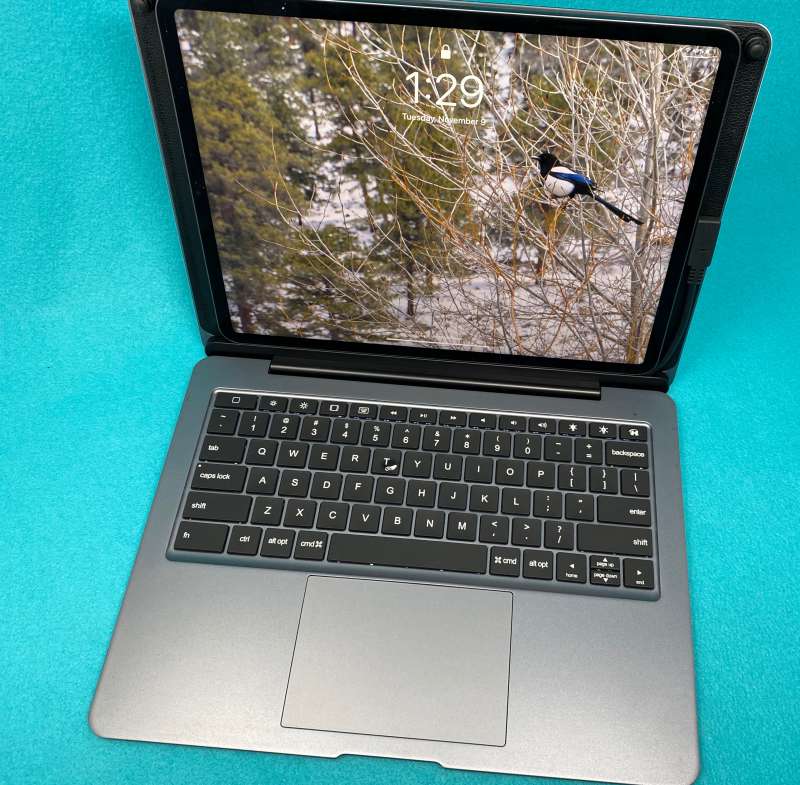
Review – The iPad launched in 2010 has changed many people’s perceptions of “tablets”. It is often said that there is no real “tablet computer market”, but an iPad market with various copycat devices. No matter how you look at it, the third party has embraced the iPad wholeheartedly, and this is most obvious in the third-party case/keyboard area. I recently received the Doqo iPad keyboard case for iPad Pro 12.9” and I am going to report my usage.
What is it?
The Doqo iPad keyboard case is a heavy-duty aluminum case for iPad Pro with a backlit keyboard, trackpad and other ports.
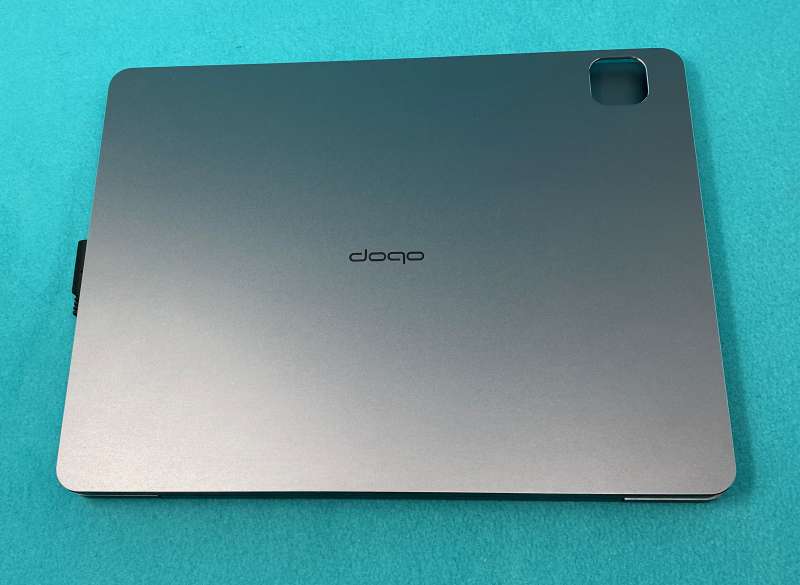
What’s in the box?
- Doqo iPad keyboard case with USB-C pigtail
- USB-A to USB-C data cable
- Paperwork
- The bumper button prevents the lid from rubbing against the screen.
Design and features
From the product website
- Multi-port docking station can improve your work efficiency, capable of data transmission, HDMI signal expansion, SD/TF card reading, etc.
- USB Type C PD charging port up to 18W/HDMI supports UHD 4K/30Hz extended display/SD/TF slot supports up to 1TB storage/2 x USB 3.0 ports up to 5Gbps data transmission
- Full-size trackpad with multi-touch gestures and dedicated function keys for iPad, upgrade your iPad Pro to the ultimate laptop
- Suitable for a variety of occasions: headphone jack, responsive scissor switch, adjustable backlight, automatic sleep mode and sturdy spindle for the best viewing angle
- Compatible with iPad Pro 12.9″ (2018 third generation and 2020 fourth generation)
The Doqo iPad keyboard case is very sturdy. It measures 12.25″ x 9.375″ x .875″ and weighs 2 pounds 12 ounces. The iPad weighs only 1.03 pounds. The combination of the two weighs 4 pounds 4 ounces. Compare it to a 2.8-pound MacBook Air, and you start I want to know why it exists, but then you will see these ports: HDMI, SD card slot, audio jack, 2 USB-A, 2 USB-C and a TF card slot. There is actually connectivity here. Can compete with the latest MacBooks Pro!
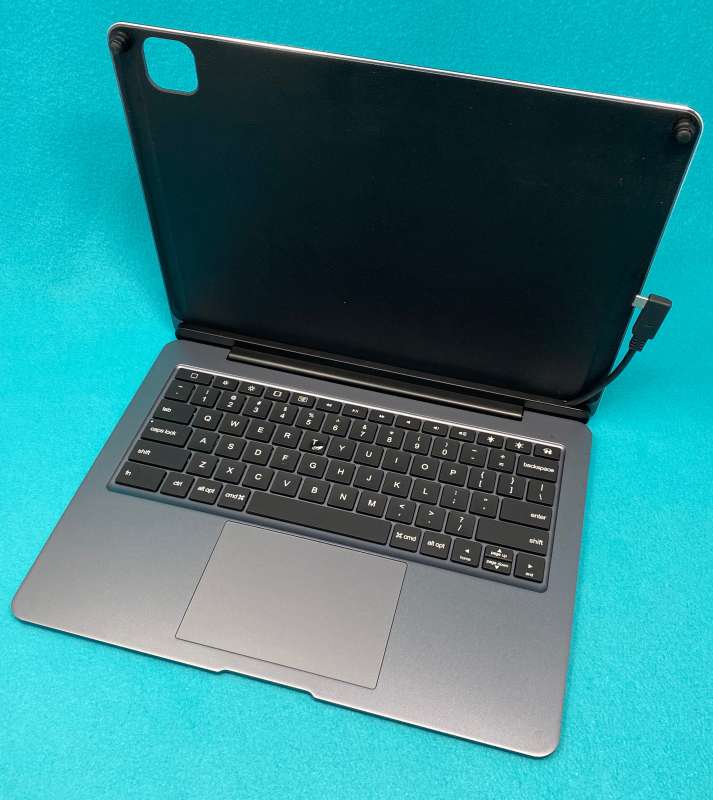
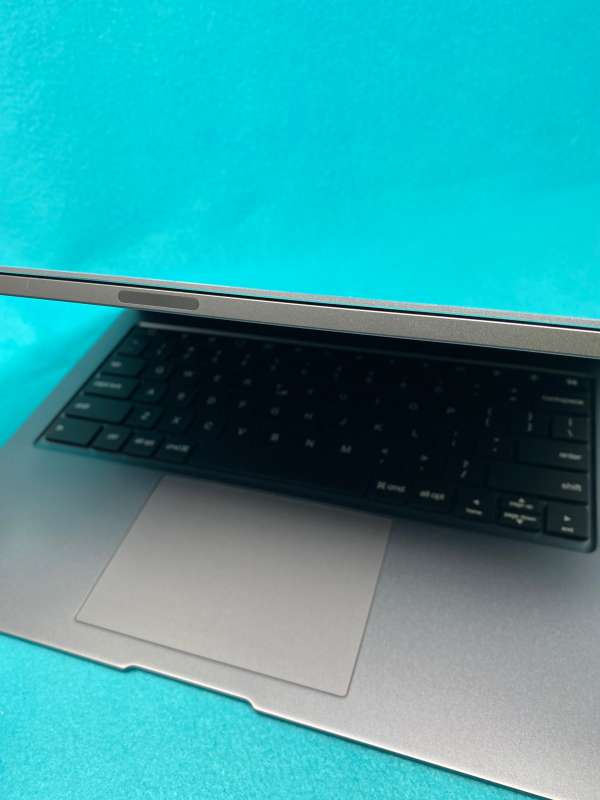
Of course, the Doqo iPad keyboard has those annoying arrow keys with half-height up/down arrows, and a function key at the bottom left, which is twice the size of any other keyboard, but the hinge is nice and tight, with a magnetic backing Although it is not connected to the smart connector, it can still hold your precious iPad firmly in place.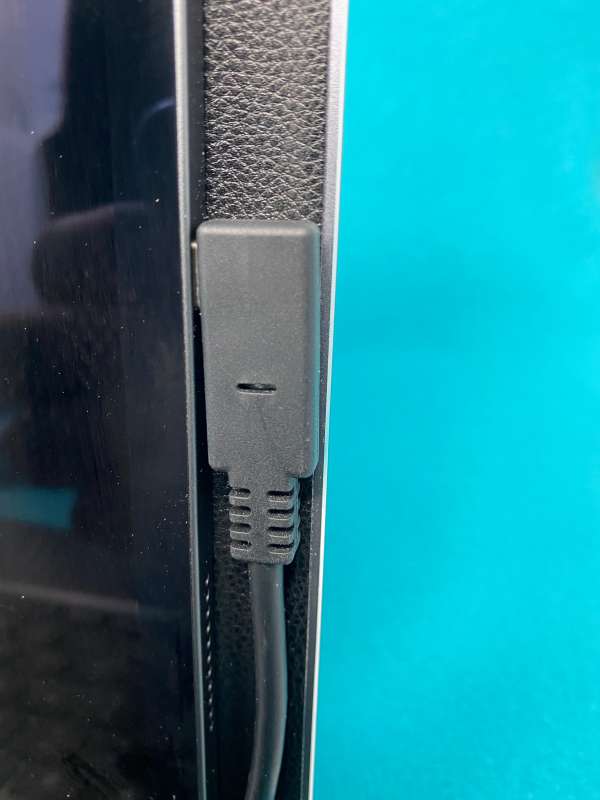
set up
The Doqo iPad keyboard case has a crumpled vinyl backing with a typical Smart-type magnetic attraction, but Doqo chose a physical connection to take full advantage of the iPad’s Thunderbolt connector. The area under the keyboard serves as a hub for all provided ports. The magnet holds the iPad firmly in place, and there is space on the opposite side of the pigtail connector to place the Apple Pencil for storage/transportation.
Performance
Although the housing is tight and the port offers many options, the weight and size are enough to make anyone think twice on the go. It is a great tool around the house, especially when you need to transmit data, connect a microphone, or anything else that might require an adapter. (Although the iPad is an excellent general-purpose computing device, unless you find a USB-C replacement for all peripherals, a single port is a limitation! However, we have already visited lightweight hubs and port replicators here before .)
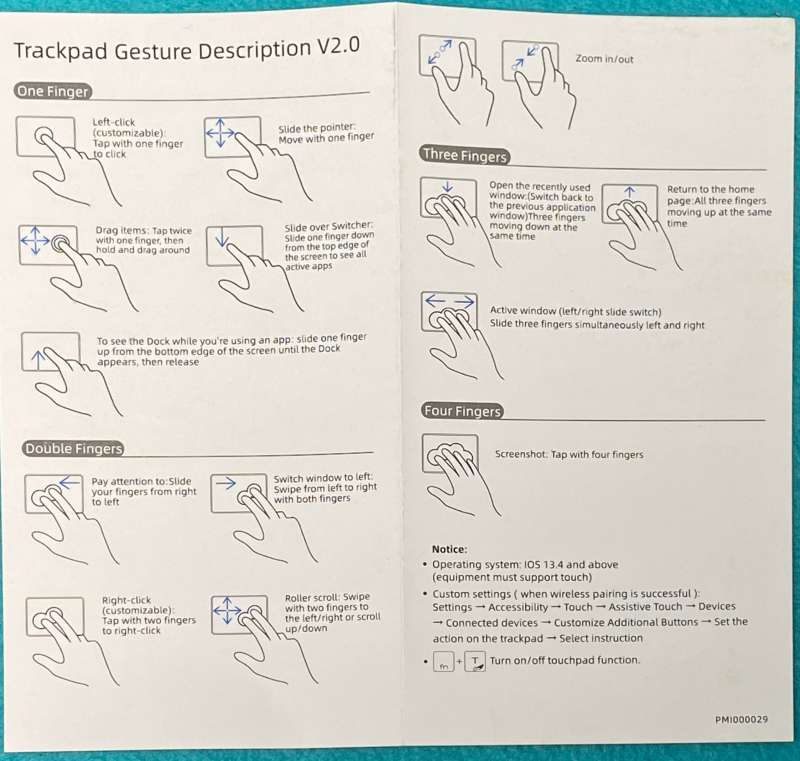
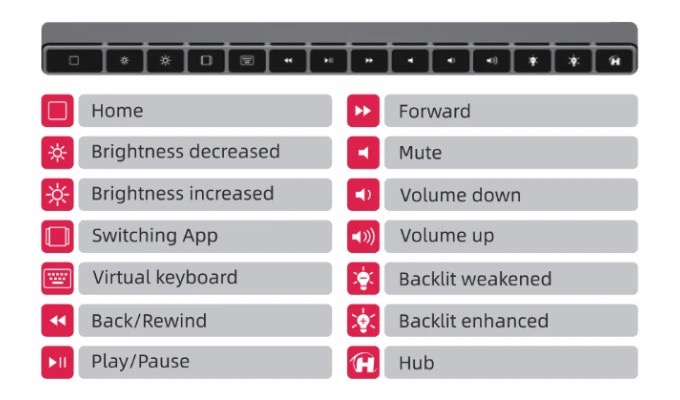
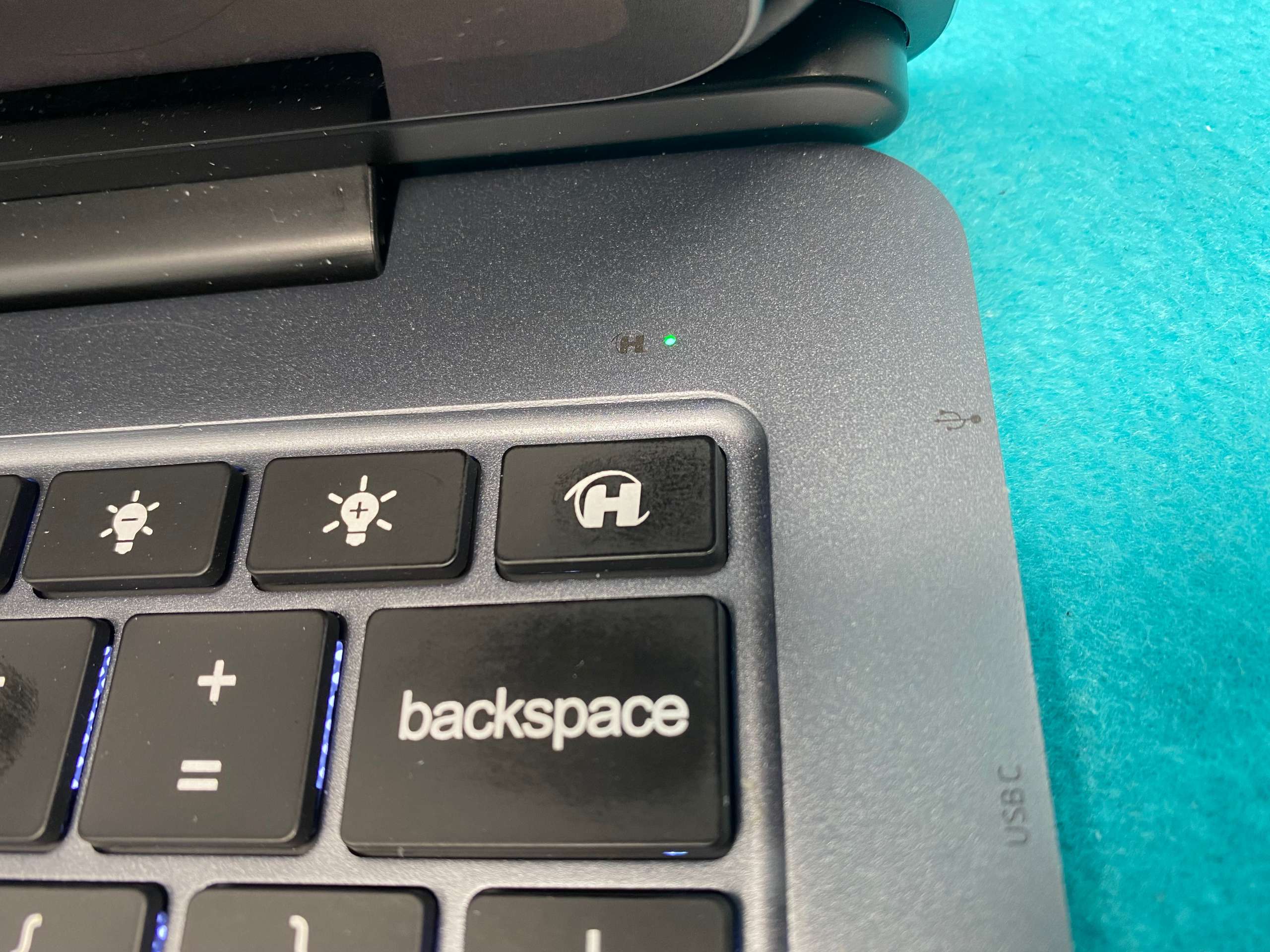
In use, the Doqo iPad keyboard provides excellent travel, a very bright but adjustable backlight, and full-function keys for media control, lighting adjustment, and calling up a virtual keyboard. The touchpad is very spacious, but sometimes it is impossible to actually click on the selected target. This is frustrating. Also, when editing text, sometimes clicking to place the insertion point selects the entire word, and touching the screen is the only way to return to regular editing. I finally realized that the trackpad is set to click instead of click to select and manipulate targets. I sent a message to Doqo support to see if I can change this preference, but I didn’t get a response.
what do I like
- Port load
- Backlight is really strong
- Magnetic attachment
What will i change
- Really heavy
- The trackpad sometimes doesn’t click
- Added a larger size to the already large iPad Pro.
- The touchpad operation is set to imitate the default settings of the PC, rather than the selection and operation of the Mac, which is annoying for lifelong Mac users.
Final thoughts
In theory, I like the Doqo iPad keyboard case. It is well-made, sturdy, compact, and provides a wealth of connections for our beloved single-port iPad. But I can’t put it in any bag that I’m used to carrying an iPad with Magic Keyboard with me. Of course, the keyboard is good (as good as the Magic Keyboard, which explains a lot), but it is not suitable for entry due to its poor layout, heavier weight, and large footprint.
Price: USD 179.99
Where to buy: doqo.shop
source: The sample of this product is made by Doco.


