


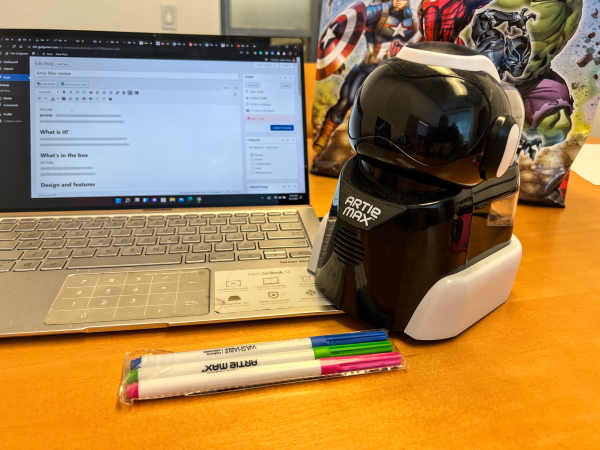
Review – Towards the end of 2019, I reviewed a STEM toy from Educational Insights called Art 3000The same company now has a newer and more advanced STEM toy called Artie Max. Let’s see what it is all about.
What is it?
Artie Max uses 6 main coding languages, so children can learn the latest STEM skills. It has built-in WiFi for direct connection without internet access. It also provides opportunities for children to bring creative coding to the drawing table.
What’s in the box
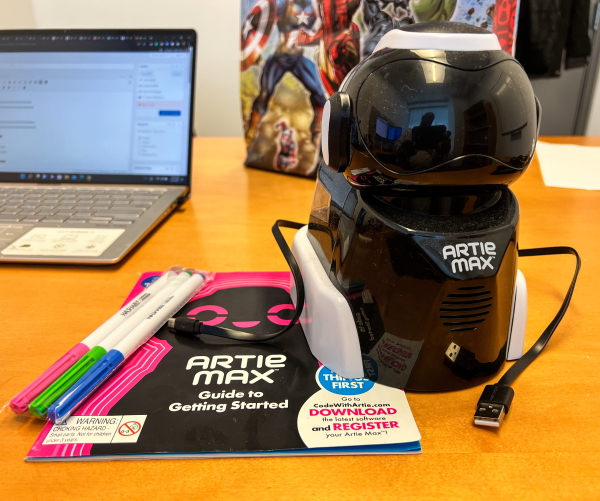 1 x Artie Max
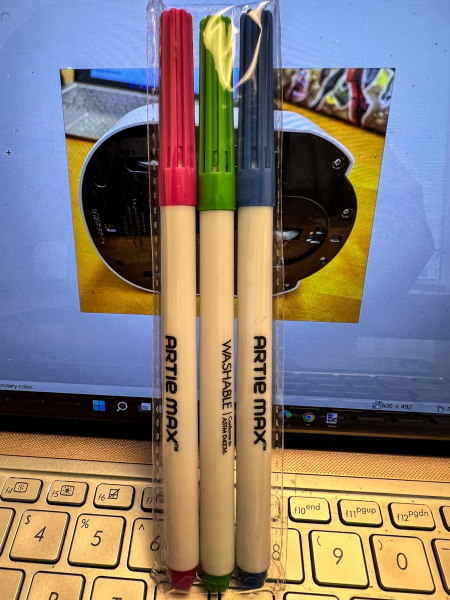
3 x color marking
1 x User Guide
1 x Micro USB cable
Design and features
feature
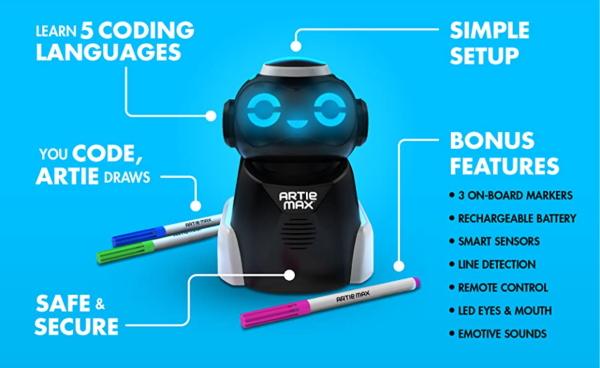
- Take creative coding to its extreme: From simple design to complex code creation, Artie Max transforms your code into colorful works of art.With three interchangeable on-board markers, smart sensors, line detection, remote control functions, USB rechargeable batteries, etc., Artie Max is full of creative possibilities
- Learn 5 coding languages: In addition to Artie’s own simple UI, Artie Max is ready to use Blockly, Snap!, JavaScript, Python and C++ to write code, which contains pre-programmed code that children can learn, all in one robot
- Safe and reliable: No internet connection required! To use Artie’s password-protected WiFi, just connect to a tablet or computer that supports WiFi.Artie never connects to the internet
- Simple setup to start coding in a few minutes: With built-in tutorials and easy-to-follow guides, children can start dragging and dropping code for Artie to paint in minutes.Clear instructions, built-in tutorials, and how-to videos provide a barrier-free coding experience every time
- Ideal for coding at home or in class: Very suitable for children who like art, computers and coding-Artie provides great activities for classrooms, computer clubs, STEM learning centers, etc.
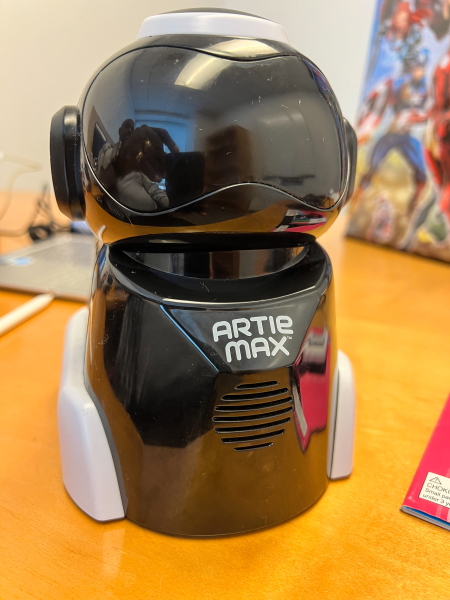
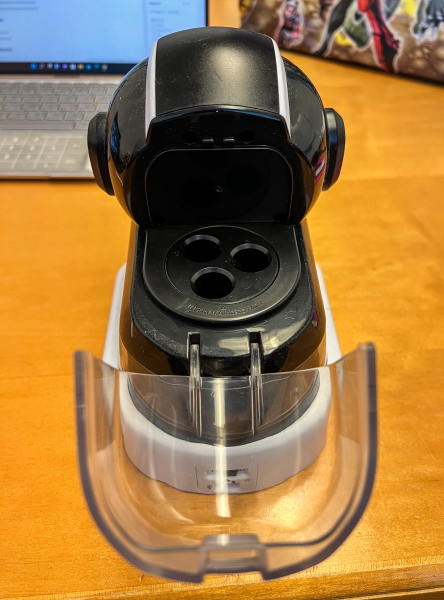
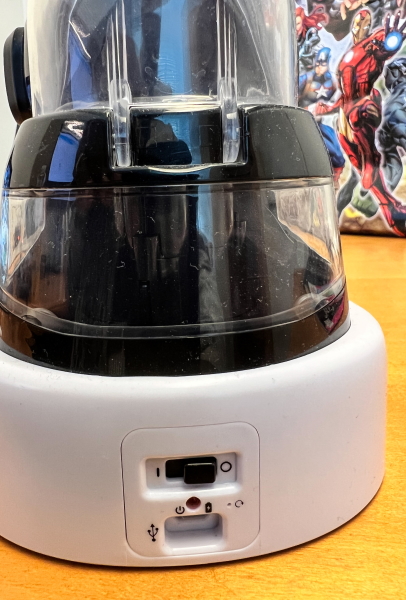
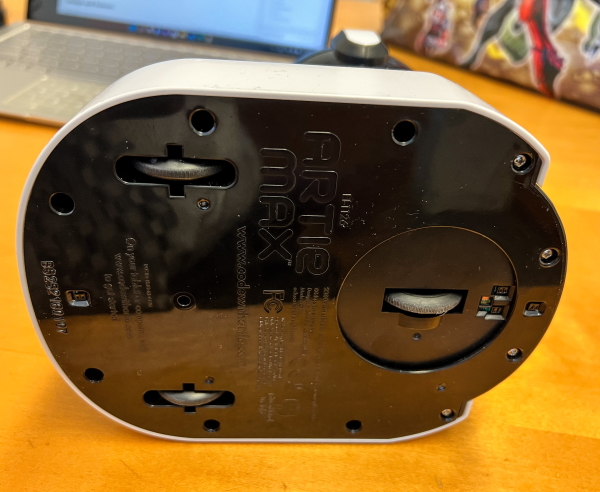
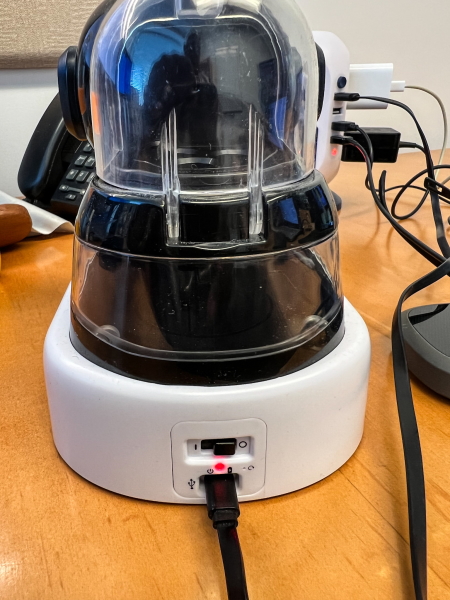
Artie Max is made of plastic, with programmable facial LED lights, 3 pen slots that can draw up to 3 colors, and a built-in rechargeable battery. It has rubber wheels at the bottom that can be moved. There is also a speaker on the lower part of the front, an on/off switch and a micro USB port on the back.
Performance
As expected, the first thing to do is to charge the toy with a micro USB cable.
 Next, I downloaded the new firmware from my PC and then updated the device.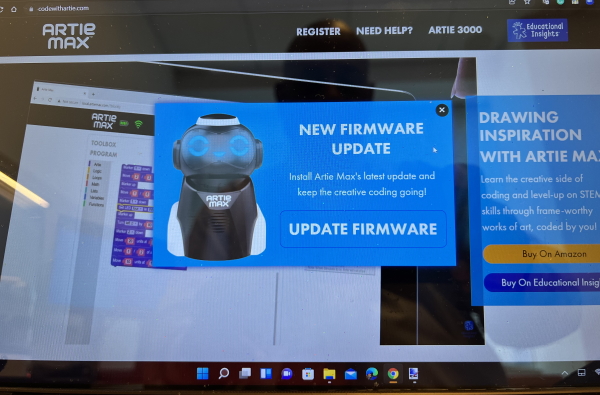
Next, it was time to start as a beginner, I chose “Artie Max UI” to test the device.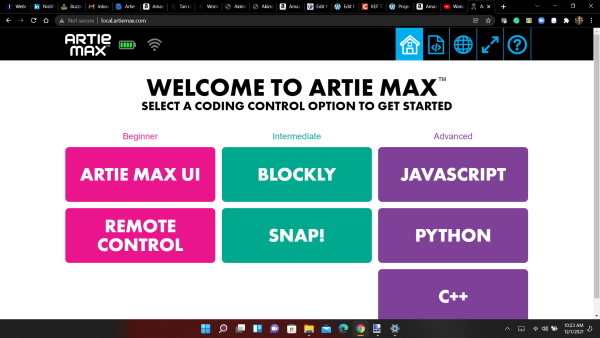
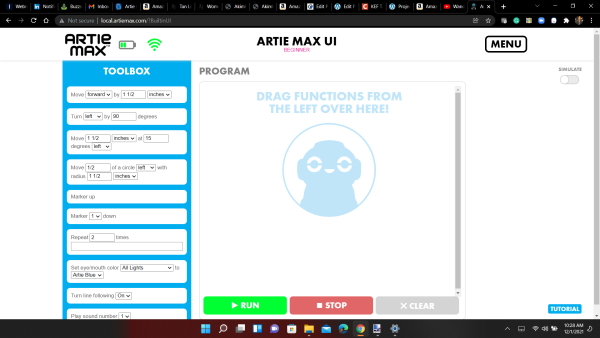 I used drag and drop to design my first test chart. I decided to be in a square. This is the code:
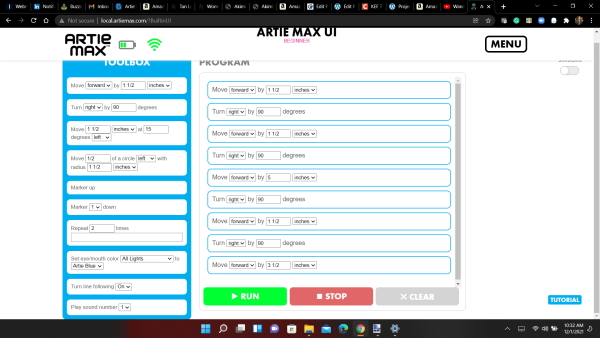 In the circle below, you can see the selection of Artie Max surface color changes.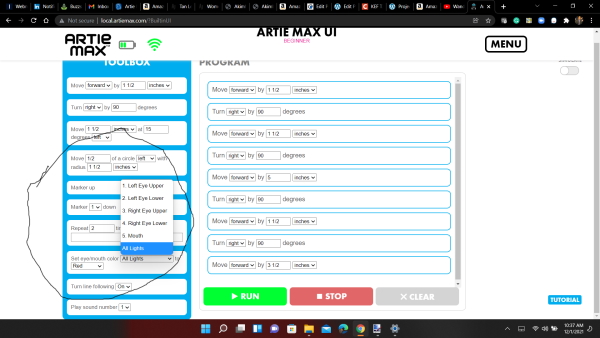
The results are as follows:
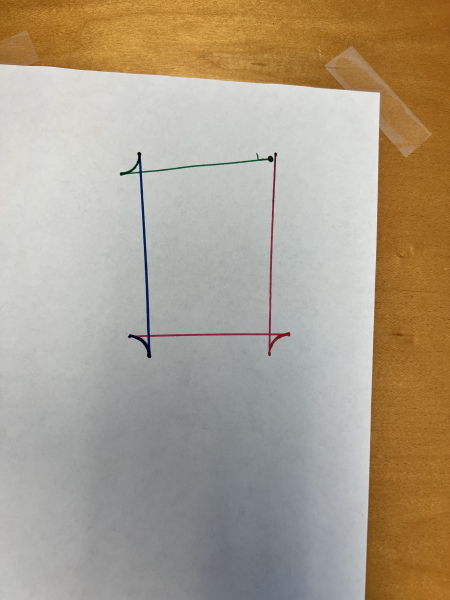 As you can see in the image above, the device does not seem to be able to make clean 90-degree turns. As I programmed it, it can use different colors for different lines.
Then I decided to try one of the pre-programmed codes in the tutorial. This is when the trouble begins. When I dragged and dropped the code, Artie Max disconnected from WiFi multiple times. In the end, I kept it connected, but the result was poor. Even if I put Artie Max in the center of the paper, it tries to draw characters from the paper. It would be great if I could see what it had drawn on the table and then returned to the paper, but it seemed to have failed.
This is the result:
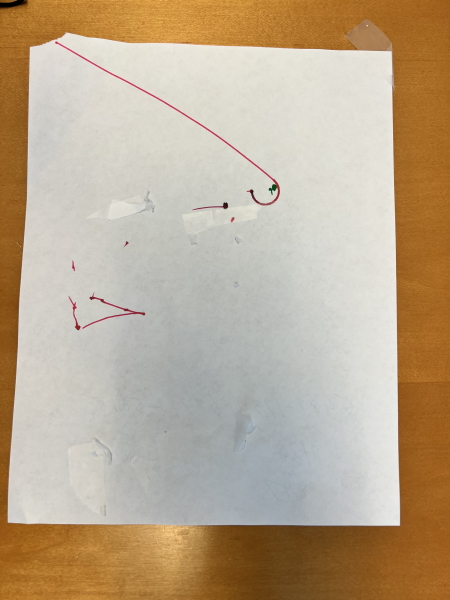
I did take a video of the entire problem, but it was too long and I edited it just to show how it was printed after I fixed the WiFi problem:
In general, I know that if/when Artie Max runs well, it will be a good STEM toy for my kids. Unfortunately, the WiFi problem and the problem when I ran the code but did not execute it became too frustrating.
what do I like
- design concept
- Programmable LED
- Possibility of STEM learning
What will i change
- Repair WiFi connection
- Includes a large drawing board to insert and remove drawing media instead of sticking and removing paper from the surface
- Make sure Artie max responds to the code correctly every time
Final thoughts
After testing Artie 3000 and seeing my kids love the design and concept, I am very happy to try Artie Max and look forward to it. The whole experience has many shortcomings. From the beginning, I had to go through several firmware updates to make it work. After the first relatively successful test, I was excited again, but then seemed to be troubled by WiFi connection issues, and every time I had to stick a piece of paper on my desk to draw a picture, it seemed to be an opportunity to educate insights including A practical solution. I am sure that when Artie Max works well, kids will love it because it provides multiple opportunities to learn to code. My disappointment in it did not make me go so far.
price: 109.99 USD
Where to buy: Educational Insights website, Amazon
source: The sample for this review is provided by Educational Insights.


