


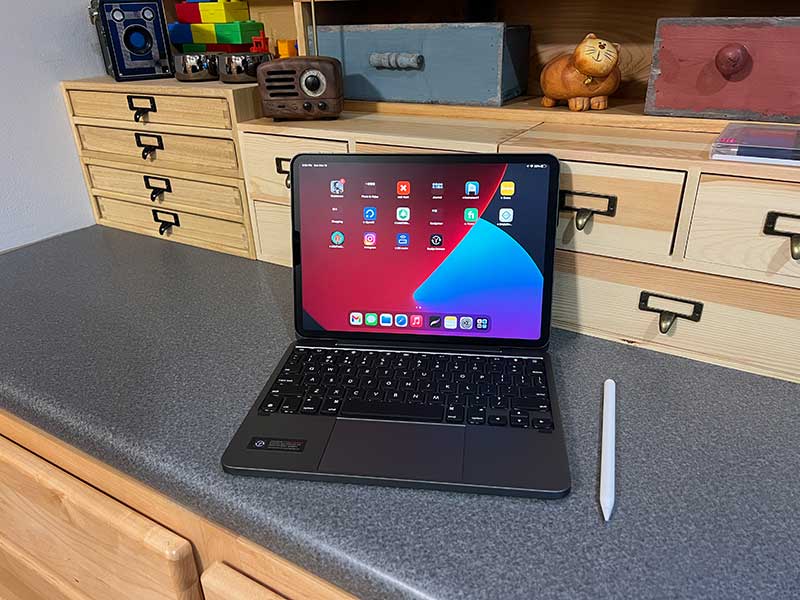
Review – Some people use the iPad as their main computer, and a good way to make it more powerful is to add a keyboard and mouse. The most obvious way is to use Apple’s Magic Keyboard, but not everyone’s budget adds an extra $299. Today, I will show you a more affordable iPad keyboard. This is the Brydge 11 Max+ wireless keyboard case with trackpad. I will use my 2021 11-inch iPad Pro to test it. Let’s start typing!
What is it?
The Brydge 11 Max+ wireless keyboard case with trackpad is a keyboard case for the 11-inch iPad Pro, which can be turned into a laptop for real “portable” work. “Laptop” means that you can use the iPad on your lap like a traditional laptop. There is no weird stand on the back like some cheap iPad keyboards I have seen.
What’s in the box?
- Brydge 11 Max+ wireless keyboard case with touchpad
- User manual
Design and features
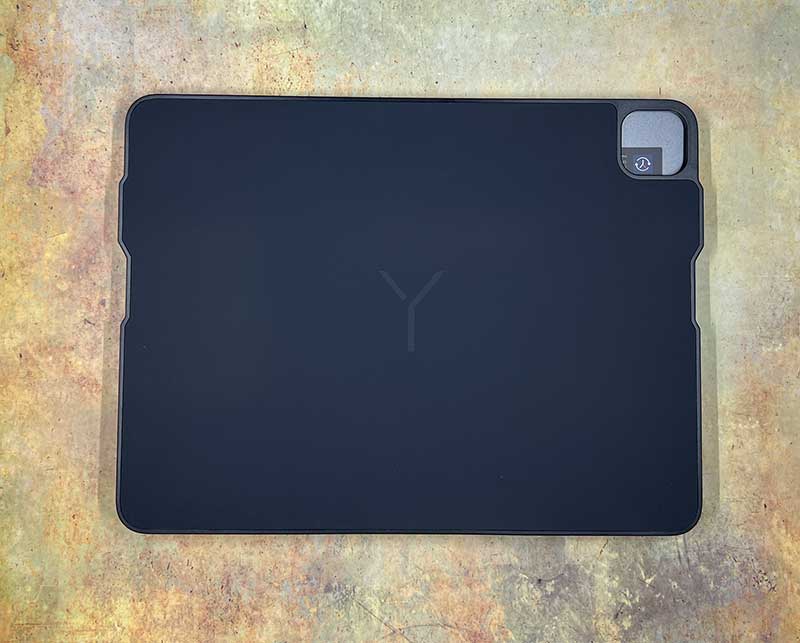
The cover of the Brydge keyboard case is made of plastic, with the Brydge logo on the top, and a cutout for the iPad camera module.
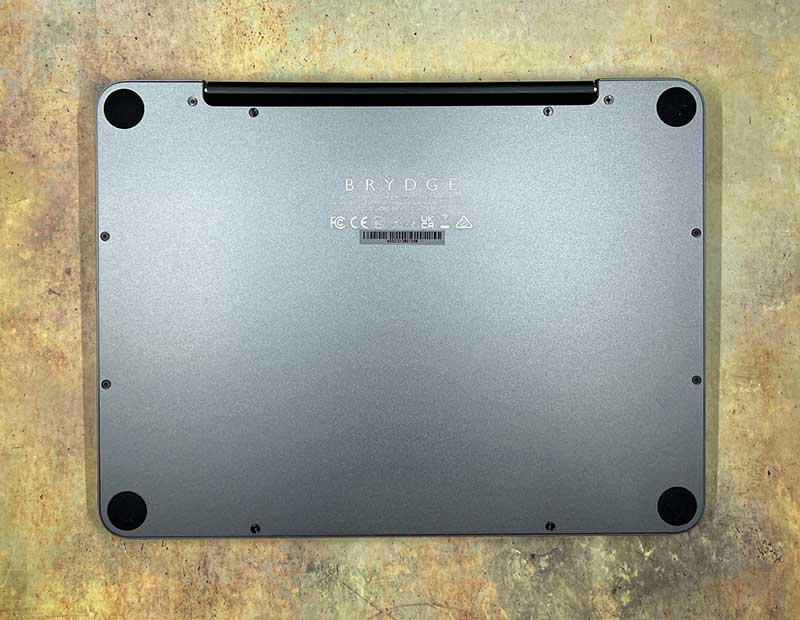
The bottom of the keyboard is made of aluminum with rubber feet to help prevent it from sliding on the table.
The Brydge 11 Max+ wireless keyboard case with touchpad is available in silver, space gray and white. I received a review of the space gray version.
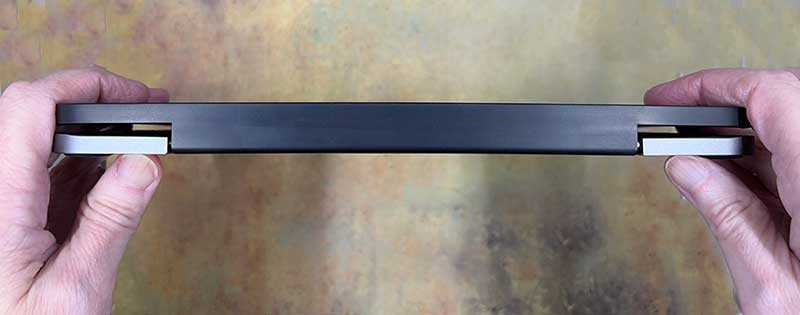
How to connect iPad to this keyboard case? I’m happy to say that you don’t have to snap it into a special case or stand like other keyboards I’ve tested.
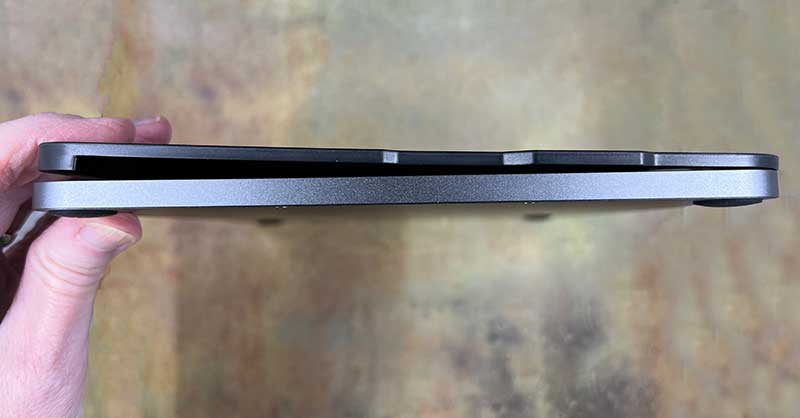
The cover of this keyboard case is magnetic, so it is very suitable for iPad Pro. This also means that the iPad can be removed from the keyboard case quickly and easily.
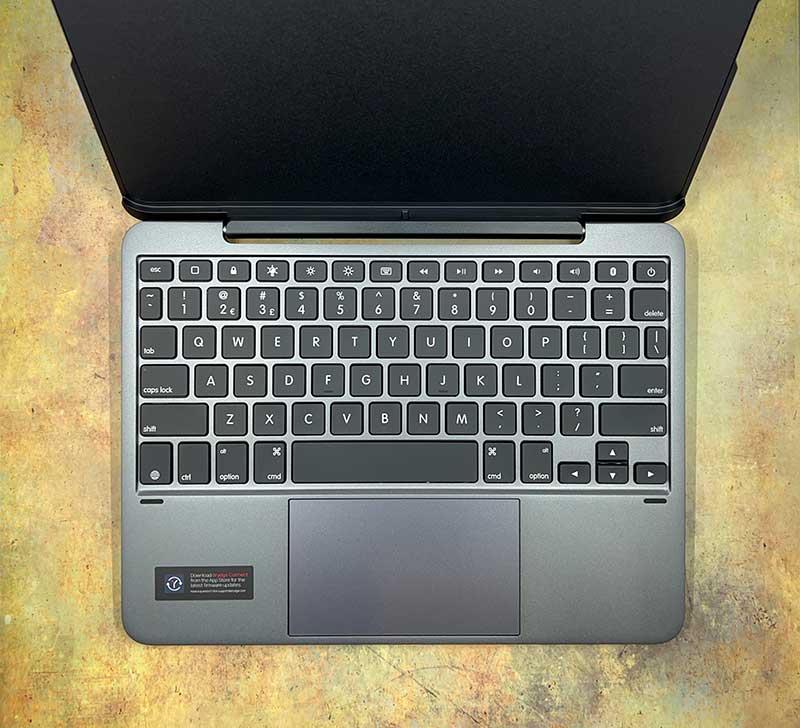
The keyboard looks small, but in terms of true touch typing, it doesn’t feel cramped. I like that it has a complete row of numbers, above it is a row of dedicated function keys, which allows you to minimize the currently open applications, switch the keyboard backlight, adjust the screen brightness, pop up the touch screen keyboard, and then have media control keys and Bluetooth pairing buttons , Lock and power supply.
The Brydge keyboard also has an inverted T arrow pad for manually moving the cursor, and a key to bring up the emoji selection board.
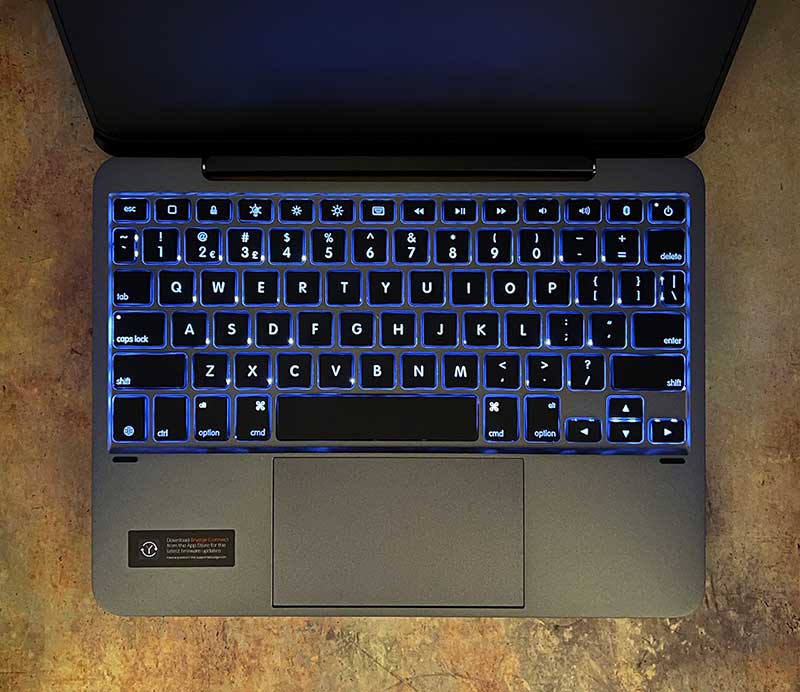
The keyboard even has backlit keys with three brightness levels.
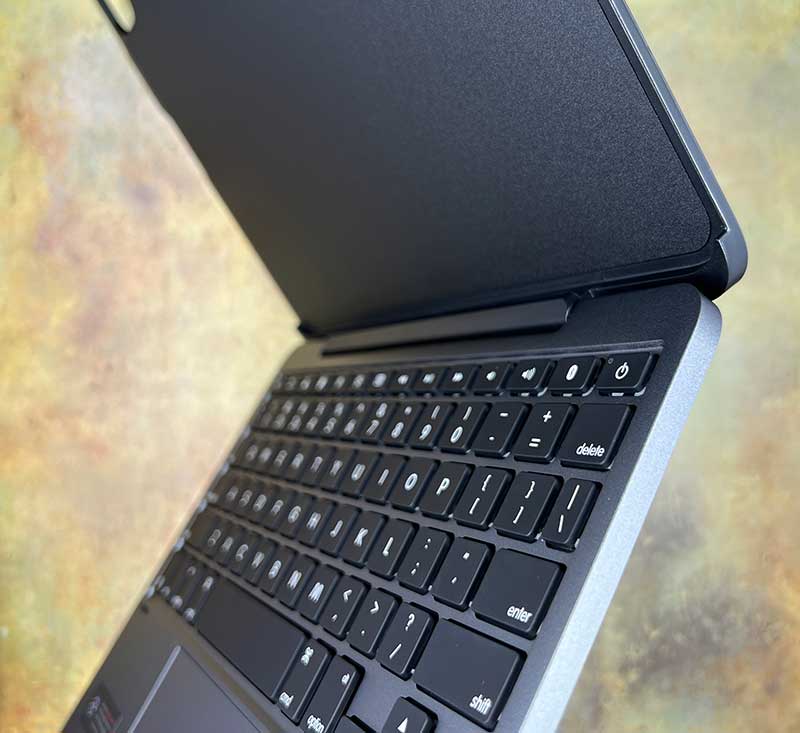
The buttons themselves are the right size and have a longer stroke than I am used to after using the MacBook keyboard for many years. You can check my video below to understand the feel of typing on the Brydge keyboard. You can also hear the sound of typing on this keyboard.
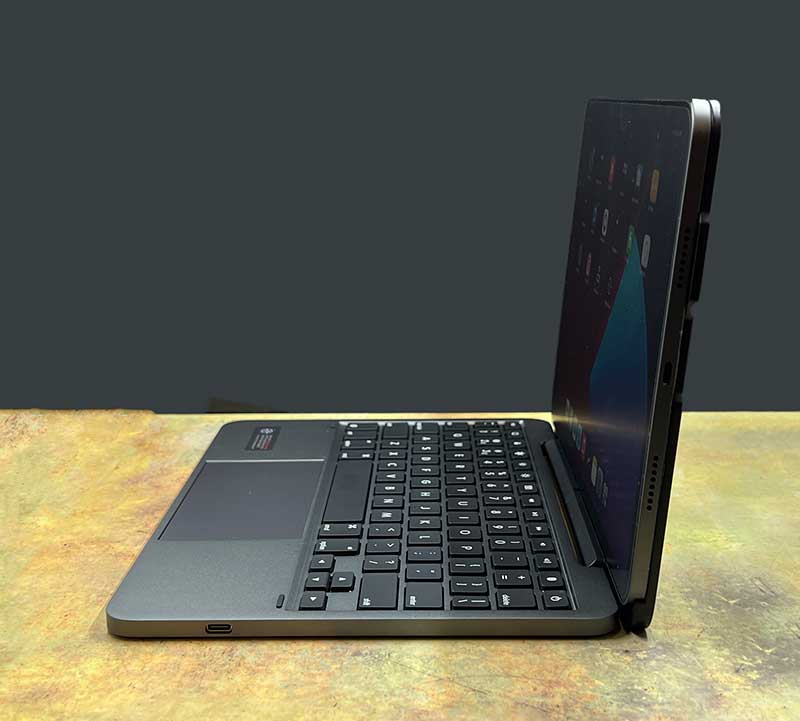
The Brydge keyboard has a large built-in trackpad, so you do not need to use your fingers or stylus on the touch screen to fully control the cursor.
The working principle of the touchpad is similar to that of a mouse. You can move the cursor point with your finger and then click the touchpad to select. You can also use gestures on the touchpad just like on a laptop. For example, sliding two fingers up and down will scroll the screen, while sliding with three fingers will minimize open applications.
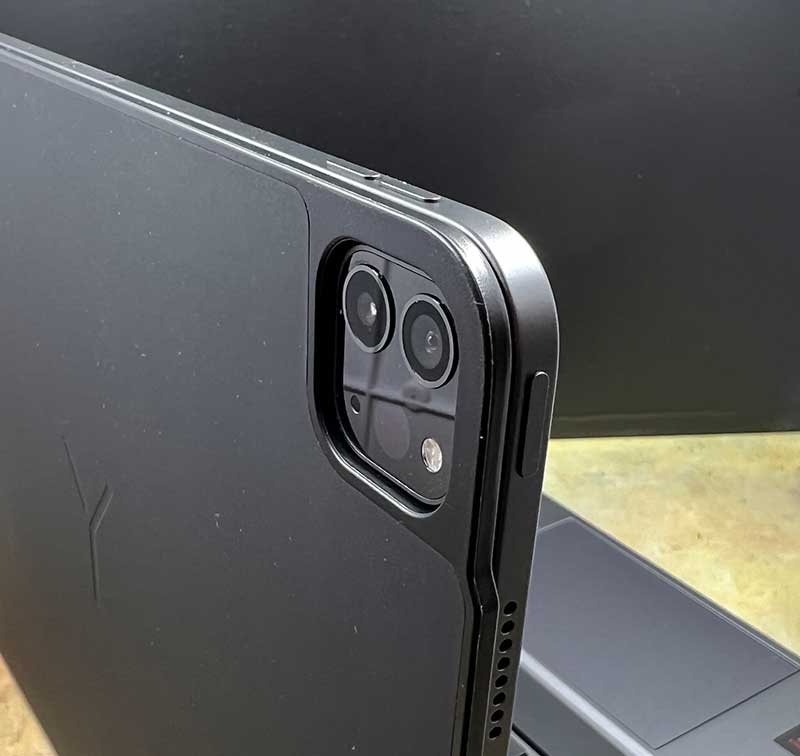
The iPad is connected to the Brydge keyboard via a magnet. This means you don’t need to use a special case or snap the iPad into the keyboard. I like this because it allows you to easily remove the iPad when you are done typing.
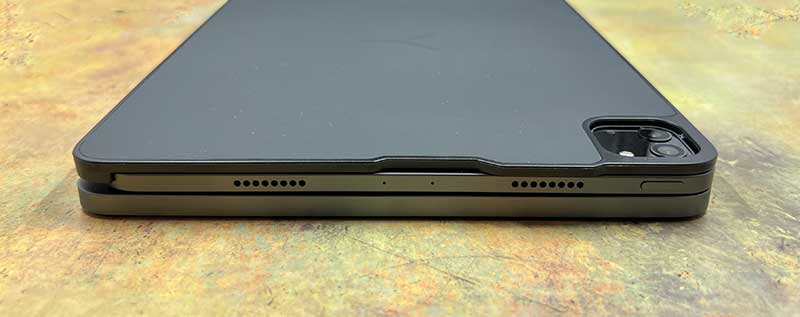
You can also close everything and carry it with you like a laptop. The only minor problem is that there is no separation between the iPad’s display and buttons. If your keys are dirty, greasy, etc., they may transfer them to the screen when the iPad is turned off. In other words, don’t eat and type; o)
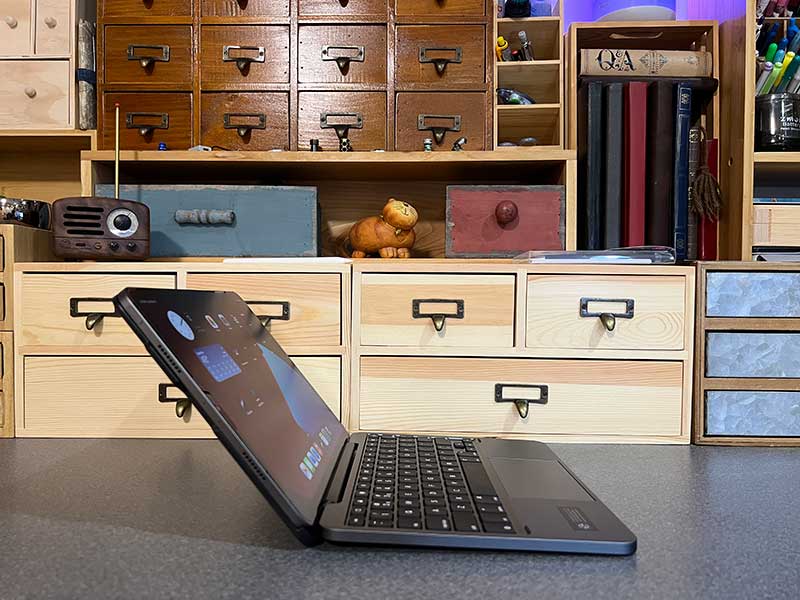
The Brydge keyboard case has a sturdy hinge that allows you to use the iPad/keyboard combination on your lap. The image above shows the maximum angle (135º) at which you can open the lid.
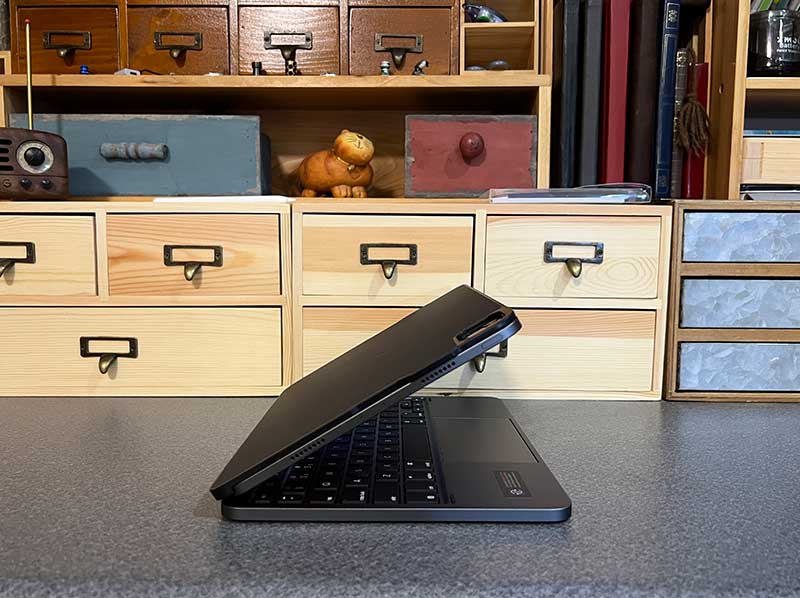
Too bad, you can always fold the lid so that you can use the iPad in tablet mode while it is still connected to the keyboard case. Maybe Brydge will add this feature in the future.
The Brydge 11 Max+ wireless keyboard case with trackpad looks and feels like a solid aluminum plate, reminding me of my favorite 12-inch MacBook. Having said that, the Bydge keyboard case and iPad combination is heavier than a 12-inch MacBook. The keyboard case itself weighs approximately 2 pounds, so the combination on my digital scale ended up being 2 pounds and 12 ounces. My 13-inch MacBook Pro weighs 3 pounds and 6 ounces.
Battery Life
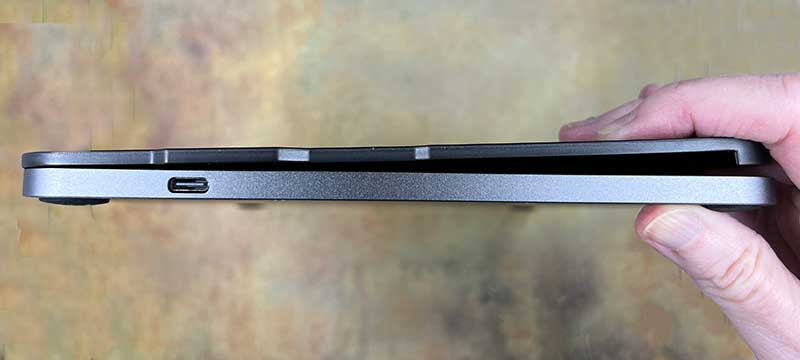
There is a USB-C connector on the right edge of the Brydge keyboard. Yes, you have to charge the Brydge 11 Max+ wireless keyboard case with touchpad. But don’t worry too much. If you use the keyboard for 2 hours a day without turning on the backlight, you can use it for up to 3 months after being fully charged. If the backlight is used, the battery will last about 40 hours.
Hear it in action
As you can hear, the Brydge 11 Max+ wireless keyboard case with trackpad does not make much click. You will not feel uncomfortable using it in a library or other quiet environment.
I also want to mention that waking up the keyboard after being idle is almost instantaneous.
what do I like
- Easy to remove the iPad from the keyboard case
- Built-in touchpad
- Well made
- Long battery life
What will i change
Final thoughts
The Brydge 11 Max+ wireless keyboard case with trackpad is an excellent alternative to Apple’s Magic Keyboard. Since Apple’s keyboard is $100 cheaper, the only thing missing is the ability to charge both the iPad and the keyboard. In addition, this keyboard protective cover is well-made, the key layout makes the typist feel comfortable, and it is easy to install and remove. If you want to equip your iPad with a keyboard, then the Brydge keyboard will never go wrong.
price: USD 199.99
Where to buy: Bridge And Amazon
source: The sample of this review is made by Bridge.


