


User Experience (UX) is a word everyone is talking about these days. Why? Well, because our world is digital, in e-commerce, how your website looks and works is a big part of your success story.
Similar to your business plan, having a UX sitemap is essential.Your website is as important as your brand And can make or break your store’s success. Planning your design will give you a bird’s-eye view of how your ecommerce platform will translate to your target market.
Here’s a step-by-step breakdown of UX sitemaps and everything you need to get them right.
What is a UX sitemap?
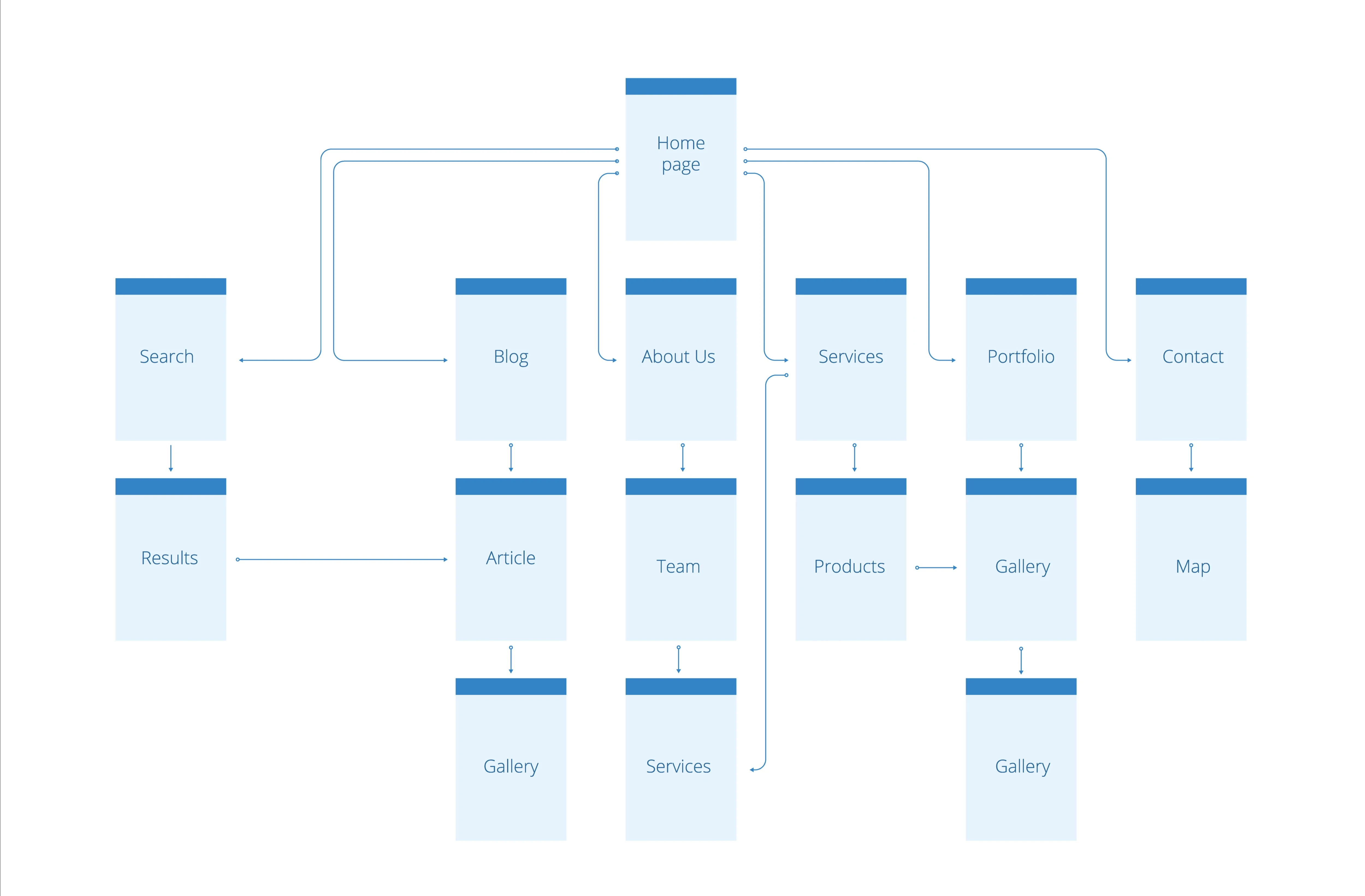
A UX sitemap is a wireframe of your ecommerce store – it’s a systematic view of your website or app that shows how your website pages link to each other. Therefore, a UX sitemap directs users to their consumer journey as soon as they land on the homepage.
This hierarchy diagram will help you understand the functionality of your store while making it relevant to your business needs and the needs of your consumers.
To really understand the UX design and site mapping details, let’s cover the basics of the rest of the terminology.
Understanding User Experience Terminology
Before we dive into this article, let’s get back to the basics with a brief introduction to key UX terms:
- user experience: UX is short for the user’s online experience while browsing a website.
- Information Architecture: Information Architecture is Organization and Labeling of Websites Let users find what they are looking for.
Why do I need a UX sitemap?
Focusing on your information architecture from the start will allow you to build a better experience for your customers. It will help them achieve their main goal – buying a product or booking a service. As an ecommerce site, you need to lead them as much as possible. This means your page order needs to make sense.
Consumers prefer a well-kept and organized retail environment, and more often than not, buyers won’t trust your products again. From entry to checkout, you need to keep your customers’ attention. This can only be done by logically browsing the pages of your website.
Like the in-store experience, your website should follow a similar logic. Keeping leads engaged from start to finish is where you should focus, and achieving that will see the numbers tick.
Therefore, a good user experience will reflect your overall business strategy. Knowing about your product or service and how your customers interact with the information will make your ecommerce site more discoverable and logical.
In short, a UX sitemap will help you:
- Better understand your ecommerce goals.
- Keep your navigation structured.
- Know where your content is and what you need to design.
- Indicate relationships between pages.
- Eliminate visual and informational clutter.
- Stay away from unnecessary pages and duplicate content.
What should a user experience sitemap look like?
Similar to businesses, every UX sitemap will be different, as every company requires a unique consumer journey. As an ecommerce owner, you need to decide which information to prioritize.This means that you should classify your data and Pages by Importancebecause the farther the page is from the home page, the harder it is for users to find it.
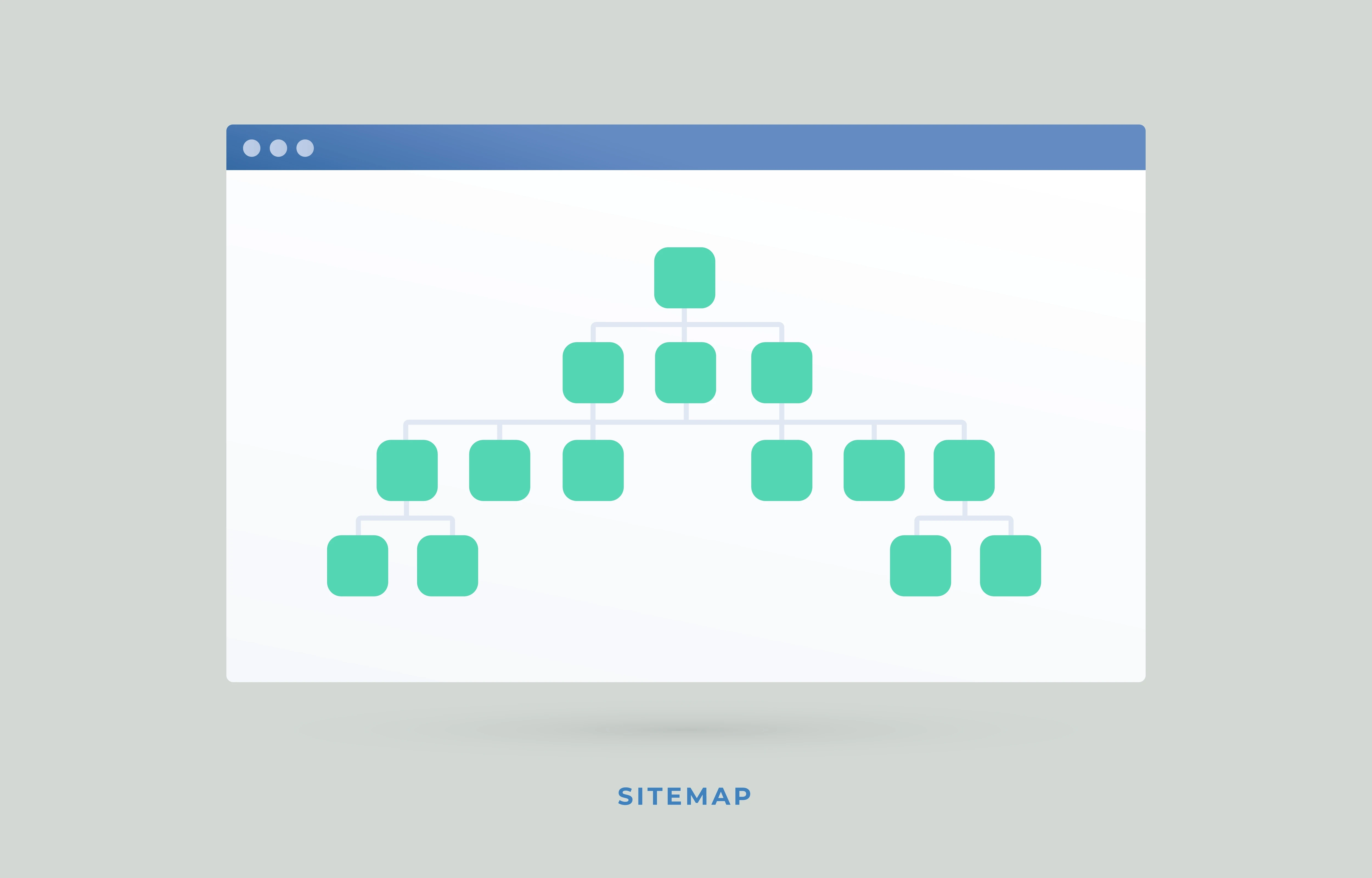
On the homepage, your content should be layered according to categories. Therefore, when a user arrives on your home page, the top bar usually displays categories. These categories will be divided into related subsections.
For example, when you go to an online retailer’s website, you’ll find a top bar that gives you the opportunity to select the “Store” option. The store page will ask you to specify whether you want to buy the product in the “Women” or “Men” section. This will result in product categories that often include dresses, shirts, pants, etc.
So it will help if you start from the home page to create a basic diagram. You can think of it as a mind map that leads you from the entry point to the rest of the categories. Each sublayer in a UX sitemap will be determined by the goals and objectives of the website. Some focus on more superficial designs, while others require complex sitemaps for clients to engage with.
Likewise, since every ecommerce business will have unique aspects to consider when designing a website, a user experience sitemap will vary from person to person. But there are some tricks that can help you make an architectural diagram of your website.
Tips for Creating a UX Sitemap
Think about your consumers and their buying behavior
The best starting point to understand how your customers shop is to understand their real experience. Consider the entire process from when they enter the store, how they’ll test or try on clothes, and when they’ll pay at the checkout. Most clients prefer a website that works like every other website they interact with. Just like most retailers work the exact same way, so should your ecommerce store.
The fewer steps the better
For the most part, the UX industry believes that the golden rule for getting online shoppers from product to cart is three clicks to complete the process. Otherwise, shoppers will abandon the site entirely.and although Research proves otherwise, it’s still a good idea to keep the steps from one page to the next as simple as possible. We live in a fast-paced world, and our shopping experience is expected to match.

Keep your developers on the same page
Building a sitemap can seem daunting, but when working with a team that knows what they’re doing, it becomes a breeze. An important aspect to remember is to keep your team aligned and keep tasks running smoothly.
Keep your UX sitemap updated
Changes to the website are expected. Sometimes you add more product pages, and other times it might just update an old design, but whatever changes you bring to your ecommerce site make sure it gets updated on the sitemap.
What’s Included in the Sitemap
Sitemaps can vary in complexity, but as an e-commerce site, you need to include three key attributes.
This is the home page of the Ucraft website. You can see how it looks and how clear the categories are (e.g. Platform, Template, Blog, Made with U, and Pricing).
You will need a home page, a number for each item in the sitemap, and a label for each item.
Deciding what to include also depends on the number of pages on your site. Depending on your product and service listing, you can choose between a flat sitemap or an in-depth sitemap.
Of course, for small businesses, a flat sitemap will suffice, as you need fewer clicks to complete the consumer journey. Larger companies will require deep sitemaps, which technically reduce the discoverability of your site, so shortcuts and other user-friendly aspects need to be considered.
Reach Ecommerce Heights with UX Sitemaps
Customers always come first Improve user experience Will help your profit margins in the digital space.
Understanding what it takes to create a functional website with deliverables starts with the consumer journey and behavior. When integrated effectively, your business can help your consumers navigate every page, learn about information, and get them to buy what you sell.
A UX sitemap is recommended for anyone in the e-commerce space. These wireframes become the backbone of your business and should be implemented correctly from the start. So whether you use your own developers or a platform that offers website builders, make sure they understand the importance of site mapping.
At Ucraft, we’ve rounded up various UX steps and architecture information across multiple industries.
Thus, in our website builder, You can ensure your navigation is straightforward and your ecommerce store is discoverable.


