


Review – In my work, I made a Your Typing, when I have the opportunity, I’m glad to review the mechanical keyboard.Let’s take a closer look today Vissels V84 wireless mechanical keyboard.
what is it?
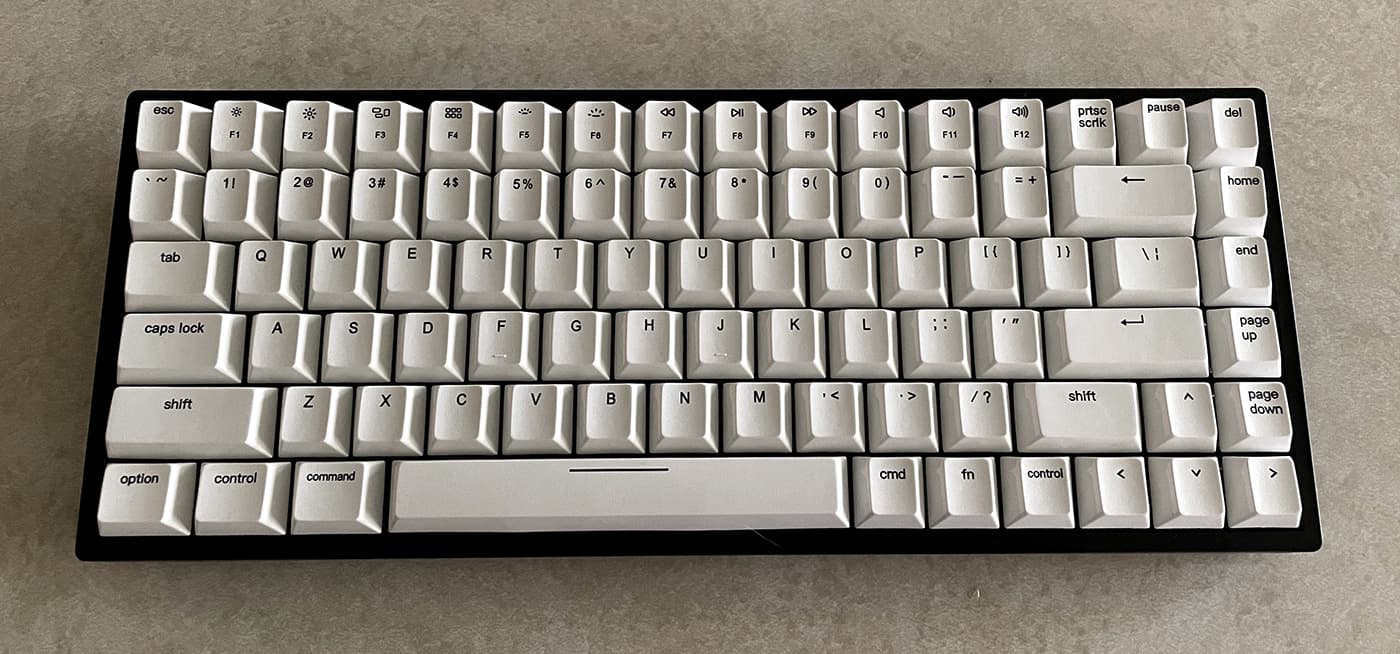
Vissles V84 is a compact bluetooth mechanical keyboard with 84-key 75% layout, dual USB-C, wireless connection for up to 5 devices, and easy-to-plug switches.
What’s in the box?
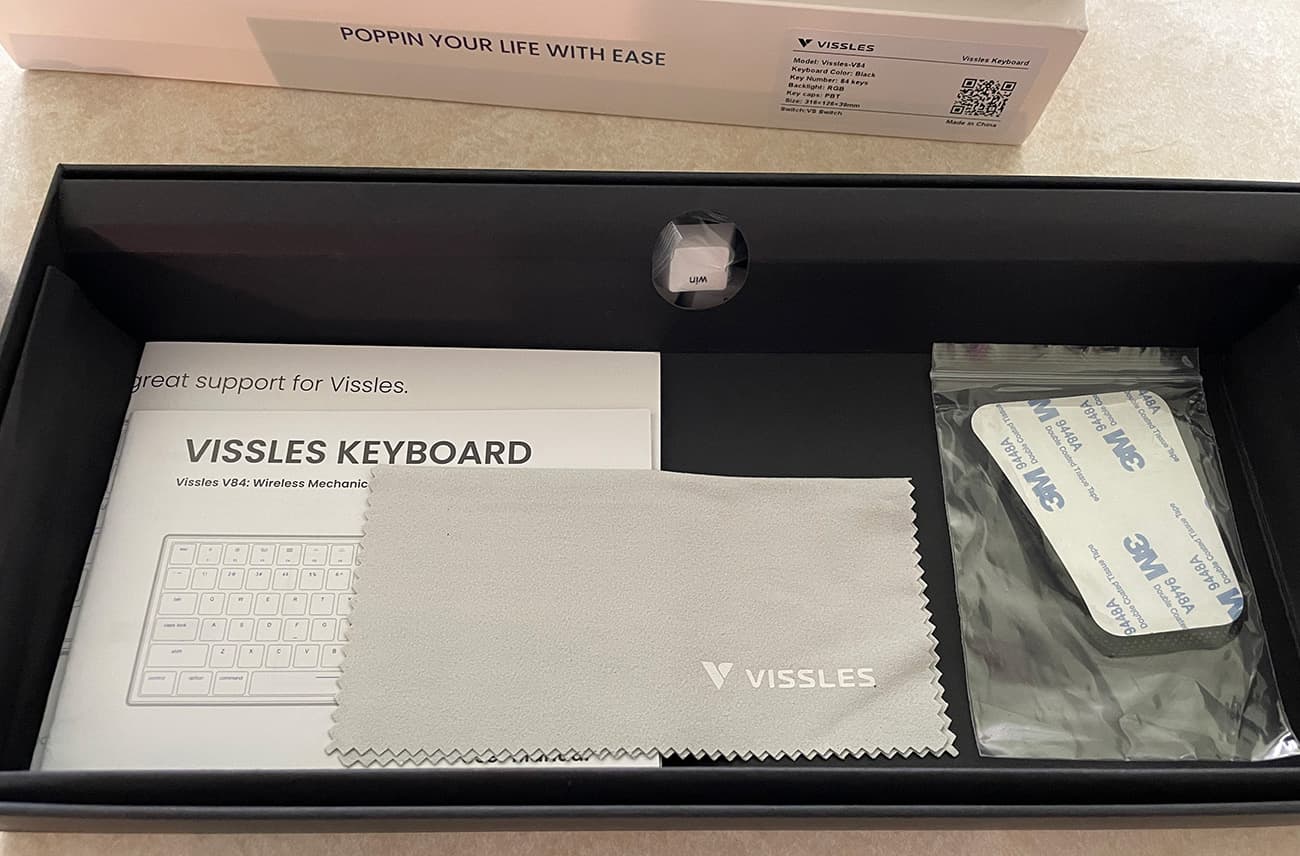
The V84 keyboard comes with:
- Vissles V84 keyboard × 1
- Magnetic foot×2
- USB-A to USB-C cable × 1
- Switch puller × 1
- Keycap puller × 1
- Wrist rest × 1
- Wrist rest anti-slip pad × 2
- Quick Use Guide Card × 1
- Instruction manual × 1
Hardware specifications
- Number of keys: 84
- Switch: VS switch (linear switch)
- Compatible system: Windows/Android/Mac/iOS
- Layout: ANSI
- Keycap: SP-Cherry Profile
- Bluetooth version: Bluetooth 5.1
- Material: PBT
- Switch name: VS switch
- Interface: USB-C interface
- Battery: 3750mAh lithium battery
- Weight: 824g (keyboard) + 8g (foot pad)
- Dimensions: 316mm × 126mm × 39mm
- Input: 5V/1A
- Dynamic backlight type: 19
- Monochrome backlight type: 9
Design and features
Vissels V84 has a simple and bright design. The keys themselves are bright, warm white and are mounted on a very black base plate.It is set in a 75% keyboard size, Keep the F key row, so if you enter from a full-size keyboard, it may take some time to adjust the key layout.
As far as I know, 75% layouts are not very common, but for me, after using so many Apple compact keyboard layouts on their laptops and Magic keyboards, my adaptation time is very short.
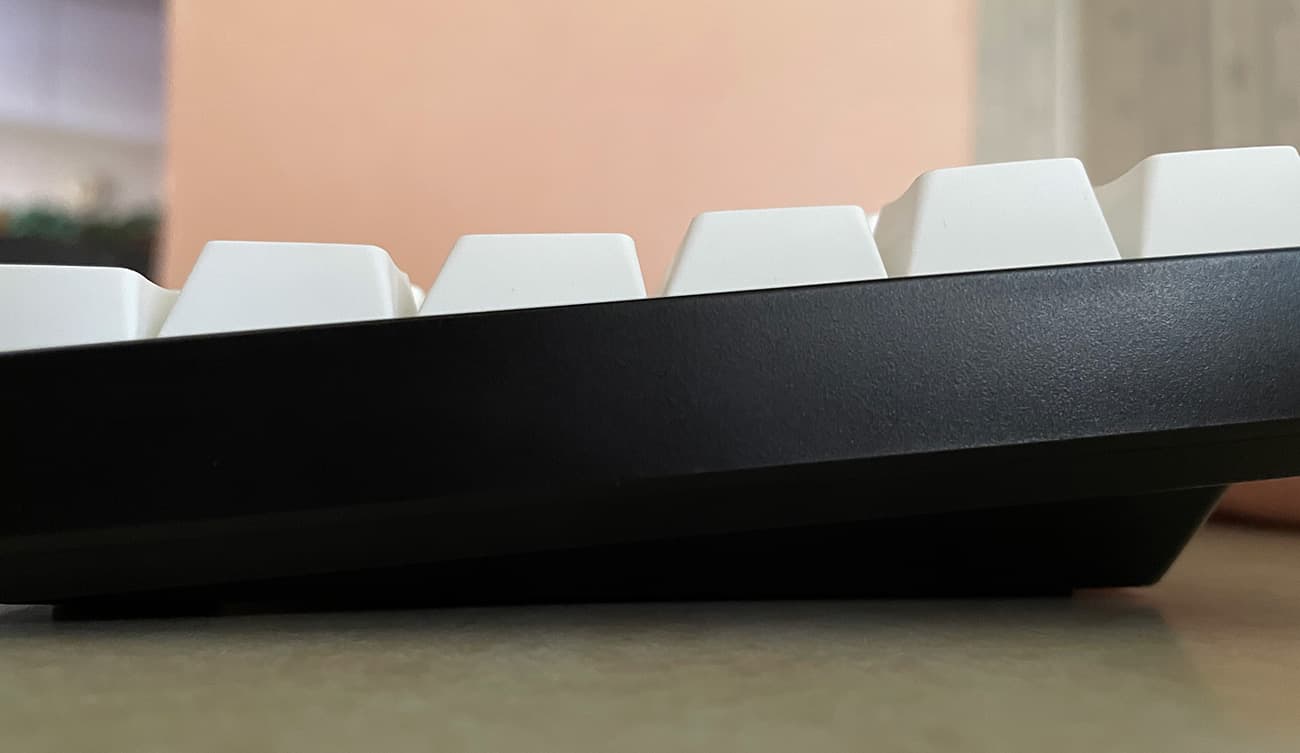
The V84 has some serious weight, weighing almost 2 pounds. Compared to the fragile keyboards that come with many computers today, it is basically immovable while typing and feels like an absolute unit. Typing feels stable, and there is no bending or swinging when you hit the keys, which is the same as you would expect from this type of mechanical keyboard. It will be described in detail later.
The position of the buttons has a good angle, and each row rises slightly. The row of numbers and F keys is slightly higher than the row of letter keys, probably to make it easier for typists to recognize. Except for the two small bumps on the F and J keys to indicate the main row, there are no other physical differences between the keys, each of which is uniform and smooth.
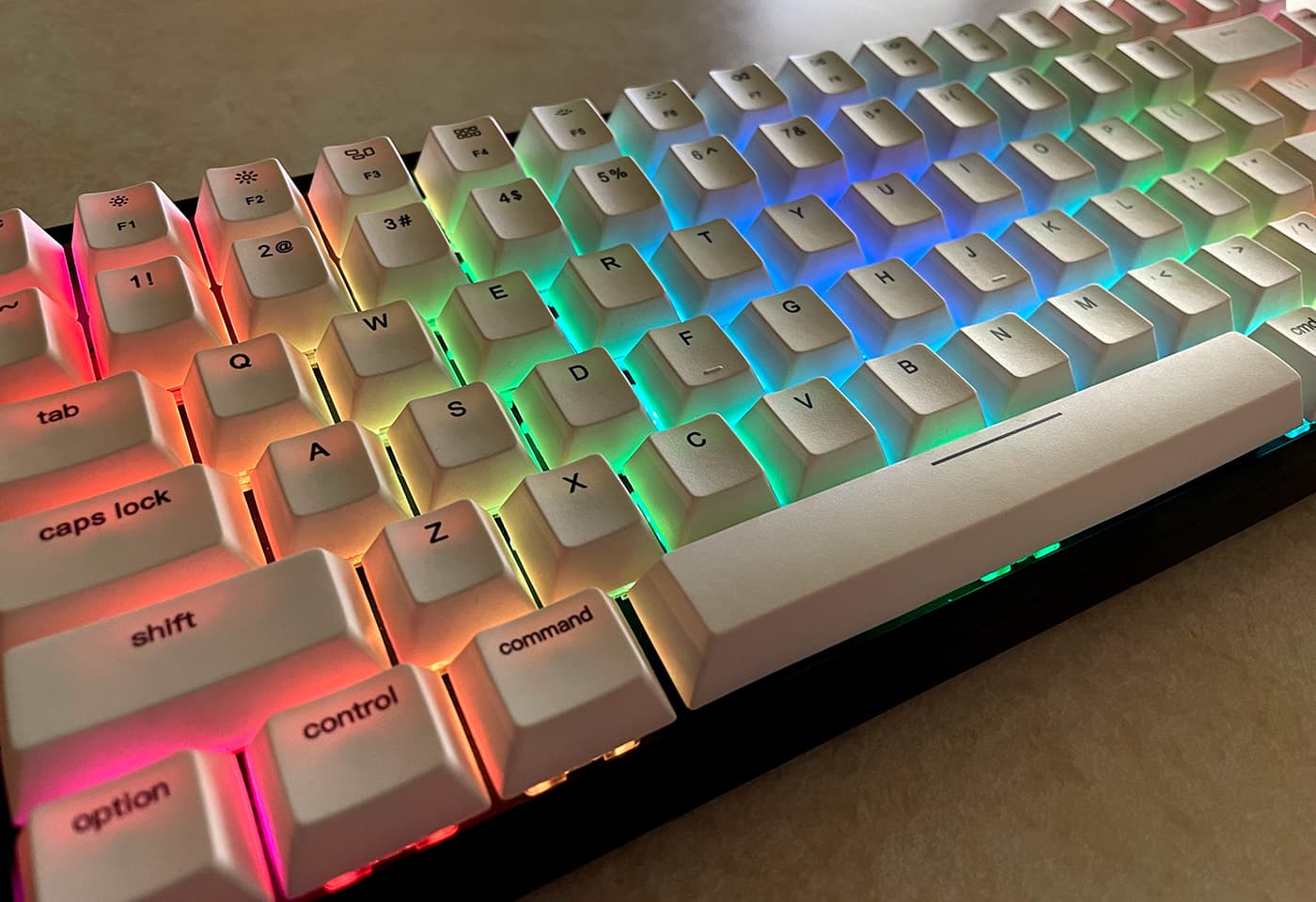
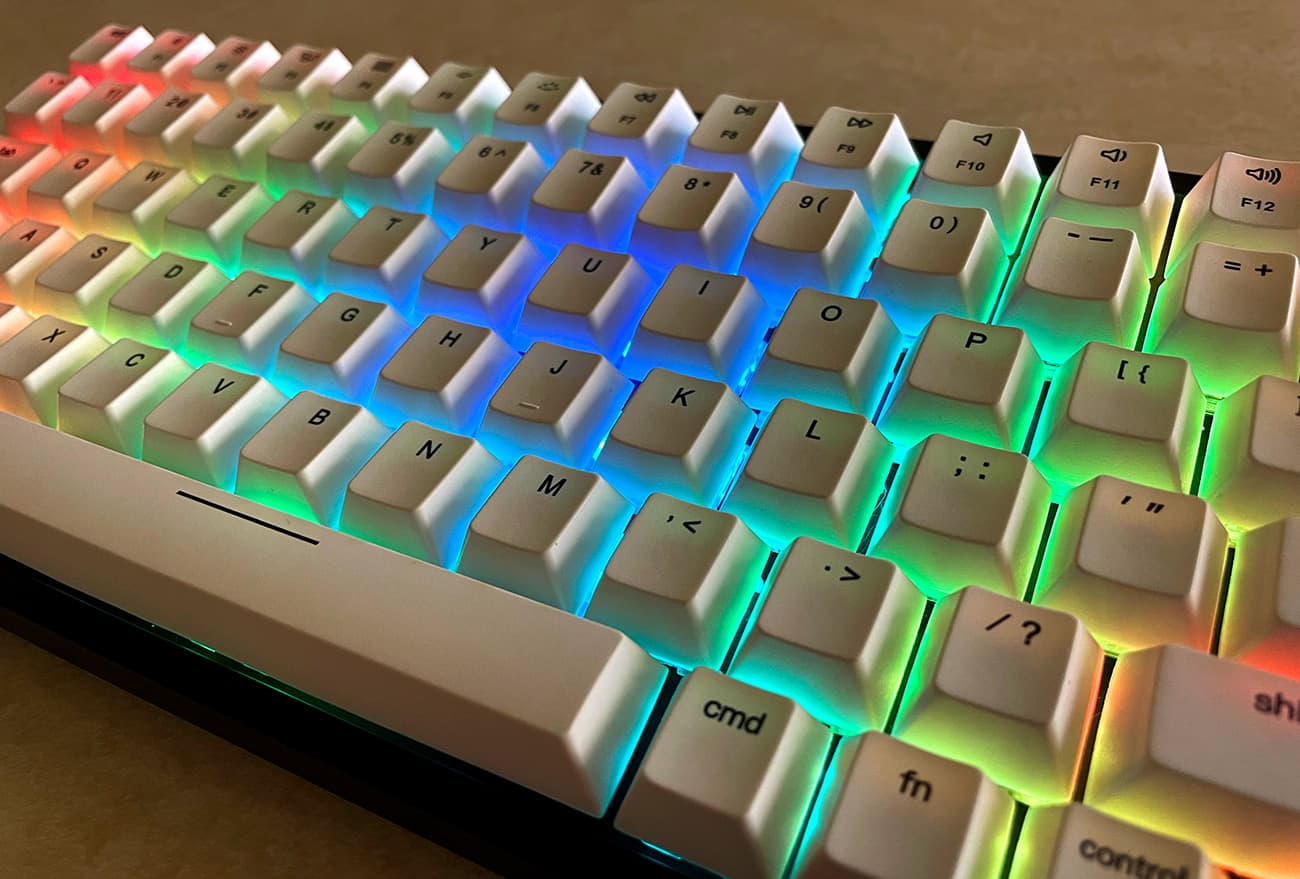
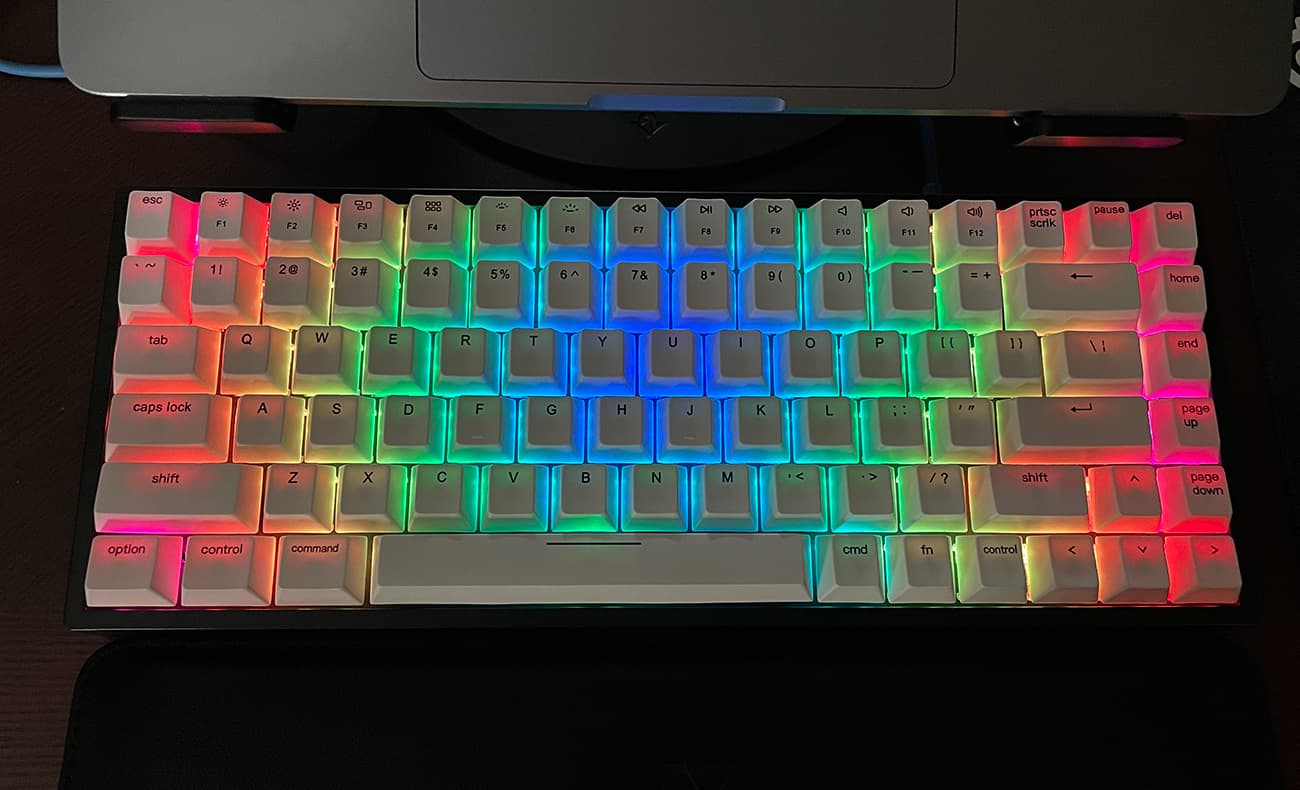
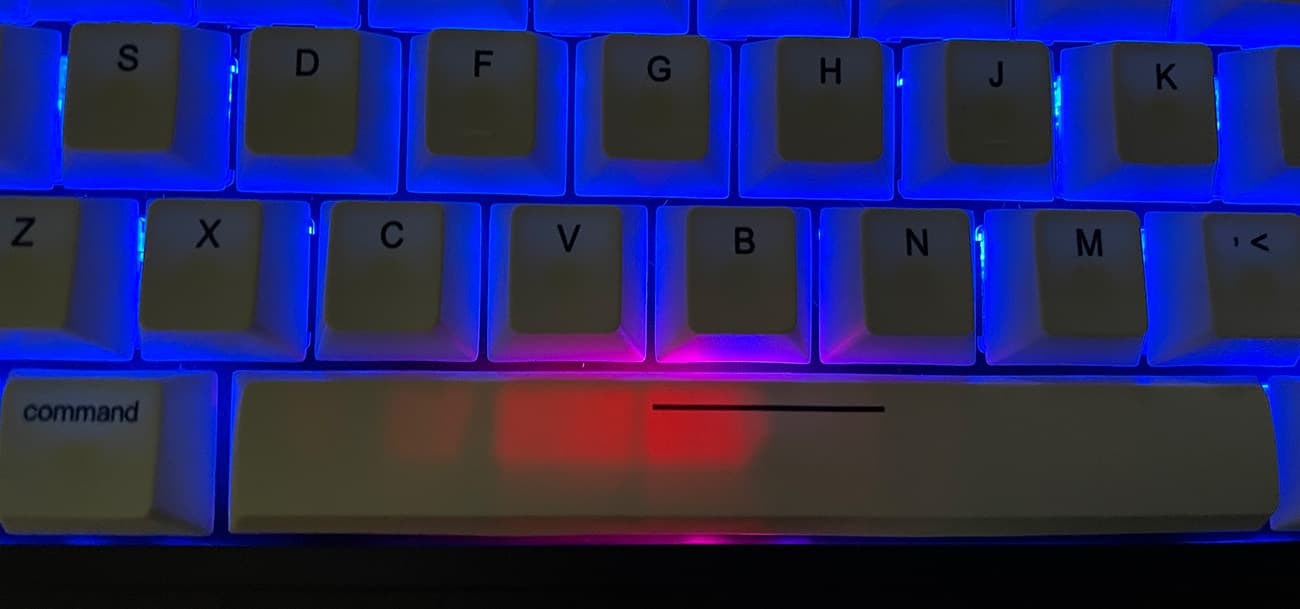
Turning on the Vissles V84 keyboard will display a full RGB backlight, and the virtual full spectrum light shows that you either appreciate it or try to figure out how to turn it off immediately. You may have seen examples of RGB backlighting in flaunting gaming equipment settings. The vivid black and white of V84 provides a lovely canvas for this backlight effect.
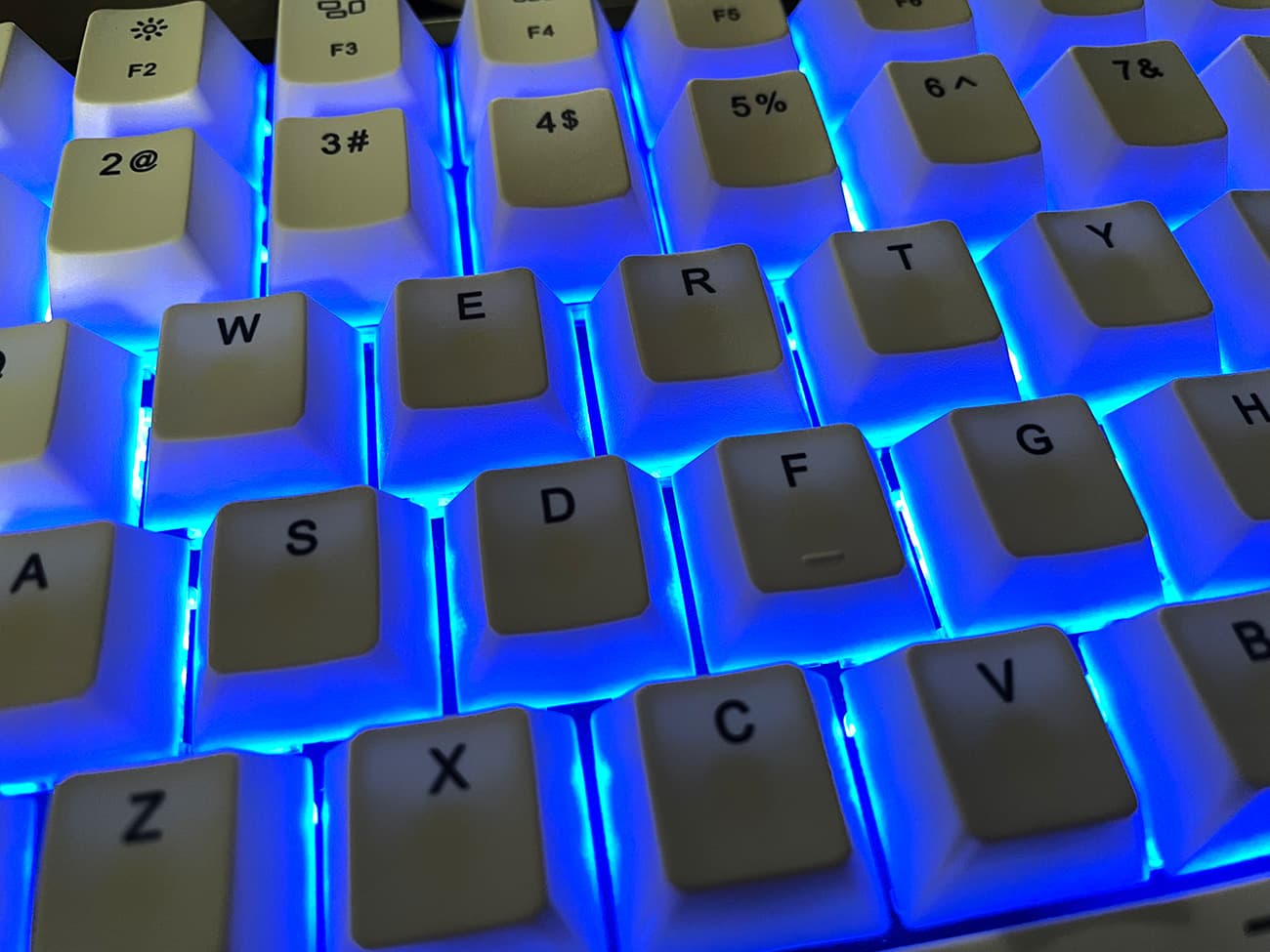
Although the characters and numbers on the keys do not allow light to pass through—they are just printed on them—but the key material is thin enough to allow some light to pass through, so it is easy to see the characters and numbers inside to mark a dark room. Light also shines through the gap between the keys, depending on the brightness, which may or may not be distracting.
Fortunately, there are several brightness levels and countless lighting options. Many backlight effects are gimmicks, from pulses or cascading light streaks to the ripple effect of each keystroke. You may stick to static backlighting, and you can switch between 9 different color schemes. I landed on a uniform sky blue with medium brightness.
Vissels provides software for customizing RGB lighting, but since it only works on a PC, I didn’t have a chance to try it.
Since the Vissles V84 keyboard has nothing to do with the operating system, it has replacement keys for Windows/Mac, and can use quick function key commands to exchange key functions between the two operating systems.
Although the V84 has a good typing angle, it is also equipped with magnetically attachable rubber feet, which can increase the angle by 6°. Not only that, Vissles also includes a leather wrist rest in the box, further enhancing the value of the entire package.
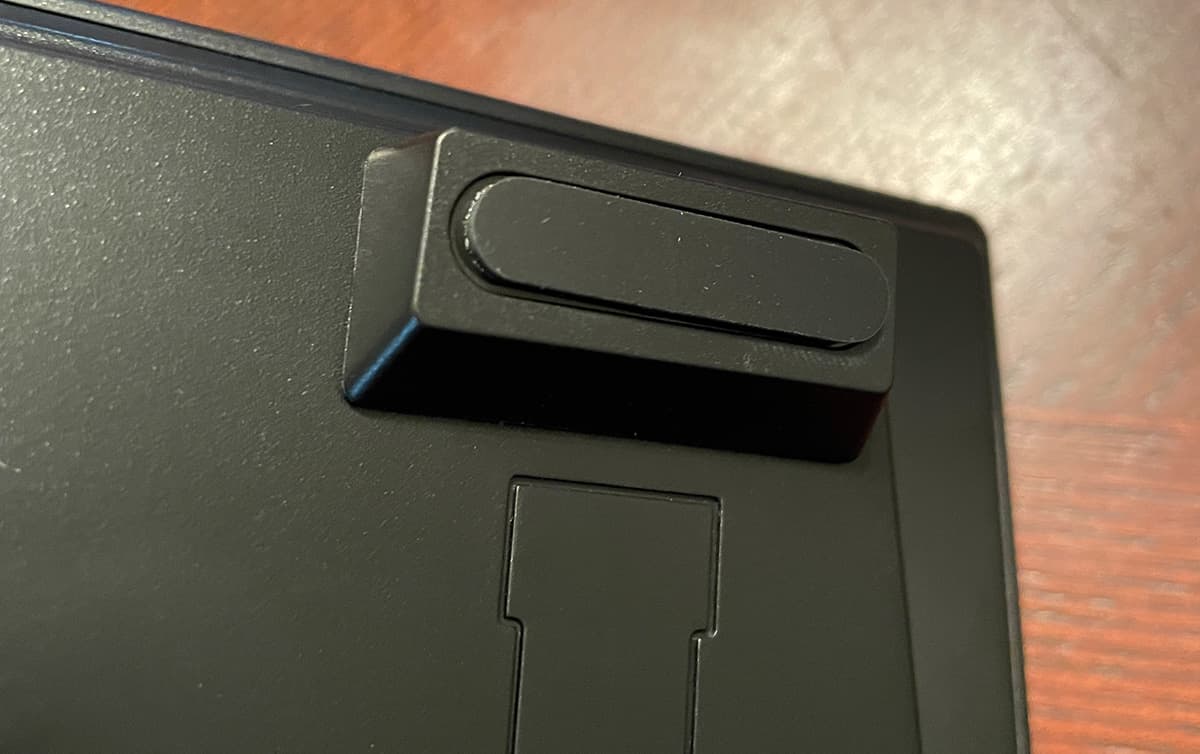
In general, the design of the V84 is very good. I think the only knock I can give it is the small and fragile Bluetooth on/off switch on the back of the keyboard. It was ridiculously small, but in the end it had no effect.
set up
Vissles V84 may require more settings than simply plugging in. First, it is dual input, so you can connect it directly to your computer via a USB-A to USB-C cable, or via Bluetooth.
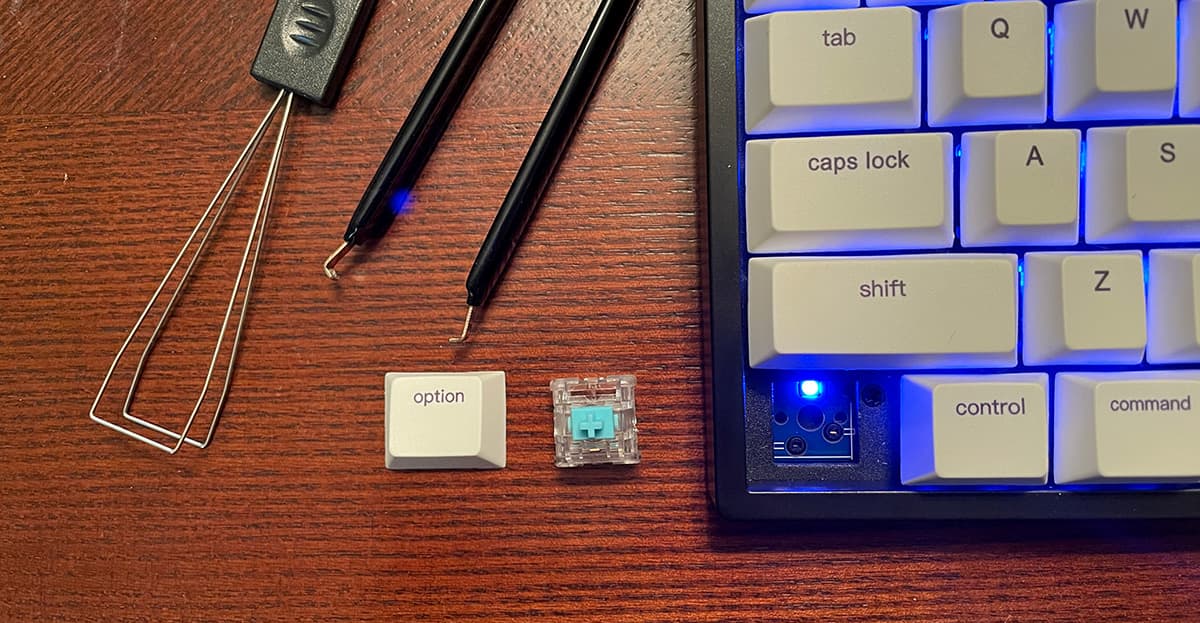
In addition, since it comes with Windows and Mac keys, you may need to perform some key exchanges and press key combinations to switch it to PC or Mac mode. This is a small thing… Vissels includes replacement keys for any operating system and several tools for removing keys and switches.
Yes switch May also be deleted! Each VS switch included can be directly taken out of the keyboard and replaced with a switch of your choice. Suppose you want to replace the arrow keys with a more tactile, clickable switch type (such as brown or blue). It’s very simple.
I believe that for most people, the last step of the setup process will include cycling through all the lighting options. As mentioned before, many of them end up being distracting, but it can be cool to continue running in the background when you are not using your computer…a bit like the “attractive mode” in arcade games.
Vissles V84 allows you to record up to 3 macros triggered by the fast FN key combination, so if you need to press a complex key combination, such as saving a web page in Photoshop, you can record this key and save it so that when you click FN- In C, it will trigger that macro. You can also overwrite them at any time.
This reminds me of the last note about setup… Don’t lose the instructions. Most key combinations, such as the FN-End cycle switching monochrome backlight colors, are easy to forget, you may be stuck, desperately trying to remember what the correct combination is to get rid of the rainbow splash color mode.
which performed
In most cases, Vissles V84 is a hard Typing experience. Once you set everything up with your favorite lighting and get used to the key layout-almost any keyboard change takes some time-I have to say that this is one of the best keyboards I use for long typing.
In other words, Vissels decided that the switches included on V84 are extremely sensitive.
The VS type switch is linear in nature, which means it has no tactile feedback every time a key is pressed. The same pressure is required throughout the journey. If you use a switch type that is more tactile or clickable, such as blue or brown, there is no feedback from the VS type.
Personally, I prefer point-and-click feedback. I have been reviewing another mechanical keyboard with a Gateron Blue switch, which has the exact opposite spectrum of the VS switch. I might order a bunch of brown switches, which are somewhere in the middle in terms of tactile feedback, and install them on most buttons.
I’ve read that more linear types of switches are good for gaming, providing quick feedback and better response to repeated keystrokes.
According to my experience with the Vissles V84 pre-installed VS switch, the force required to register keystrokes is almost non-existent, as if a fly on the keyboard is enough to type. This is obviously exaggerated, but there are many times when I just put my finger on the button and think about what I want to enter in the email, but I look down at the screen and see a long list;;;;;;;; ;;;;’s or ffffffff’s.
It took the most time to adapt. For a while, I felt that I had to backspace every other word to eliminate accidental keystrokes, because my finger just hit another key when I reached for a number or punctuation.
I am sure that switch preference is a polarizing topic in the mechanical keyboard community, although one of the benefits I found in VS switches is that they are less fatigued than tactile, click, and blues.Another benefit of installing the switch is that typing is very Quiet, When the button bounces back to its resting position, it will only make a slight, hollow tapping sound.Although the space bar is really strong Thump.
I just hope that the key stroke required to register the key is a bit more, such as 20-30% of the entire stroke distance. I am very interested in buying a bag of $20 Brown switches to try and find my perfect typing experience.
what do I like
- The size and weight of the keyboard is very good
- Hot-swappable switches are a nice bonus
- Pair and quickly exchange between many devices
- Extremely stable and smooth typing experience
Areas for improvement
- More tactile and less sensitive installation switches
- Keycaps are more transparent to allow backlit characters
- Most backlight options are gimmicks
- Macro/Backlight software is only available for PC
- Easy to forget shortcut commands/macro
Final thoughts
Overall, Vissels has created an eye-catching package with their V84 wireless mechanical keyboard. Contains multi-device Bluetooth, hot-swappable switches, pre-installed high-quality VS switches, leather wrist rests, and all necessary tools and cables, which exceeded expectations. If you buy a mechanical keyboard in the market and want to choose to test several different switch types, then Vissles V84 may be the perfect keyboard to get you started.
Price: 99 USD
Where to buy: Vissles.com (Use the coupon code to enjoy a 10% discount: V84) with Amazon
source: The sample of this product is made by Visles.


