


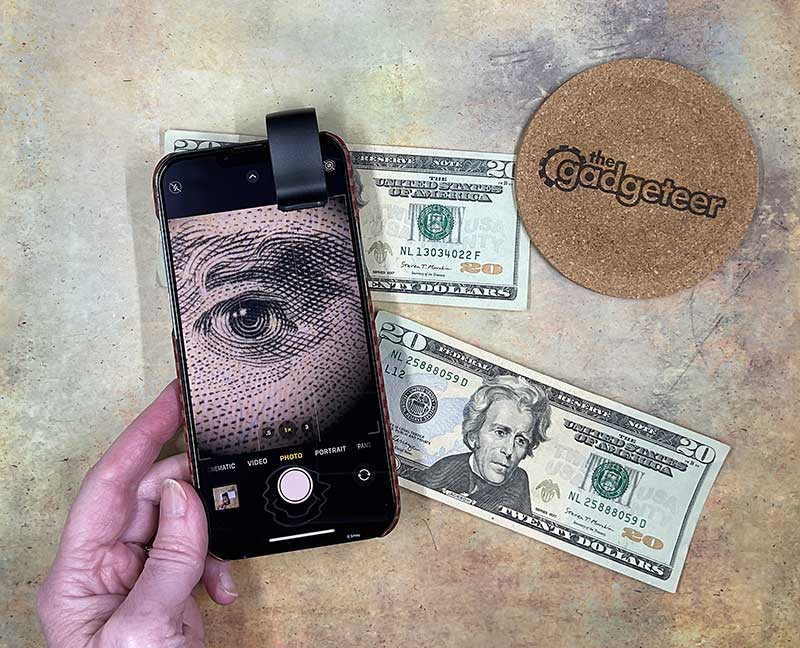
review – I use my iPhone 13 Pro Max as my main camera. That means I love looking at accessories that can improve the images I can capture from my phone, or just make them more fun and interesting. Today I want to show you the Apexel 200X smartphone microscope lens. Let’s get up close and personal with it.
What is it?
The Apexel 200X Smartphone Microscope Lens is a clip-on attachment for most smartphones that turns your phone’s built-in camera into a 200X microscope.
What’s in the box?
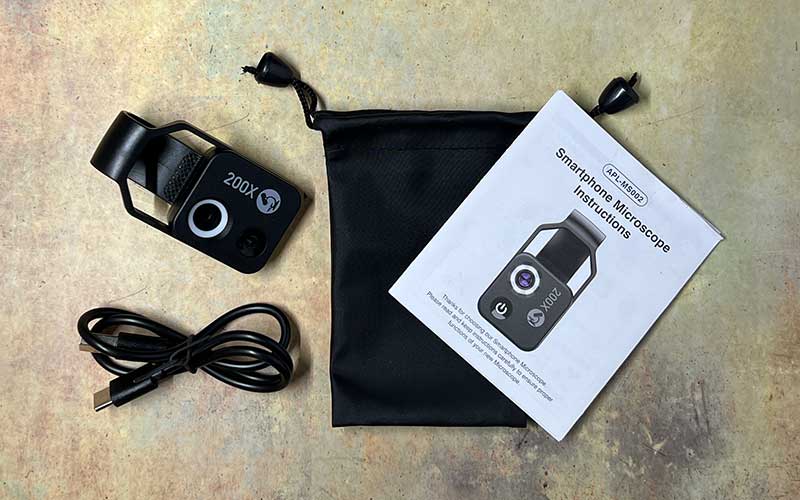
- Apexel 200X Smartphone Microscope Lens
- storage bag
- USB-C charging cable
- instruct
Design and Features
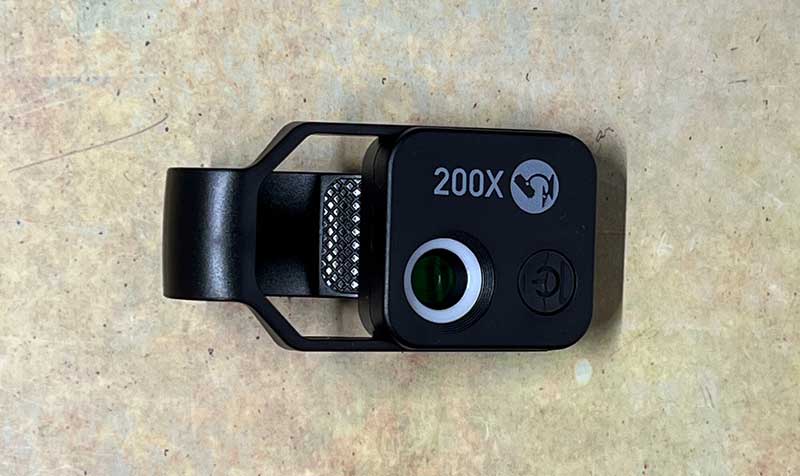
Apexel 200X smartphone microscope lenses are available in black or white. I got the black version and it has a 200X lens with a small ring light around the lens and a power button on the front.
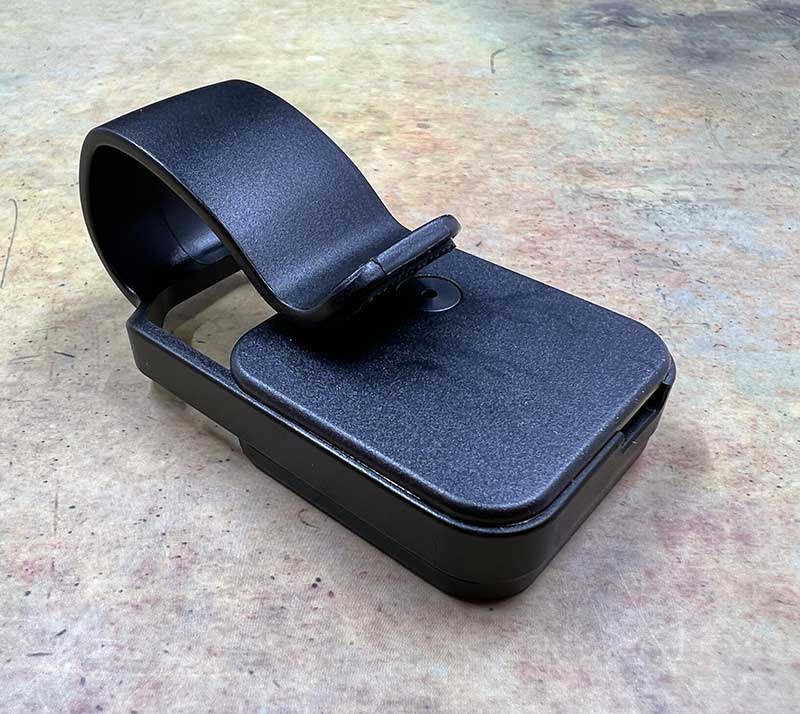
If you flip the module over, you can see the tiny pinhole lens under the clip.
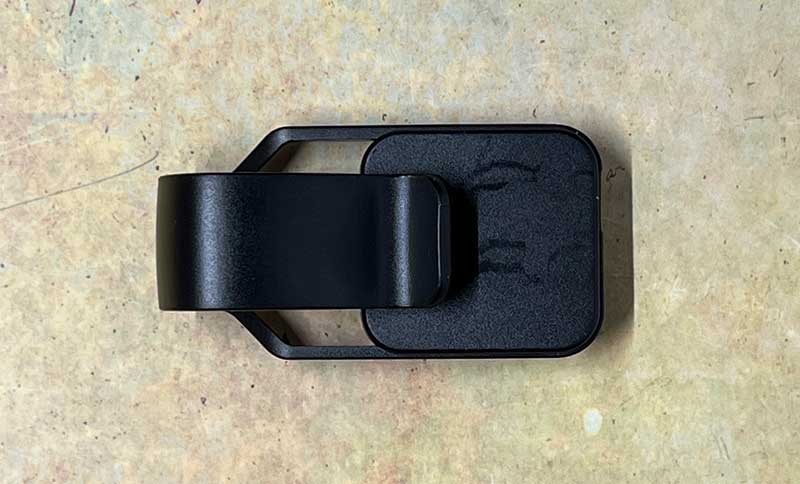
The Apexel 200X smartphone microscope lens features a universal clip-on design.
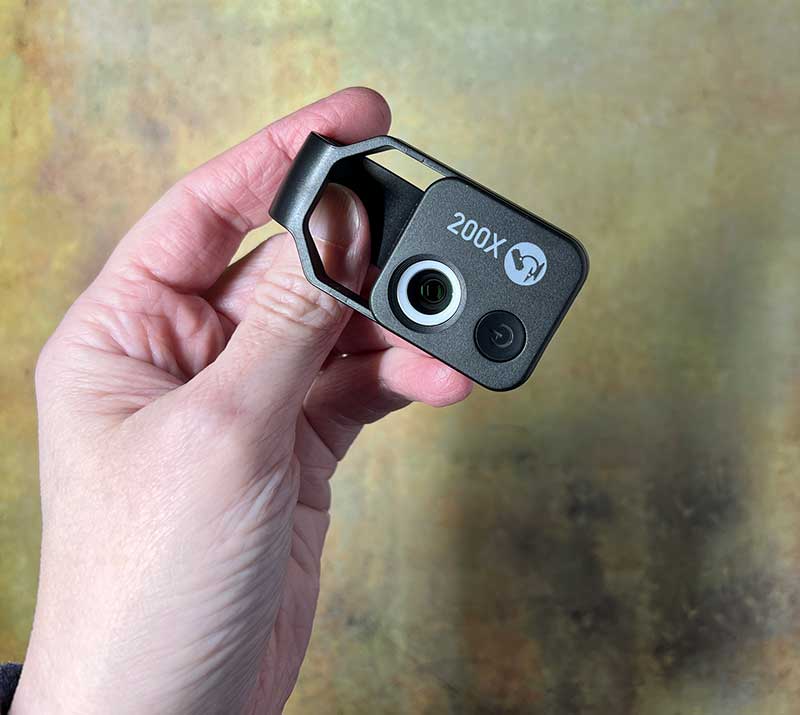
The accessory is small enough to fit in your bag or pocket.
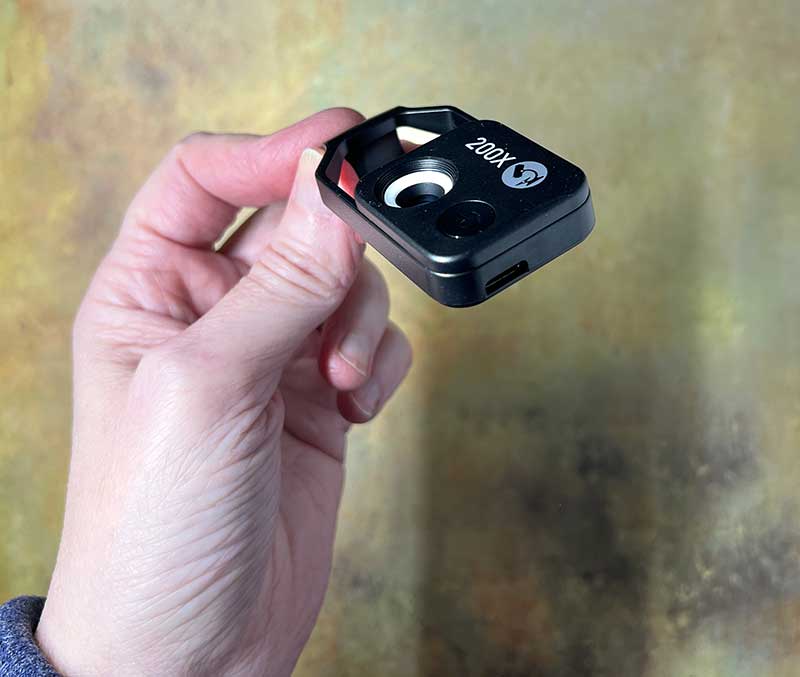
There’s a USB-C port on the bottom edge for charging the built-in battery that powers the built-in ring light.
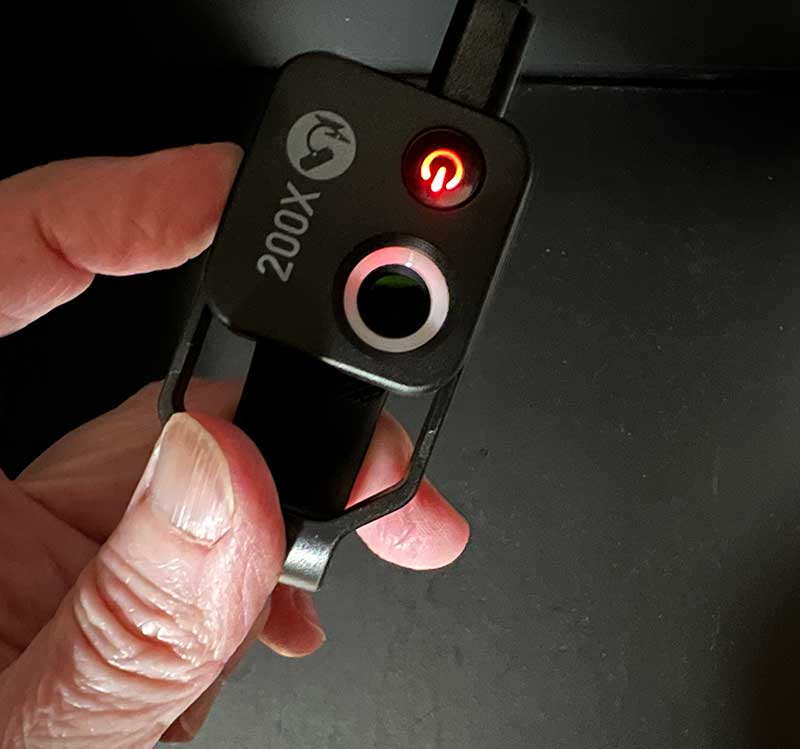
When the battery is charging, the LED in the power button will glow red.
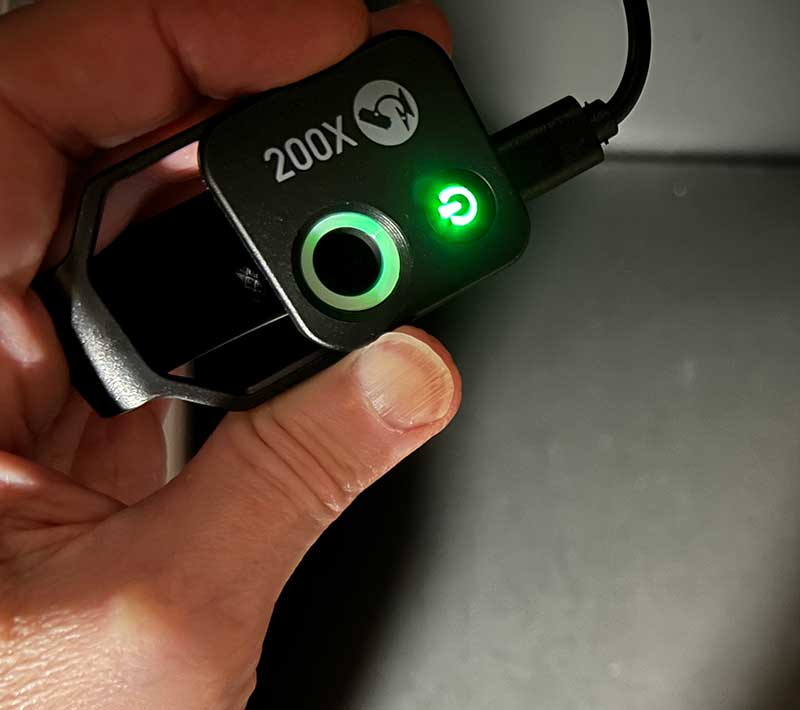
The LED turns green when charging is complete.
How to use the Apexel 200X Smartphone Microscope Lens
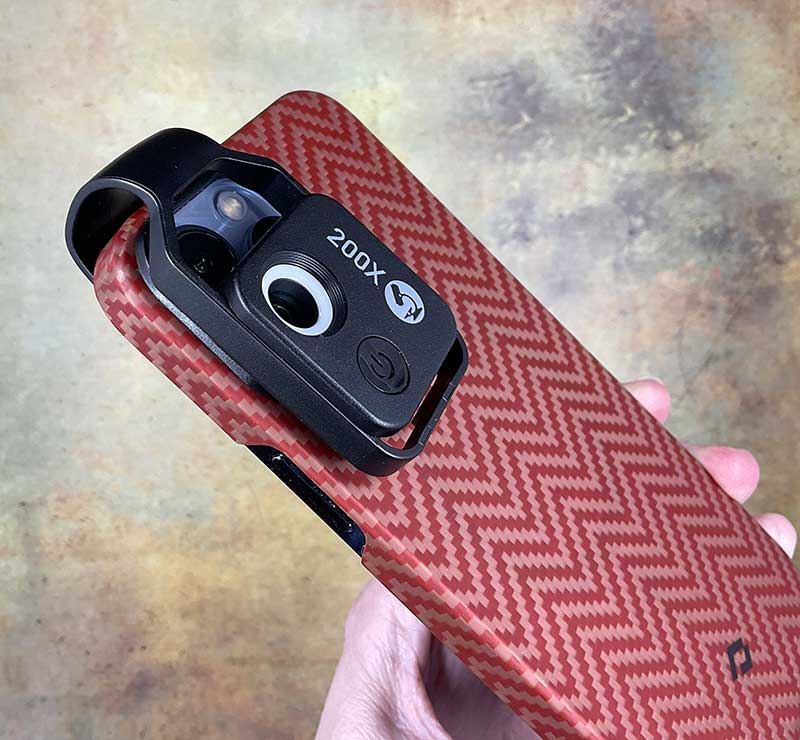
The Apexel 200X smartphone microscope lens is relatively simple to use. First, charge the battery of the built-in light, then slide the clip over the smartphone’s main camera lens.

For my iPhone 13 Pro Max, I had to disable auto macro mode before I could slide the clip onto the top of the phone so that the lens of the Apexel 200X smartphone microscope was aligned with the iPhone’s standard lens.
Orienting the lens takes some practice, as the plastic around the Apexel makes it hard to see what you’re doing.
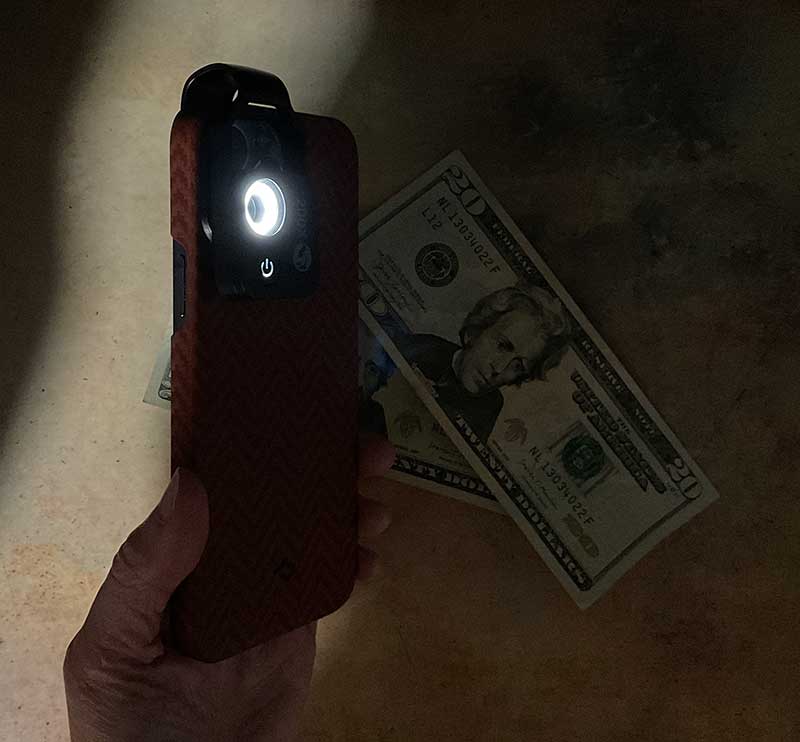
You’ll need to have the built-in light on to use the lens, as you’ll need to place the phone/lens combination face down over your subject.
The built-in light has 2 brightness modes, but there is not much difference between the two levels.
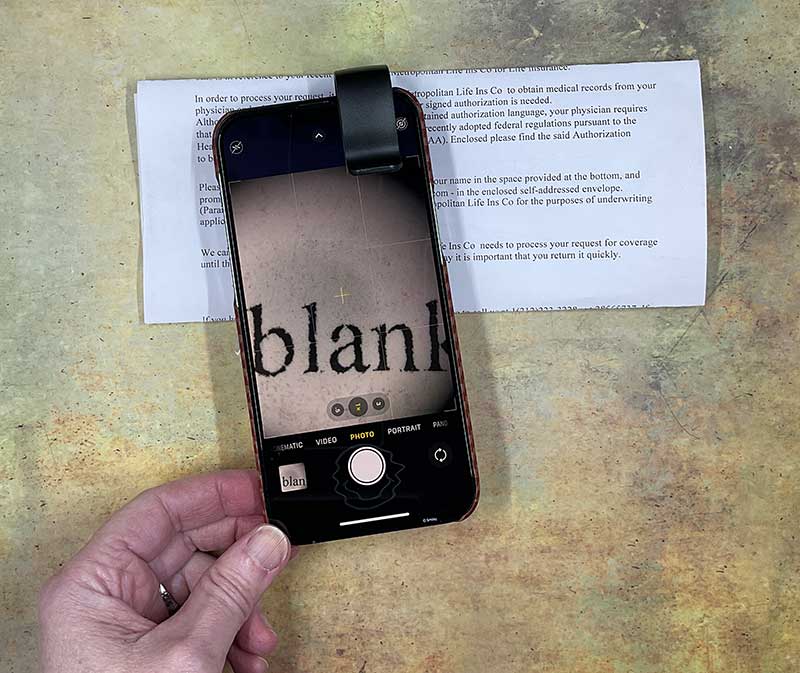
With the lens in place and the lights on, you can slide the lens over your subject for a 200x magnified view. In the image above, I swiped the phone over a piece of normal printing/typing paper and zoomed in on the word “blank”. At this magnification, the fibers in the paper and the scattered dots of ink in the printed letters on the page can be seen.
Sample Apexel 200X Smartphone Microscope Lens Image
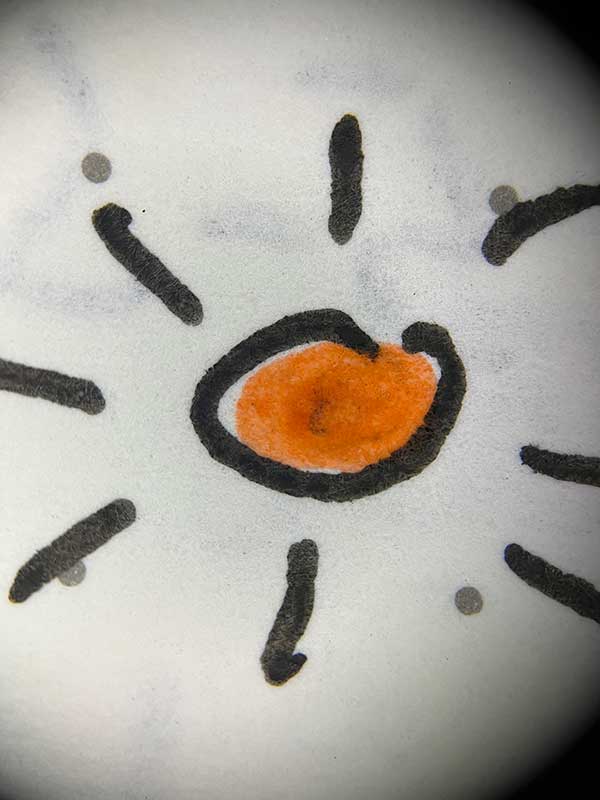
Gel ink doodles from my diary.
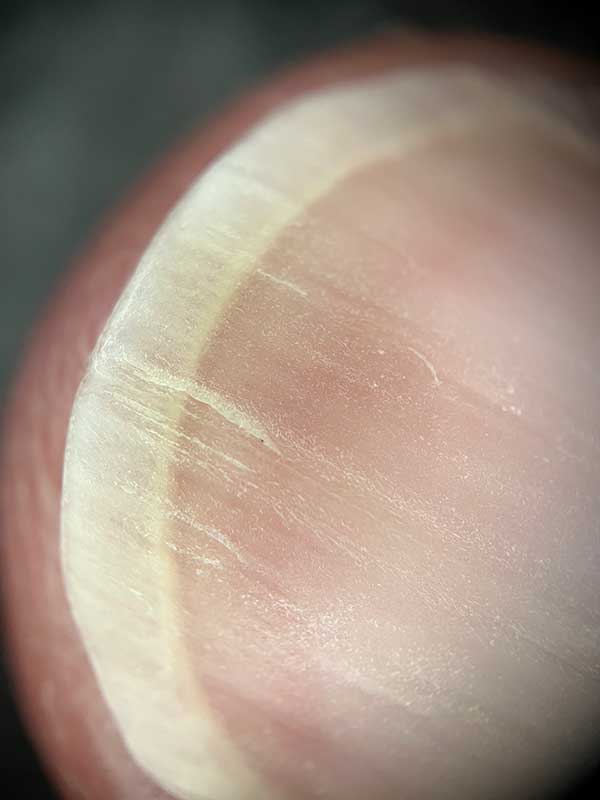
nail.
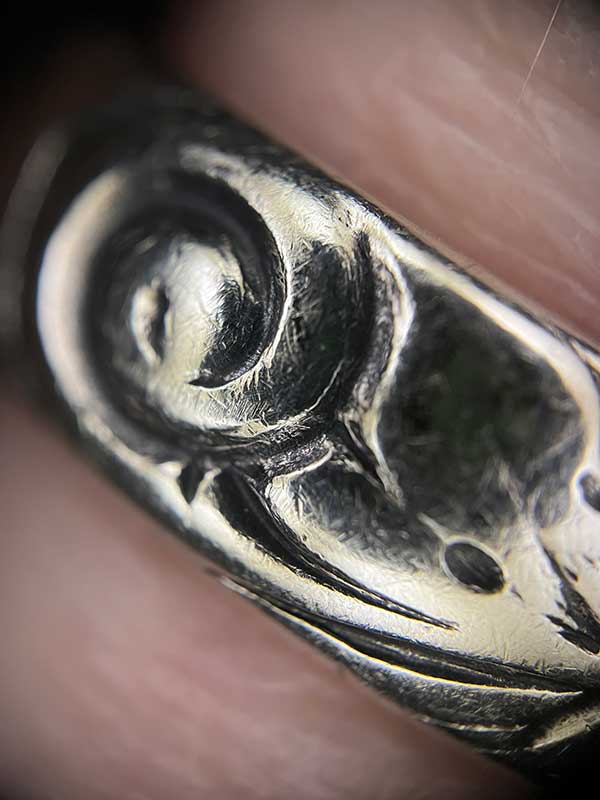
Sterling silver strap.
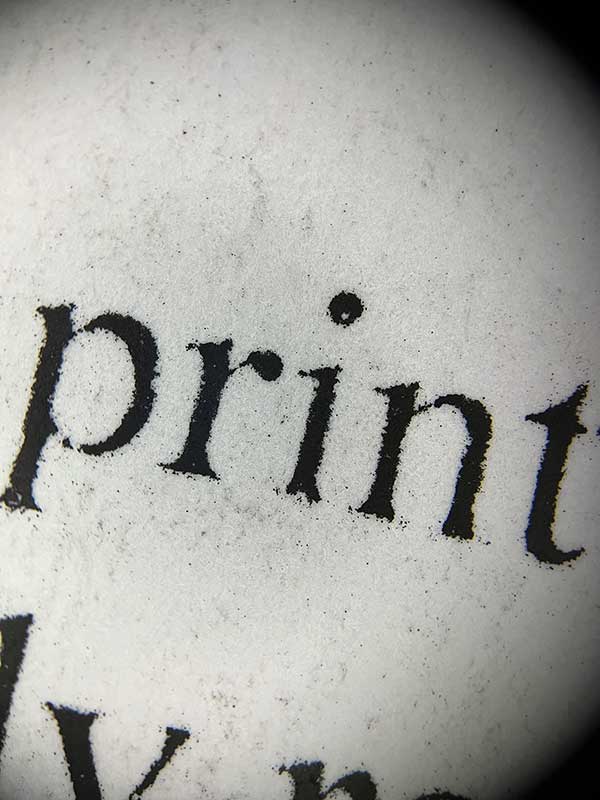
Laser or inkjet printing on paper.
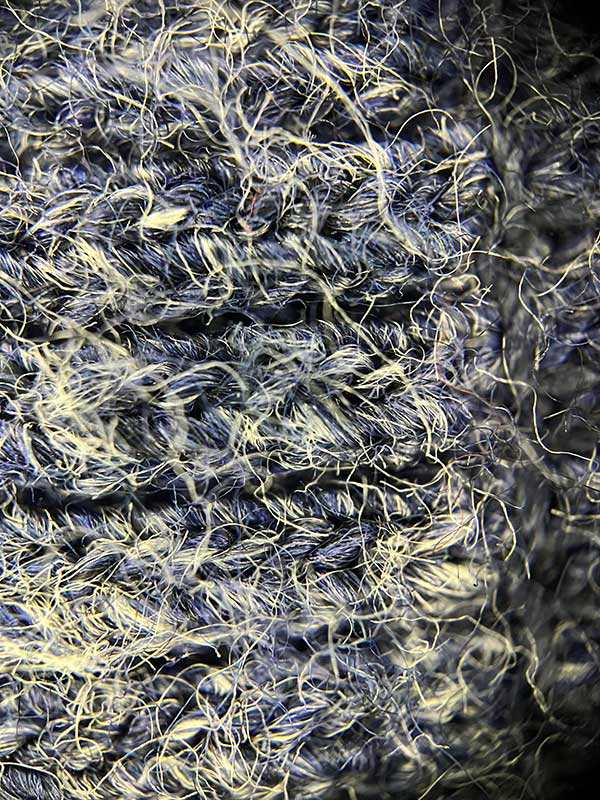
The knit material of my sweater sleeves has fibers in it.
what do I like
- Cool way to capture images
- Sharp magnification
what would i change
final thoughts
If you’ve been looking for a fun way to spark some new ideas for creative images from your camera, the Apexel 200X Smartphone Microscope Lens is a relatively inexpensive way to enhance the macro capabilities of your phone’s built-in camera. Now I want a 400X version just because!
price: $36.89
where to buy: Amazon
source: Samples for this review provided by vertex.


