


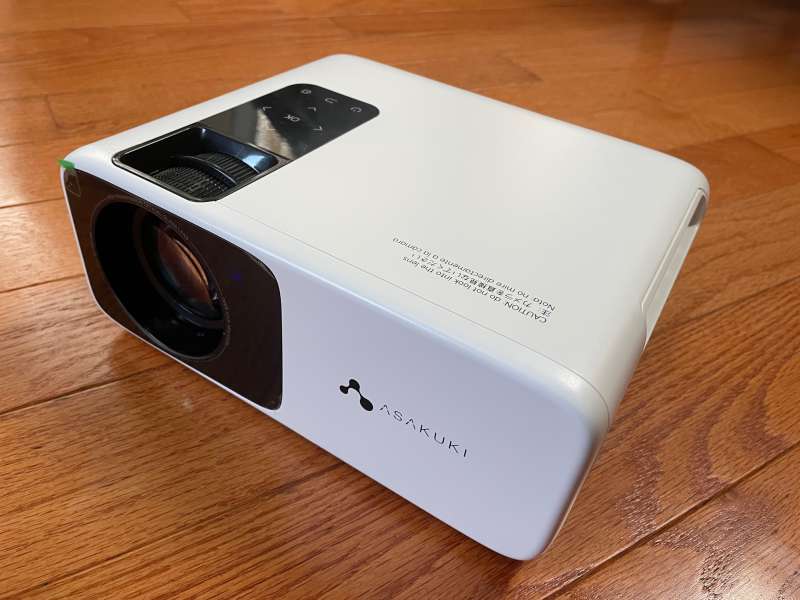
Review – Sunday, February 13, 2022. Does that date make sense to you? Are you ready to play football? Yes! This is the Super Bowl LVI! Looking forward to February, the Asakuki Avigator 455W video projector is ready to present extraordinary video effects!
What is it?
Asakuki Avigator 455W video projector is a native 1080P video projector that supports multiple input methods.
Hardware specifications:
- 75 lb
- 9.13 x 7.5 x 3.58 inches
- FCC, PSE, ROHS, CE, WEEE certification
- Display technology: LCD
- Brightness: 8500 lumens (will be described in detail later)
- Native resolution: 1920*1080P (support 4K)
- Contrast ratio: 10000:1
- Keystone correction: manual ±15°
- Speaker: 5W dual stereo
- Zoom range: 100%-75%
- Lamp life: 120,000 hours
- Aspect ratio: 4:3/16:9
- Wireless network: 2.4G + 5G wireless network
- Screen size: 40″-240″
What’s in the box?
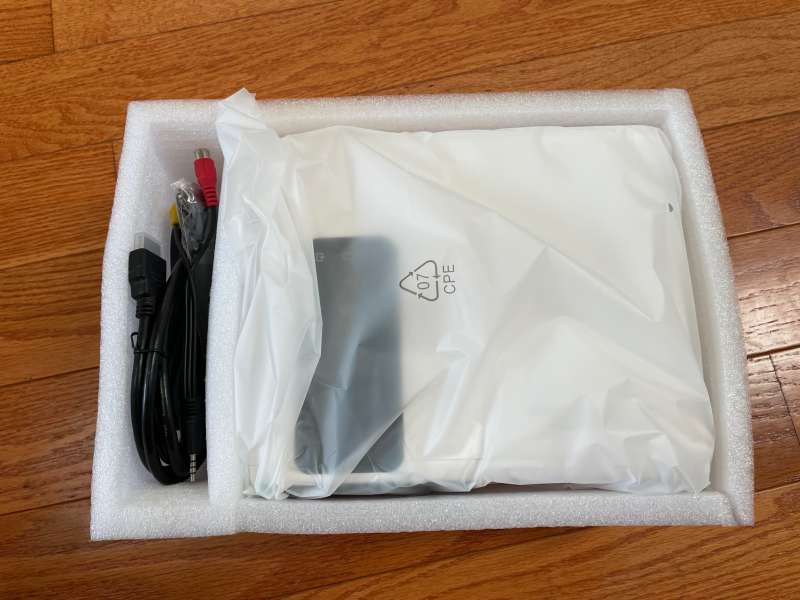
- Asakuki Avigator 455W video projector
- power cable
- HDMI cable
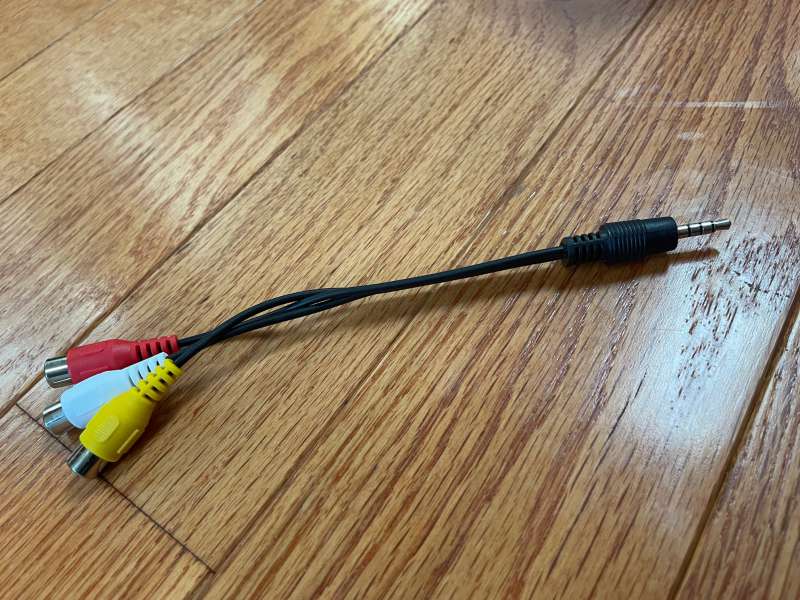
- Audio and video cable
- Remote control (without AAA batteries)
- Height adjustment screw
- User manual
- Quick reference card
Design and features:
Asakuki Avigator 455W video projector box.
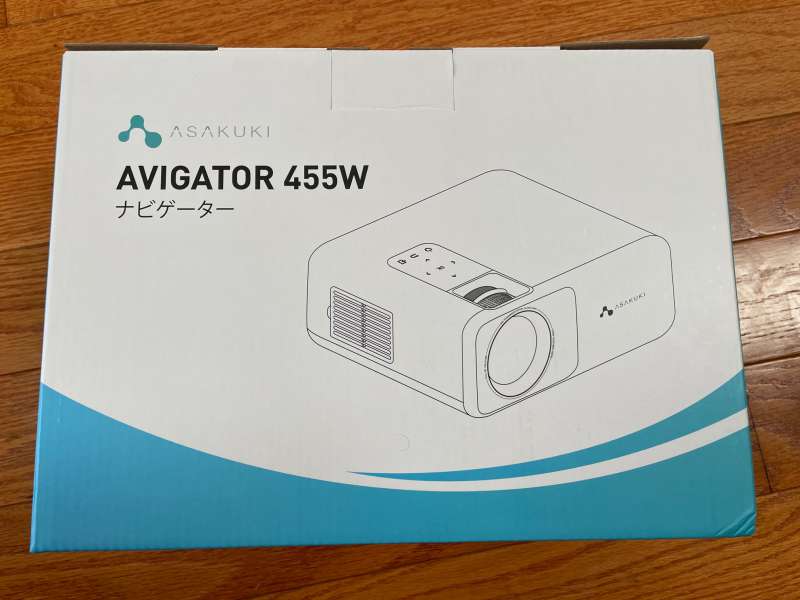
The packaging is thick foam. The projector is well protected.
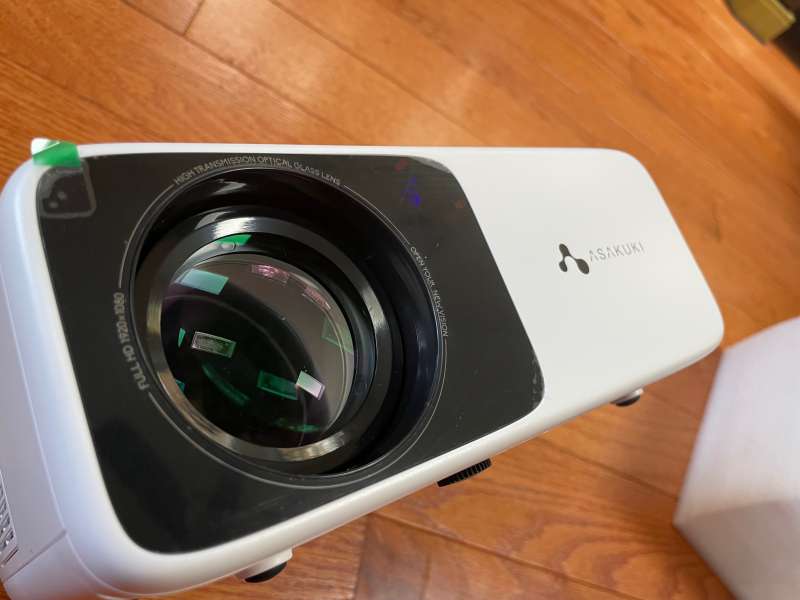
Front view…
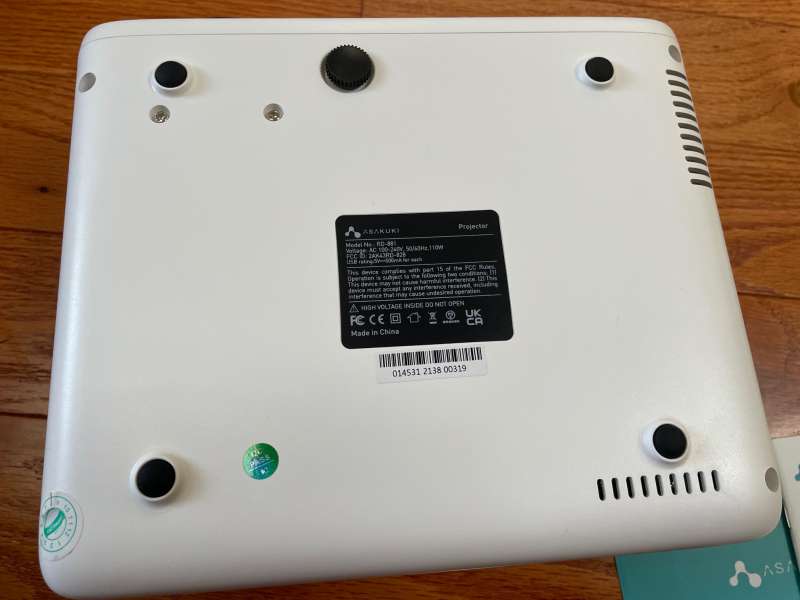
Bottom view… The Asakuki Avigator 455W video projector is equipped with ceiling mounting screws. You will want to invest in a good fixing frame for permanent installation. I would like to see a tripod mounting screw for portable tripods. The projector supports face-up and upside-down, as well as forward and reverse modes for easy installation.
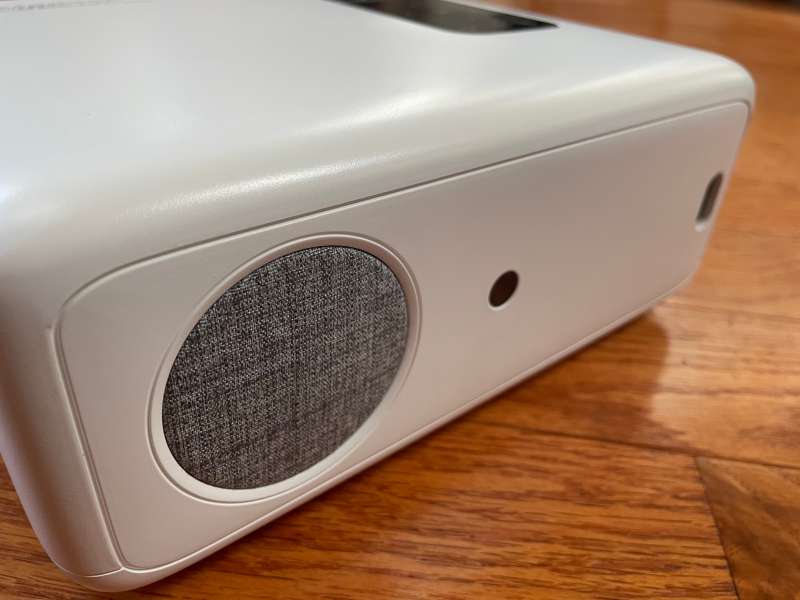
The rear of the projector is equipped with a power outlet, speakers and infrared receiver.
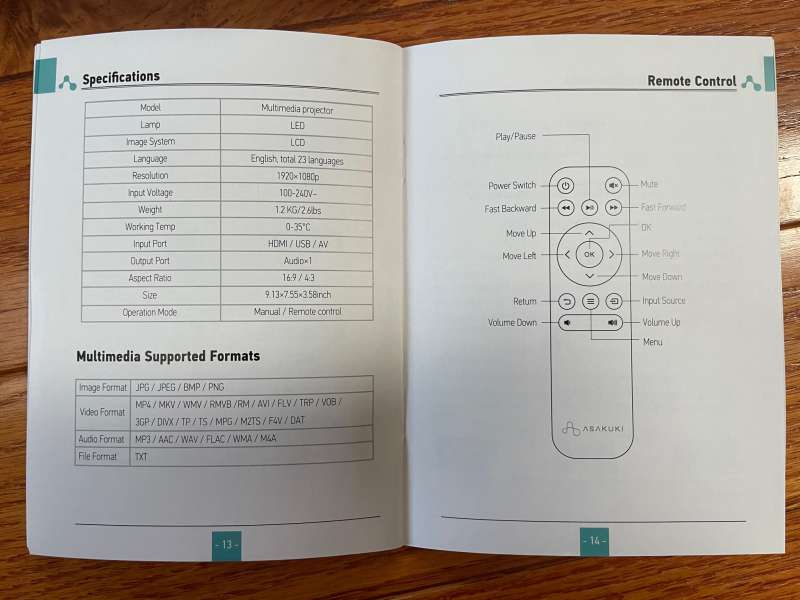
Be sure to read the quick reference card and manual. They are well written and can answer most of the questions you might have.
It is interesting to include some cleaning supplies.

Composite video and stereo audio are achieved through the included cable.
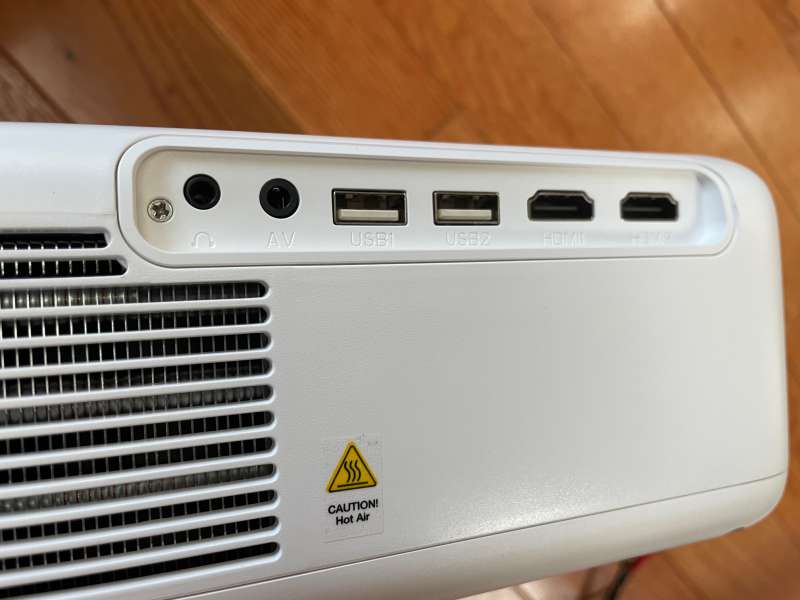
There are also two HDMI and two USB inputs on the side panel. The projector also has a 1/8-inch stereo jack for audio output.
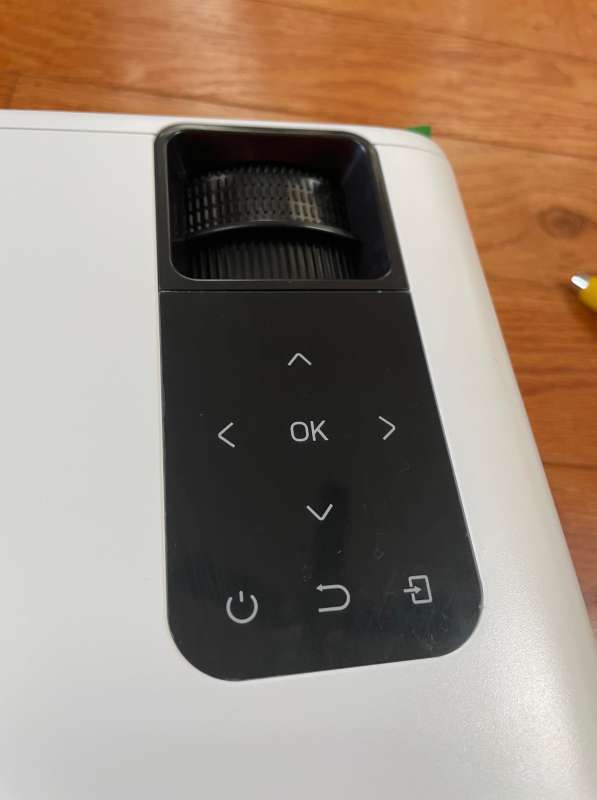
The onboard control panel of the Asakuki Avigator 455W video projector can be used to turn on and access the control functions of the 455W.
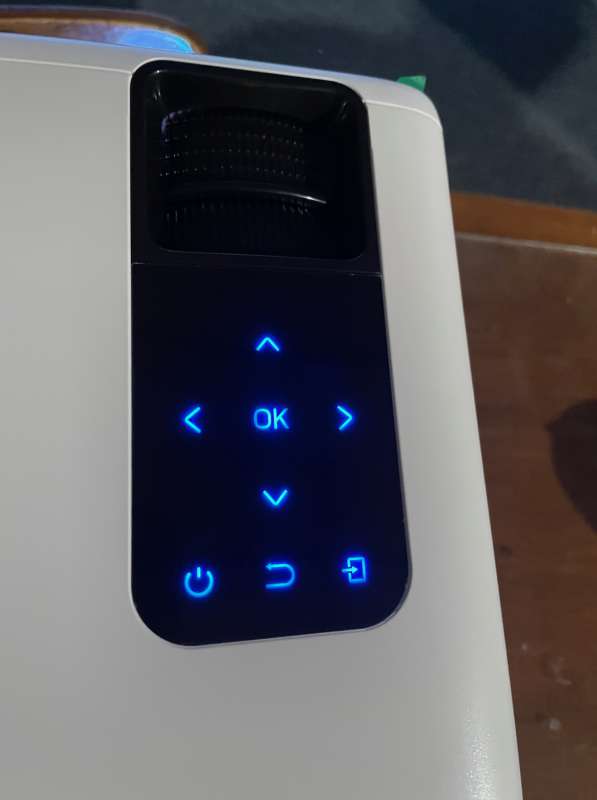
The control panel has excellent backlighting and can be used in a dimly lit room.
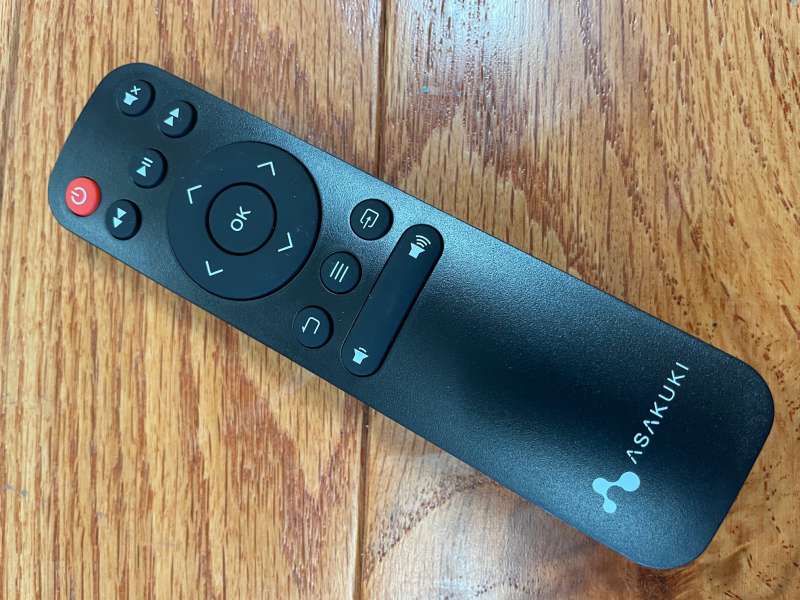
The remote control is a more convenient way to control the projector and requires two AAA batteries, not included.
The operating system of the Asakuki Avigator 455W video projector is very simple and easy to use. The setup is very simple, there is no need to load the application, and no need to load the software. Streaming from a smartphone requires a connection to Wi-Fi.
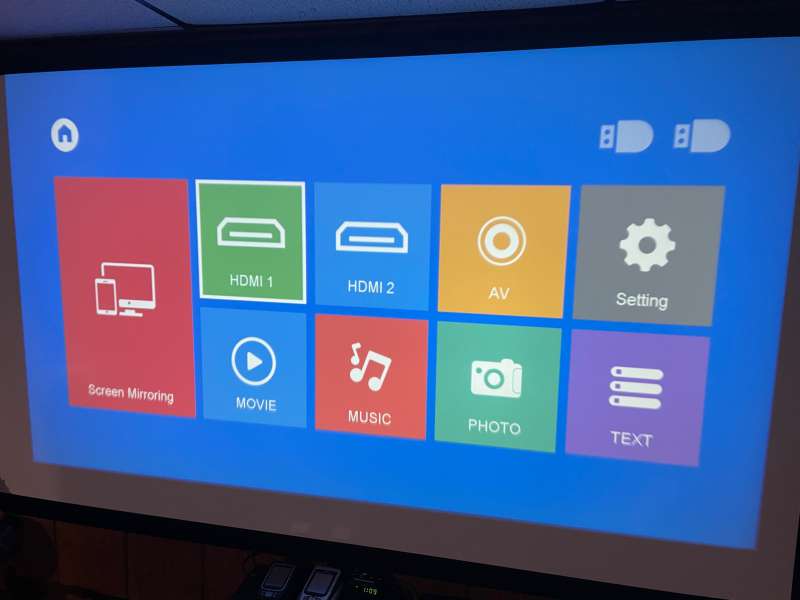
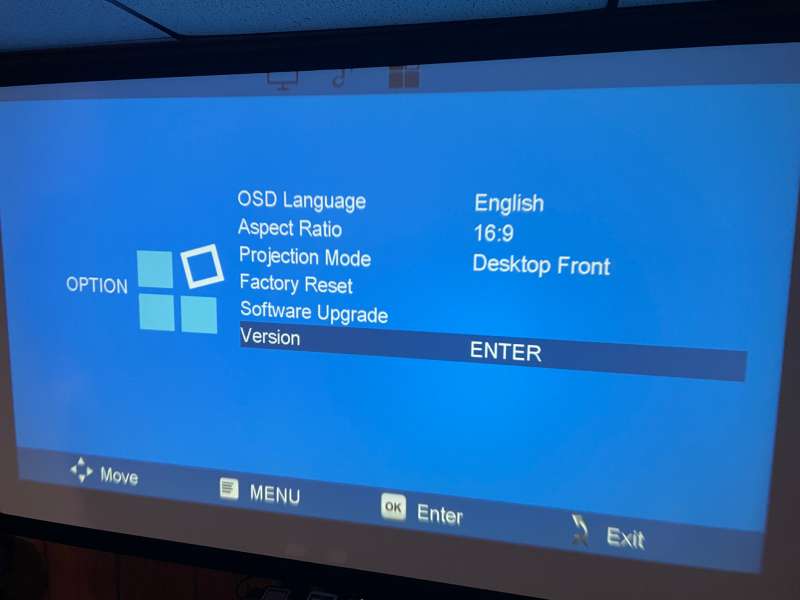
There are many setting options.
First, I connected the iPhone 12 to the projector. I have no problem connecting or viewing the video I recorded or transferred to the phone. It should be noted that the playback of copyrighted content is not allowed. Although I can access the Disney+, Netflix, HBOMax and Amazon Prime menus, once I try to start streaming video, the projector will disconnect.
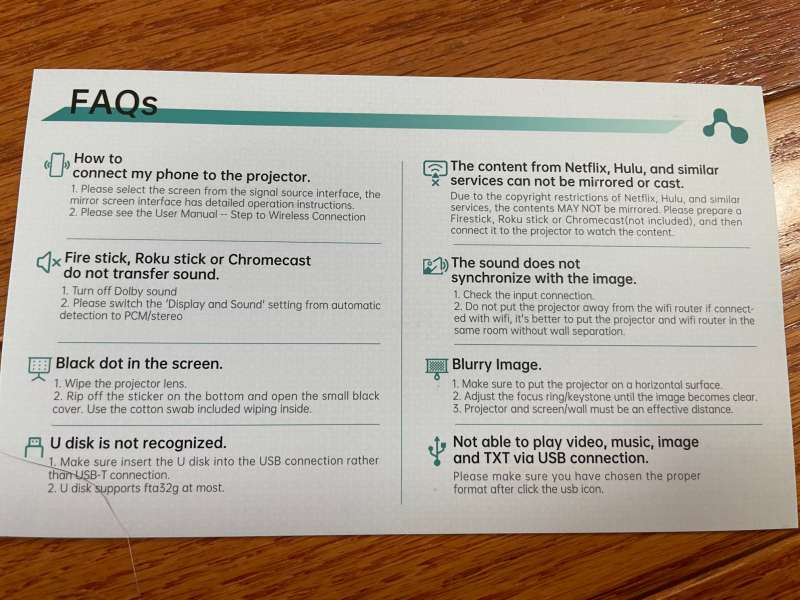
In order to access streaming video services, I was able to connect Roku to 455W. The video is projected at full 1080p resolution. If necessary, the projector will automatically reduce the 4K video.
The lenses seem to be all glass and are of good quality.
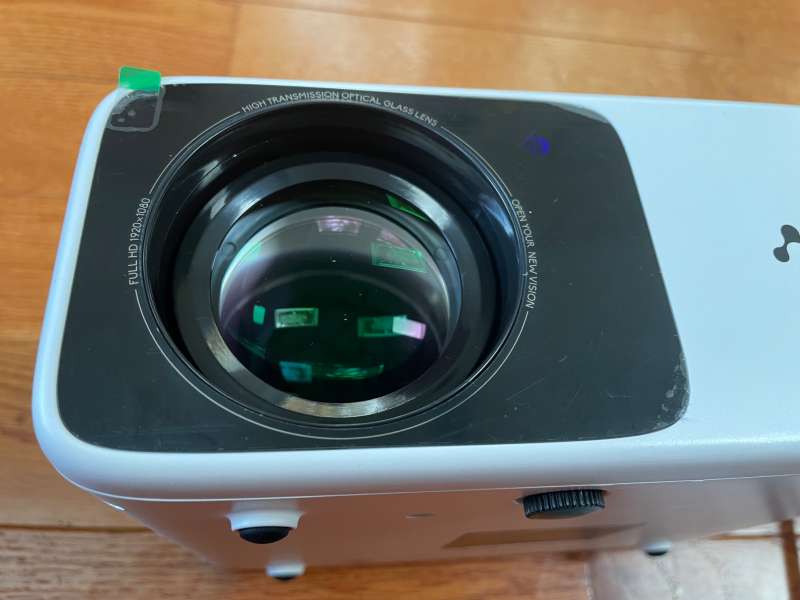
The setup of the Asakuki Avigator 455W video projector is a bit challenging. The projector has mechanical keystone correction, and there is a dial that can move the lens direction by about 15°. I prefer the optical adjustment of keystone correction, because moving the lens does not reduce the resolution by digitally compressing the image.
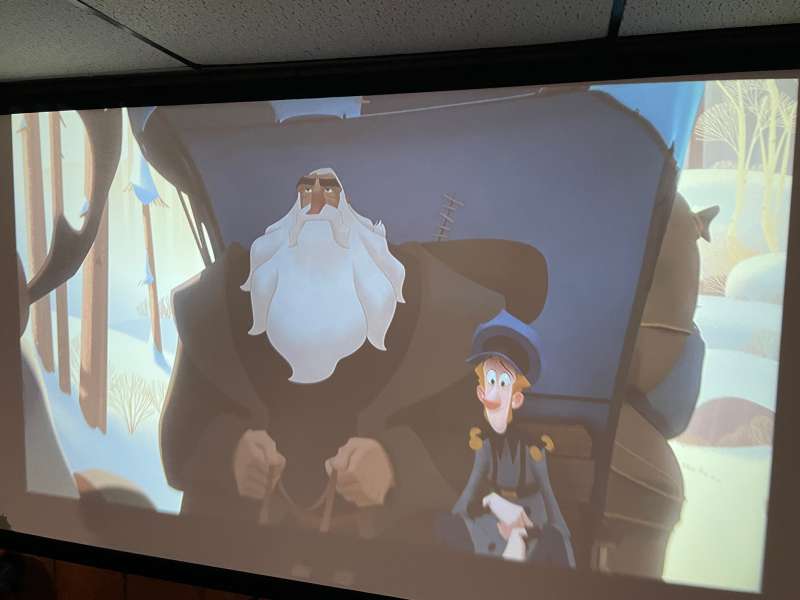
Since there is no left-right keystone correction, the positioning of the projector is very critical. In order to obtain the best image and uniform focus, the projector needs to be installed perpendicular to the projection screen. Otherwise, the focus will drop and the edges of the image will be somewhat blurred. If you are careful when installing the projector, I find that the image is very good value for money.
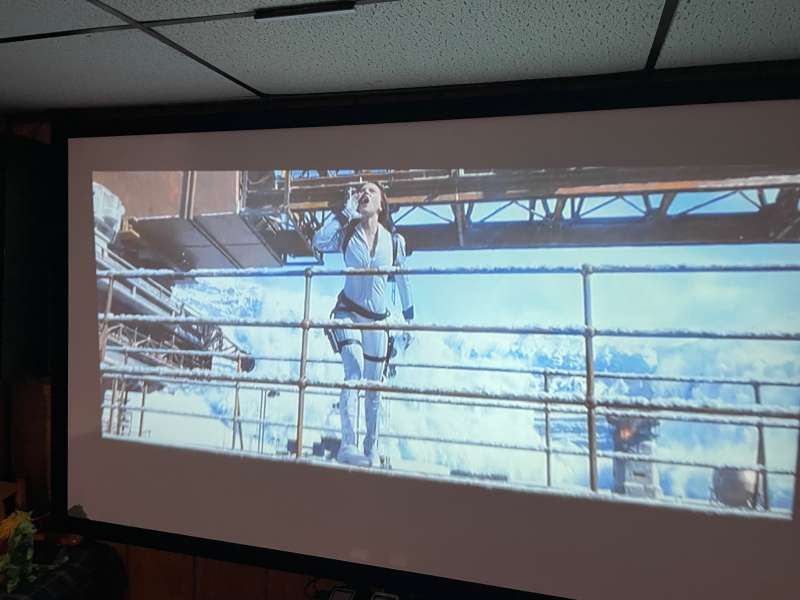
The brightness of the projector is 8,500 lumens. Sorry, no, although the warning should be heeded.

Comparing the Asakuki Avigator 455W video projector with several other projectors, I estimated the brightness to be 1500-1800 lumens (it looks brighter than the 1,300 lumens projector, but darker than the different 2,000 lumens projector). I don’t have a mechanism for quantitatively measuring light output, so this is just an estimate. Nevertheless, in a slightly darkened room, the image is still bright and vibrant.

Color reproduction and contrast are relatively good, especially the low price of $199.99. A few years ago, there would be more projectors like this one.
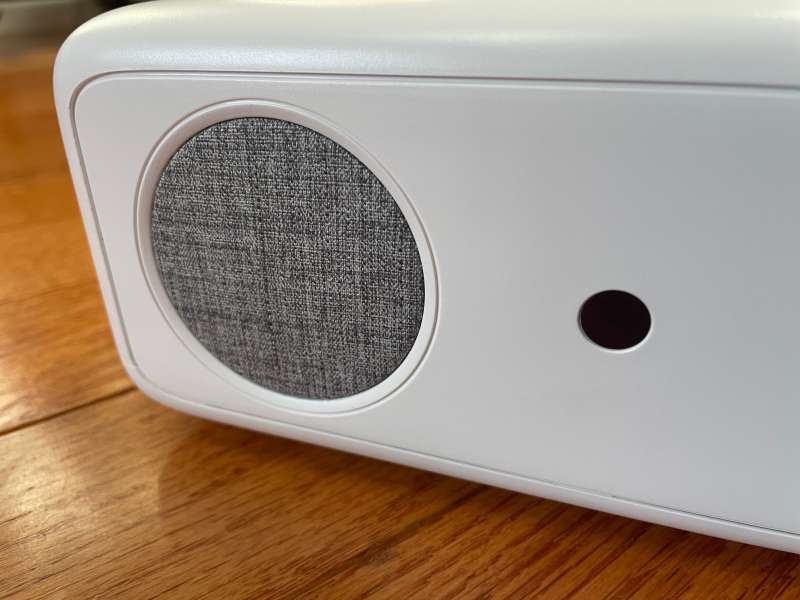
There is only one speaker, the audio quality is weak, especially the relatively large cooling fan of the 455, but it is enough for presentations or children’s movie nights, but if you are looking for a movie experience or full contact sports spectacular, the connection requires more powerful audio system.
what do I like:
- Easy-to-use menus and settings
- As an entry-level projector, low price and good value for money
What will I change:
- The alignment can be sensitive to get the best focus.
- Add left/right keystone correction.
- Add a tripod stand for easy carrying.
Final thoughts:
Not long ago, the cost of a native 1080P projector far exceeded $1,000. Of course, the Asakuki Avigator 455W video projector will not replace Christie or Barco projectors, but for start-up home theaters, children’s rooms, backyard cars or garage Super Bowl parties, for $200, Asakuki’s 455W projector scores a touchdown!
Price: 199.99 USD
Where to buy: Amazon
source: The sample of this review is provided by Asakuki.


