



Review – Now that everyone has a high-quality smartphone camera in their pocket, we face a question: how do we handle all these photos? Of course you can text or post them. But there are some special and unique things about having a physical photo. This is where Cannon Ivy Cliq+ 2 comes in. It is an all-in-one camera and photo printer, so you can save memories in the form of photos, you can save the photos, give them to someone, hide them in a special place, or even paste them to your desk.
What is it?
Canon Ivy Cliq+ 2 is a camera that can take and print 2×3 inch photos (with sticker backing) in less than a minute, or use the Canon Mini Print app to print photos from a mobile phone.
What’s in the box?
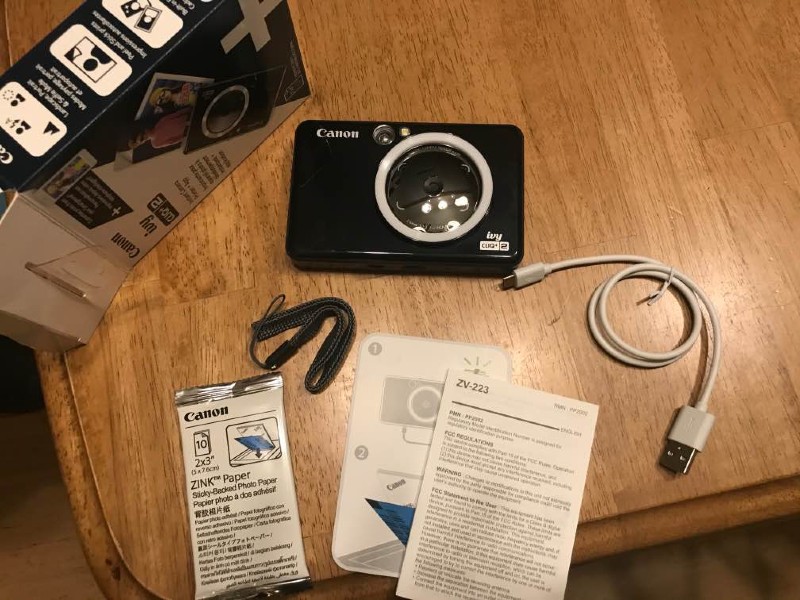
- Canon Ivy Cliq+ 2
- 10 packs of photo paper (with peelable sticker backing)
- Charging/data cable
- Wristband
- Description and warranty
Hardware specifications
General
- Working temperature: 59 – 90°F (15 – 32°C)
- Working humidity: up to 40-50% relative humidity
- Warranty: 1 year limited
- Dimensions: 4.8 x 3.2 x 0.9 inches
- Weight: 0.4 pounds
- Battery: Built-in rechargeable lithium polymer (700 mAh)
- Battery life: Approximately 25 photos
- Battery charging time: 120 minutes to fully charge, 5V/1A charging speed
camera
- Camera resolution: 8MP
- Photo format: JPEG
- Video function: No
- Camera aspect ratio/print size: 2 x 3
- Flash: yes
- Shooting modes: landscape (no flash), portrait (auto flash), Selfie (flash + ring light on)
- Ring light: Yes (8 LEDs)
- Tripod: No
- Timer: Yes, 10/5/3 seconds through the app
- Connectivity: Bluetooth® 5
- Built-in storage memory: none
- Compatible memory card: Yes, microSD memory card (up to 256 GB)
- Mass storage mode: Yes, via the included Micro USB 2.0 cable
printer
- Printing speed: 50 seconds or less
- Print resolution: up to 314 x 600 dpi
- Printing paper: ZINK® photo paper
- Maximum paper size: 2.0 x 3.0 inches
Design and features
set up
In order to use all the functions on Canon Ivy Cliq+ 2, you first need to download the Canon Mini Print application.
 Then make sure that the camera is fully charged. If the power indicator is green, you are ready. If the red/white light flashes, it needs to be charged, which takes about 2 hours.
Then you need to load paper.
ZINK or “Zero Ink” paper blends ink directly into the paper/smart paper, so you don’t need to use this printer to refill the ink. The replacement paper is about 50 cents each and comes in 20 or 50 packs. The camera comes with 10 sheets of 2×3 photo paper with a peelable sticker backing.
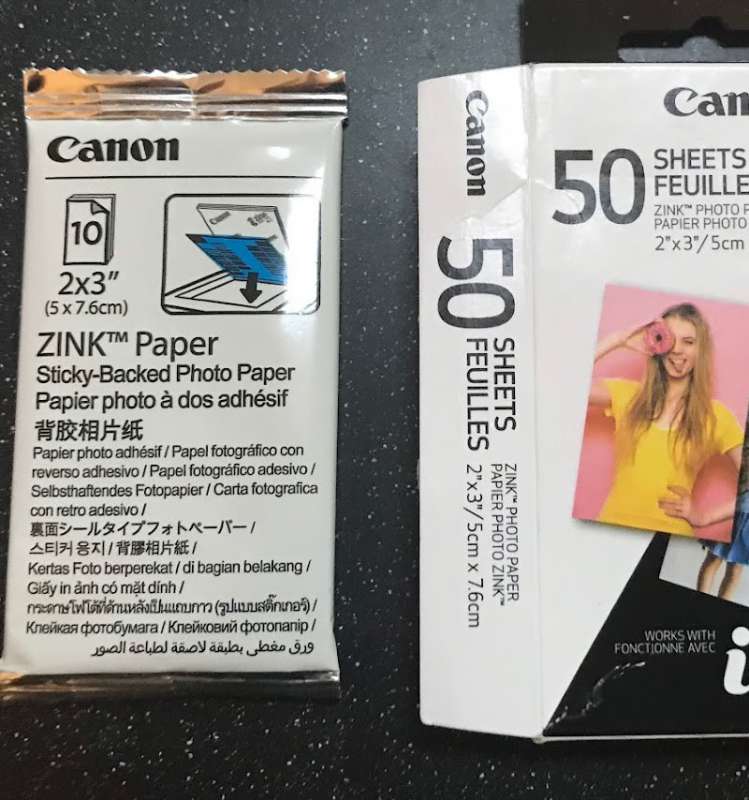
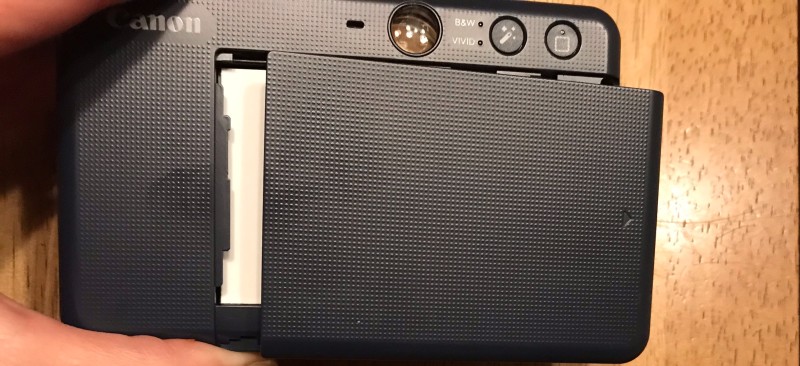
To load it, you just need to slide it down from the back panel and put up to 10 in it (they come in 10 packs), with the sticker side facing down and the blue paper in first. Its label is very good.
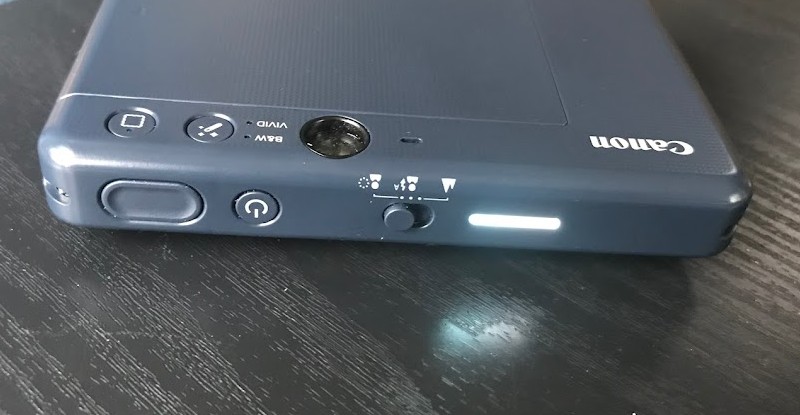
We found it very intuitive to use. The top LED light has several color-coded control indicators, in case you encounter problems or don’t understand what’s going on:
- Color flashing loop: print photos
- White: on/standby
- White blinking: ready to print; the device is starting up
- Red: The device temperature is too high
- Red light flashing: cover open/printing error/no paper/paper jam
- Red and white flashing: low battery
- Blue light flashing: SmartSheet® error
- Cyan: The device temperature is too low
- Cyan flashing: print head cooling
- Magenta: Mass storage mode
- Magenta flashing: MicroSD error
Performance
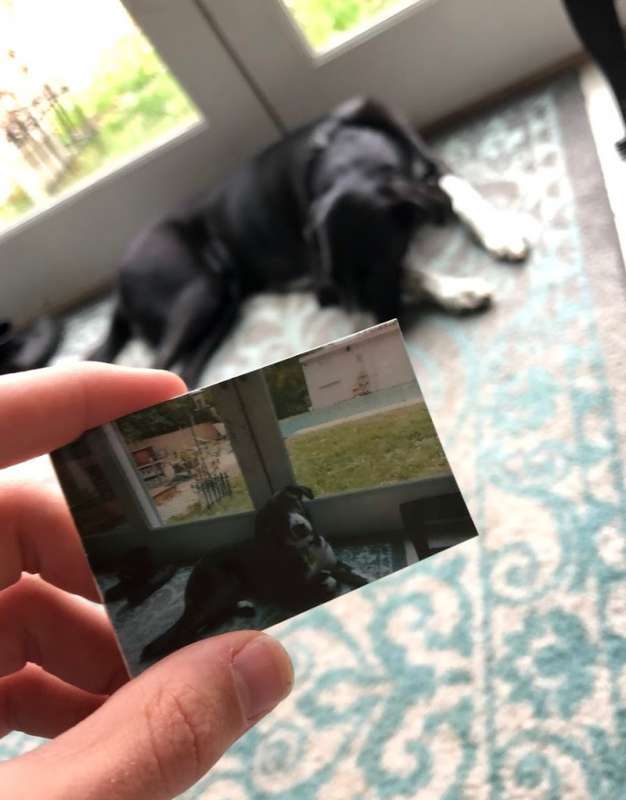
My main adjective for this gadget is “fun”. Just like modern Polaroids. You can go to the old school to take a photo, actually point and click, and then print. When taking pictures, yYou can choose from three modes: no flash, portrait/auto flash and Selfie (flash + ring light on). You can also click the edit button to add a white frame around the edge or choose black and white or vivid mode. However, you cannot preview photos like you would with a digital camera. Therefore, if you want to see what is being printed in advance, please use this application. Using this application, you can print photos from your mobile phone or microSD card, and you can edit them before printing.
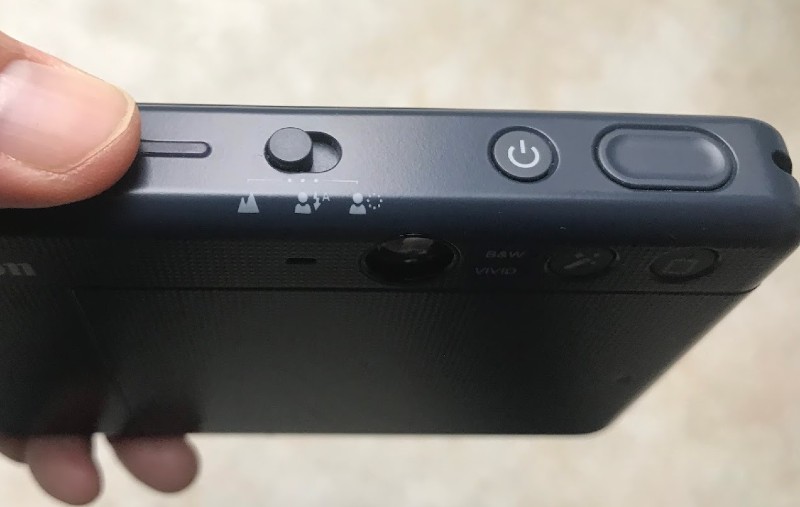
You will notice that it is very light, only 0.4 pounds!
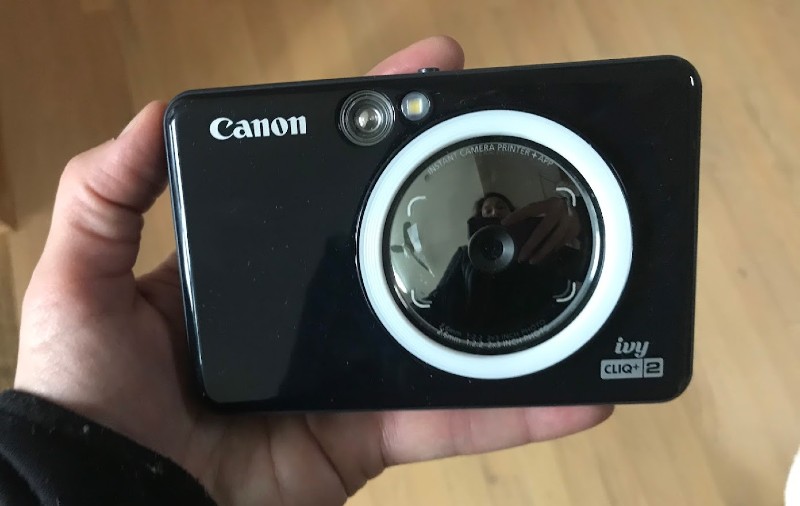
The photo resolution is only 314 x 600 dpi, the maximum, on a 2×3 inch paper. I think it’s pretty low quality and grainy, but surprisingly, the teenagers who tested it didn’t mind at all. In fact, they like it. When Mason brought it to school, he burned a few packs of photo paper and answered many requests for printing photos of friends’ mobile phones. This is now on the Christmas wish list of a few classmates!
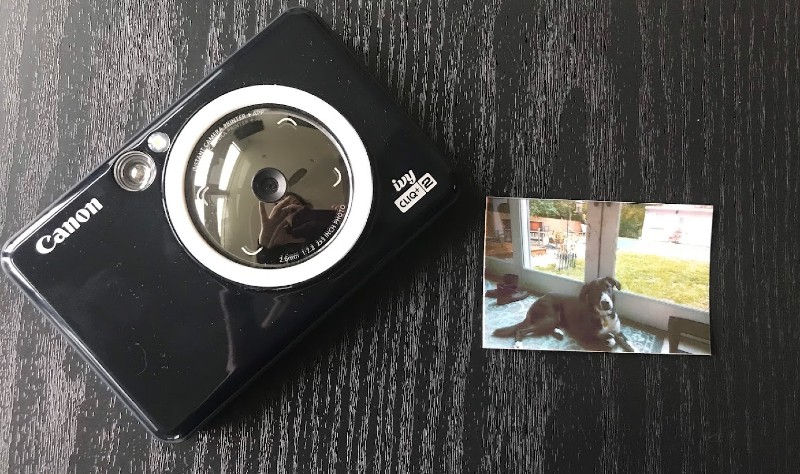
Canon Ivy Cliq+ 2 does not have any major issues. There is no malfunction. There is only one paper jam that can be easily resolved.
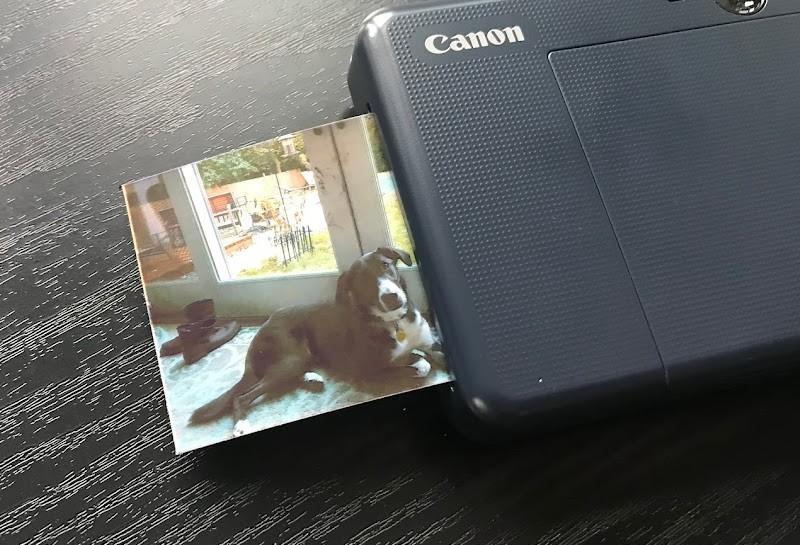
A large part of attractiveness is near-instant gratification. The printing time is less than one minute, and the printed photos can be viewed and touched immediately, which is different from the old Polaroid.
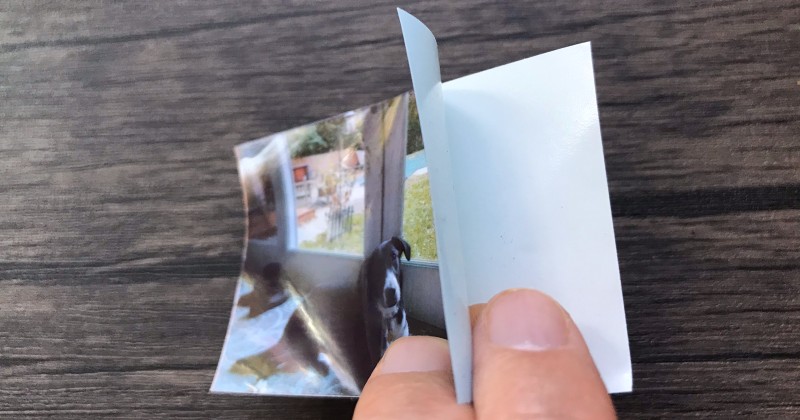
Adhesive backing is a nice gimmick that can come in handy in a classroom or work space, or it can be used to decorate your notebook. Please note that at a price of 50 cents, it is easy to burn a piece of photo paper for $10 a pack of $20 in less than half an hour. But I think on the other hand, you never need to buy printer ink.
what do I like
- Portable, fun and fast
- No ink needed
What will i change
- Cheaper alternative paper
- Higher quality photos
Final thoughts
Canon Ivy Cliq+ 2 is very popular with my teenager and his friends. The shortcomings of photos in size and quality, they make up for with fun and instant gratification.
Price: US$129.99 (may vary depending on the retailer); Replacement of ZINK paper for 20 sheets for 10 US dollars, 50 sheets for 25 US dollars
Where to buy: Canon with Amazon
source: The sample of this product is made by Canon.


