


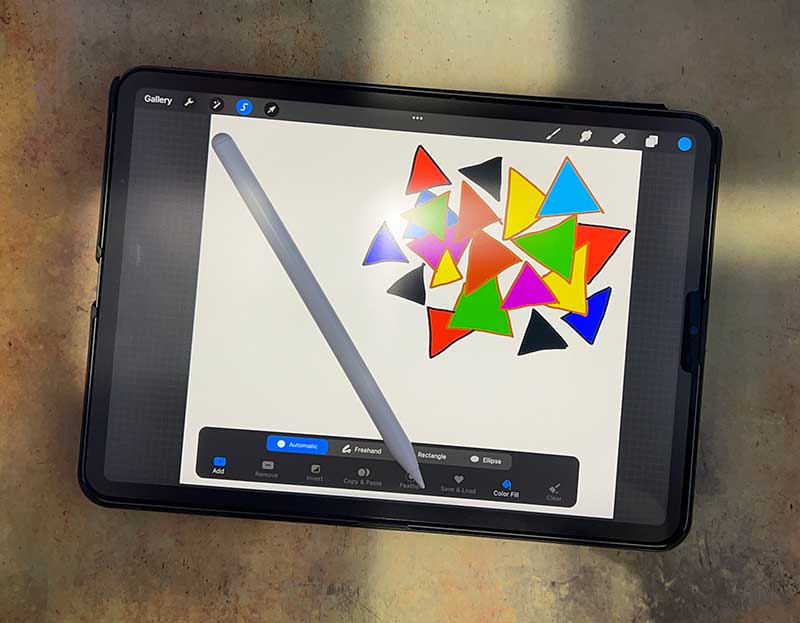
Review – If you own an iPad, chances are you also own or want to own an Apple Pencil. The stylus is a great accessory for iPad, especially if you like to create art or write on your tablet. The only problem is that the price of the Apple Pencil is $129. Ouch! Is there a cheaper alternative? This is what we will see today with FaAmour iPad Stylus.
What is it?
FaAmour iPad stylus is similar to Apple Pencil if only Compatible with iPad 2018-2021 models.
What’s in the box?
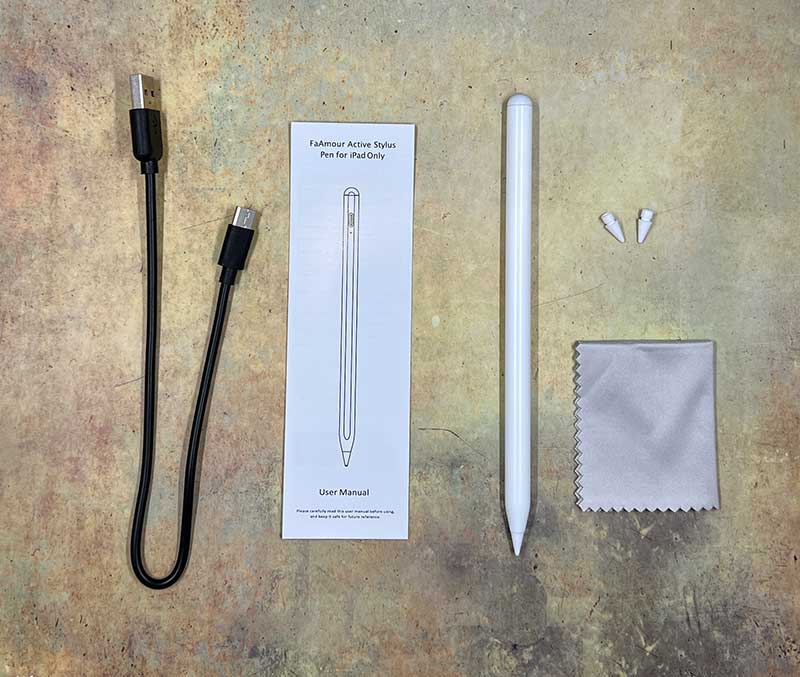
- FaAmour iPad stylus
- 2 extra nibs
- Polishing cloth (don’t know what this is for…)
- USB-C charging cable
- User manual
Design and features
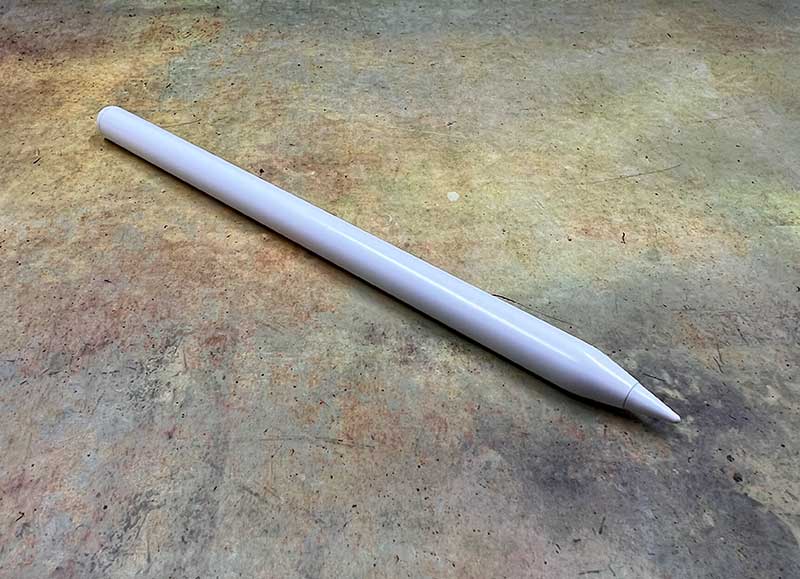
At first glance, it is easy to mistake this stylus for Apple Pencil. The same shape all the way to the flat side helps prevent it from rolling off your desk.
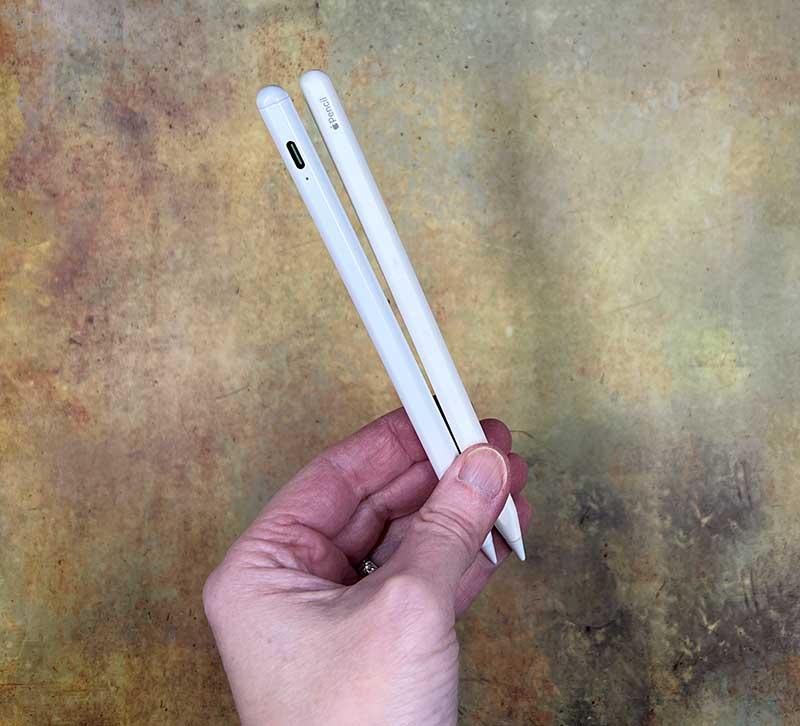
It is also white like the Apple Pencil, although it is brighter than the eggshell white of the Apple Pencil.
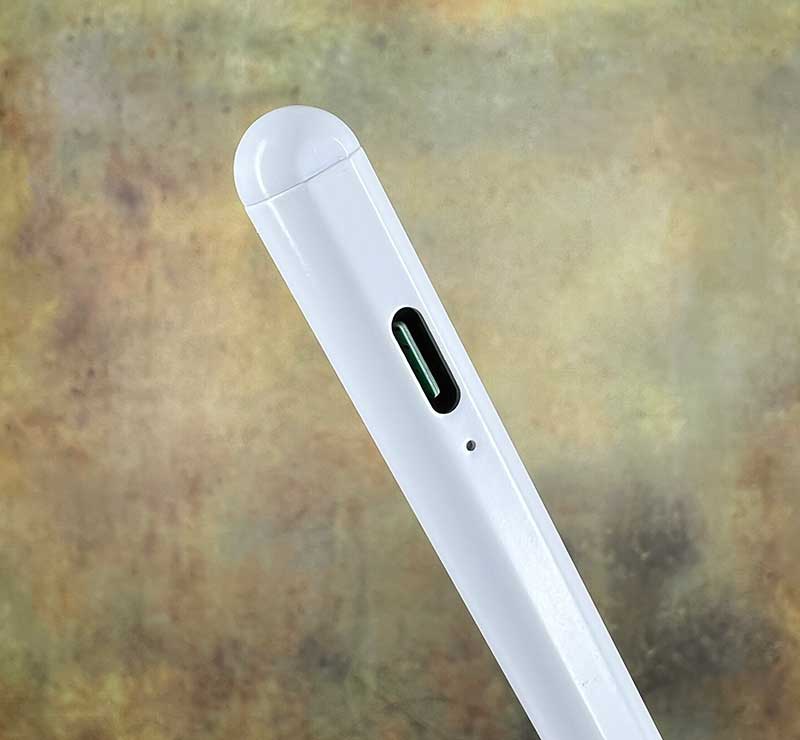
So what is the difference between FaAmour iPad stylus and Apple Pencil? Actually, quite a lot. The first major physical difference you will notice is the built-in USB-C port for charging the stylus. Below the port is a small status green LED, which flashes when charging, and glows steadily when the stylus is fully charged and powered on. How did you turn it on? You hold down the top button for a few seconds.
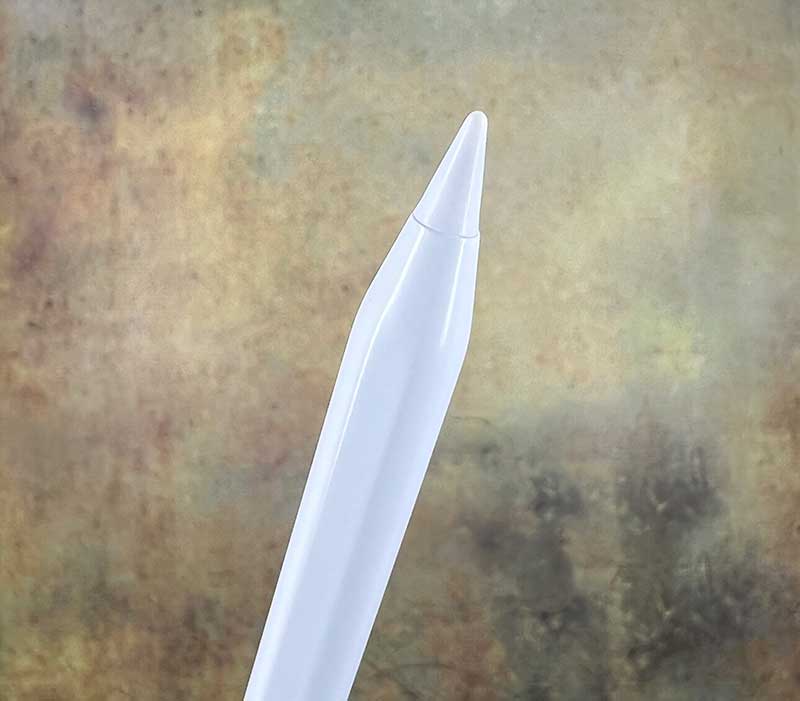
The other end of the stylus is a pen tip or writing pen tip. The nib is detachable/replaceable and the package contains 2 extra nibs.
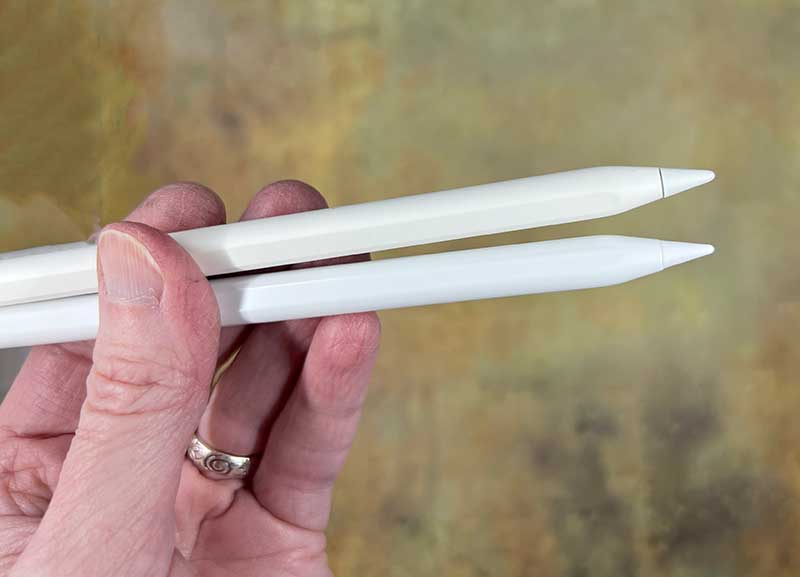
Even the tip/tip of the FaAmour stylus looks exactly the same as the tip of the Apple Pencil. But I closed my eyes and used two stylus pens to write one after another on the iPad, and I could feel the subtle difference between the pen tips. I think the tip of the Apple Pencil is a bit softer than the tip of FaAmour. FaAmour’s nib feels very sharp and hard to me.
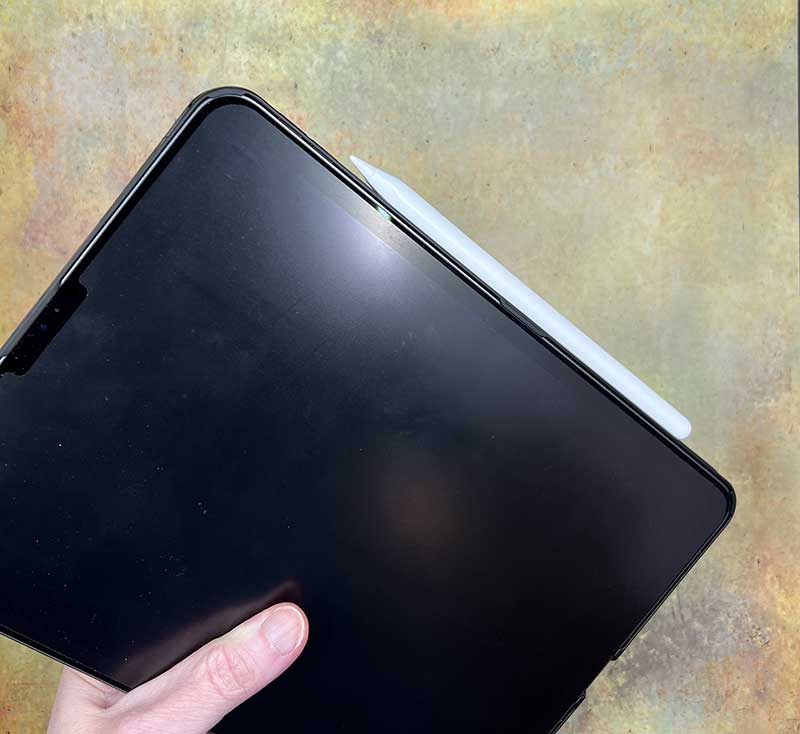
Like the Apple Pencil, the FaAmour iPad stylus can be magnetically attached to the edge of the iPad. Please note that unlike the Apple Pencil, the FaAmour stylus will not charge when connected to the iPad in this way.
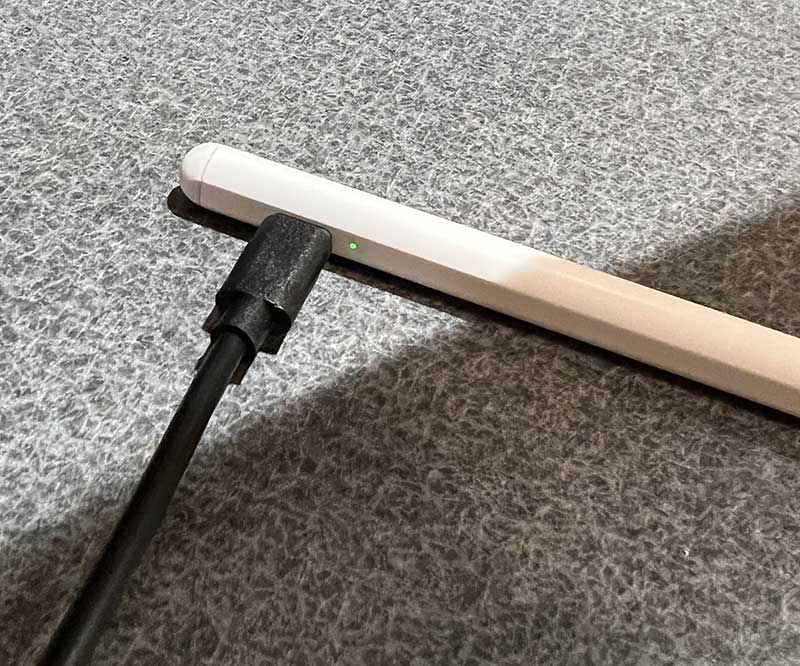
You must use the included (or any) USB-C charging cable to charge it. When fully charged, FaAmour’s built-in 130mAh battery should provide 8-10 hours of use and up to 365 days of standby power.
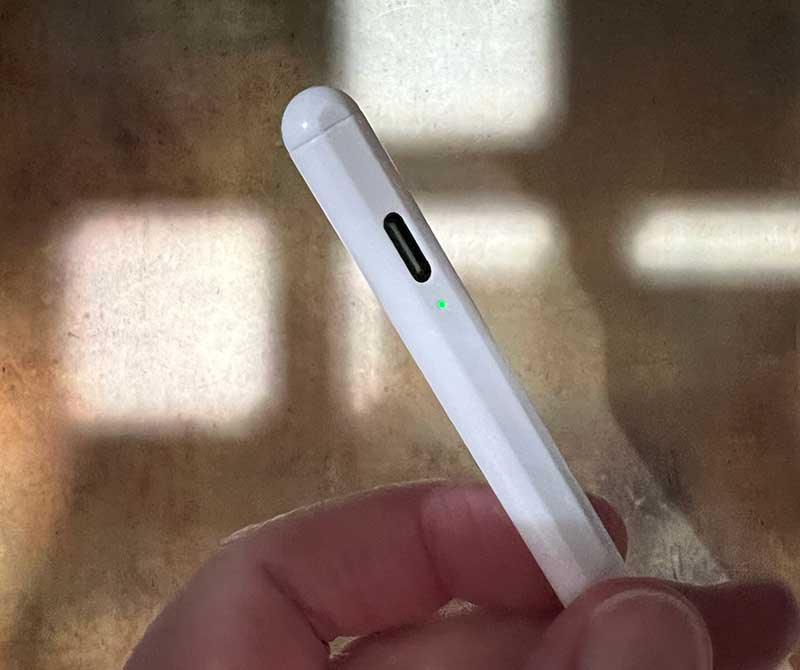
To start using the FaAmour stylus on the iPad, you need to press and hold the top button to turn it on. The green status LED will light up to let you know that it is powered on and ready for use. When using it for the first time, you need to pair it with the iPad via Bluetooth.
Additional features not available on Apple Pencil
Pressing the top button on the stylus will act as the shutter button to take a photo with the iPad’s camera.
Performance
When writing and drawing with this stylus on my 2021 iPad Pro, I did not notice any delay. In this respect, it feels comparable to the Apple Pencil.
I have no problem putting my palm on the screen while writing. I also don’t need special gloves to do this.
The instructions that came with the FaAmour stylus mention that it is pressure sensitive, but that is not the case. Unlike the Apple Pencil, when you use the FaAmour iPad stylus tip to apply more pressure on the display, the line width will not increase. When you tilt the pen tip at an angle of 0-60 degrees to the screen surface, the line width will increase. But it really depends on the software, brush type, and application you use.
After using this stylus for a few days, I also started to notice that it will automatically turn off after 5 minutes of inactivity, and you can’t customize the auto turn off time. Unlike the readily available Apple Pencil, this can become very annoying and you have to open it over and over again.
See it in action
what do I like
- Looks like a much lower price Apple Pencil
- Built-in shutter button
What will i change
- It’s good to open it automatically, not manually.
- Unable to change the auto power off timeout set to 5 minutes
Final thoughts
The FaAmour iPad stylus is a much cheaper alternative to the Apple Pencil. It is $100 cheaper than the Apple Pencil and is an attractive alternative because it looks almost the same and feels very similar to writing, and it can even be magnetically attached to the side of the iPad. Remember, you have to manually charge it with the cable and turn it on manually. In addition, please note that with this stylus, you will not be able to double-tap to erase, nor will you get the pressure sensitivity of Apple Pencil. If you are satisfied with this, it is worth checking whether you have a budget.
Price: $29.99
Where to buy: Amazon
source: The sample of this comment is provided by Meko.


