


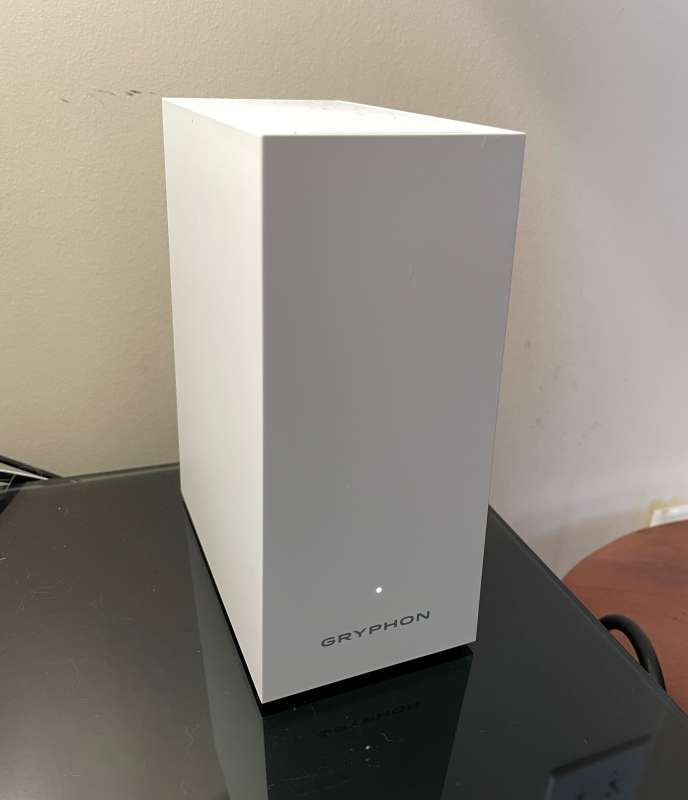
review – My wife and I have been taking sign language classes lately and I noticed some lag during Zoom meetings. I have WiFi all over my house and I have a 200Gb connection, so I thought my router might be causing the bottleneck. Will the Gryphon AX tri-band mesh router alleviate this problem? Yes it definitely will, and there are plenty of other bells and whistles!
what is it?
The Gryphon AX Tri-Band Router is a home WiFi system that transmits and receives data via radio waves from an Ethernet-based modem to appropriately equipped electronic devices.
Hardware Specifications
- Dimensions: 8 x 5 x 3 inches (203 x 127 x 76 mm)
- Weight: 2.88 lbs (1.3 kg)
- Voltage Input: 110-240 Volts, 50/60Hz
- WiFi 6, AX4300 / Tri-band
- WPA2/WPA3
- Covered Area: Up to 3,000 sq. ft. per unit
- Voltage Input: 110-220 Volts, 47-63Hz
- x1 WAN port, x1 Gigabit LAN port with Ethernet backhaul
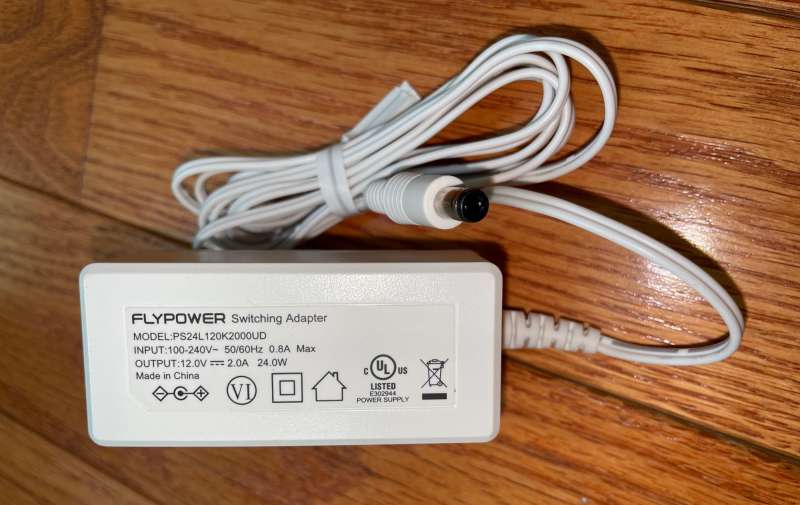
- Supply voltage output: 12 VDC, 2.0A, 24 W
- 3 Gbps overall WiFi support
- Optional Gryphon HomeBound personal VPN
- Gryphon’s Premium Protection – Free 90 Days
What’s in the box?
- Gryphon AX router
- power supply
- ethernet cable
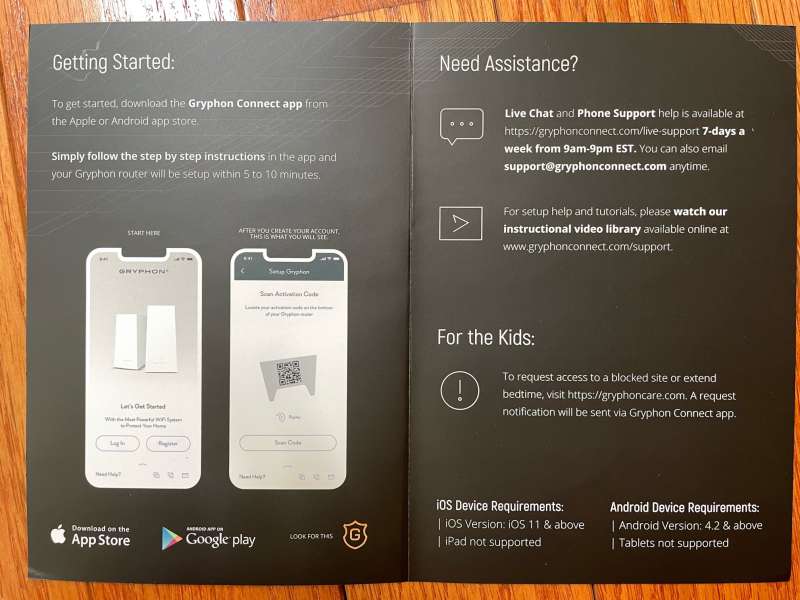
- Quick Reference Card
Design and Features
At last count, I have about 57 WiFi gadgets connected to my home network at any given time. A few weeks ago, I noticed that I had some connection issues (dropped connections, pixelation, etc.) during online meetings, especially when my daughter was streaming 4K video at the same time. I also have a few outdoor cameras placed some distance from my building and the reception isn’t great, so I’m hoping Gryphon’s AX tri-band mesh router will alleviate those issues.
Gryphon graciously provided two AX routers for review. They come in stylish black boxes.
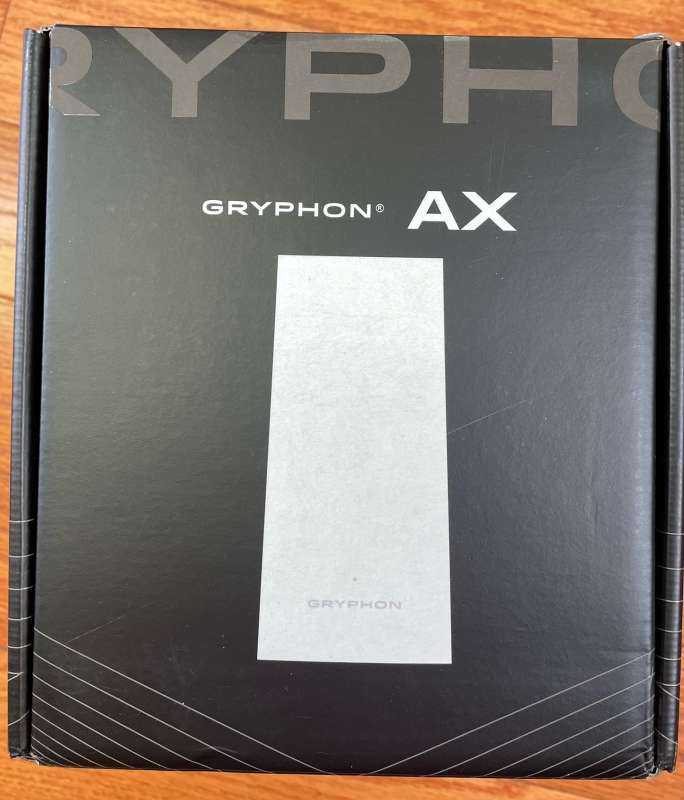
There is no problem with the packaging.
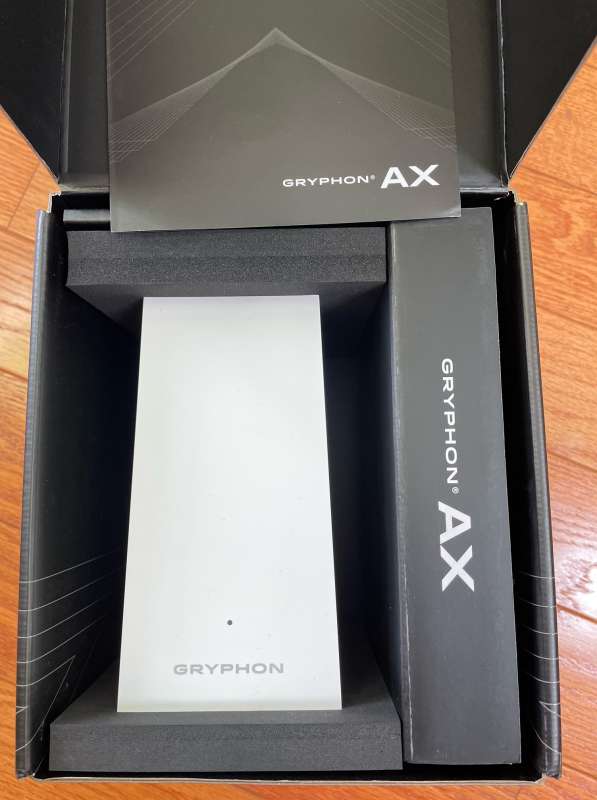
There isn’t much in the box – AX, power supply, ethernet cable and reference card.
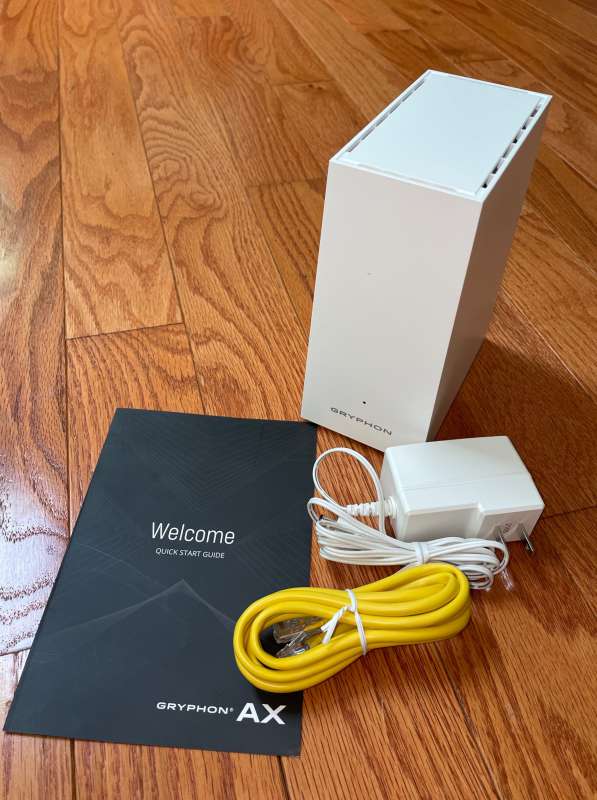
The Quick Reference Card is the only hard copy documentation in the box. Everything else is in the app and online.
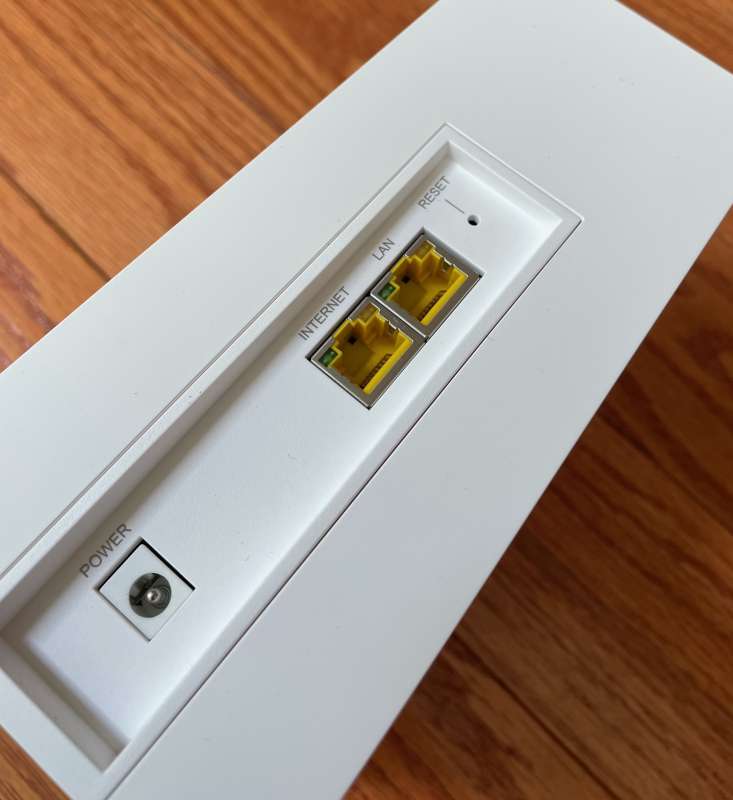
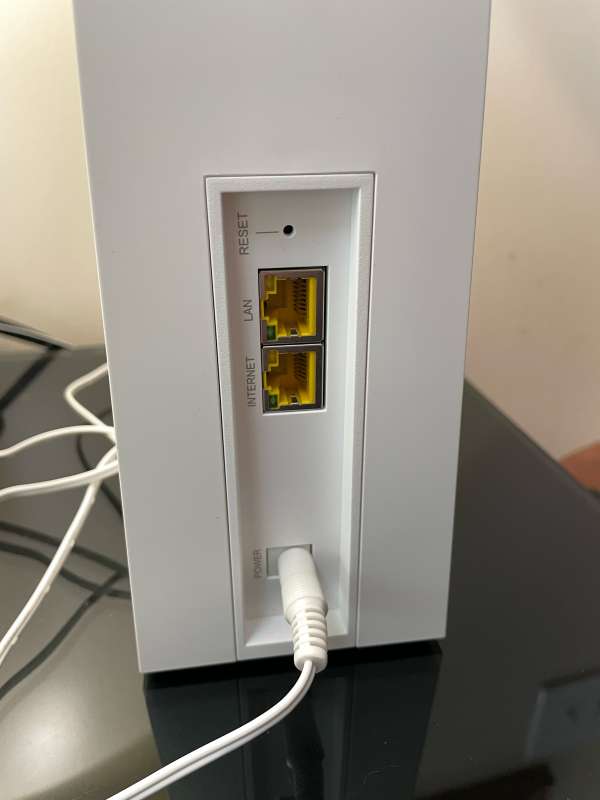
The Gryphon AX tri-band router has only two ports on the back. One for the internet connection and the other for the wired connection. If you use two or more AXs, they can carry 4.3GHz backhaul between nodes. This means that there is a connected network (independent of WiFi) between the AX units, so they can communicate with each other very quickly. Data is transferred from the AX connected to the modem and rebroadcasted to others over the network, speeding up data transfer. For clarity, the backhaul speed is between AX units, not the speed provided by the Internet Service Provider (ISP). If you have a 200Mbps connection to your ISP, your AX network can use that bandwidth more efficiently, but not any faster than it offers. If the Ethernet port is being used, the connected device can use the faster bandwidth.
So why is it so good? If your network has bundled gadgets connected, the Gryphon AX Tri-Band Router’s communication network can rebroadcast WiFi signals to hard-to-reach places with much less speed drop than a “range extender”.
The power connection is a barrel connector. The hardware setup is very simple – the first AX unit plugs into the Ethernet port on the internet modem.
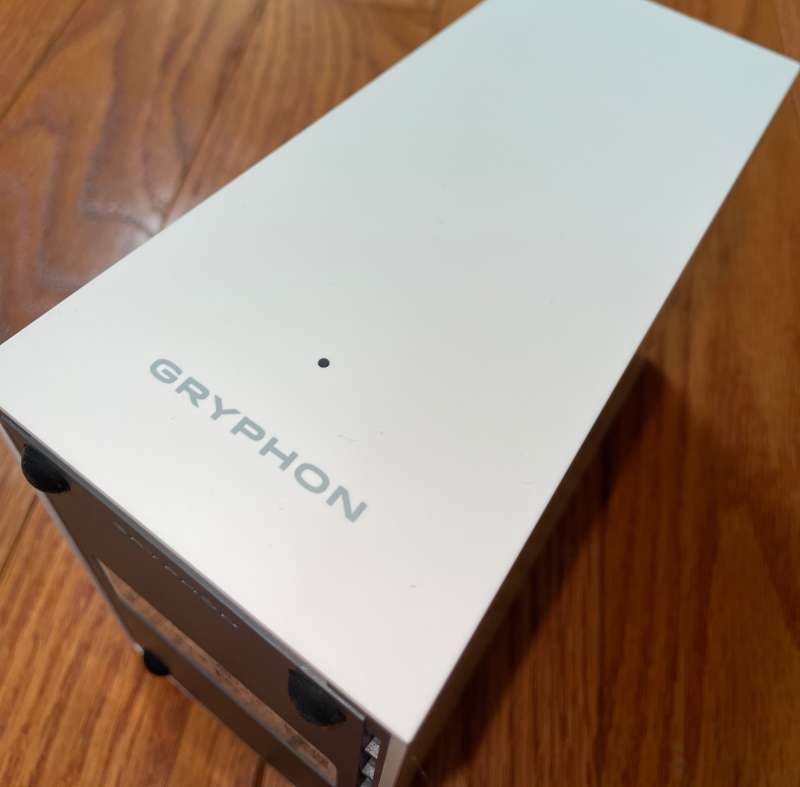
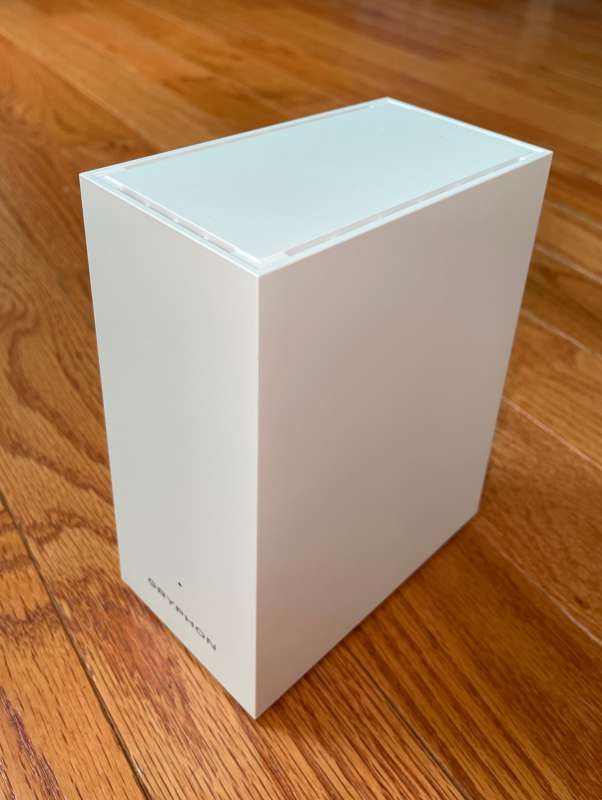
The front of the Gryphon AX tri-band router is elegant and minimalist.
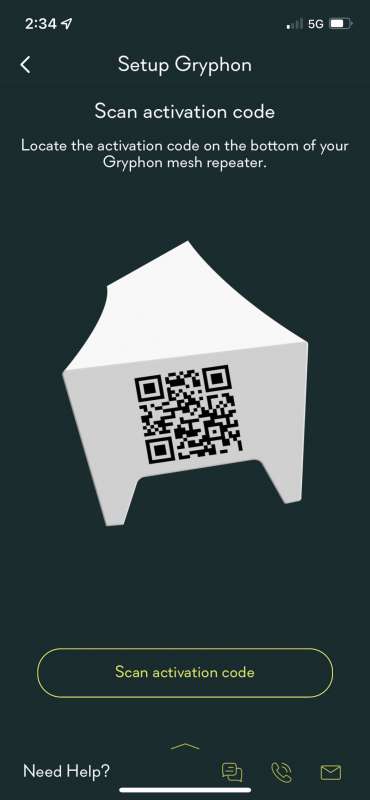
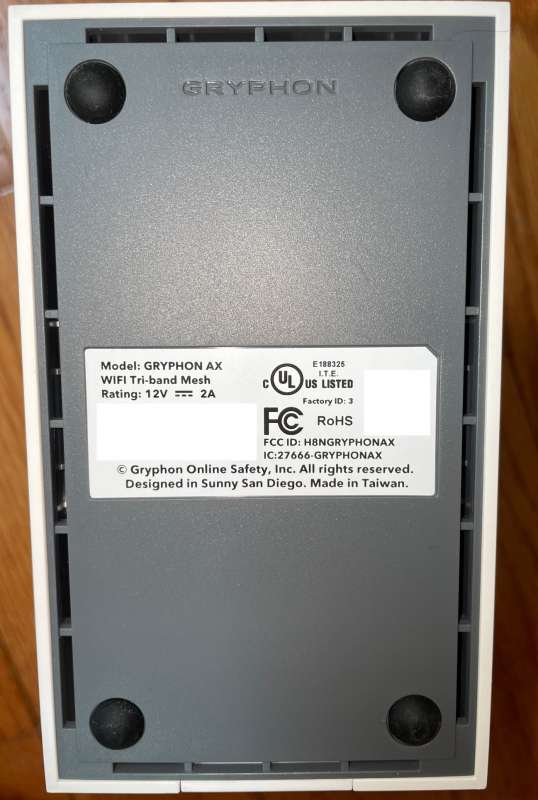
To configure the Gryphon AX tri-band router, an app is required. The app is exemplary in going through the setup process. There is a QR code at the bottom of the AX (removed from the photo for security purposes) to speed up the process.
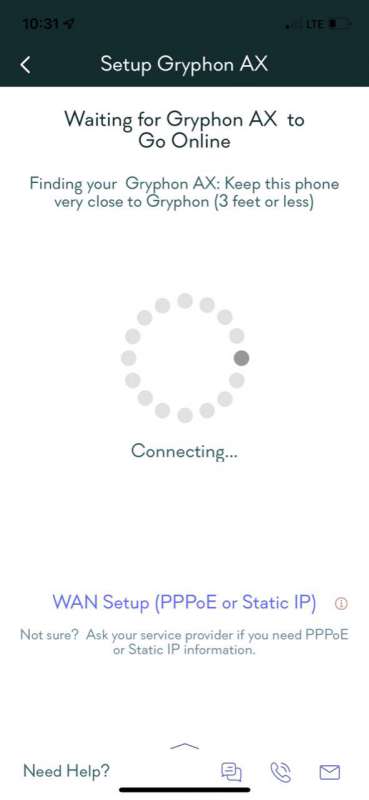
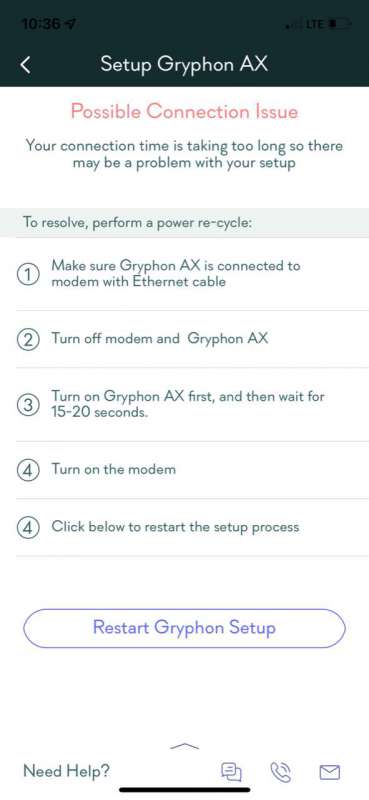
If there are connection problems, the online system can help. I was impressed to see that Gryphon’s phone number and technical support were just a click of the “Need help?” button. in the lower left corner. I called them and just waited for the support rep and asked a few questions. Well done, Griffin!
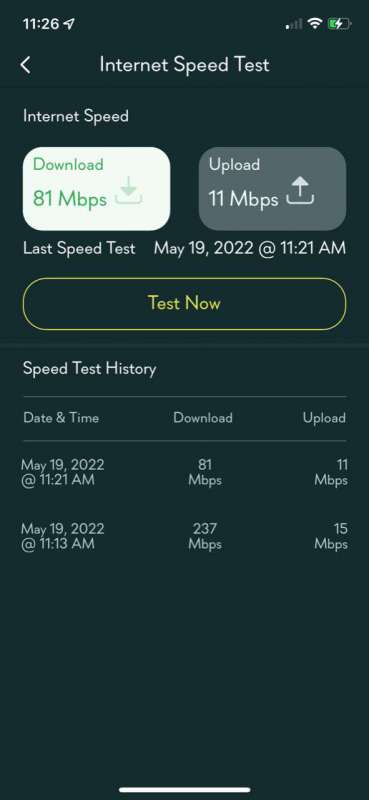
Is the Gryphon AX tri-band router fast? Oops, yes! My ISP is a 200Mbps connection, but when configured correctly, the speed test shows 237Mbps. Excellent! (Don’t let the second 81Mbps test number mislead you – I was playing with something else while I ran the test. All subsequent tests were very quick!)
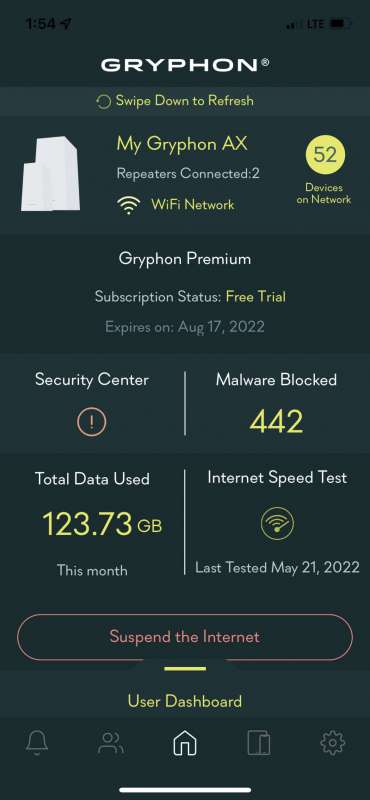
Once the first AX unit is set up, the dashboard conveniently displays an overview of the system.
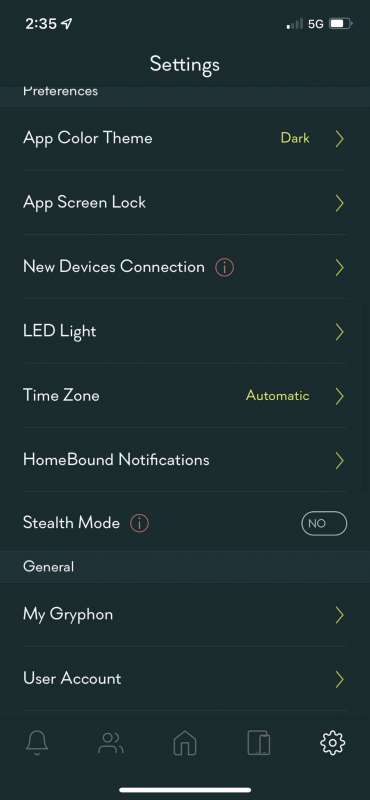
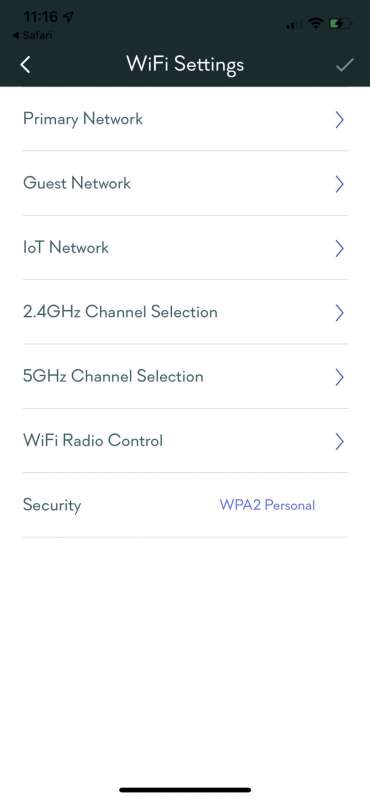
There are many options for configuring your router.
Each connection can be viewed independently.
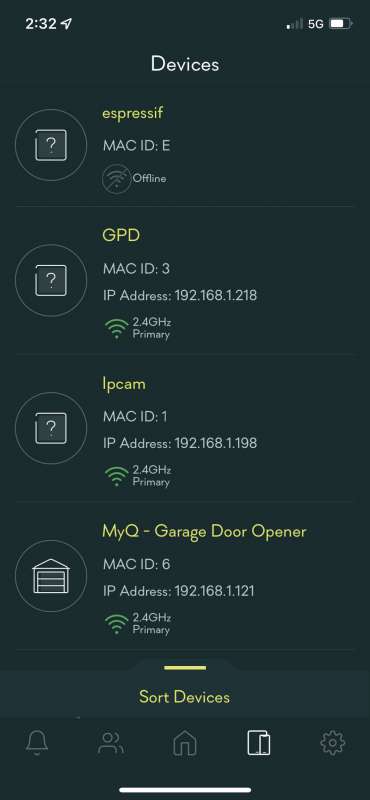
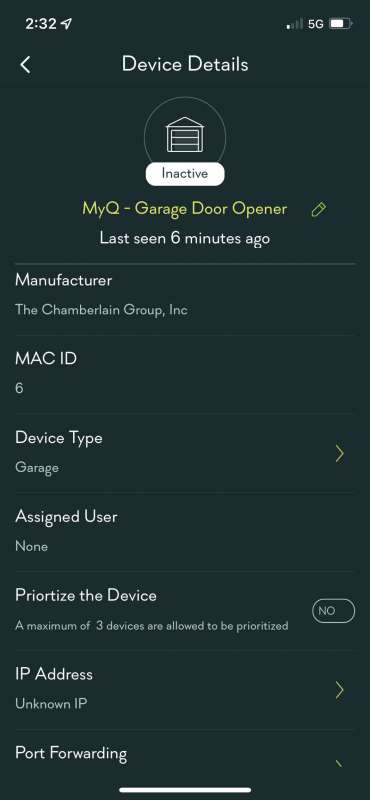
Since I have a second Gryphon AX tri-band router, I set up the second one in a corner of my house and needed extra Wifi speed and signal. Initialization took only a few minutes. I’m glad its signal reached a backyard ring camera that used to have a hard time staying connected.
This is where some planning and organization pays off. Over the next few hours, I recorded the MAC addresses of gadgets in my home and tagged them in the app. This is very helpful for scheduling usage and access for each device, user or group. Gryphon AX is perfect for families with children. If you take the time to inventory all of your home’s MAC addresses, you can assign each address to a person or group.
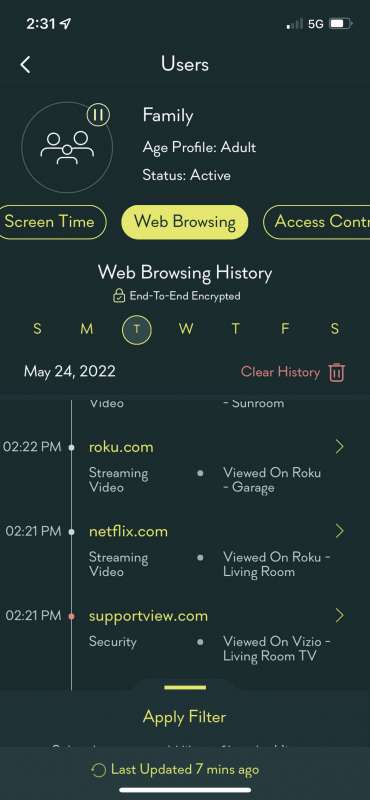
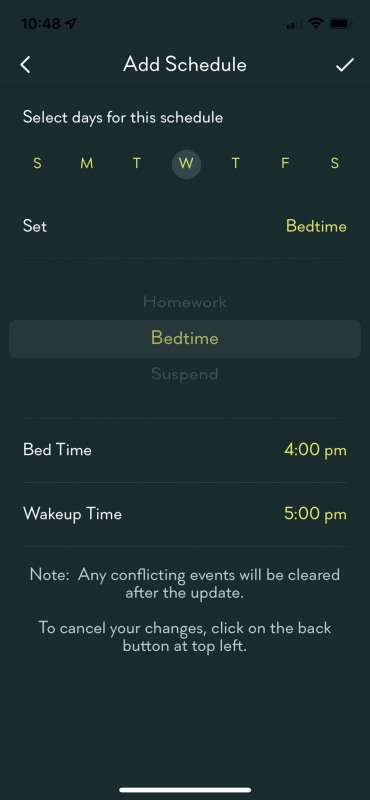
Once assigned, it’s simple to set up schedule, allow, and block for each. Gryphon allows scheduling to restrict access to the internet by time and category. For example, if a child needs access to the Internet to complete their homework, select sites can be given limited access based on that child’s “homework” criteria, and another child can be given a different set of restrictions. Of course, timers can be set to prevent access on specific days or times (such as bedtime or “away” time). Does watching Netflix keep you up late? Set yourself a timer limit to keep your A game working the next day. Very smooth!
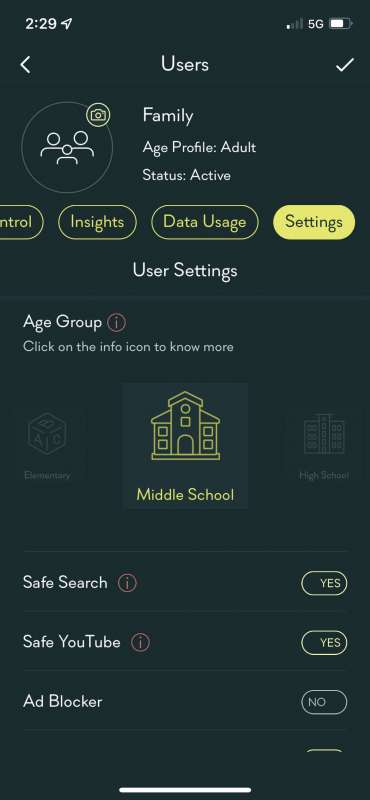
Age-appropriate settings can be configured for each person, group or device.
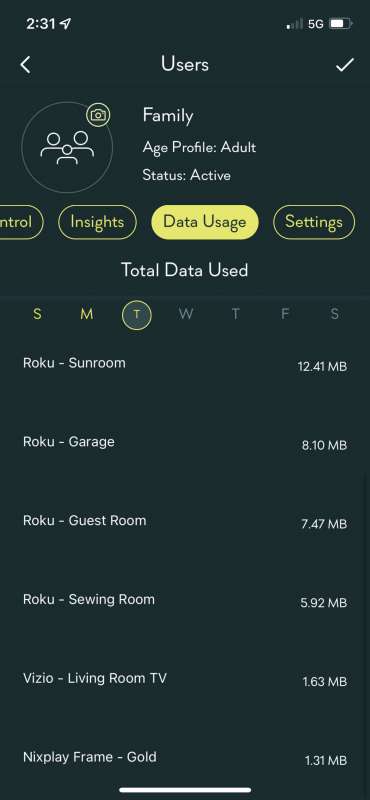
You can view network traffic for each job.
Different categories of web access can be restricted at the touch of a button.
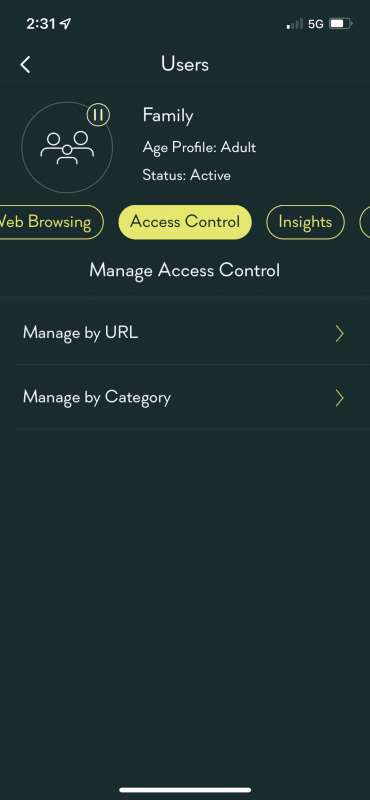
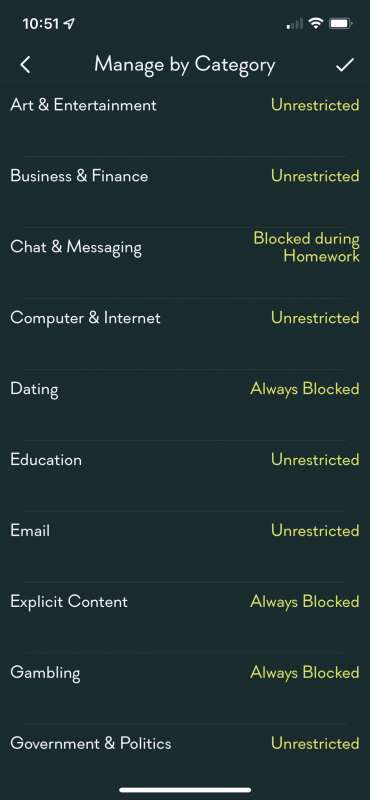
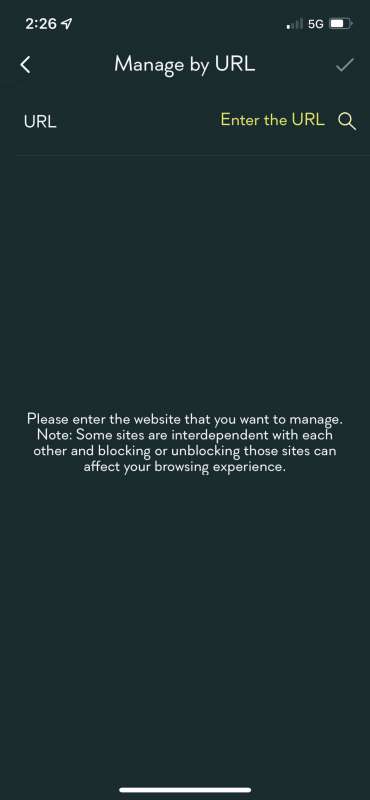
Likewise, specific URLs and domains can be blocked.
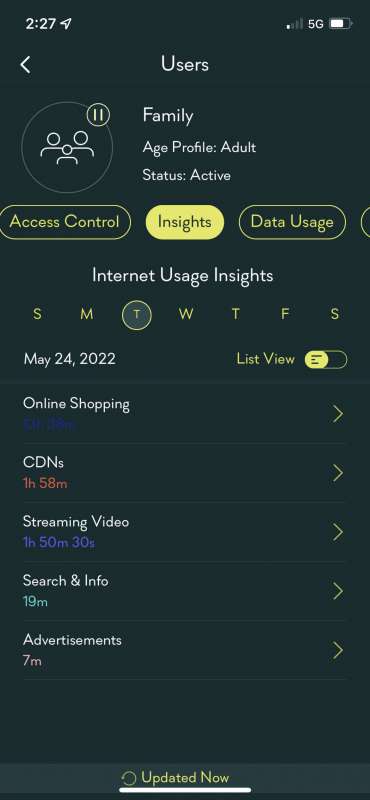
You can even use the Insights and Data Usage tabs to focus on how each individual or group is using data. I like this!
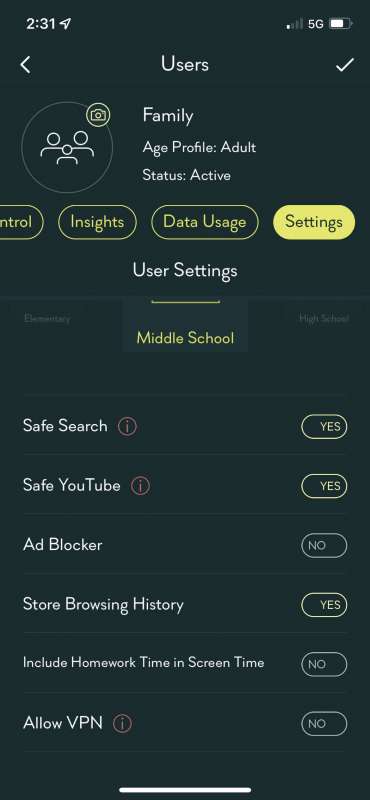
Personal profiles can also be tailored for age-appropriate content on the Settings tab.
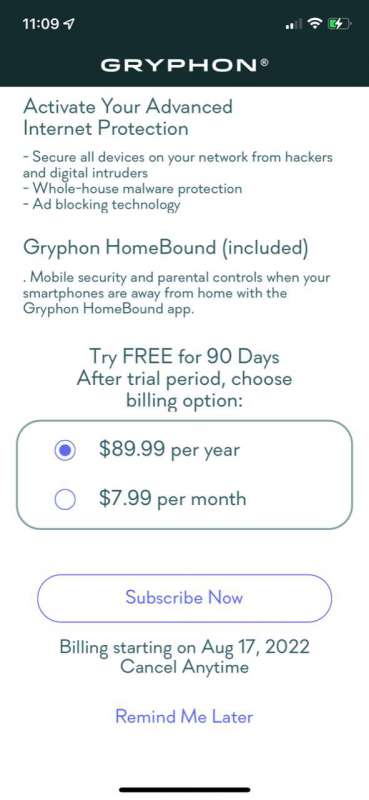
Alternatively, Gryphon offers Advanced Threat Protection and HomeBound (personal VPN) for $7.99 or $89.99. After my review, I was hooked, trusted Gryphon and paid $89.99 for a year of service. According to Gryphon’s website:
“Gryphon HomeBound is an app you can install on smartphones and tablets to extend the security and protection of Gryphon while you and your family are on the go – even when using cellular or public WiFi hotspots.
Advanced Network Protection – Provides data encryption, privacy and malware filtering when connecting using the app.
Parental Control System – Extend parental controls beyond the home on mobile data and other WiFi networks.
Gryphon HomeBound® automatically and securely routes all traffic from your mobile device back to your Gryphon Mesh router for filtering before it reaches the Internet. “
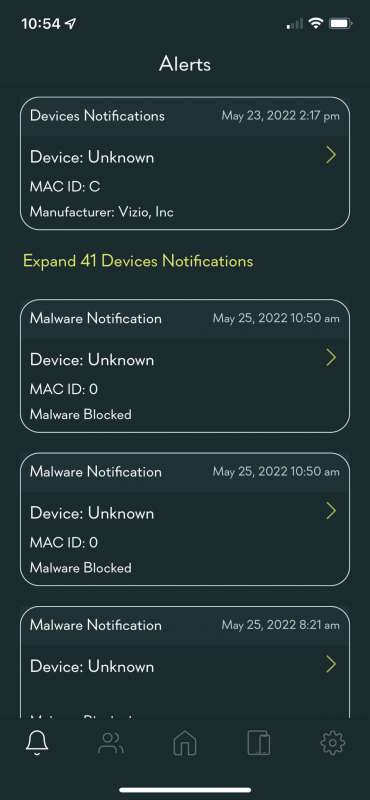
Gryphon provides excellent malware protection. I was amazed to see how much traffic each device was generating.
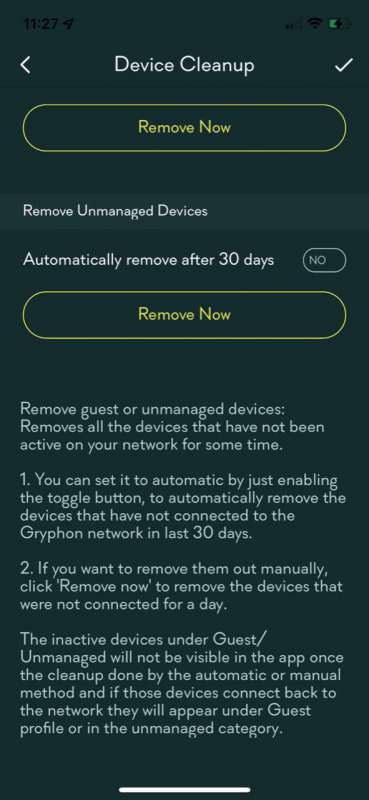
Devices that do not have access to the router can be automatically deleted.
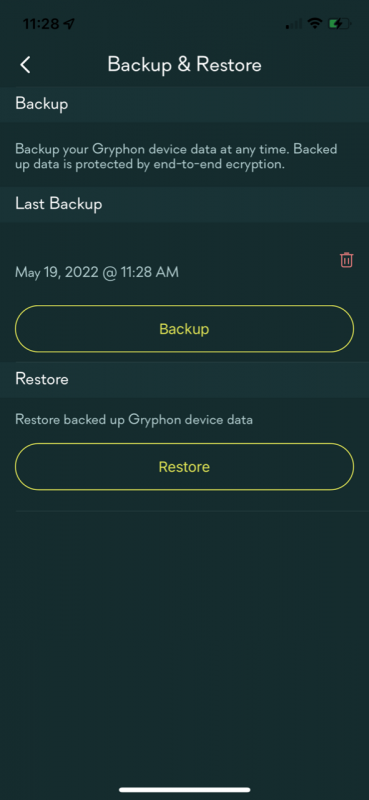
System settings can be easily backed up and restored.
what do I like
- going crazy
- great customer service
- The most configuration options of any router I’ve ever used
- Advanced Malware Protection
what would i change
- Another Ethernet port or two would be delightful.
final thoughts
I was so impressed with the Gryphon AX tri-band router that in less than a week, I went to Amazon to buy another one to fill a hole in my home’s WiFi coverage. If you have kids, timers and block management are essential to protect them and focus on the task at hand rather than crushing their enemies in their favorite video game. The Gryphon AX tri-band router is blazingly fast, the setup and configuration options are great, and the malware protection is great. Gadgeteers, we have a winner!
price: $279 for a single, $449 for a pair on Amazon.
where to buy (this: Griffin and Amazon
resource: Samples for this review provided by Griffin.

