


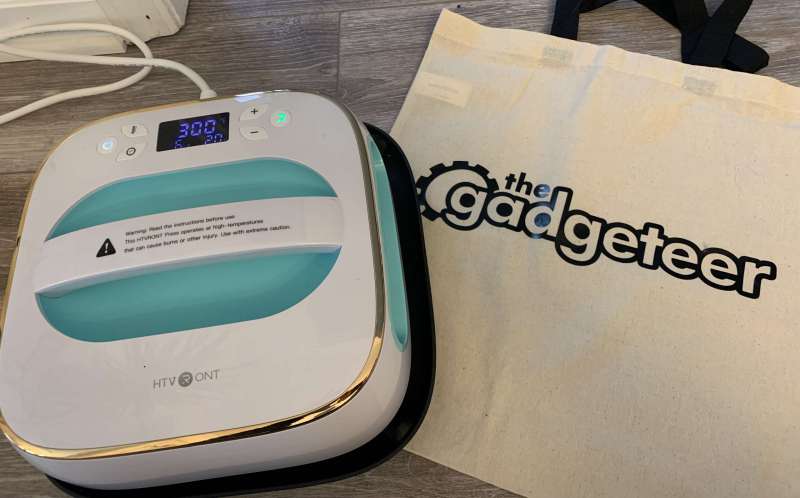
review – If you’re an avid or even amateur crafter, you’ve probably used iron-on vinyl, also known as heat transfer vinyl (HTV). As the name suggests, it uses a heat-activated adhesive to permanently attach your designs to any fabric. Today I am happy to show you the HTVRONT heat press as an alternative to using that stupid iron.
What is it?
The HTVRONT Heat Press is a 10″ x 10″ portable heat/iron press for HTV vinyl and sublimation. NOTE: This machine is also suitable for sublimation printing, but this is not the craft I have the equipment for, so I will be strictly focusing on vinyl in this review.
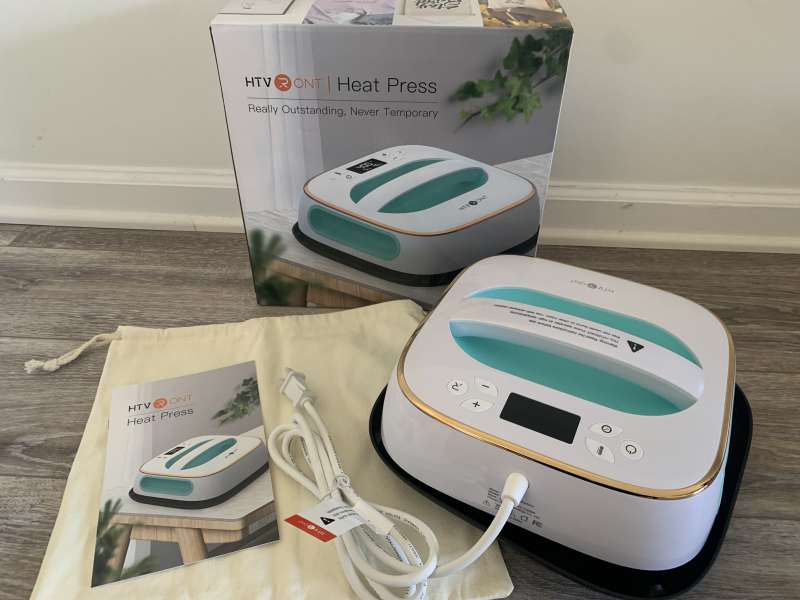
What’s in this box?
- HTVRONT heat press
- safe base
- storage cotton bag
- power cable
- manual
glasses
- Temperature: 70°F-410°F
- Timer: 1-999 seconds
- Pressure Display: Up to 99 lbs
- FCC and UL certified automatic shutdown
- Input voltage: AC 120V 60Hz
- Power consumption: 1200W
- Dimensions: 298mm x 298mm x 131mm
Design and Features
The HTVRONT heat press has many desirable features including portability, ease of use, quick heat up, useful timer, pressure display and stylish design.
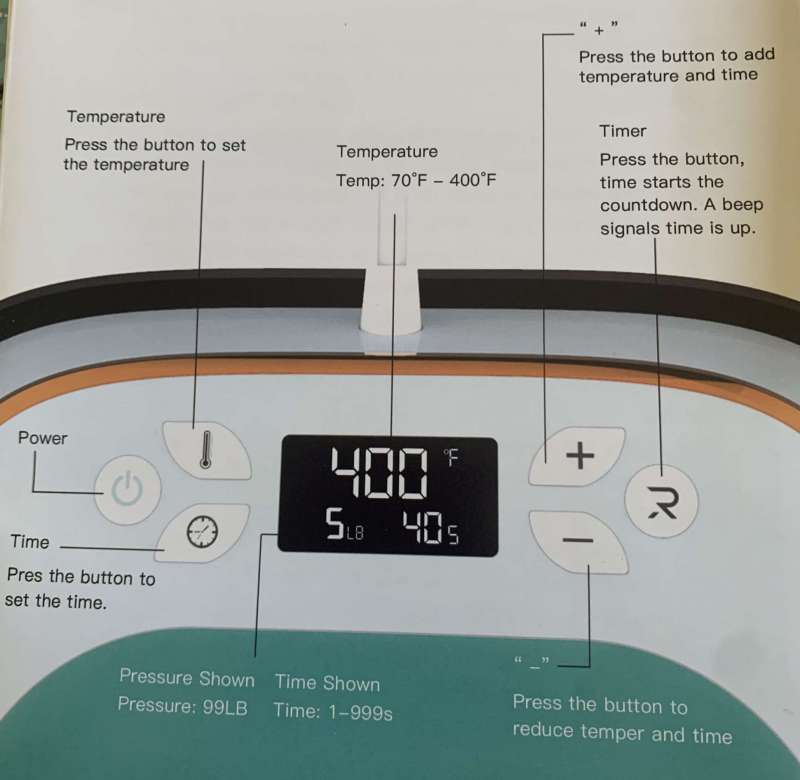
step 1: Power on and make sure your machine is on a secure base
Step 2: Press the temperature/timer button and use the plus (+) or minus (-) buttons to adjust the value
NOTE: Your vinyl should give you the best heating temperature
When the HTVRONT heat press heats up to the temperature you set, the display will show the current temperature. I can say that HTVRONT will reach the temperature you want very quickly. The surface temperature of the heat press is uniform, which can be sublimated and ironed.
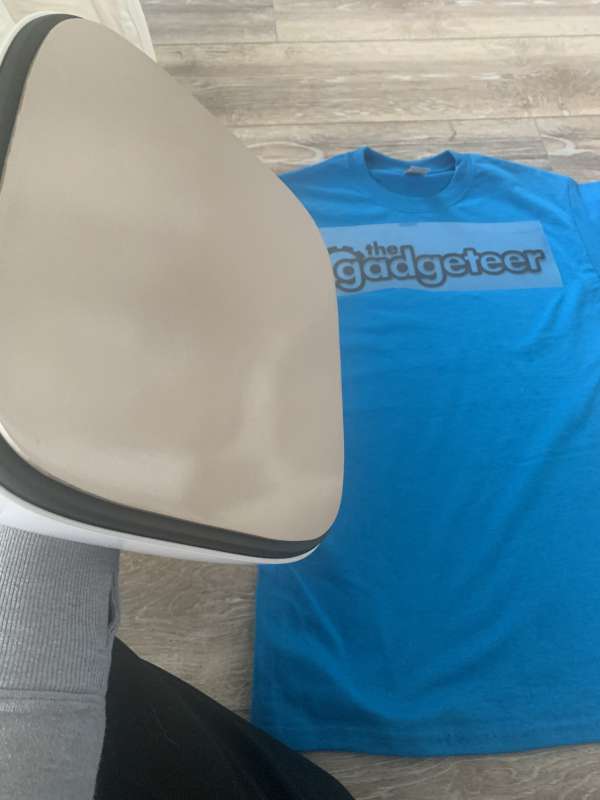
Step 3: Place the vinyl pattern on the garment, then place the heat press on the pattern and apply pressure. (Make sure to protect the surface under clothing from heat.)
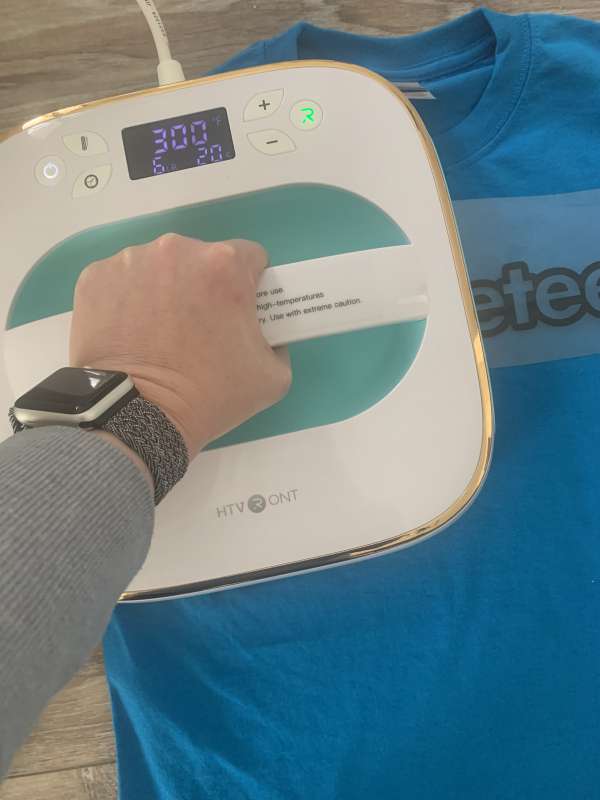
The stylish design allows two ways of applying pressure.
Light pressure: One hand or the machine itself (6-11 lbs)
Medium/High Pressure: Both hands are on the side handles. (11-33 and 33-50 lbs)
Another thing I appreciate is that the HTVRONT heat press shows the pressure you are applying, so no guesswork.
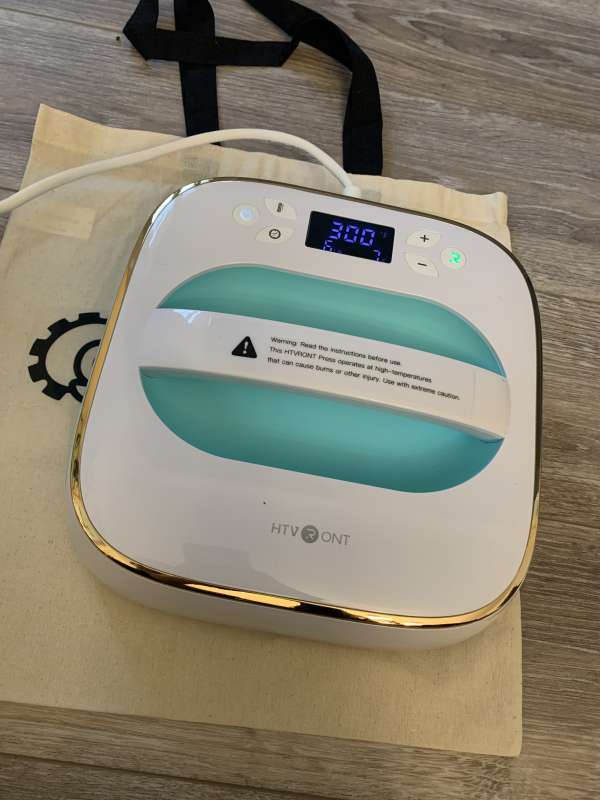
the fourth step: Click the timer button (clock) and set the desired time. Then click “R” to start the time. The machine will beep when the time is up.
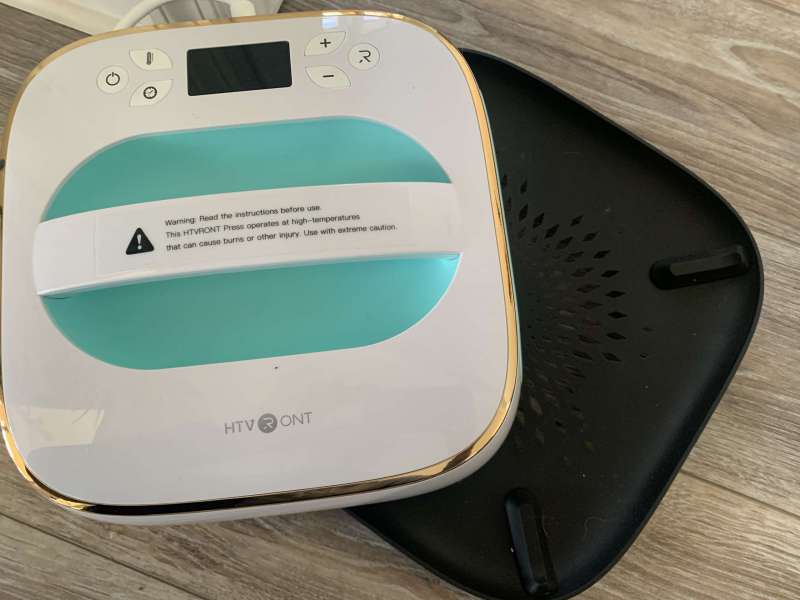
Step 5: When the countdown is over, remove the heat press and place it on the included safety stand.
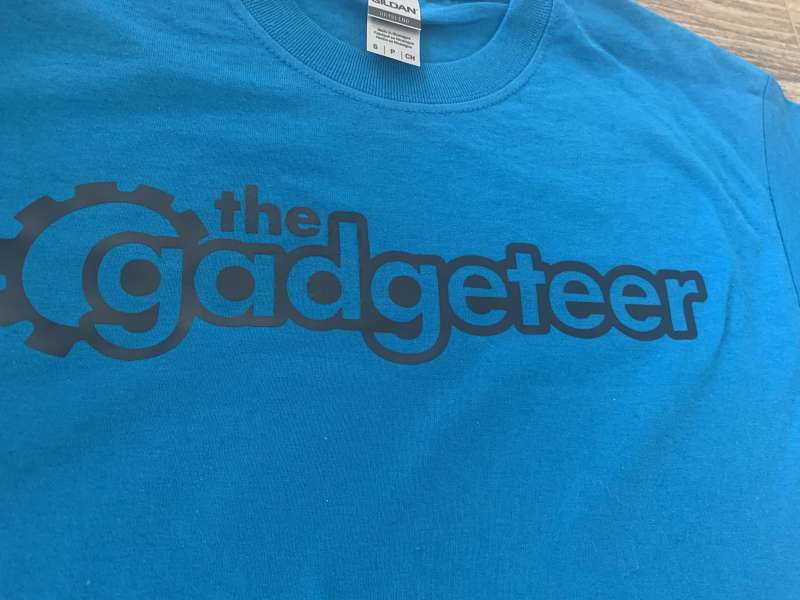
Step 6: Remove the film and see your finished product!
The HTVRONT heat press has several safety features that I appreciate, including a safety base and design features. The safety base can not only protect the heating plate from being scratched, but also prevent people from being scalded. Even if the heat press works for a long time, the handle will not burn your hands due to overheating. The most important and useful feature is that the machine automatically turns off after 15 minutes of inactivity, so you don’t have to worry about forgetting to turn off the heat press!
what do I like
- fast heating
- Timer function
- pressure display
- Simple to use
- safety features
Areas for improvement
- Storage cotton bag – I found it to be too tight for practical use
final thoughts
Make a game changer! The HTVRONT heat press is a product I know I’ll be using a lot. No more dragging out the iron, waiting for it to get hot, hoping that when I iron, I’m applying even pressure and hitting all the vinyl. The HTVFRONT heat press is a safe, simple, and efficient product that I rate A+!
Price: $99
where to buy: HTVRONT website or Amazon.
resource: This product sample is provided by HTVRONT.
Surprise gadgets delivered straight to your mailbox! Gadgeteer has partnered with the world’s #1 tech subscription box, Gadget Discovery Club, to bring you a $40 trial gadget box!Get your trial box now for $14.99 with code Gadget 1 at checkout! |


