


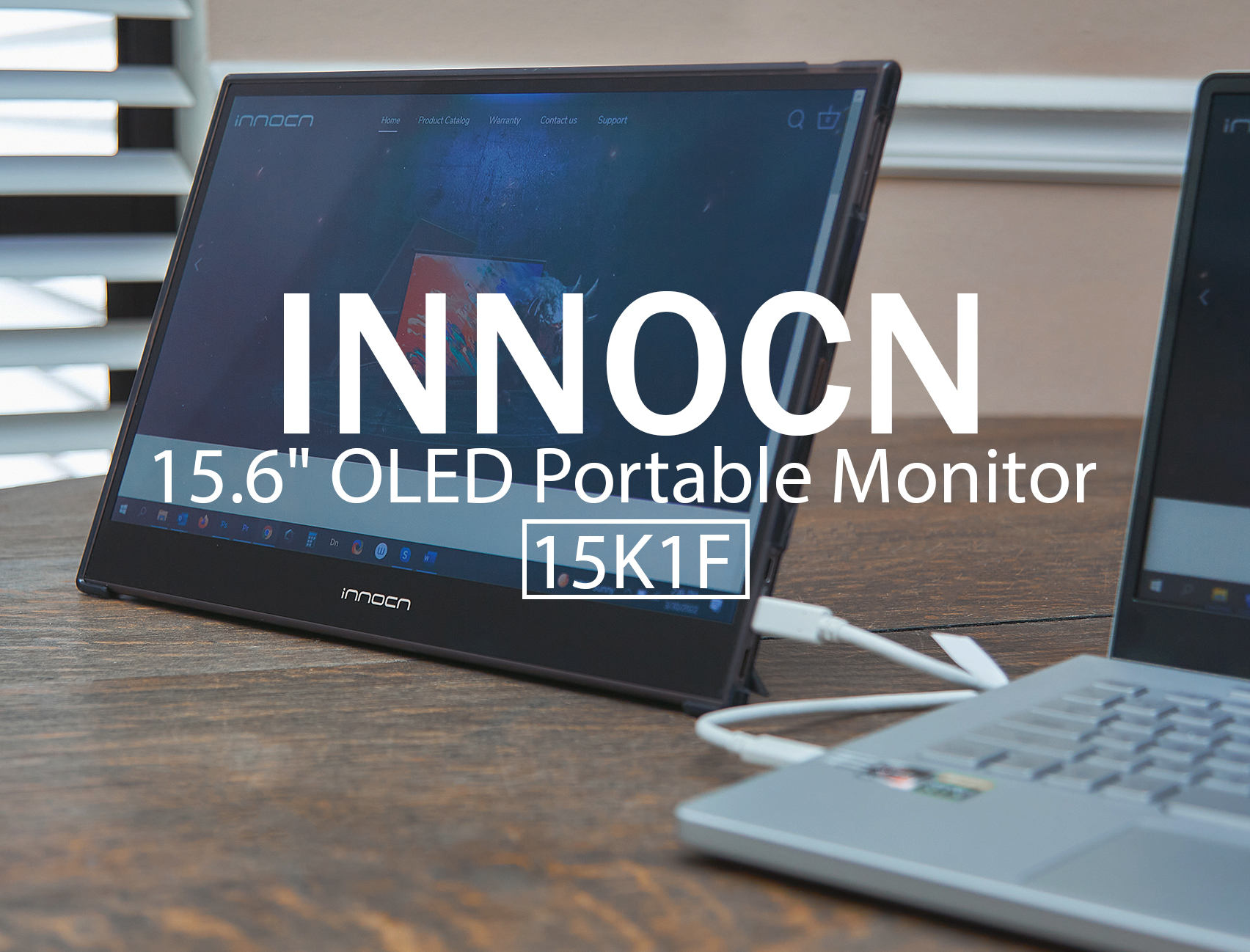
review – Productivity is key when I work on a computer. So, hInstalling an extra monitor is not only convenient, but necessary, especially if you’re working with multiple files, programs, tabs, or folders. You get more desk space and less screen clutter when you use an extra monitor.this INNOCN 15K1F The 15.6-inch OLED Portable Monitor is one such monitor that can help you organize your desk and assist with multitasking for increased productivity.
What is it?
The INNOCN 15K1F is a portable 15.6-inch 1080P OLED external monitor with a bright and vivid screen, ideal for use as a second monitor in a computer or laptop setup. It can also be used with tablets, smartphones and game consoles. Its slim profile makes it an ideal size for travel, or if you have very little space for a larger monitor.
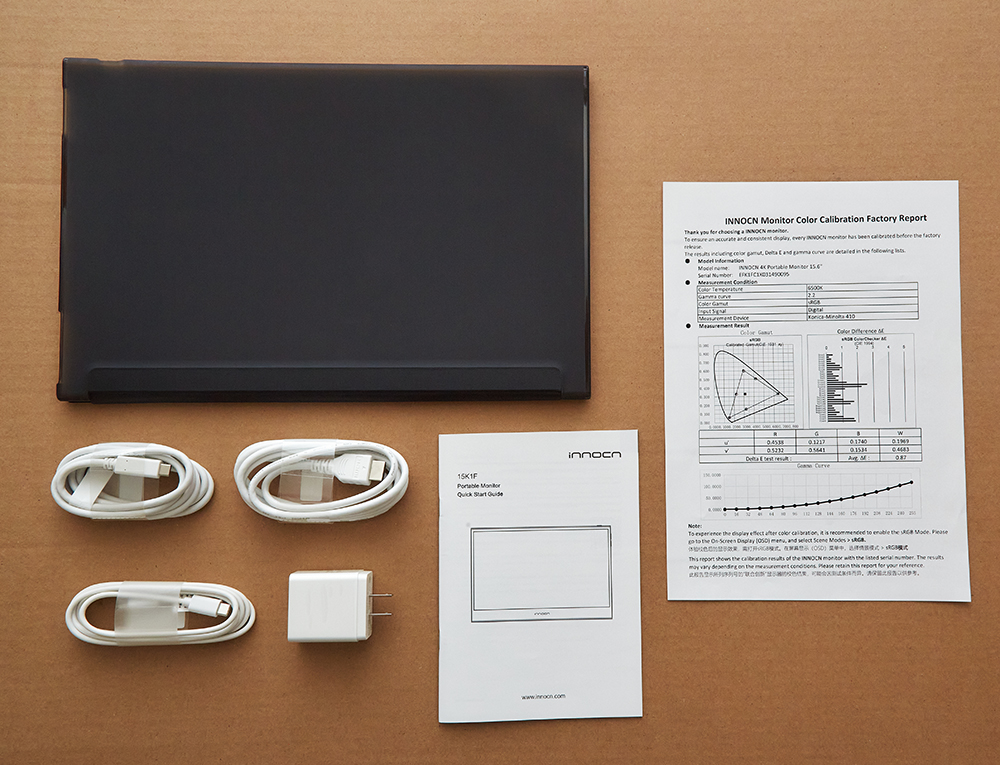
What’s in the box?
- INNOCN 15K1F 15.6″ inch OLED Portable Monitor
- Monitor case/stand
- Mini HDMI to HDMI Cable
- USB-C Power Delivery Cable
- USB-C charging cable
- USB-C Wall Charger Adapter
- manual
- Color Calibration Factory Report
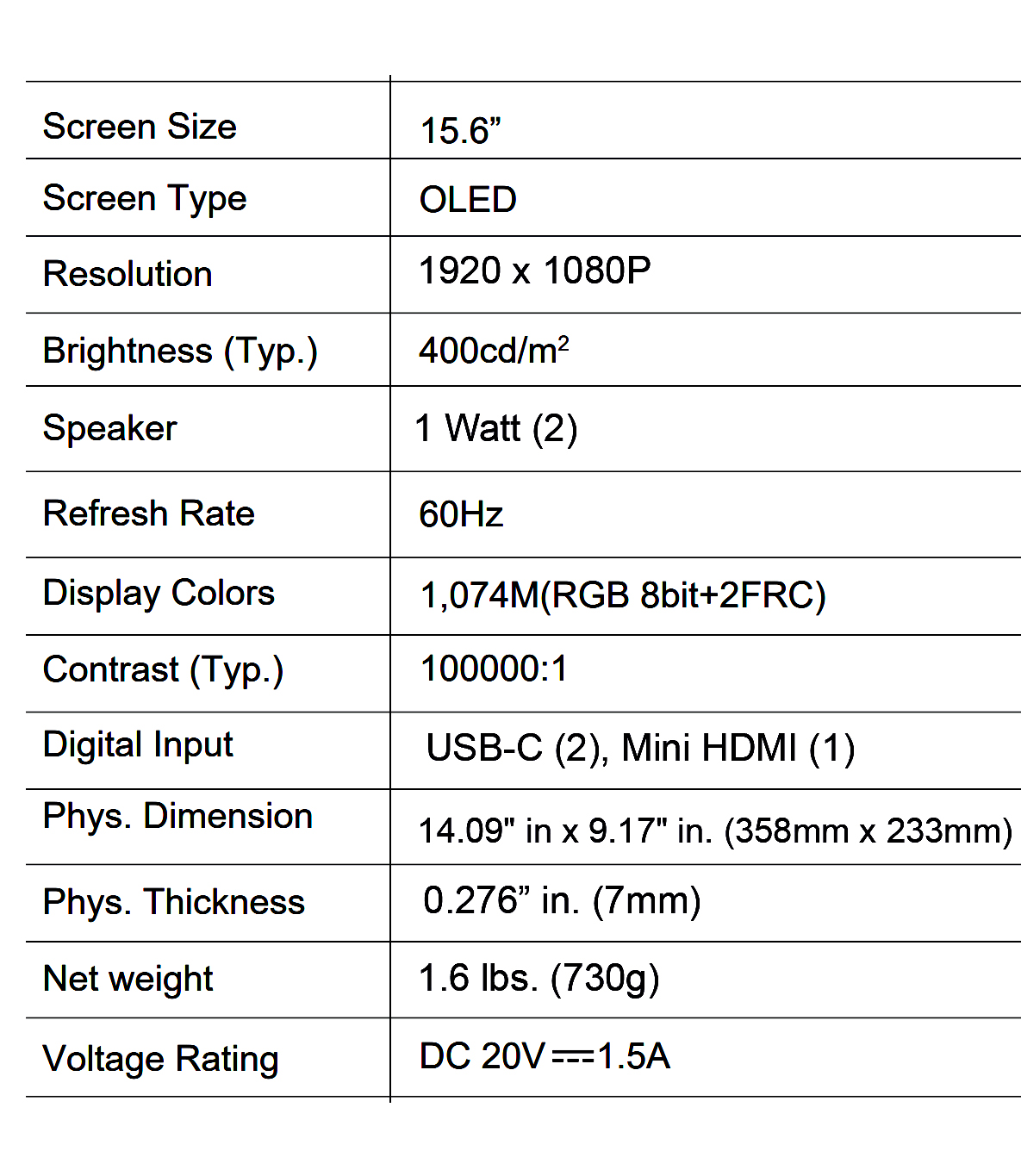
Hardware Specifications
Design and Features
The size of the INNOCN 15K1F is perfect for a secondary monitor screen, it doesn’t take up a lot of space on my desk, and because it’s light, I can easily pick it up and move it around. With normal monitors, they are not as thin and take up more space due to the base or stand of the monitor. Also, if I need to put the 15K1F on a table, I can pick it up with one hand. Because of its small footprint and light weight, it makes an excellent portable monitor. The monitor weighs 1.6 pounds. (730g), measures 14.09″ x 9.17″ (358mm x 233mm).

Unlike some standard monitors, the 15K1F has a power button, volume up/down buttons, and connection ports. The power button also activates the OSD (On Screen Display) menu as well as submenus. The volume buttons also help you navigate the menus.
In the upper right corner of the display, you’ll find the power button, next to an LED status light. Moving down the right side of the display are the volume buttons. Via those buttons is one of the monitor’s two speakers. The second speaker is on the left side of the display.
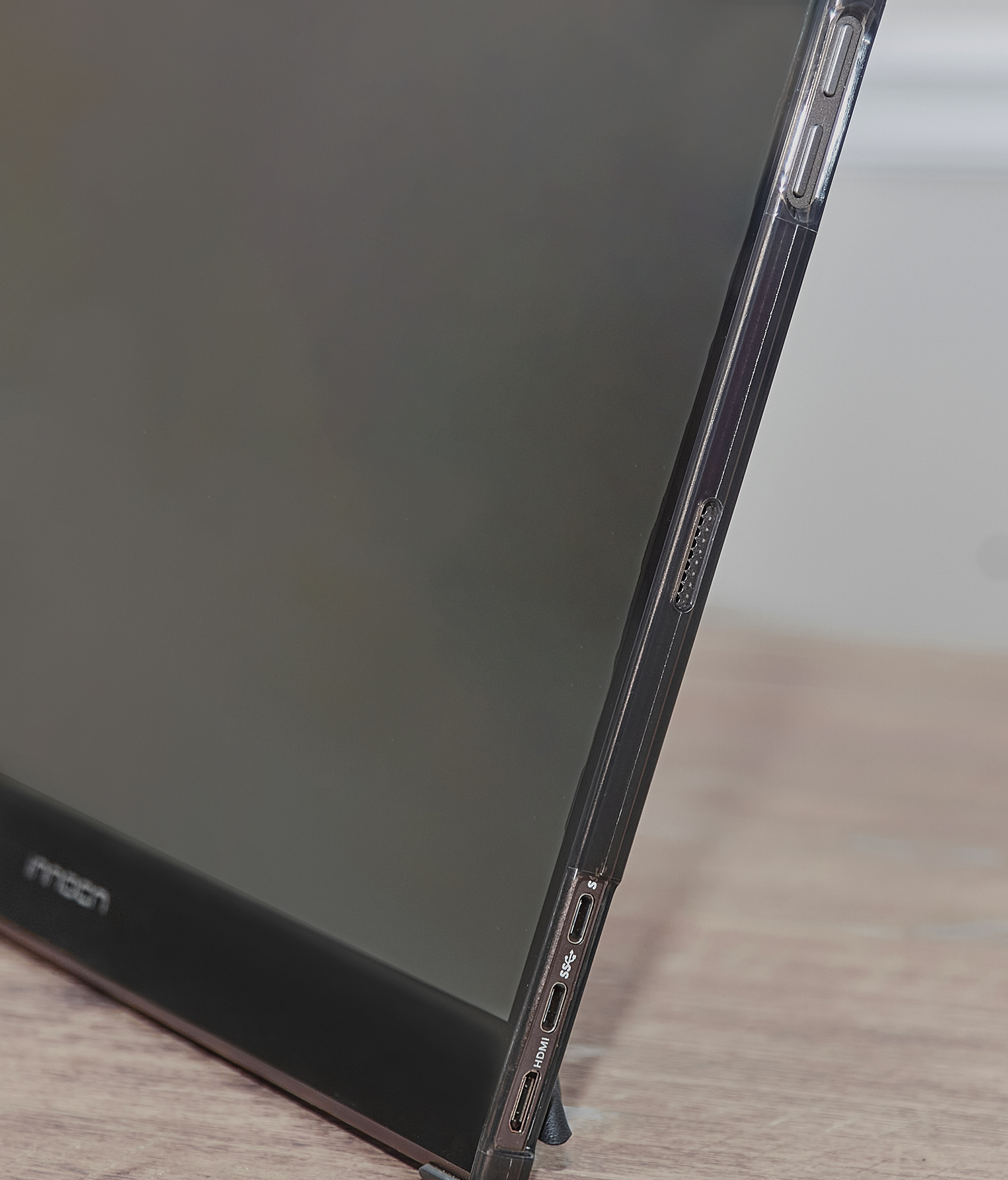
As far as the sound quality of the speakers of the INNOCN 15K1F 15.6-inch OLED Portable Monitor goes, you won’t be blown away by the sound, but it’s acceptable. I thought the sound was good enough because these little speakers didn’t blow up or rattle when I turned the volume up. With that in mind, there’s no 3.5mm headphone jack available. So if you want to connect headphones to this monitor, you’re out of luck. I think the headphone jack will come in handy for this monitor.
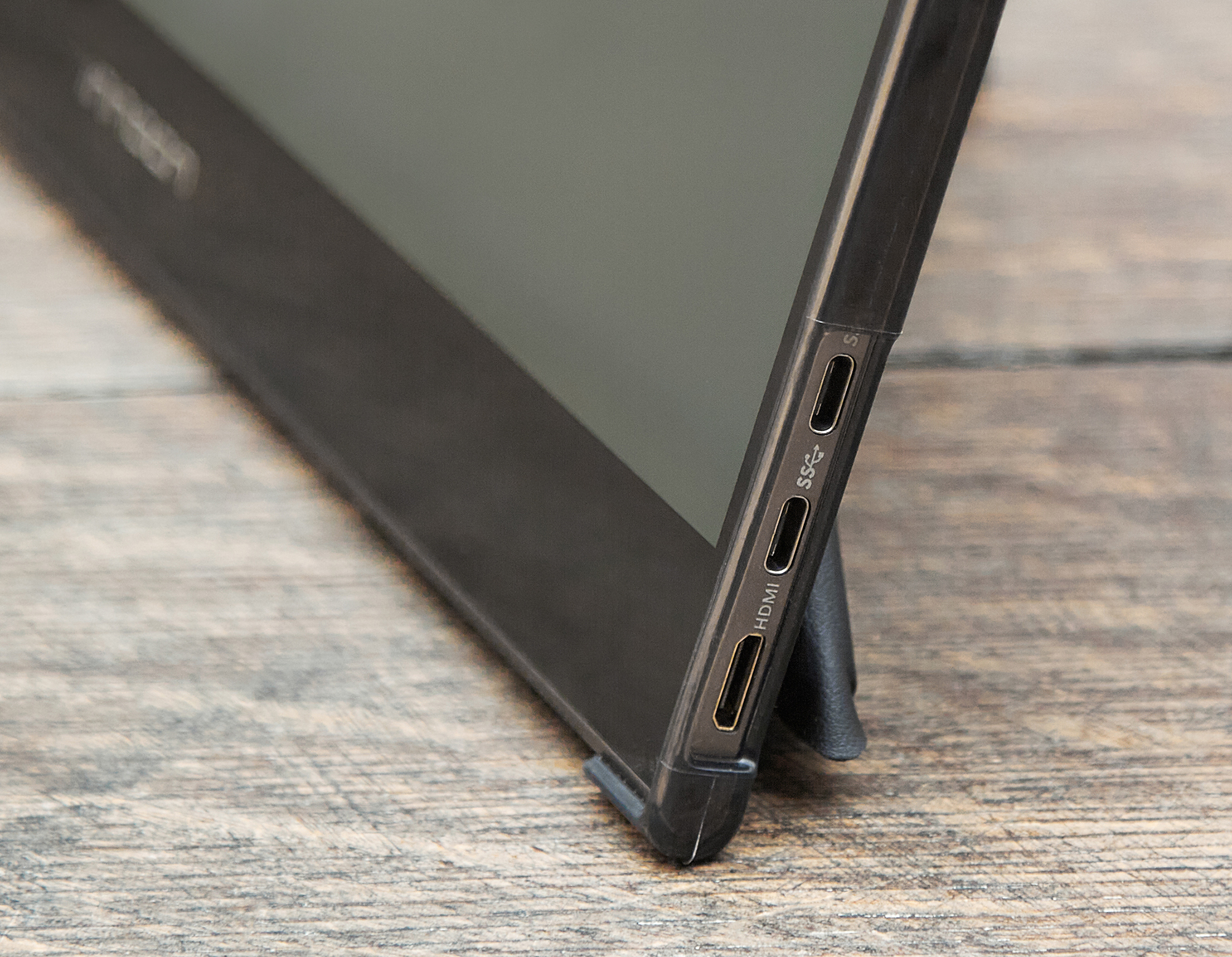
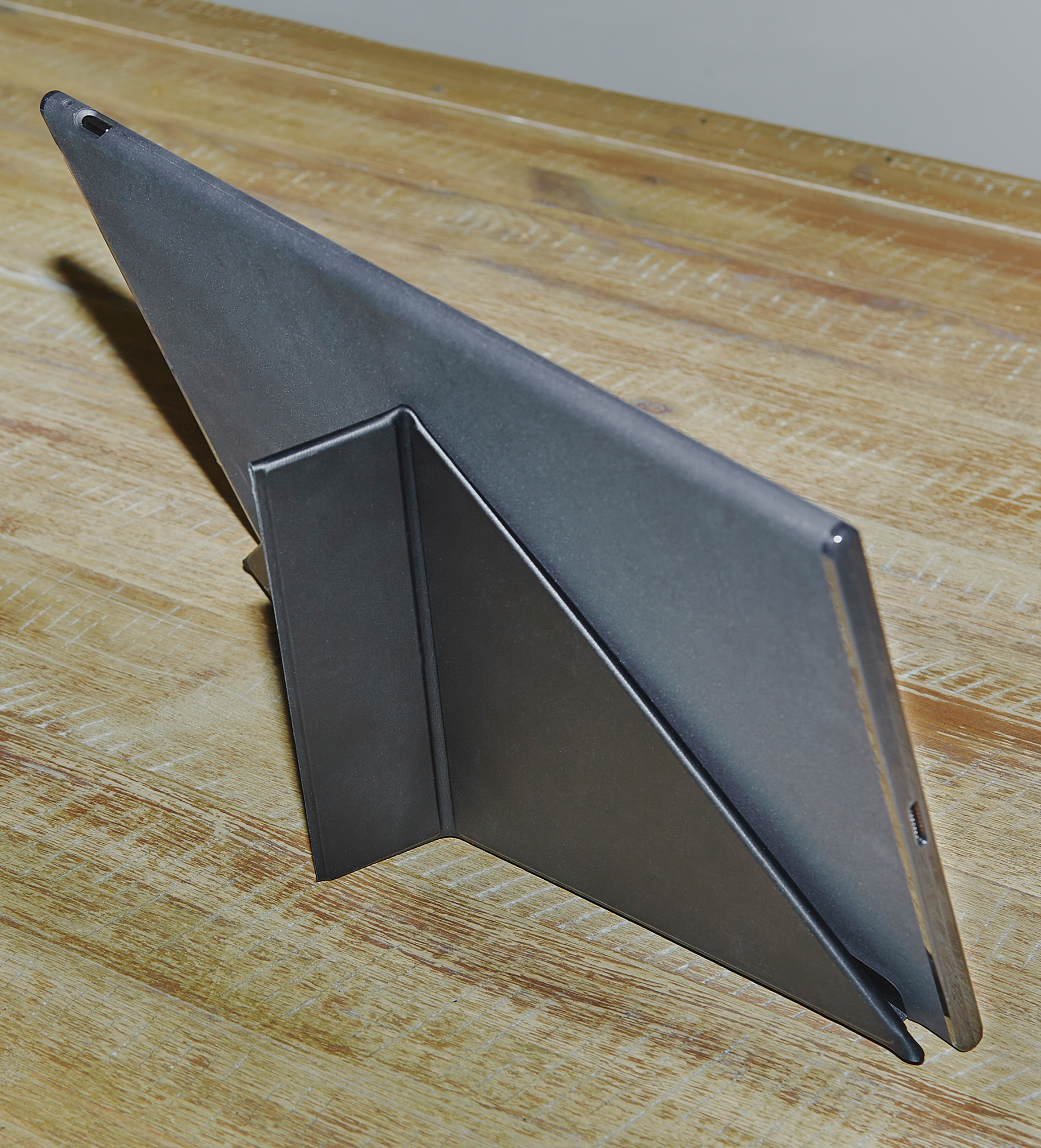
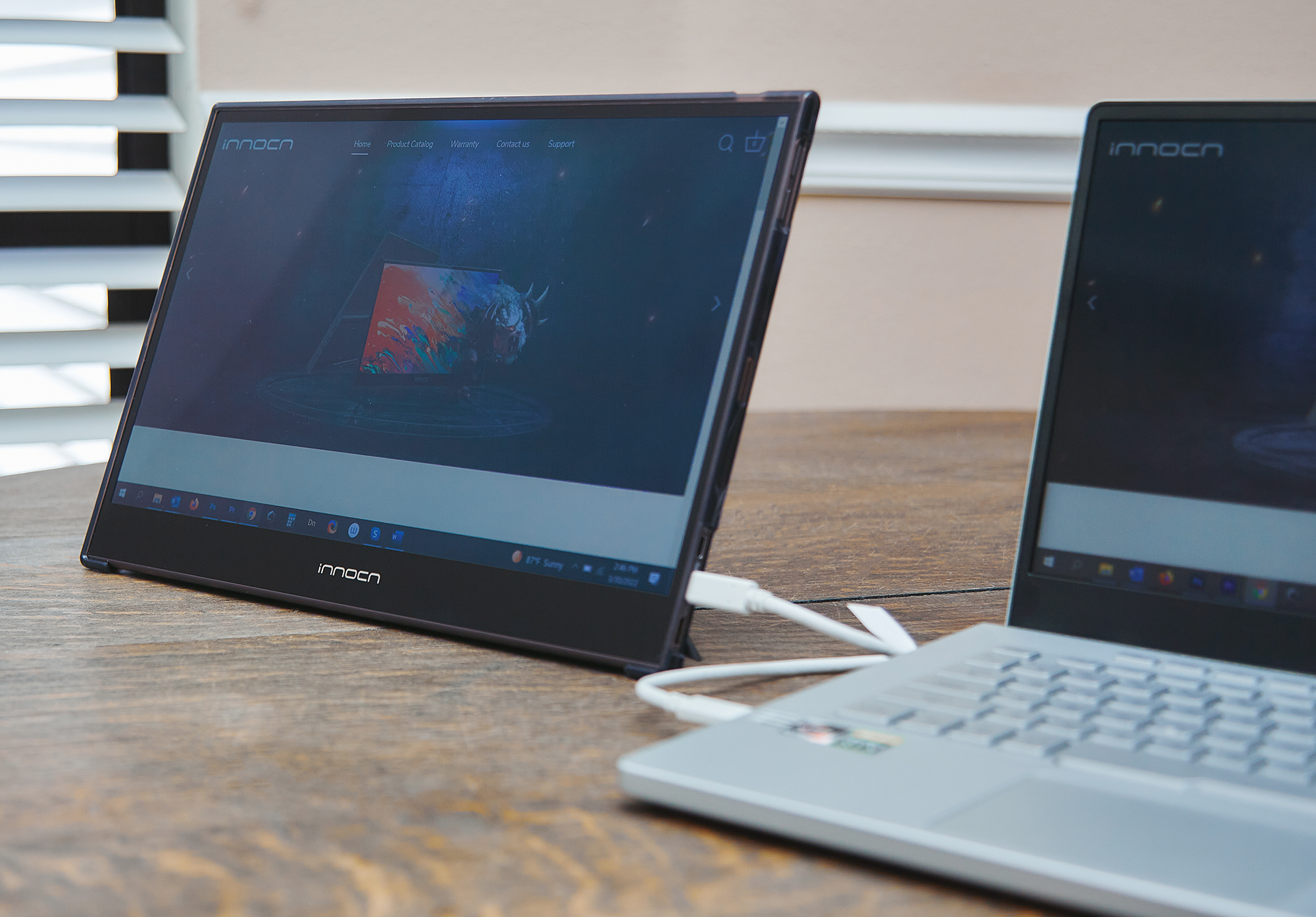
On the bottom right of the monitor are the power and connection ports. For connection ports, this monitor has two options: Type-C USB port and Mini HDMI port. The great thing about this monitor is that it has a Type-C USB or USB-C connection. If your device is powered, you can use the included USB-C cable to plug directly into your laptop, or even a smartphone, without any additional power cables. There is only one cable to keep it neat. Plus, if you travel with this monitor, you’re carrying fewer cables. However, if you end up using a Mini HDMI cable instead of a USB-C cable, you’ll have to use an extra USB-C power cable with a wall charger to power the monitor. 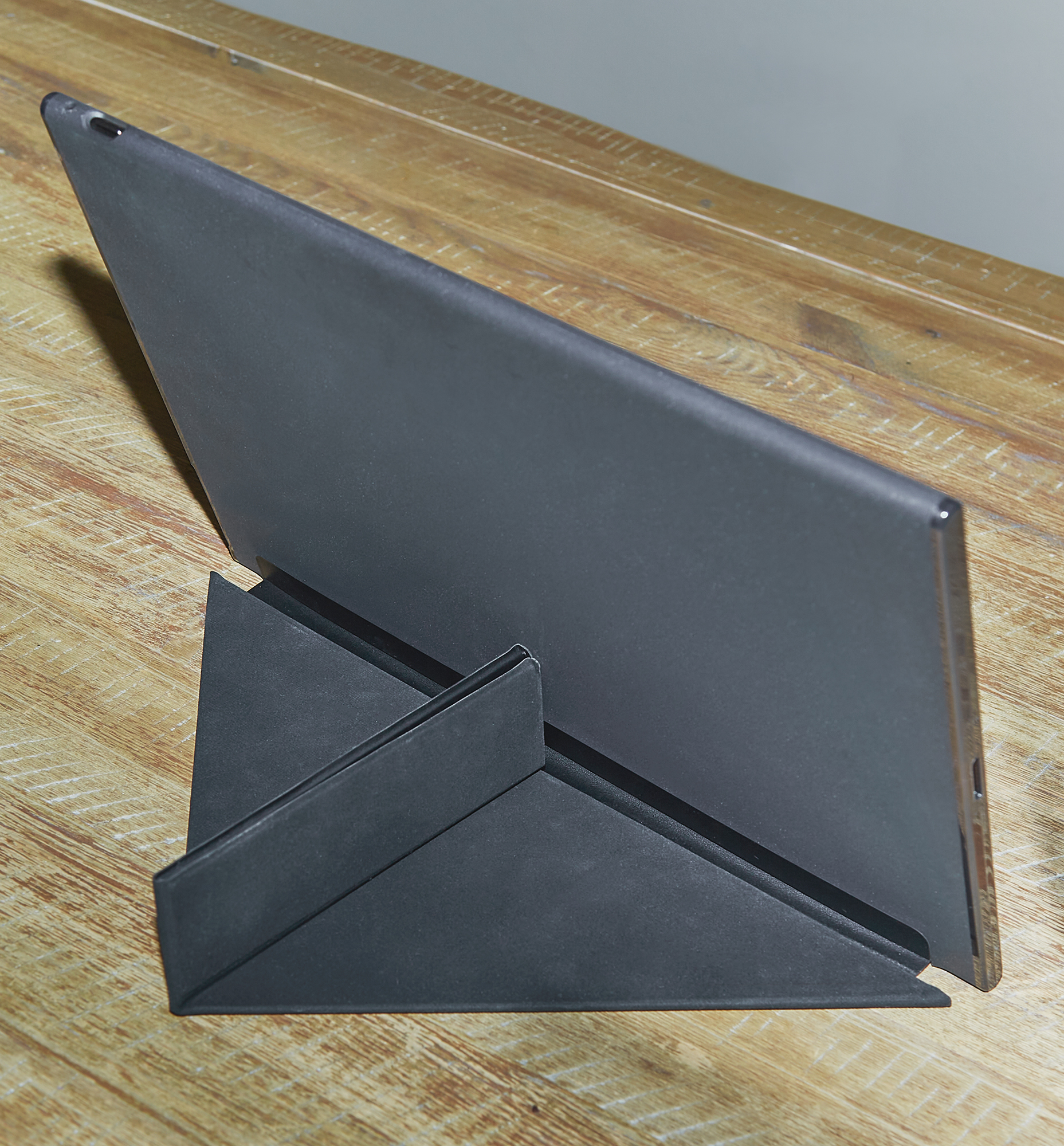 The 15K1F monitor comes with a protective flip case that doubles as a monitor stand. The case can be folded into a stand and held together with magnets to hold its shape. While you can fold the stand two different ways, there’s really only one angle to place the monitor. I wish the stand was adjustable if you wanted to set the monitor in a different position or an upright angle, but at least the case gives you the ability to create a stand.
The INNOCN 15K1F 15.6-inch OLED portable monitor features six color space profiles: Standard, Text, Movie, Gaming, Adobe RGB and sRGB. There are other display menu options, such as color temperature, and typical settings for adjusting color, hue, saturation, and sharpness. One feature setting I found useful was the eye protection level mode, which adjusts the blue light on the monitor screen to help reduce eye strain and fatigue.
Performance
The OLED screen resolution of this monitor is great. Image quality is very rich and compelling. This is thanks to the monitor’s 100% DCI-P3 color gamut, which is the standard in the film industry. DCI-P3 should have 26% more color space than sRGB monitors. When viewing images in Photoshop and video in Premiere Pro, I found this monitor to be great. Additionally, with the monitor’s 100,000:1 contrast ratio, dark areas in images and videos are noticeably darker, as there is no backlight on the screen, making shadows disappear. I really enjoy using this monitor to compare images and videos to my regular monitor.
The 15K1F monitor features a 400-nit brightness display, a 60Hz refresh rate, and a 1080 Full HD display. However, INNOCN has another mode (PU15-PRE) supports 4K, plus it has a touchscreen and built-in battery. Maybe one day I can get my hands on a 4K touchscreen model and see how it compares to this model. It also has 1ms latency, which is great for gaming, so you get faster response times.
As I mentioned, I compared some images I edited in Photoshop between this monitor and my main monitor to see the difference in quality. I can say that the 15K1F definitely has better color and image quality than my Asus 4K monitor, which is a pleasant surprise since I only made very small adjustments to two or three settings as the monitor appears to be well-calibrated Box.
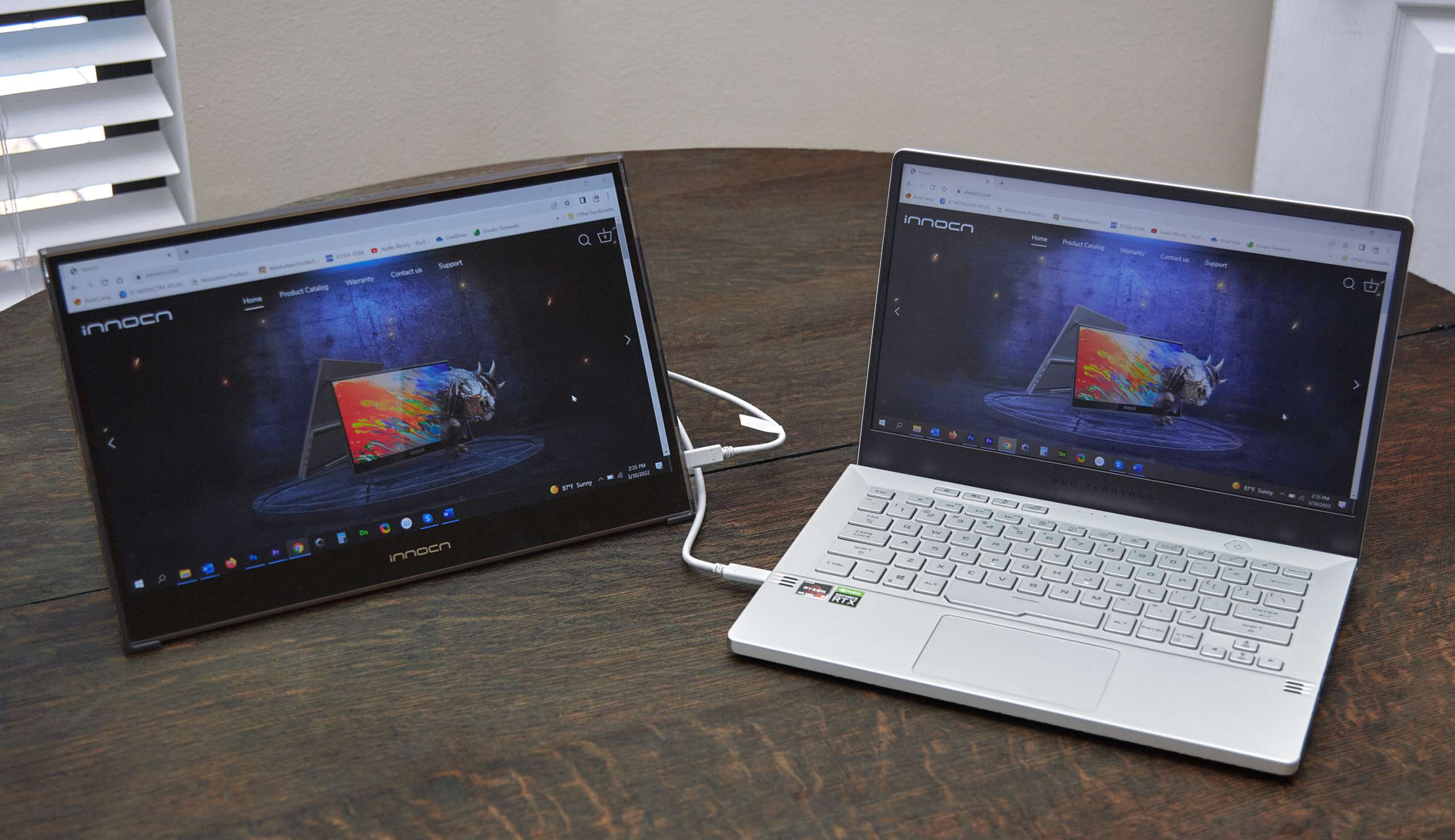
Since the USB-C port on my Asus Zephyrus laptop was already occupied by the dock, I ended up using the included Mini HDMI cable to connect the monitor to my laptop. To do this, I had to plug the monitor into the wall using a USB-C power cable and a wall adapter. However, I also tried connecting the monitor to the laptop’s USB-C port.
Both ways are fine without any hesitation or problems. So the picture quality looks great when connected with a Mini HDMI or USB-C cable. If I’m not already using a dock, I prefer a USB-C cable because only one cable is required. Just know that I was able to use the USB-C cable alone because the Asus Zephyrus laptop has a USB-C port with Power Delivery that powers the laptop itself. When connected to my desktop computer, I use the Mini HDMI cable and then the USB-C power cable to power the monitor.
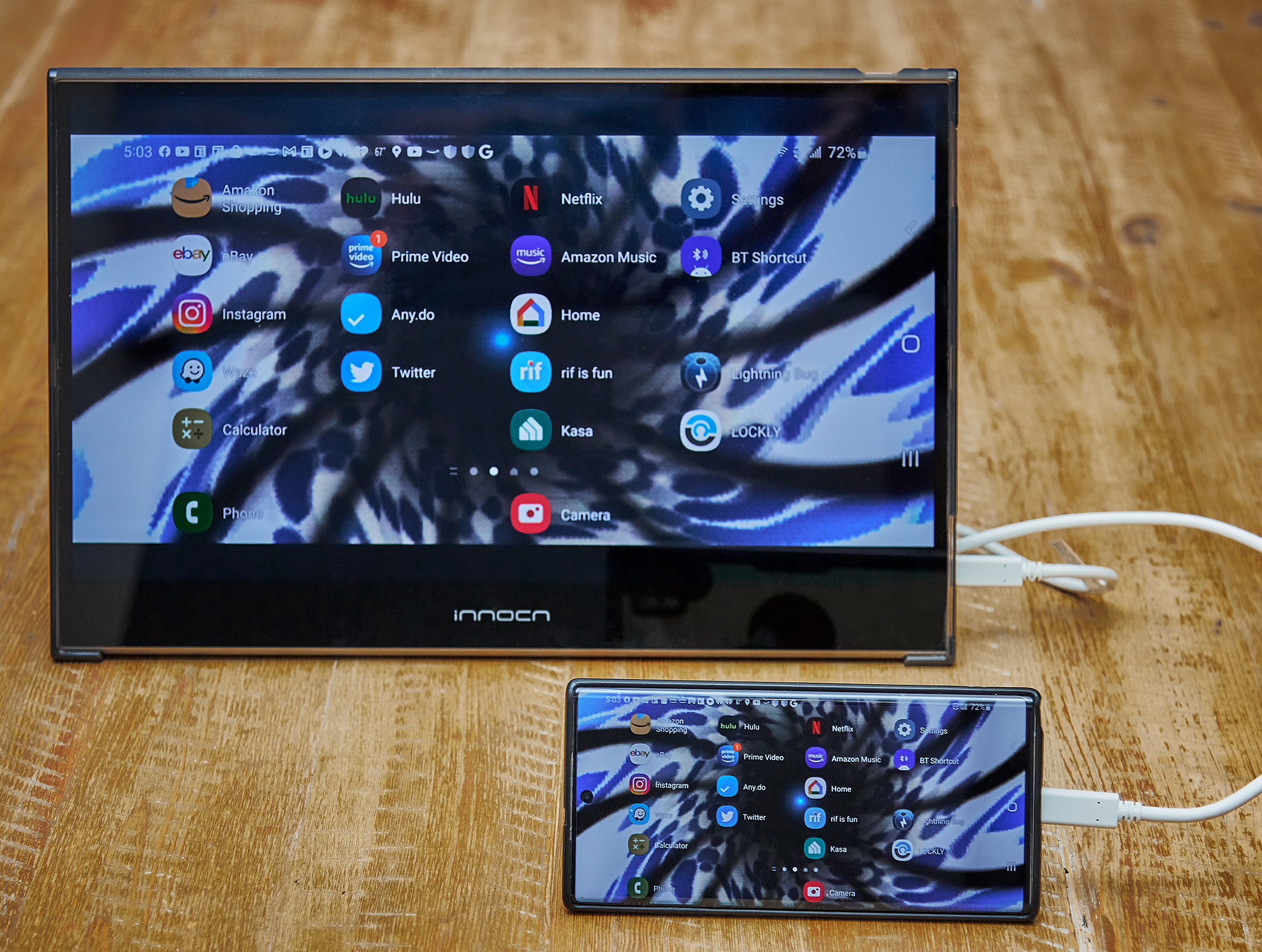
Speaking of USB-C cables, I can plug the USB-C cable directly into my smartphone and use the monitor with the phone. Keep in mind that I’m using a Samsung Note 10 Plus, an Android phone that has a USB-C port to power the display. I tried this monitor with an iPhone and a USB-C to Lightning cable, but unfortunately, I couldn’t get the monitor to work with my iPhone, so the monitor may not be compatible with iOS at the time of writing this review.
what do I like
- colorful picture
- thin
- 100% DCI-P3 color gamut
- Single USB-C cable for connection and power
- Use with Android Smartphones
what would i change
- Has a variable angle case holder
- Add a 3.5mm headphone jack
final thoughts
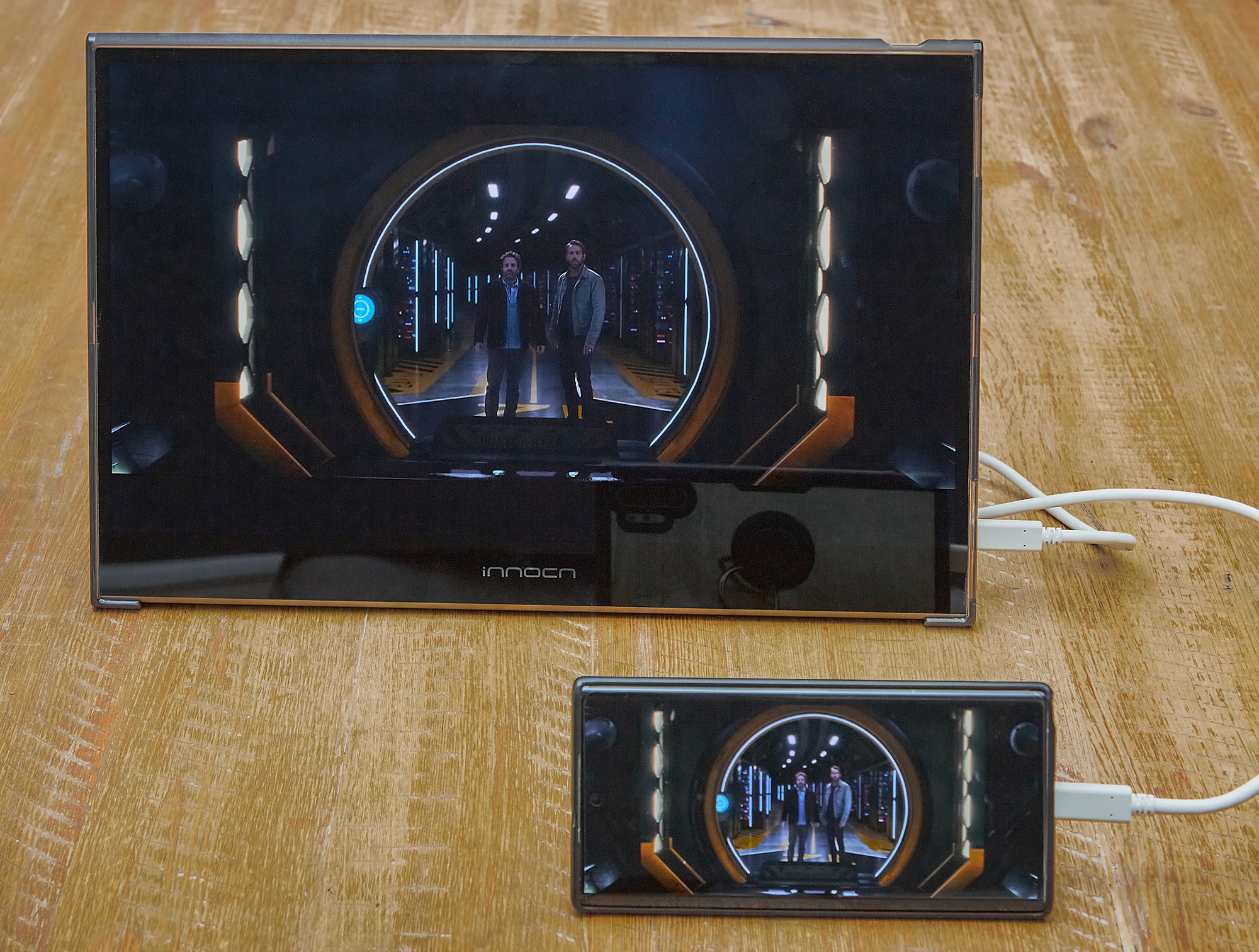
Whether connected using a Mini HDMI or USB-C cable, the INNOCN 15K1F 15.6-inch OLED Portable Monitor is a true plug-and-play device as no driver installation is required. This monitor is super easy to set up and a pleasure to use. In addition, it is light and thin, so it is convenient to carry around. You can stash it in your backpack, suitcase or carry-on or carry it on its own with the same ease and convenience. The picture quality of the INNOCN 15K1F 15.6-inch OLED portable monitor is fantastic. I really like using it side by side with my Asus 4K monitor. Although the 15K1F is not a 4K display, it is a 1080P OLED screen, and the contrast ratio of 100,000:1 really shows the 15K1F’s picture display. Also, with the monitor’s 100% DCI-P3 color gamut, it helps me get a more accurate color space when editing photos or videos. The 15K1F is a great addition as a secondary monitor for increased productivity as well as some fun and leisure.
price: $339.99
where to buy: Amazon
source: This product sample is provided by Inno.


