


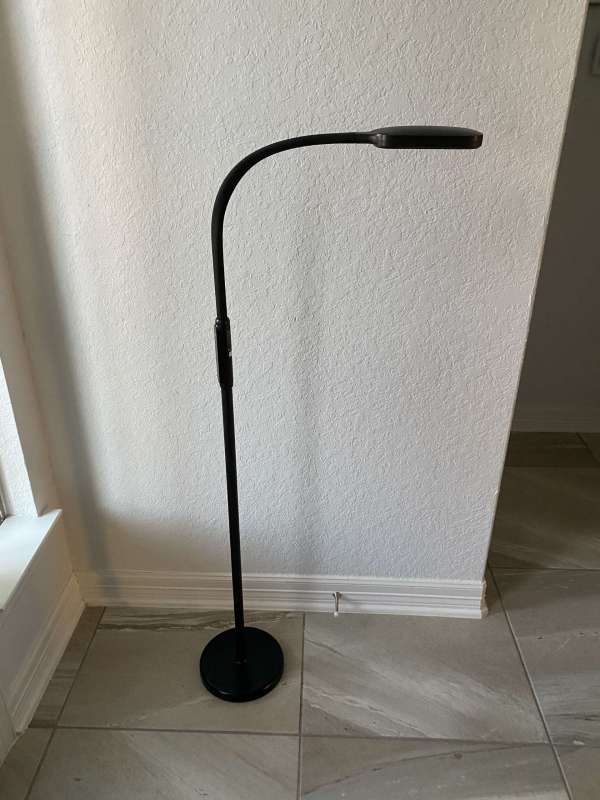
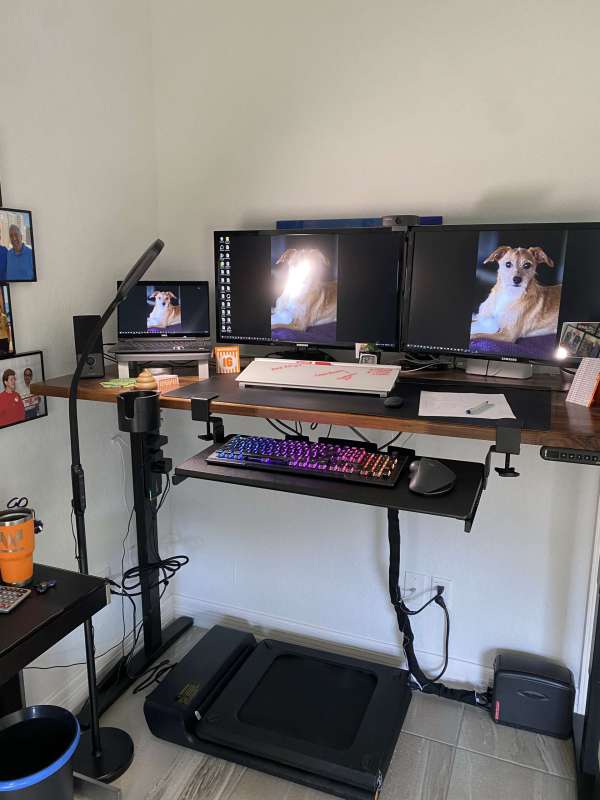
review – Since we moved into our new home in late June of last year, I have been trying to optimize working from home. My desk is wide, 66 inches. Clip-on desk lamps don’t light up my entire workspace. I also needed a light that was flexible enough to continue to illuminate my work area when I lifted the desk to a standing position. The Lastar floor lamp seems to do the job for me without taking up any desk space. Read on to find out how it works.
What is it?
The Lastar floor lamp is exactly what you might have guessed… a floor lamp.
What’s in the box?
First I want to say that the Lastar floor lamp is very well packaged. As you can see in the picture below, it is well protected from damage in very thick cardboard boxes and foam.
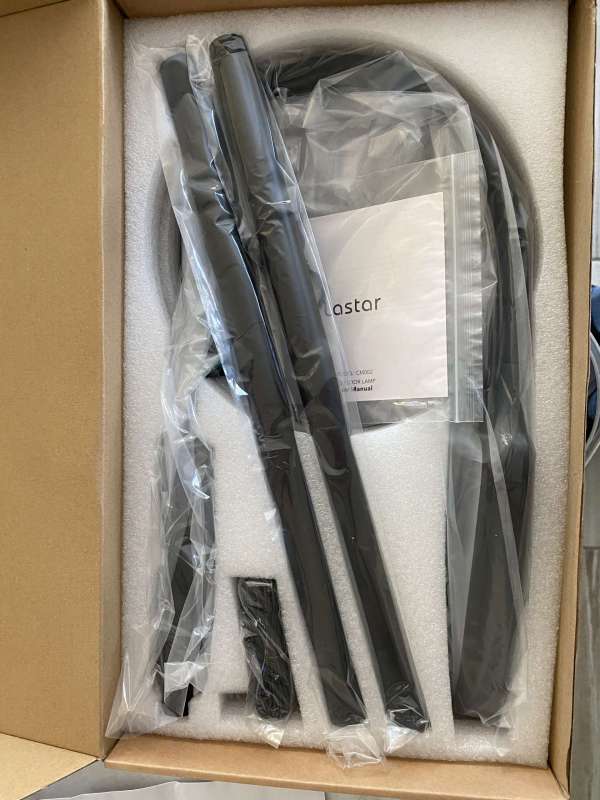
The lamp was dismantled into several pieces.
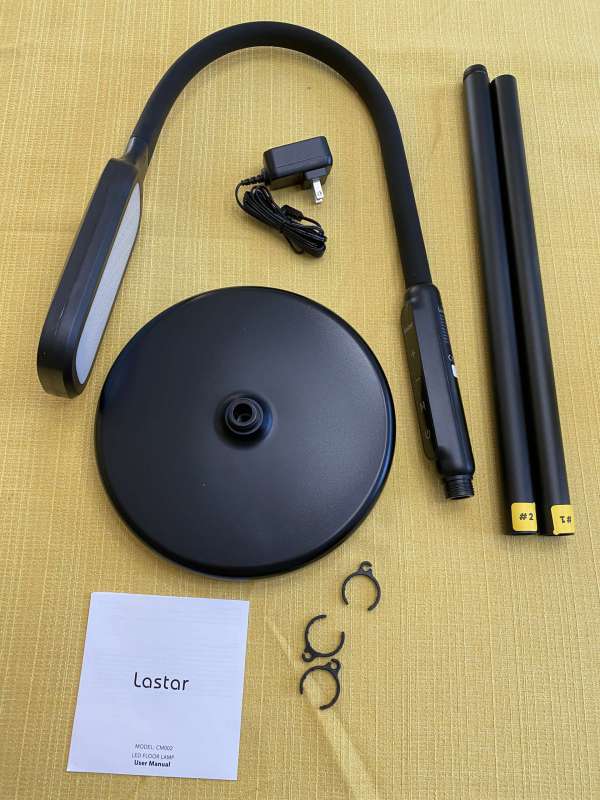
- a base
- 1 main unit with built-in controller
- pole extension
- three wire clips
- a user manual
- Power Adapter
Hardware Specifications
- Model: CM002
- Light source: LED
- Brightness: 1800 lumens
- Number of LEDs: 84
- Working voltage: DC 10V 1.2A
- Power: 10W-12W
- Color temperature: 2800K-5500K
- As shown in the featured image, the light is approximately 53 inches tall.
Design and Features
The Lastar floor lamp has three lighting modes. You can run it at 5500k, 4000k and 2800k. In each mode, you can brighten or dim the lights up to four times. The image below shows the controls on the lamp.
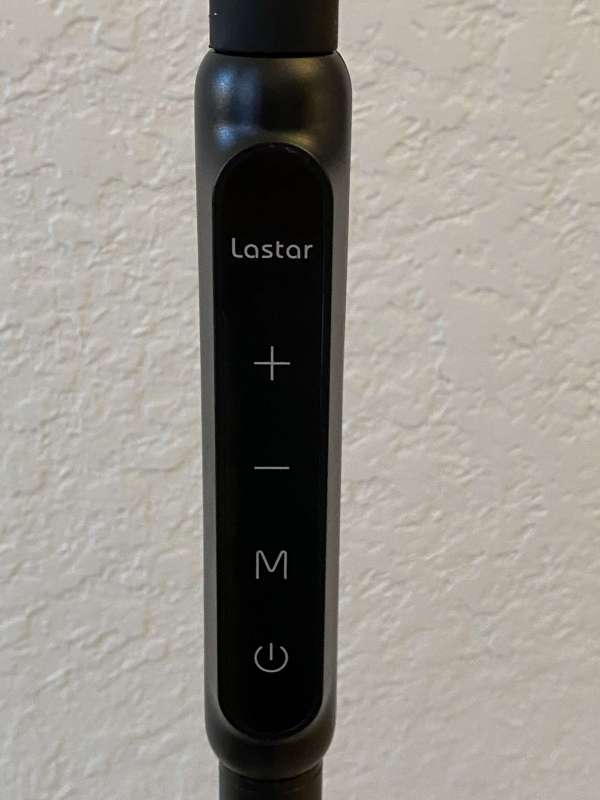
All of these buttons are touch buttons, not tactile. From the top down, the plus button lights up, the minus button dims the lights, the “M” button lets you toggle between the three modes, and then the power button.
On the back of the control module, you’ll find the port to plug into the power supply. In the image below, it’s the small metal dot.
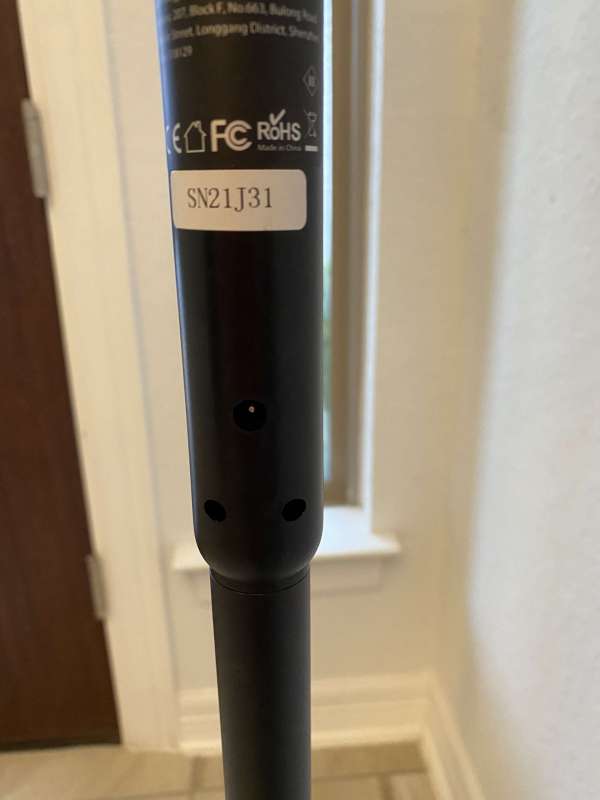
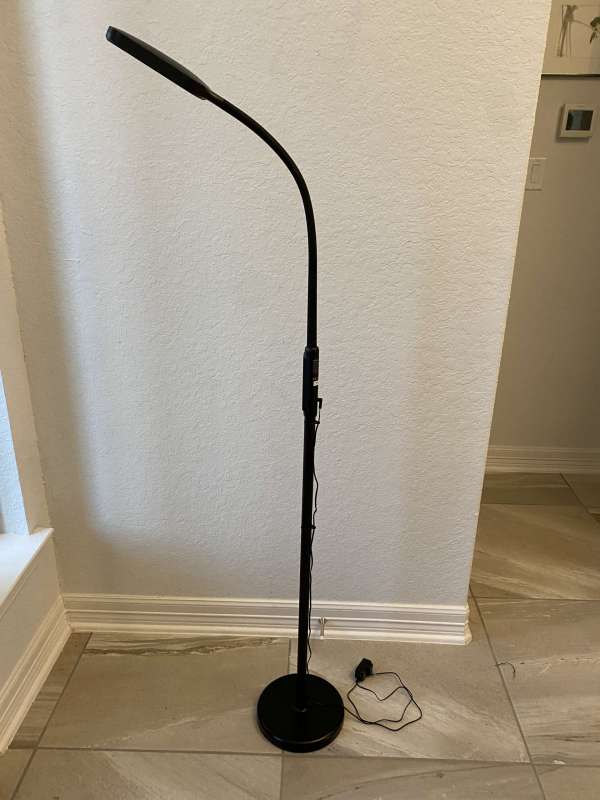
tallest head floor lamp Built into flexible rubber tactile arms. You can bend it to multiple positions, depending on how you want your lights to be set up. The pictures below give you an idea of its flexibility.
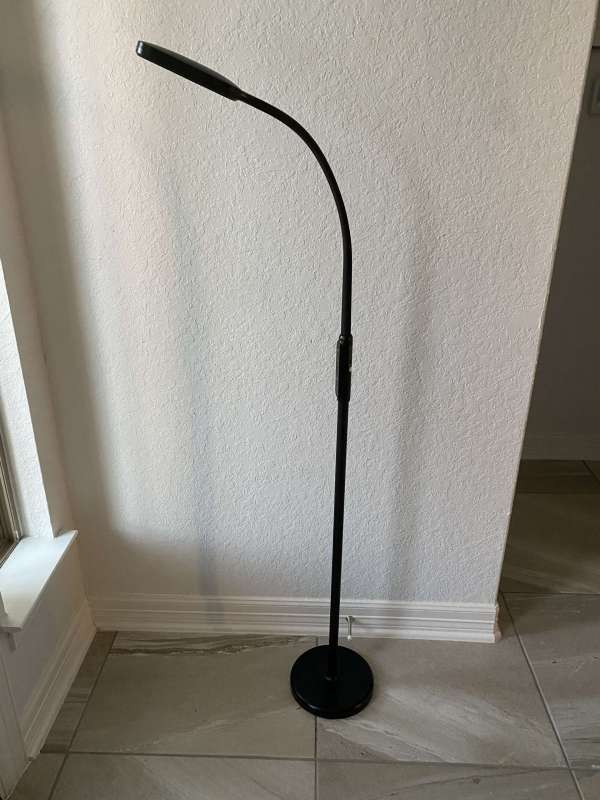
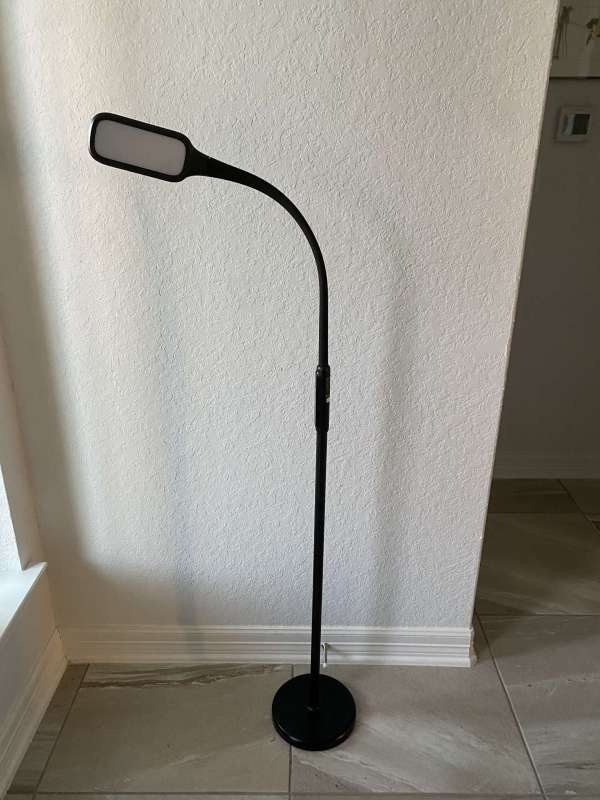
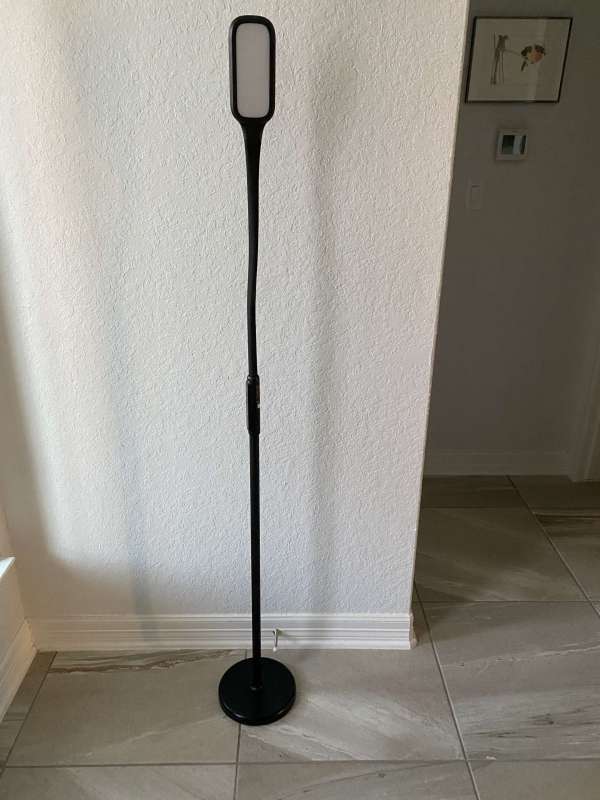
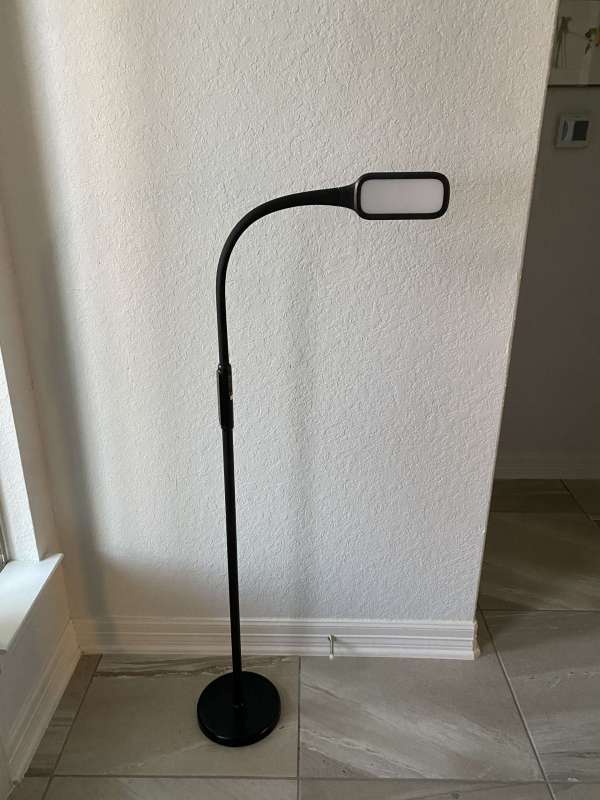
set up
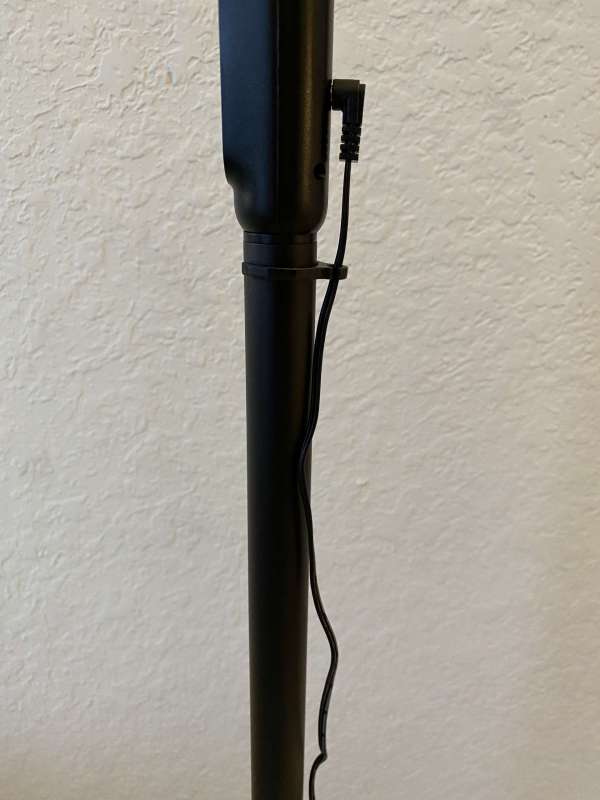
Setup is very simple. I screwed the two pole pieces together and screwed the pole part marked number one into the base. Then I screwed the top part with the controller into the pole part 2. Finally, I plugged in the adapter on the back of the controller and used the clips provided to secure the wires under the pole. The image below is a close-up of the inserted adapter and the first clip.
The next picture shows the wires running along the entire pole.
Performance
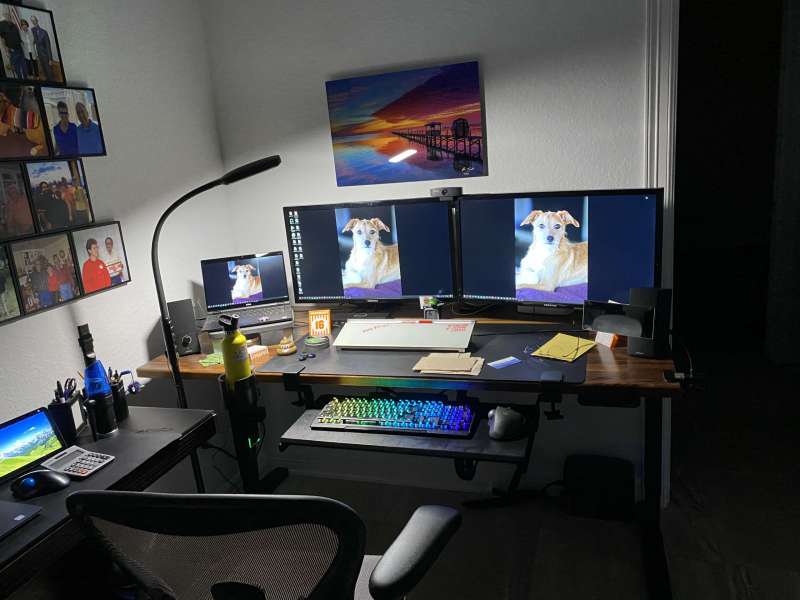
I really like the flexibility and light options that Lastar floor lamps offer. I use it at my desk at home. The three images below show it illuminating my work area at its brightest brightness in each of the three modes. I stay in intermediate mode. The 5000k’s first mode is very bright, and I found it too harsh to work for long periods of time. I do think the light level will be perfect when it comes time to do some fine detail on some 3D print cleanup.
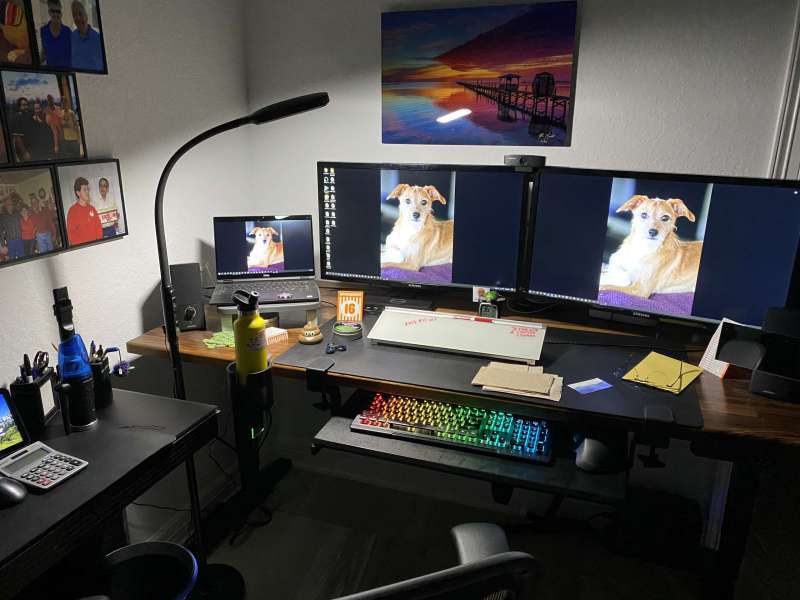
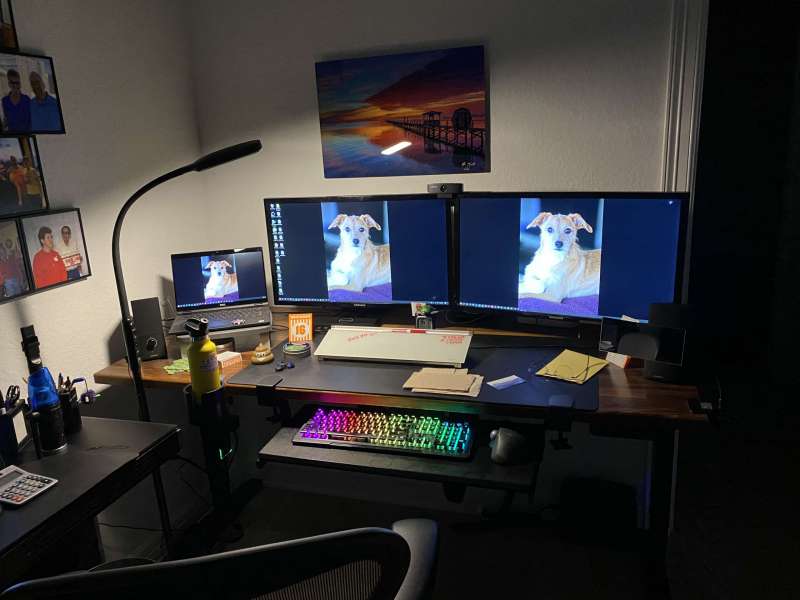
The next two pictures show you the difference in light between the highest and lowest settings in the 2800k class.
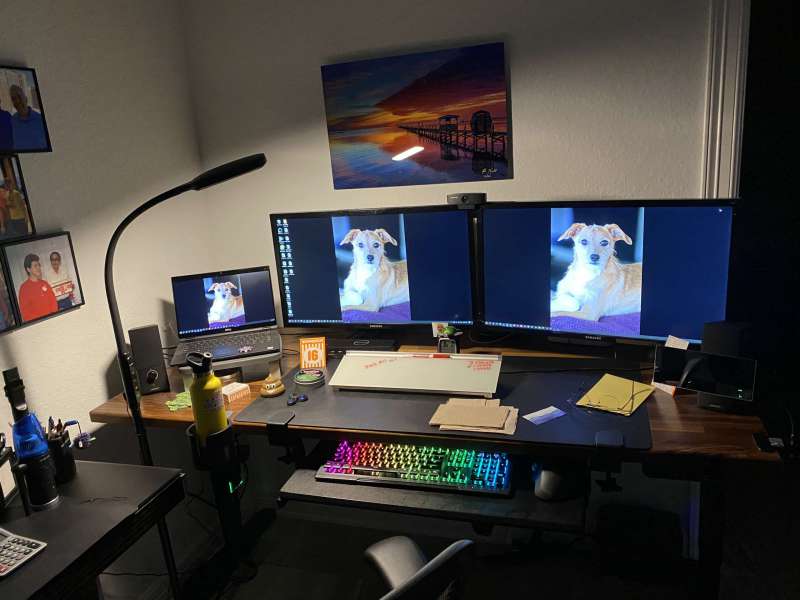
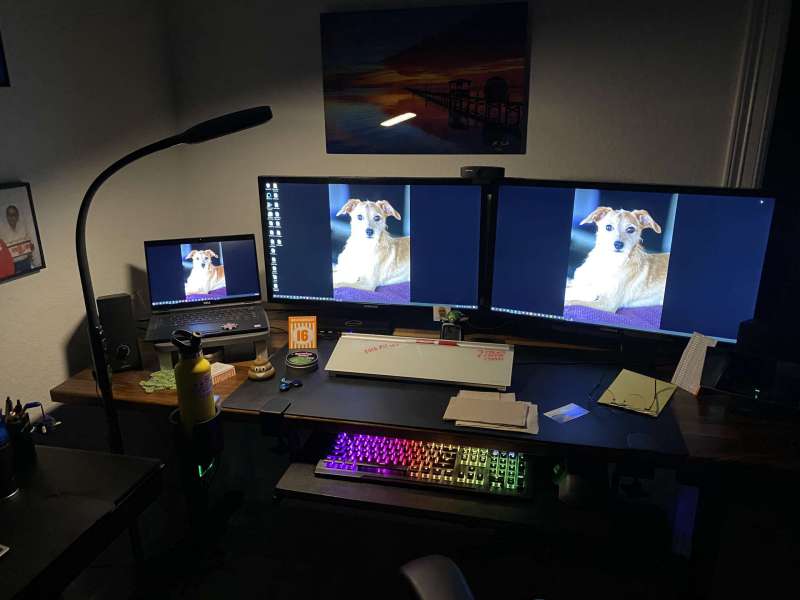
I found that when I put my desk in standing mode, I can continue to use the lamp too!
what do I like
- Easy to set up
- Three lighting options
- Each mode has five different brightness levels.
- The flexible header allows me to configure it exactly as I want.
Areas for improvement
- Maybe find a way to connect the power to the base so you don’t run ugly wires on the poles.
final thoughts
I do love the Lastar floor lamp and use it every morning as I work from home. I started work at 7 and the sun didn’t come up until around 7:30. I love that I don’t have to take up any desk space with this light. I was able to set the light head exactly where I wanted it, and it illuminated my entire workspace even when the desk was in standing mode. I think this light is a keeper!
price: $59.99
where to buy: Amazon
source: This product sample is provided by load.


