


review – I’ve been making and modeling some things with a 3D printer for a few years now and love doing so, especially decorative items. Machines like 3D printers fascinate me and I find they allow me to bring my imagination to life. I’m excited to now have the opportunity to test and review the laser engraver for the first time. Let’s see how the LONGER RAY5 laser engraver works!
What is it?
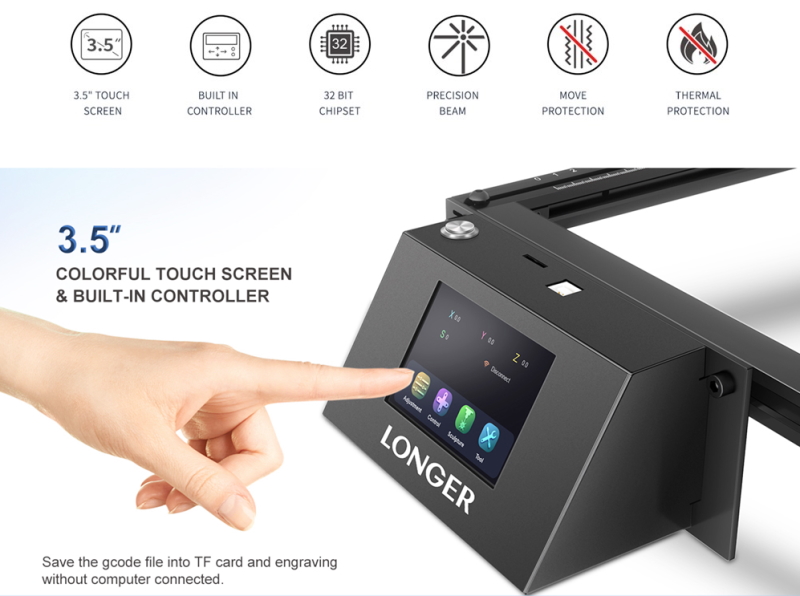
The Longer Ray5 laser engraver has a built-in 3.5-inch touch screen, TF card slot and built-in WiFi. In addition, it has a built-in controller, which eliminates the need for a computer to continuously connect the laser engraver. Ray5 can be used for engraving or cutting.
what’s in the box
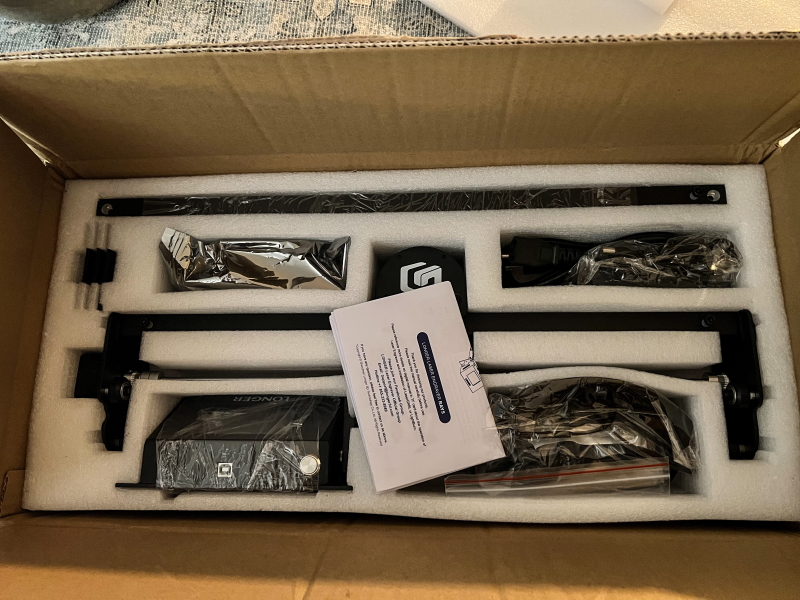 1 x LONGER RAY5 Laser Engraver
1 x hardware and accessories including eyeshadow
1 x User Manual
Design and Features
feature
- Touch screen and offline engraving: The LONGER RAY5 laser engraver has a built-in 3.5-inch touch screen and a friendly user interface. This allows us to cut multiple pieces of plywood or images to engrave without taking up your computer to run it. The Longer Ray5 has a built-in controller that is always connected to the laser engraver without a computer. Save the file to a TF card and use it to run Ray5 for engraving or cutting.
- Ultra-fine laser spot and powerful laser module: This laser engraving machine adopts the latest FAC laser technology for compressing laser dots, the dot size is 0.08*0.08mm; the smaller the dot size, the more concentrated the energy. This makes engraving or cutting stronger. The output power of the laser module reaches 5-5.5W.
- 32-bit chipset and WIFI connection: The RAY5 is built with an ESP32 chipset and includes a WIFI connection for the engraver to the router. This 32-bit chipset runs at 240MHz. That means it’s faster and more powerful than an equivalent device with an 8-bit chipset. As a bonus, RAY5 supports connecting to WIFI via web page or App to control engraving or cutting.
- safety protection: LONGER RAY5 is designed with movement protection and thermal protection. If the machine moves during use, the movement protection will initiate an automatic shutdown to ensure personal safety. If the thermal protection detects a flame or overheating of the engraved area, it will initiate an automatic shutdown.
- Compatible with Windows/MAC/Linux systems: RAY5 is compatible with free engraving software LaserGRBL and paid LightBurn software. Support to import BMP, JPG, PNG, DXF, AI, SVG and other file formats.
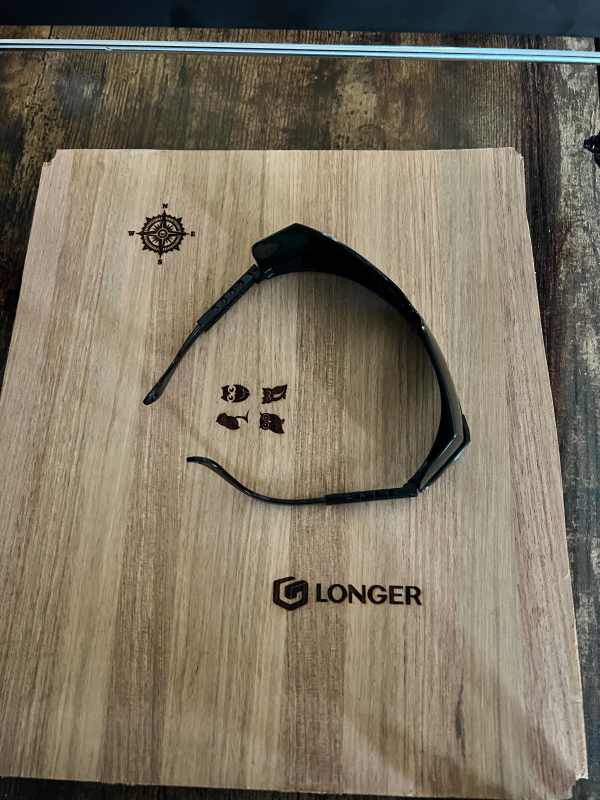
- Power button and eye protection: The engraving machine has a power switch to turn the power on or off. The laser module has an acrylic cover. This shields the laser to help protect the eyes. You will also need to wear goggles for laser scattering.
Specification
laser technology: diode laser
Work area: 410 x 410 mm (16.14 x 16.14 in)
Laser wavelength: 450nm
Focus Type: Fixed Focal Length – 30mm Focal Length
Spot size at best focus: 0.08 x 0.08mm
Optical output power: 5.5W
Z-axis height range: up to 65 mm
Engraving/cutting speed: 40 – 10000 mm/min
Engraving machine output: DC12V 5A
Engraving machine input: AC110 – 240V
Software: LaserGRBL, compatible with LightBurn
connect: USB/TF Card/Wifi
Laser engraving machine size: 61 x 67 x 20 cm (24 x 26 x 0.79 in)
Engraving objects: All wood, paper, plastic, leather, PCB boards, aluminum oxide, non-reflective coatings and painted metals
Cut objects: Cardboard, non-woven fabric, balsa, acrylic material, thin plastic sheet
Package Weight: 6.5 kg
Package Dimensions (LxWxH): 59 x 30 x 12.7 cm
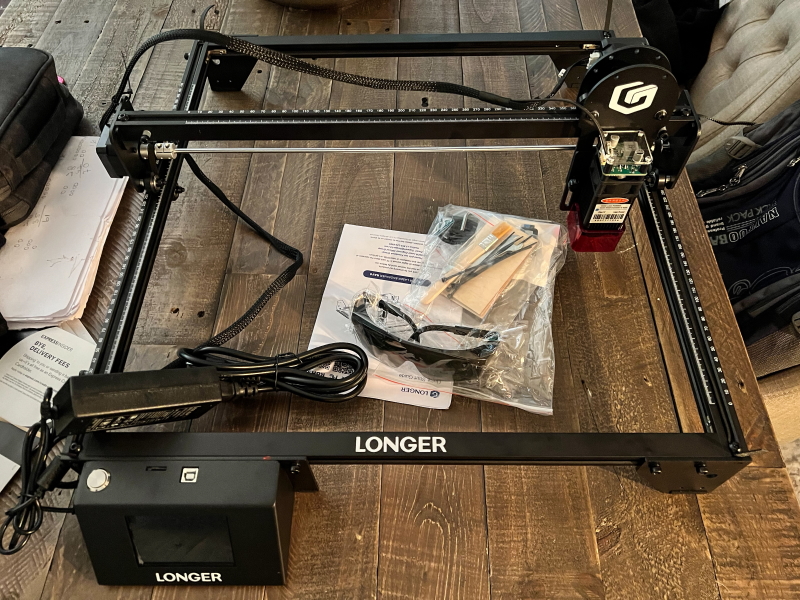
The Longer Ray5 laser engraver is made of aluminum. It’s lightweight but sturdy. Requires assembly, but is easy. There is a shield on the laser and shadows are included. Also includes a USB micro SD card and adaptor. USB cable and an Allen key to tighten the screws.
Performance
The first step is to assemble the engraving machine. It’s easy as long as you take the time. The instructions in the manual are not great, but there is also an instruction video on the included micro SD card. However, I don’t need video. Here are some photos of my process:
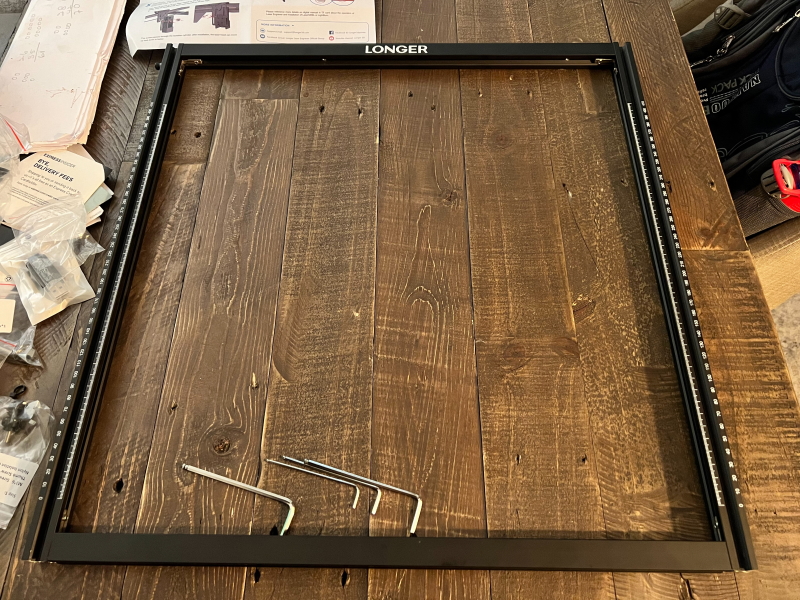
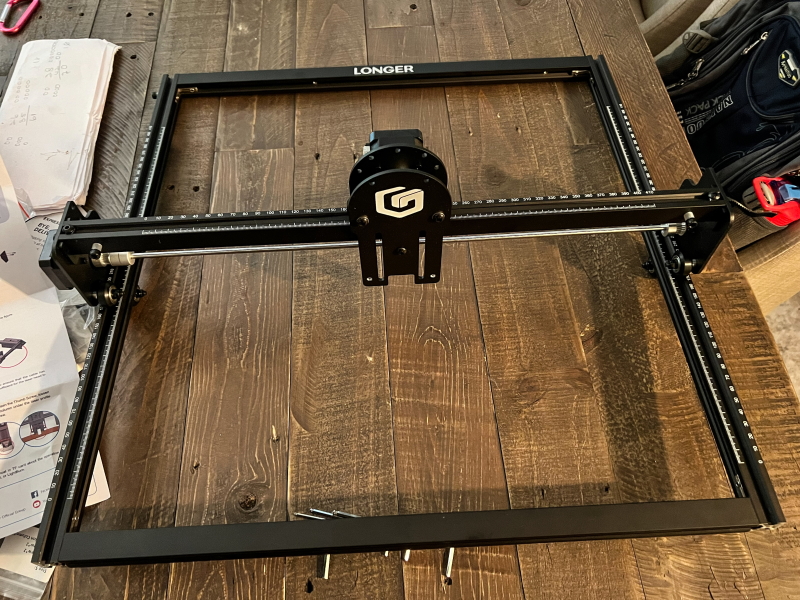
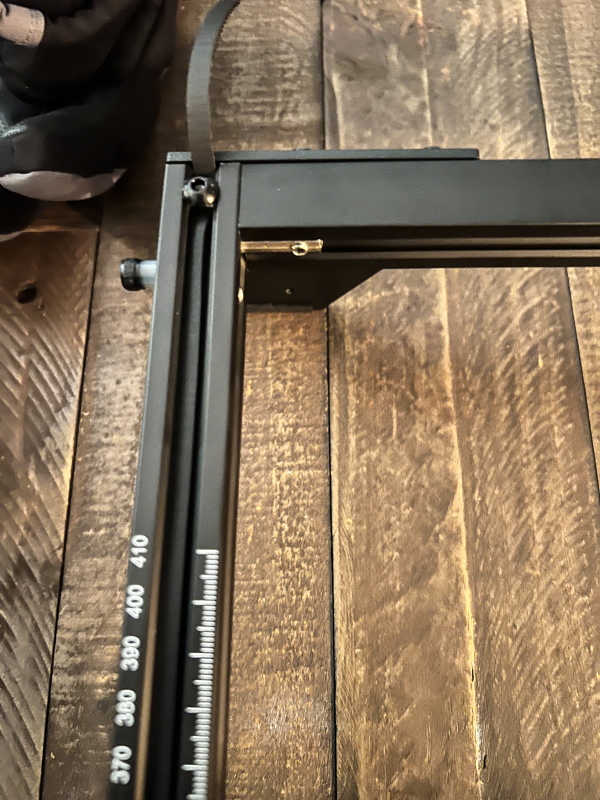
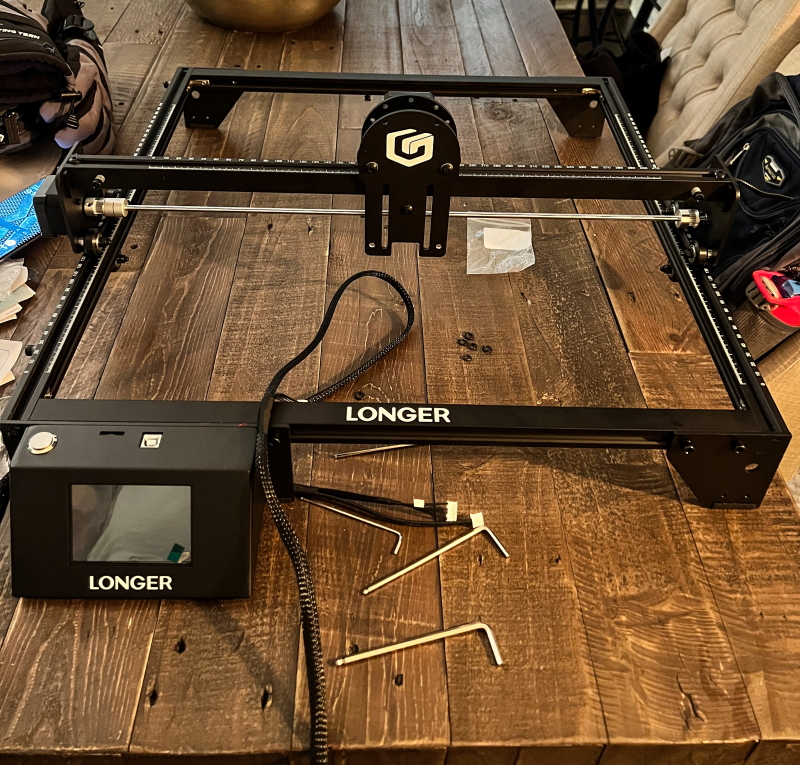
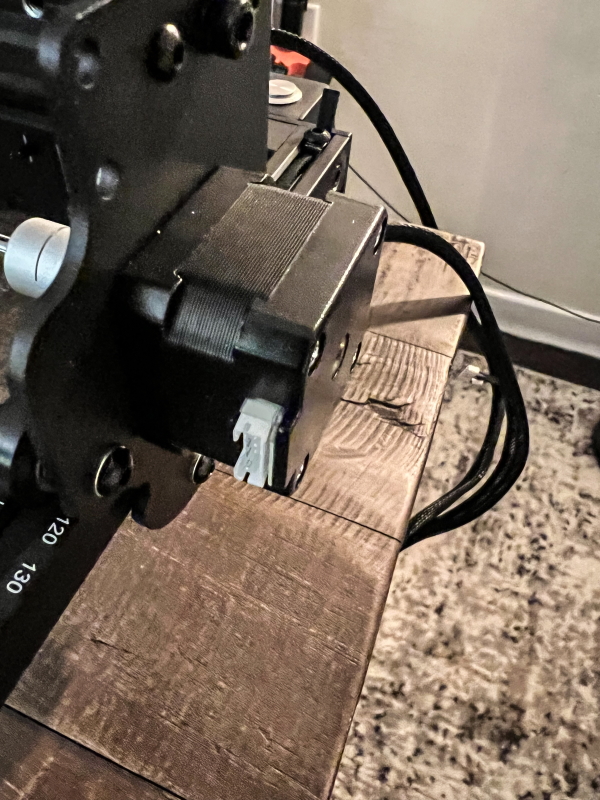
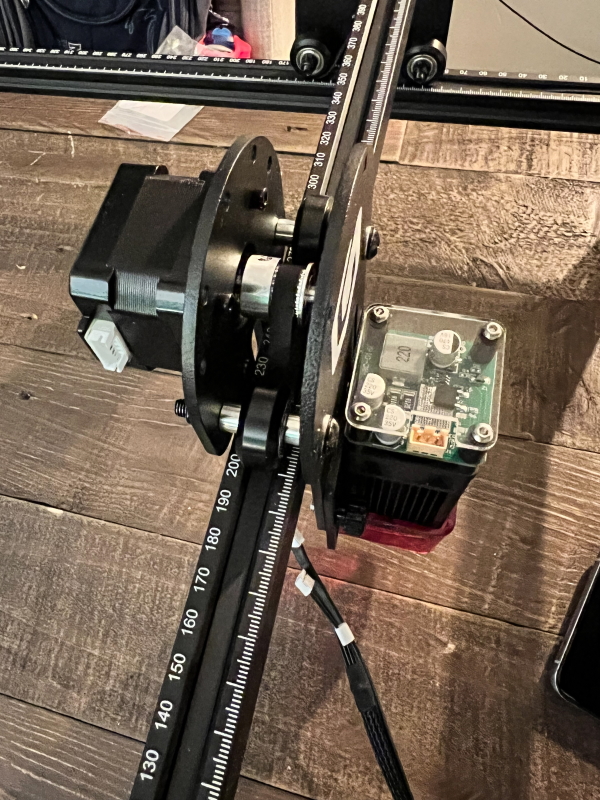
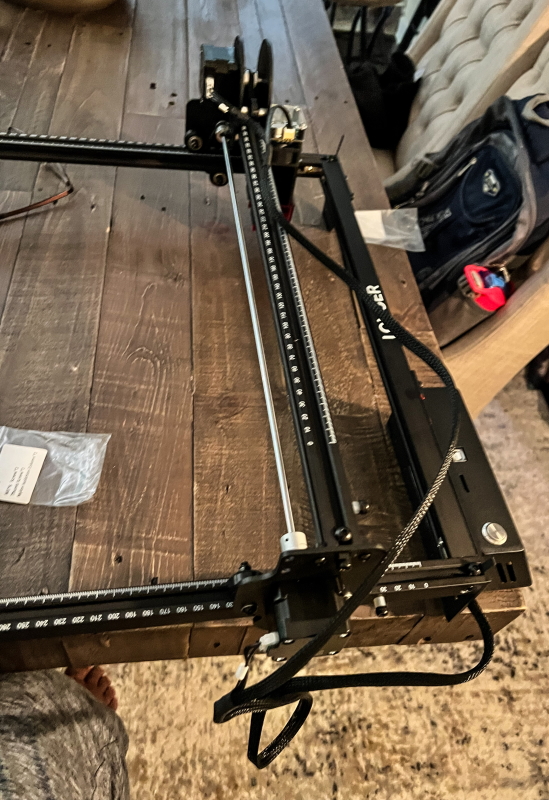
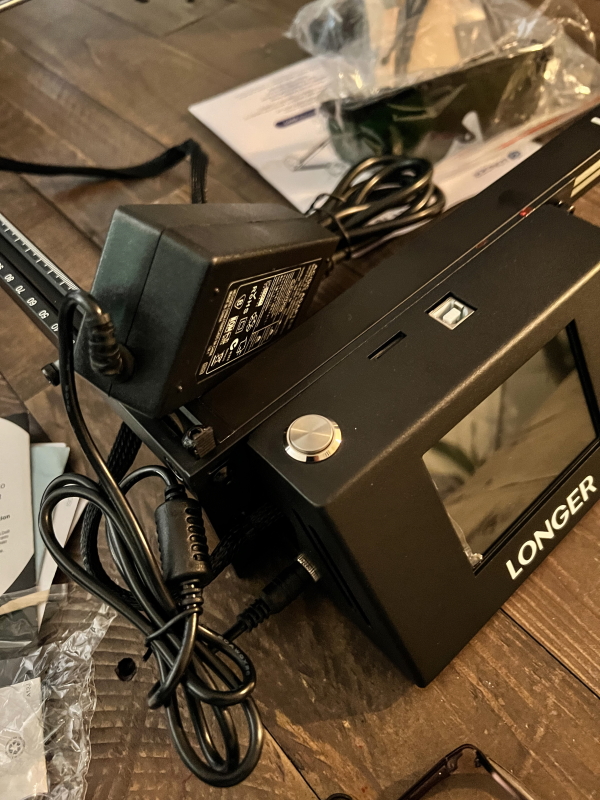
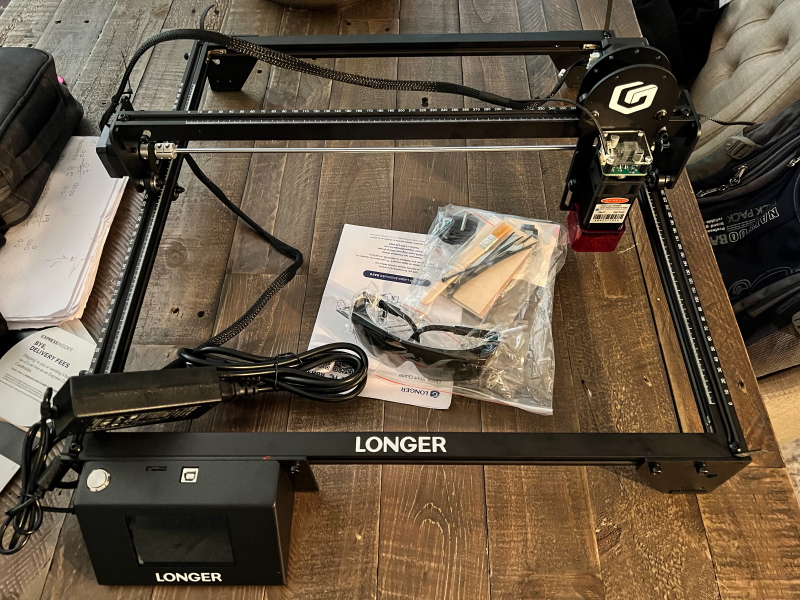 After assembling the engraver, I used the micro SD card that came with the USB adapter to test the device. The card comes with 3 sample files for engraving. Additional software is also on the memory card, including manuals, firmware, instructional assembly videos, and 2 design applications. There is a metal cylinder tool to set the height of the laser above the material you want to engrave: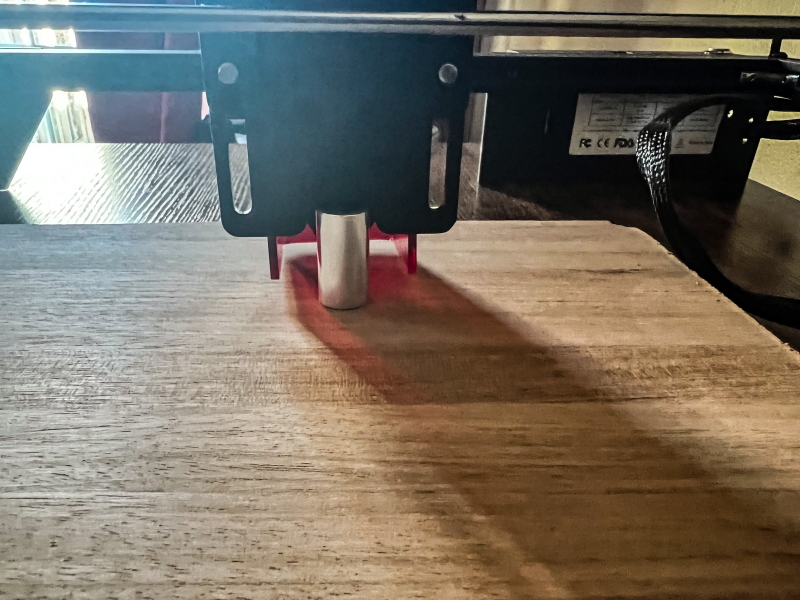
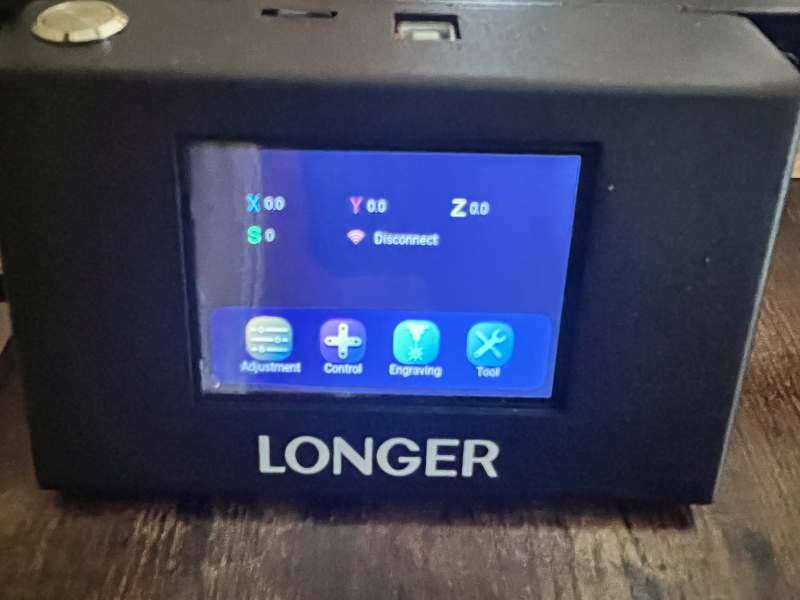
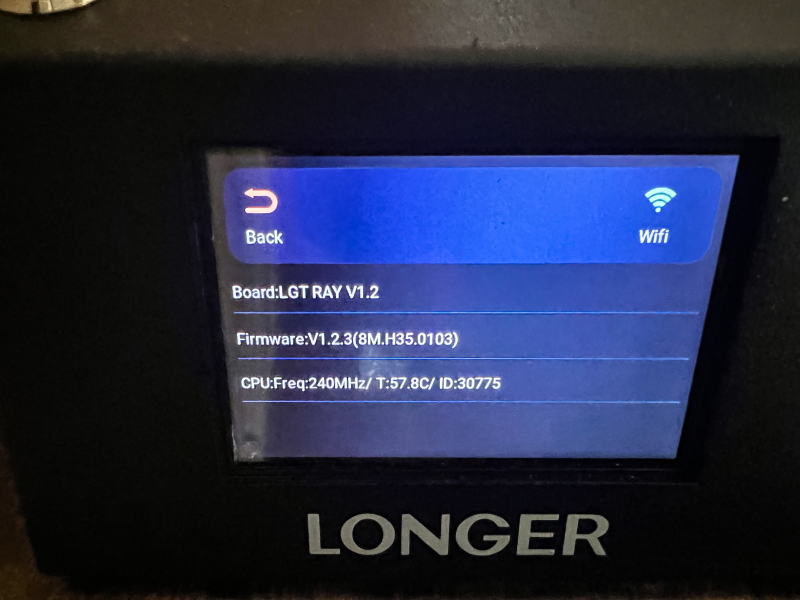
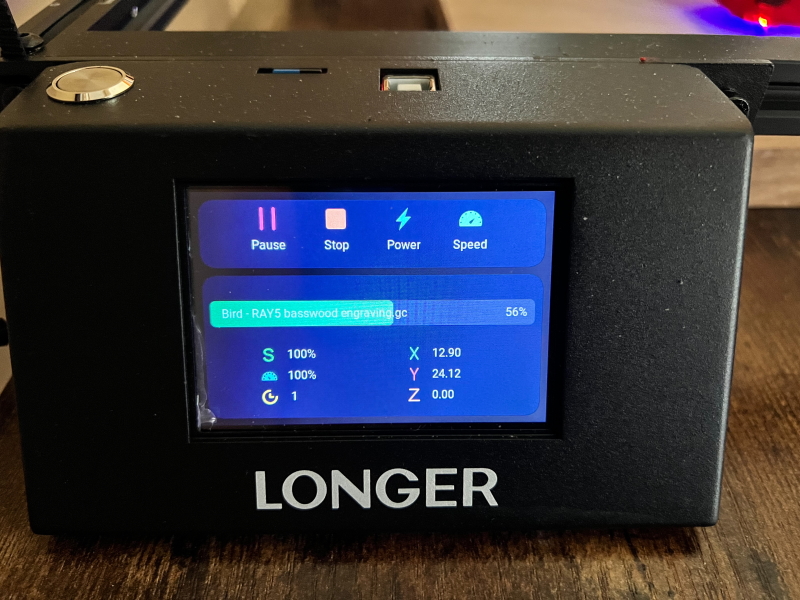
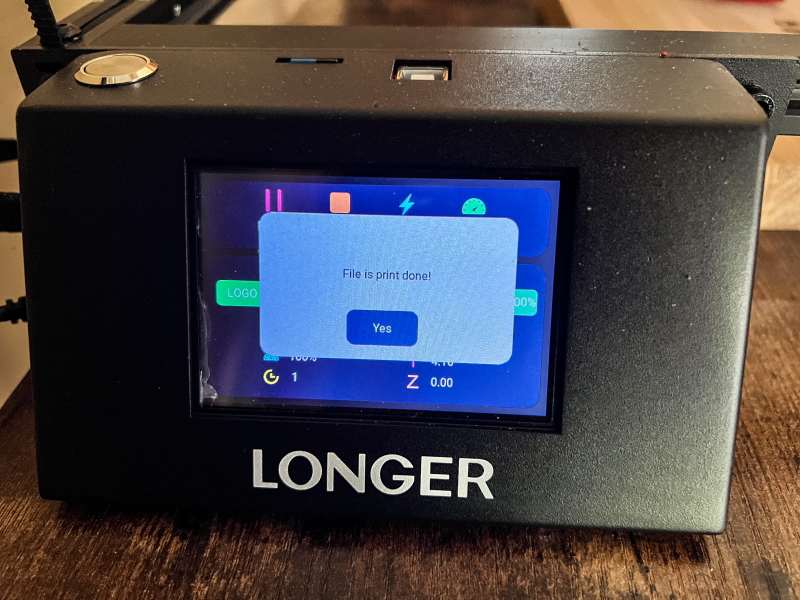
Once the height is set, it’s time to insert the micro SD card and start carving. A USB cable is included if you want to use an external hard drive or connect directly to a PC. In the photo below, I also included some of the screens on the touch control screen: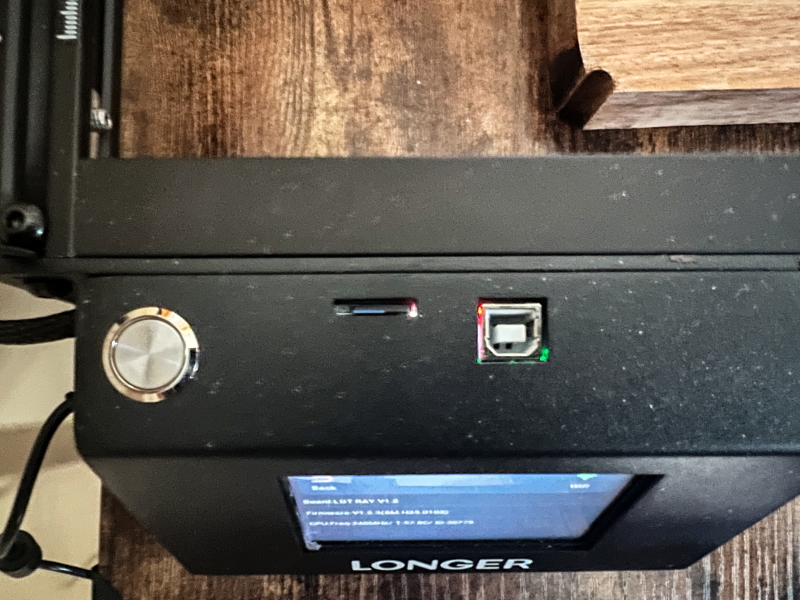
see it in action
Watching the Longer Ray5 laser engraver was as much fun as I was watching the 3D printer print. However, this device produces a fair amount of smoke and of course the smell of the material you are carving. The included shade is necessary if you want to see the laser to see what it’s doing. I recommend using it outdoors or at least in the workshop. Also, I didn’t test the cutting ability as I don’t currently have a suitable surface to place under the material I’m cutting. The device would be better if it included a housing and some material to limit the depth of the laser. How the engraver works You can choose how many times you want it to go when engraving, and with each pass, it will cut deeper. I had to assume it would take a few hours to get through the 1″ think board I was using for testing. Overall, this is still a very good engraver, and the large print area makes it very versatile.
what do I like
- build quality
- Relatively easy to assemble
- On-site printing area
- Includes software for design and printing
- print quality and speed
what would i change
- There should be an enclosure for printing induced fumes/smoke and put some protective plate/material under the material being engraved
final thoughts
This is my first time testing a laser engraver and I must say I really like the quality of the Longer Ray5 laser engraver, its relatively quiet operation and the quality of the engraving it produces. Since it’s not enclosed, in the future I’ll have to use it outdoors, maybe in my garage. It emits quite a bit of smoke while carving, and if it’s the material you’re carving from, there’s also an odor similar to that of burning wood. I tested it indoors and the smoke was the unpleasant part. However, the experience was great for me, and this sculptor is very capable, especially because of the larger build area. I’m doing great!
price: $335.00
Where to buy:
Coupon Code: NNNALL3DPLR5U
Validity period: 2022-08-21
Discounted price: $325.99
Origin: USA
-or-
EU customers can buy .
Coupon Code: NNNALL3DPLR5U
Validity period: 2022-08-21
Discounted price: €301.44
Place of Origin: Germany
source: The sample for this review is provided by Geekbuying.


