


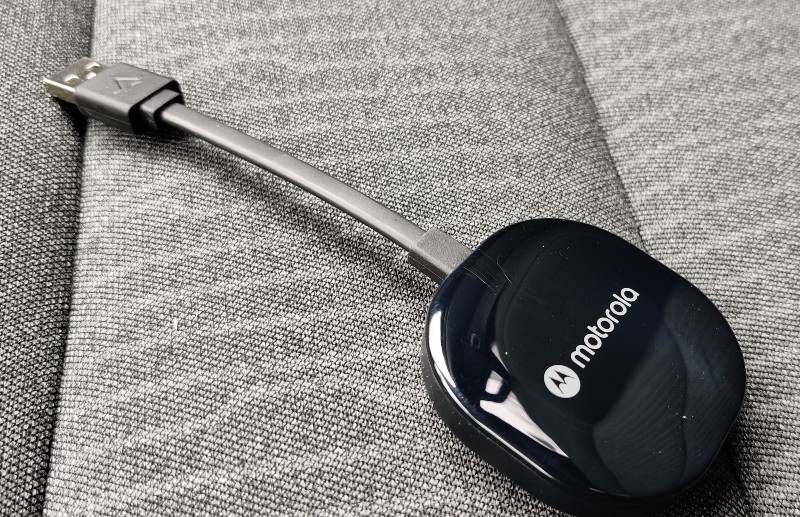
review – Plugging your phone into your car to access Android Auto every time you travel doesn’t seem like much, but a few days with the Motorola MA1 Wireless Android Auto Car Adapter will change your mind.
What is it?
If you’ve bought or leased a new car in the past 7 years or so, chances are it’s equipped with Android Auto, which more or less mimics your Android phone’s screen on the car’s display. For all but the latest cars, this involves connecting your phone with a USB cable. The Motorola MA1 handles that connection wirelessly – just get in the car with your phone and it’s connected wirelessly.
What’s in the box?
- Motorola MA1 Wireless Adapter
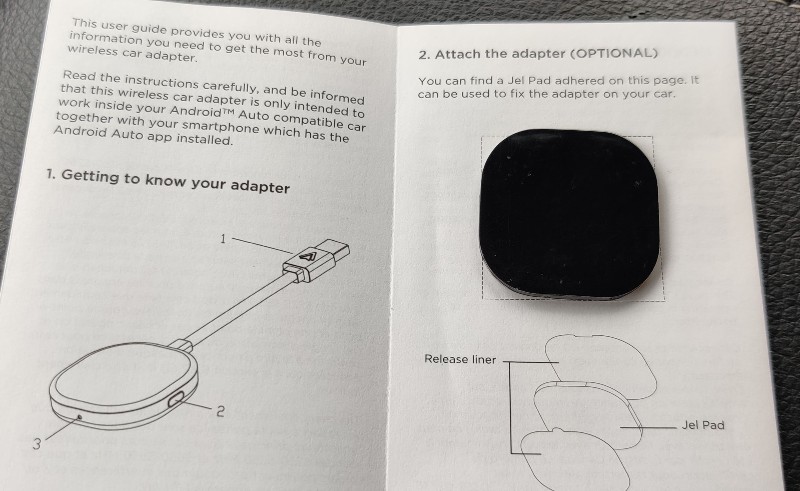
- Gel sticky pad
- Quick Start Guide
Hardware Specifications
- Platform Compatibility: Android 11 and higher
- Bluetooth 5.0
- 5Ghz Wi-Fi
- Weight: 31g
Design and Features
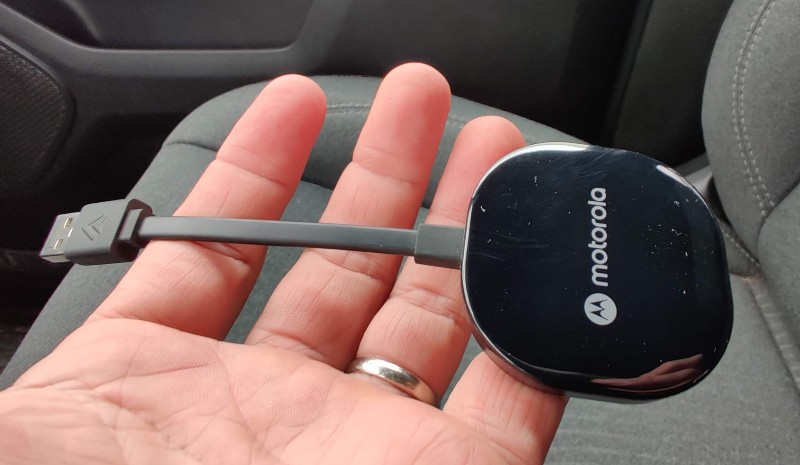
The Motorola MA1 Wireless Android Auto Car Adapter has a very similar design to the Google Chromecast. It’s a small puck with a 5″ non-removable USB-A cable. There is a small connect/reset button and an LED. That’s it! As for functionality, well, really none. It does just one thing – connect your phone to the car without wires. No need to download apps or change settings.
installation and setup
Initial installation and setup is quick and easy. You first have to connect your phone to the car using the “old-fashioned” method using a USB cable. Then you just unplug that cable, plug the MA1 into the car, and connect your phone via bluetooth.Your The phone then establishes a direct connected WiFi link with the MA1, which is how the data is finally sent. This initial process takes less than 30 seconds, and once it’s done, your phone will appear on your car’s screen as if you were plugged in.
Performance
Motorola MA1 Wireless Android Auto Car Adapter works fine almost all the time. I get in the car, start it, and before I turn out of the driveway, my phone is connected, Android Auto appears on the screen, Google Maps appears, and Youtube music starts playing. I don’t see a performance difference between the cable connection and the MA1. Audio sounds great, and the screen is crisp and very responsive to touch input. That said, there are some weird glitches that I can’t explain. I occasionally pass two buildings, and while doing so, the MA1 disconnects from my phone. every time. The same two buildings are miles apart. It reconnected after less than a minute, so I can only guess that something in those buildings messed up the WiFi, causing the MA1 to disconnect.
what do I like
I really like the simple design, quick installation and the fact that it works and works well for the most part. It’s small and connects quickly.
what would i change
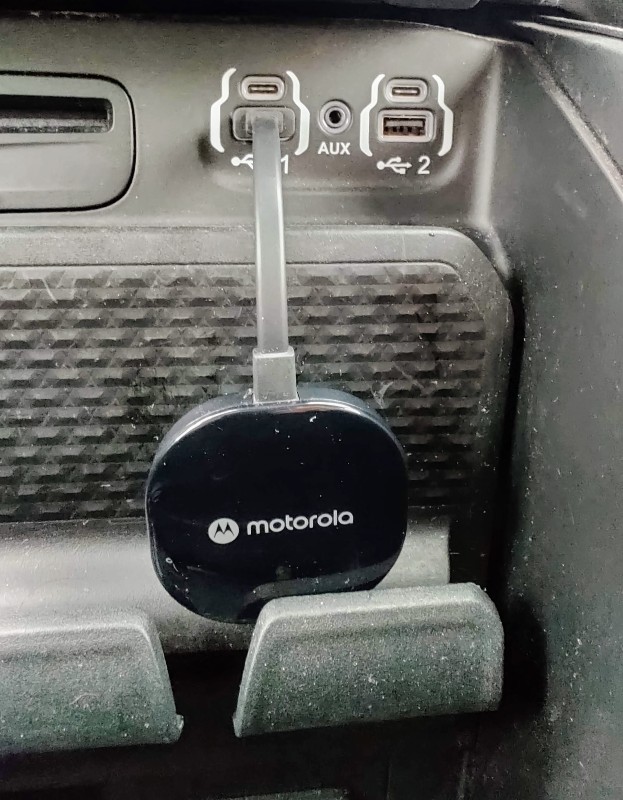
The line is a bit short. In my vehicle 2019 Ram 1500 it works because there is a small place under the USB port to hide the MA1. A gel sticky pad is included for a more permeable installation, but this can make switching between cars or using the MA1 in a rental more difficult.
Wireless connections do drain your phone’s battery. This cannot be changed as it is a WiFi connection and is power hungry. Most of my trips are short, less than 30 minutes or so. In those cases, I didn’t even notice. But on long trips you can drain the battery quickly, so I usually just use the cable connection to keep the battery charged. But those excursions you don’t want to be disturbed are where the MA1 really excels.
final thoughts
Overall, I am impressed with the Motorola MA1 Wireless Android Car Adapter. It might not sound like much to plug your phone into the car every time you get in, but it’s pretty awesome that you don’t have to. I thought it would be a “luxury” that I’m guilty of, but I’ve come to enjoy Android auto’s near-instant start and near-perfect reproduction of the wired experience.
price: $89.95
where to buy: Motorola Audio or Amazon
source: I purchased this project with my own funds.


