


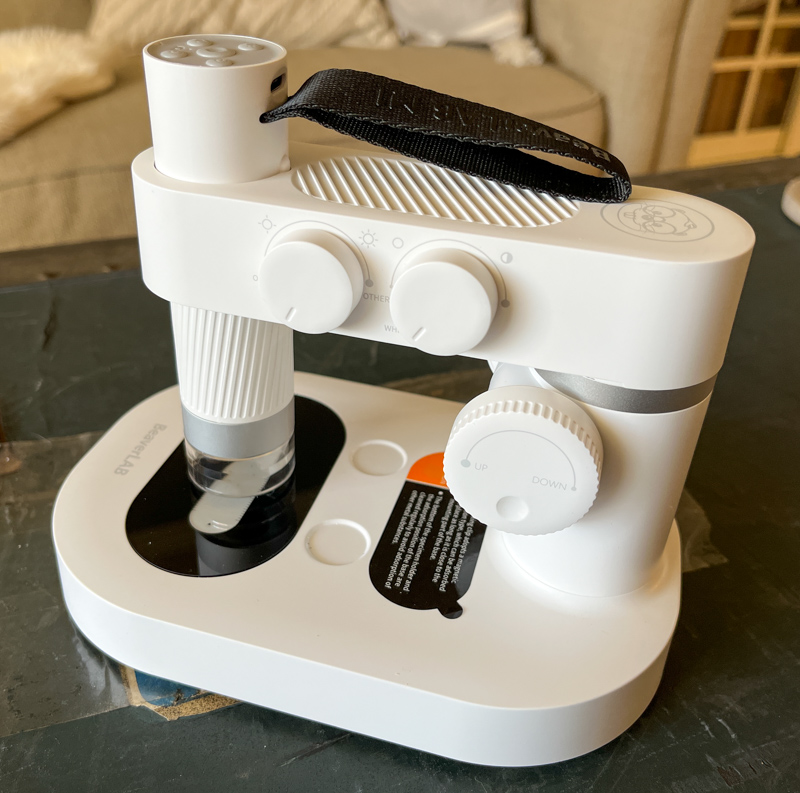
Review – When I was a kid I received a cheap microscope as a gift and I was excited to try it out. I think I looked at about three things and never touched it again, despite having a lifelong interest in science. I don’t know if it’s ADHD, or if it’s hard to use, but I suspect the main reason is that the gift didn’t include inspiration or guidance. If it included things like nice samples to look at, collectible kit items, and journals, I think I’d use it more. Enter the OSCTAN Smart Microscope!
What is it?
The OSCTAN Smart Microscope is a digital microscope kit that also includes accessories and a beautiful inspiration book and journal to encourage children to explore on their own. It uses an app (iOS and Android) as the microscope’s viewfinder, making it easy for both children and adults to view observed specimens on a larger screen. This kit is designed and marketed for children, but anyone can use it.
What’s in the box?
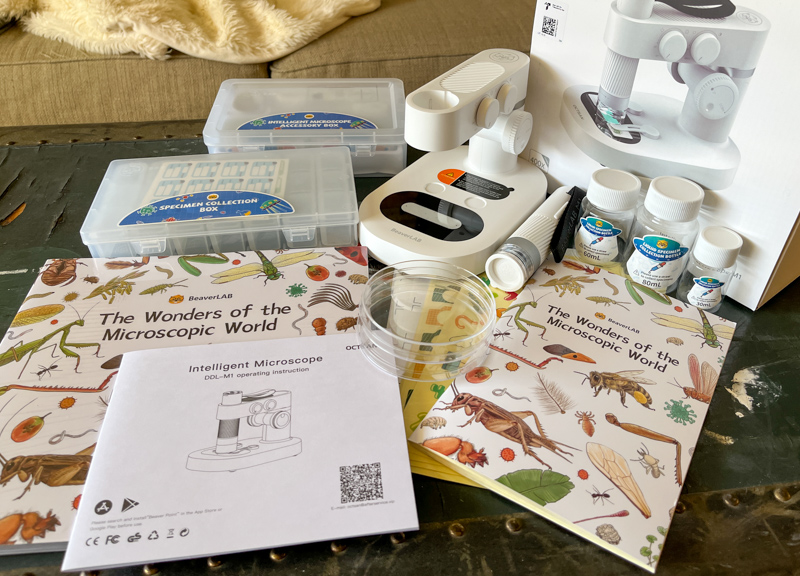
- OSCTAN Smart Microscope
- Microscope stand with focus adjustment and LED 8-color backlight
- Sample box with 21 slots
- 10 blank slides with protective sleeves
- Provide prepared specimens (various animals and plants)
- Observation log book (for recording and sketching observations)
- stickers (for observation)
- Inspirational Science Books
- Magnetic Sliding Clips (x2)
- tweezers
- Petri dish x2
- Collection bottle x3 (80ml, 60ml, 30ml)
- Calibration card
- 5ml dropper
Hardware Specifications
- Dimensions: 9.65 x 9.45 x 7.4 inches
- Lighting: LED on microscope (adjustable brightness, white) and LED backlight on stand (adjustable color and brightness)
- App Compatibility: iOS and Android
- Microscope battery: 2700mAh
- Suitable for ages: 3+ (younger children require supervision – wifi connection to device is required for initial setup)
- Image Quality: “HD” (images saved in the app are 620 x 424 pixels)
- “Up to 400x magnification” – seems to be a digital zoom
- ABS and aluminium construction
Design and Features
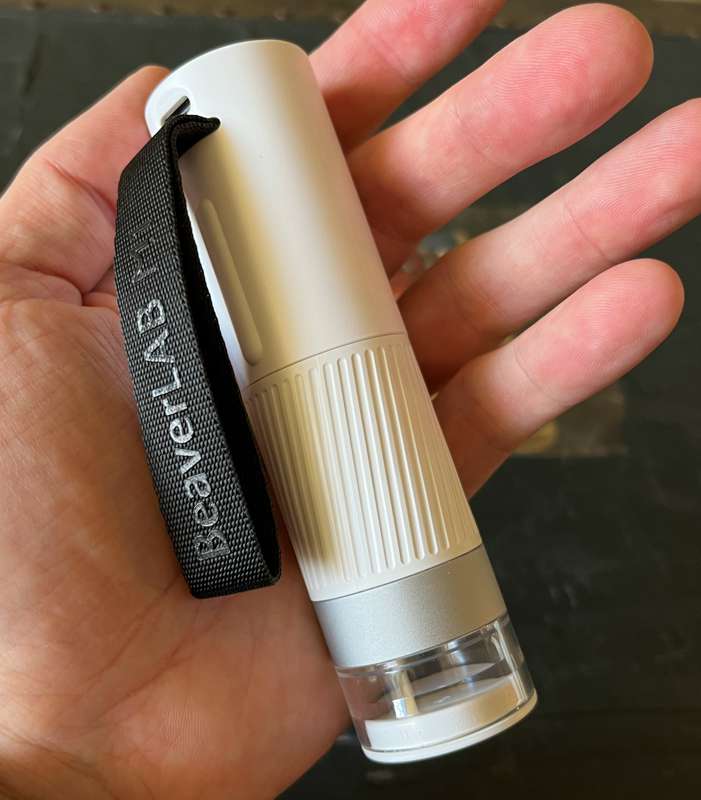
The OSCTAN Smart Microscope is itself a handheld microscope with a built-in battery, allowing you to take it anywhere you want to observe specimens in the field. The body is sturdy plastic, the focal point is the easy-to-use twist-grip handle, there’s a carrying strap to prevent drops and stabilize the device when using it hand-held, and a lens cover to keep dust out.
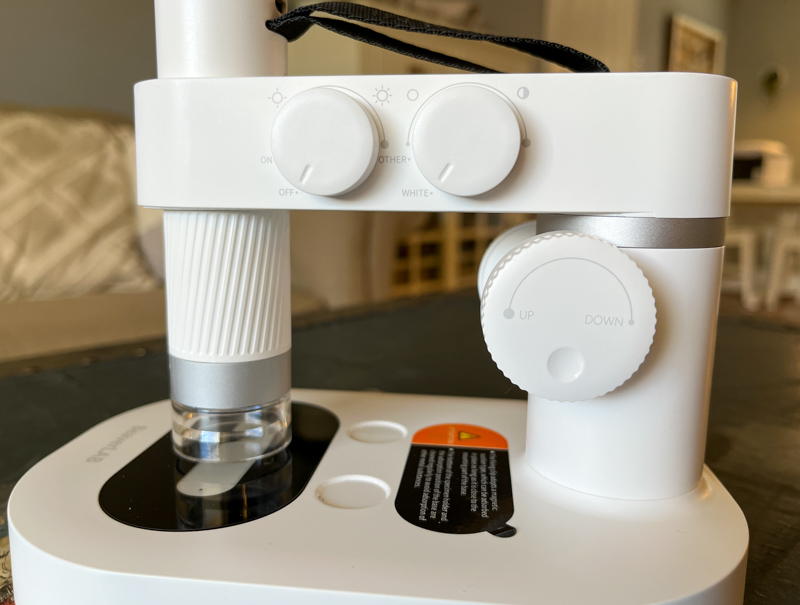
The weight of the included stand is stable enough, and the focus adjustment on the stand is smooth and smooth without excessive wobbling for observation. The microscope itself is inserted into this holder from the top. There’s also a pair of knobs here to turn on and adjust the backlight, similar to dying specimens to see different details.
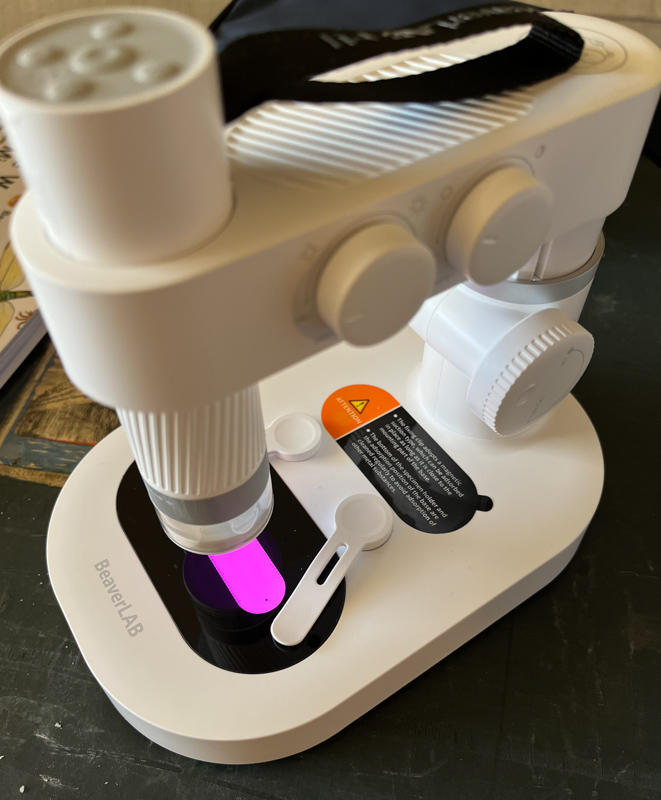
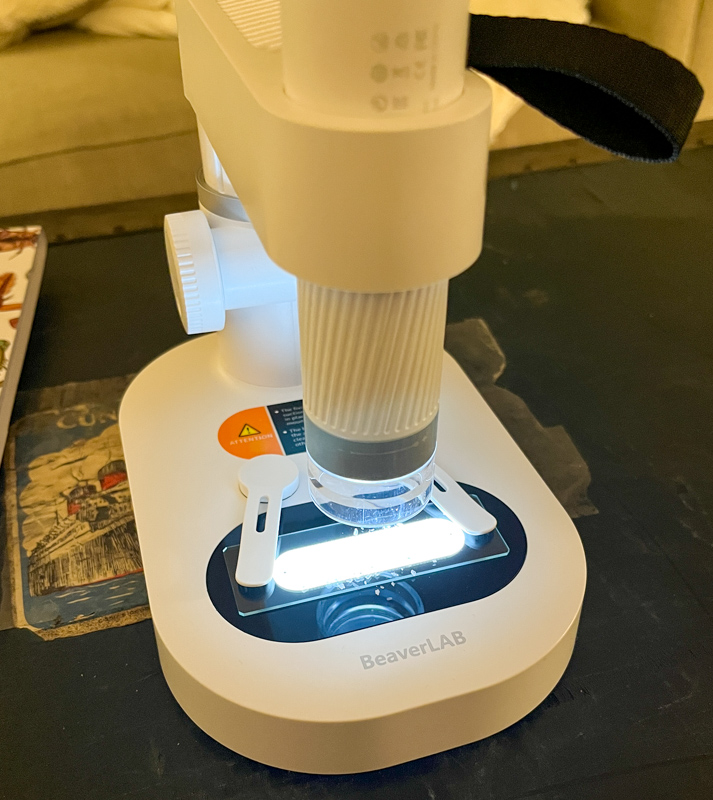
The picture above is with the backlight on. Also note the clips near the backlight, these are magnetic and I found a nice feel in the hand, making it easy to place and adjust the slides.
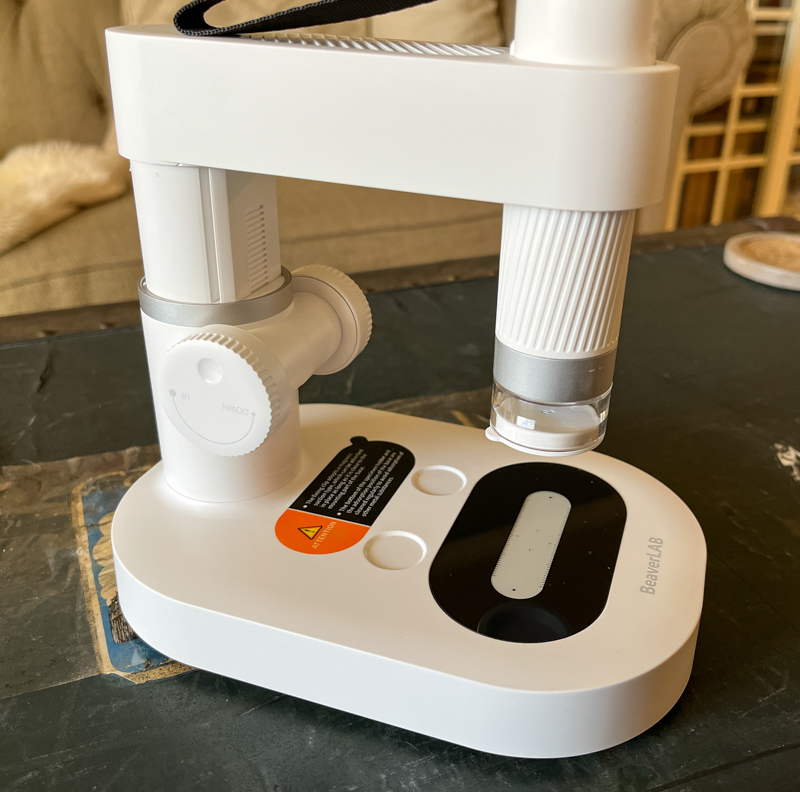
This is the microscope on a stand, fully unfolded, and there’s a huge range of focus adjustment here. The knobs for adjusting focus are also on the sides, so you can use either hand to make adjustments.
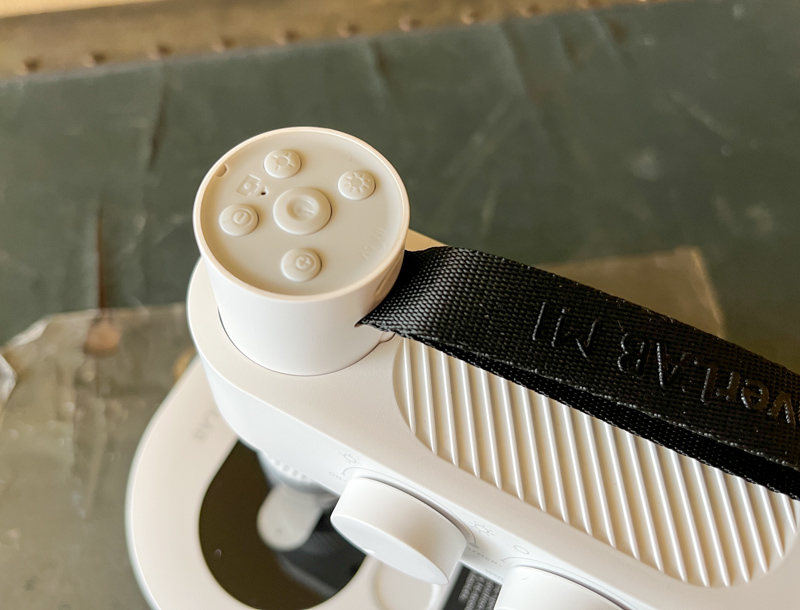
On the top of the microscope you’ll find 5 buttons to control power, light intensity and digital zoom. There are also LED indicators that show pairing and pairing mode as well as charging.

The accompanying information book is well done and I was impressed with the wealth of historical and scientific facts contained here in an interesting format. If the intended recipient of this microscope is scientific, the accompanying book would be greatly appreciated. Some page folds are shown above, and I didn’t notice any language translation issues or obvious scientific issues (though being a biology major for just 3 years in college probably didn’t make me an expert).
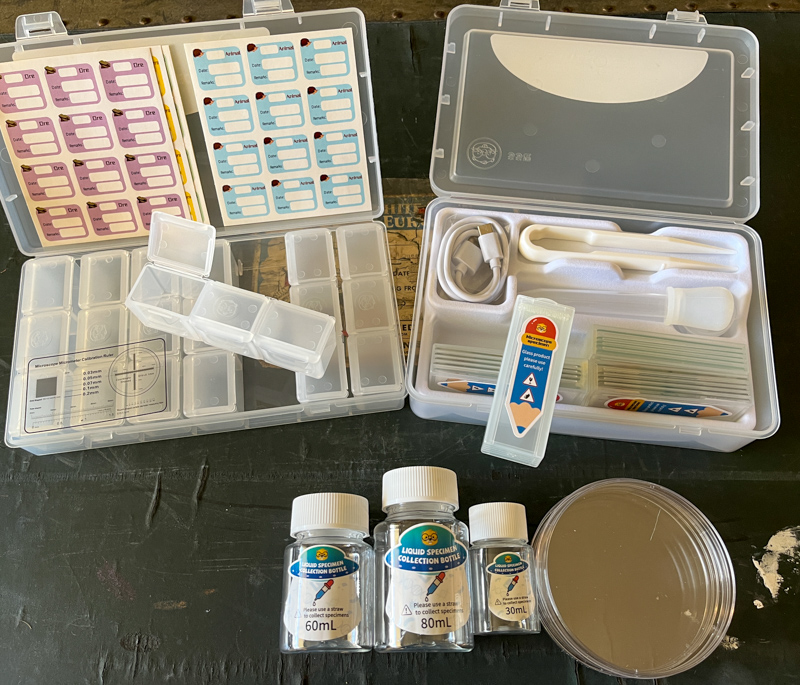
The included accessories exceeded my expectations for a kit of this type. An assortment of taxidermy boxes and collection kits, along with plenty of stickers and observation logs, are enough to get an excited kid going.
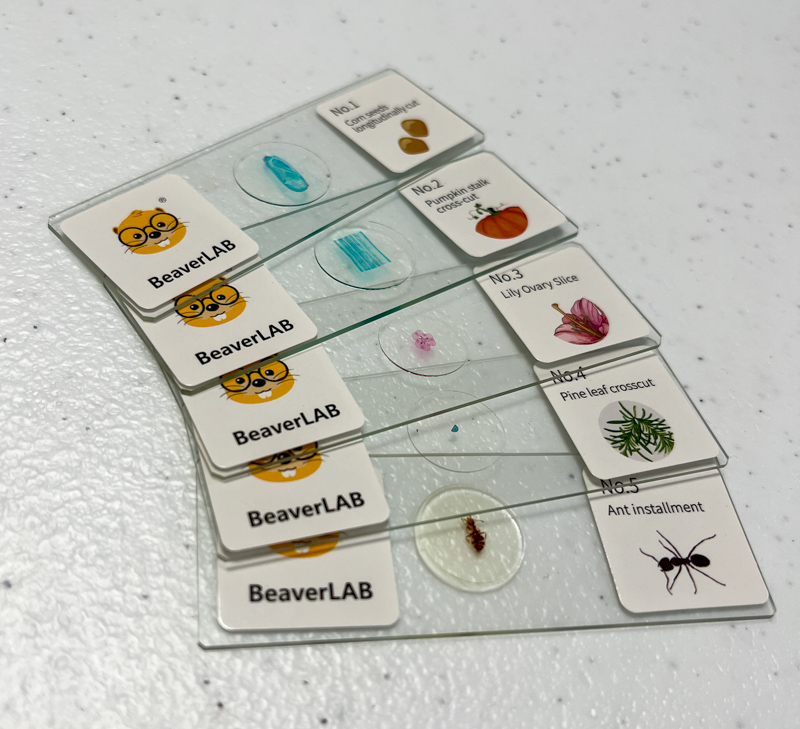
I especially like the included 10 prepared specimen slides, which are a variety of plants and insects already mounted for viewing. They are even fun for me and will help kids start exploring microscopy.
installation and setup
The first step in setting up an OSCTAN Smart Microscope is to ensure that both the microscope itself and the base are charged. The USB-C connection on both allows charging and comes with a cable, but you’ll need your own wall plug to connect to (or computer/laptop).
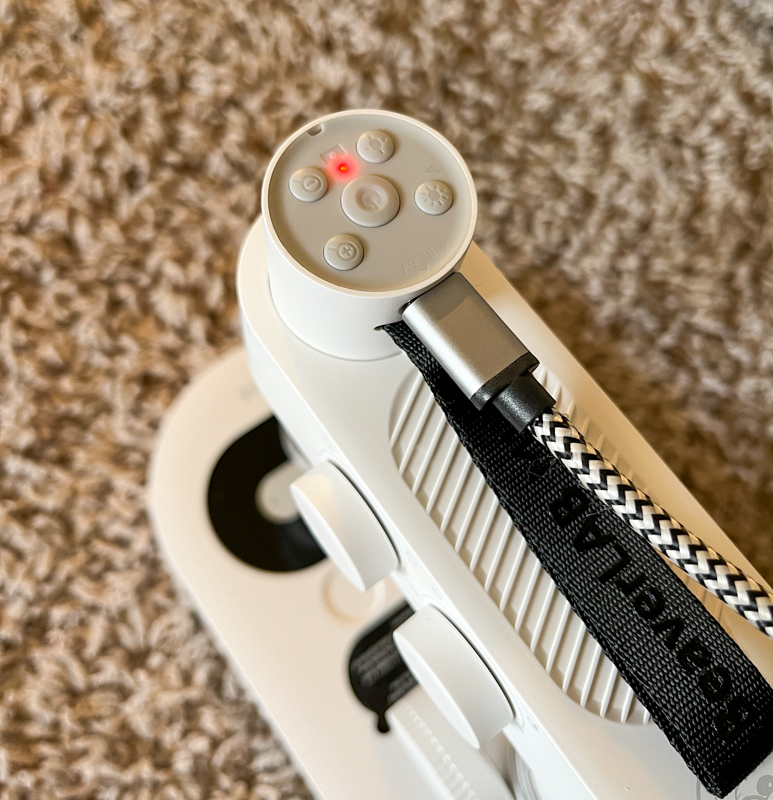
Once the microscope is charged, just press and hold the power button to turn it on, then you need to get the mobile app. There are QR codes on the manual and box, I recommend using those (I searched for “Beaver Lab” and found an app on my iPhone that didn’t work at all, although it looked like it should. Once I found the QR code and got with the correct application and it works well).
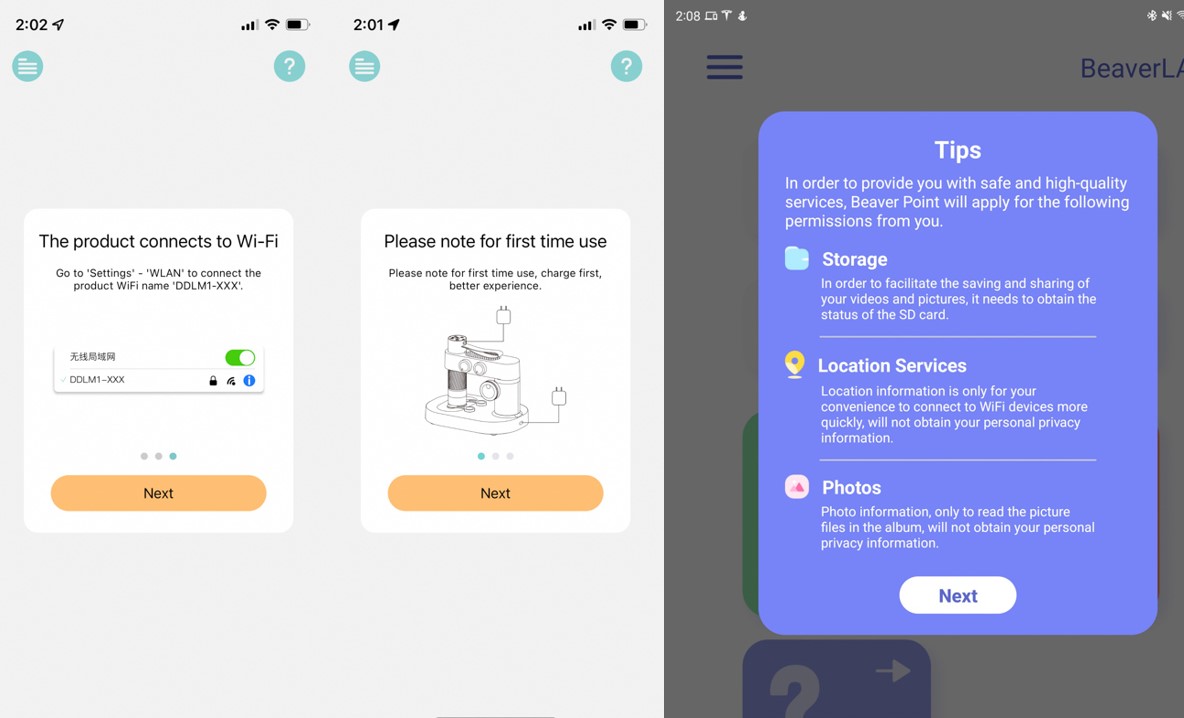
The connection to the microscope requires you to be connected to the device’s wifi. I always prefer bluetooth to a wifi connection like this, but streaming video is probably too much for a bluetooth connection so this is the next best option. The first-time use tutorial lets you get started once connected.
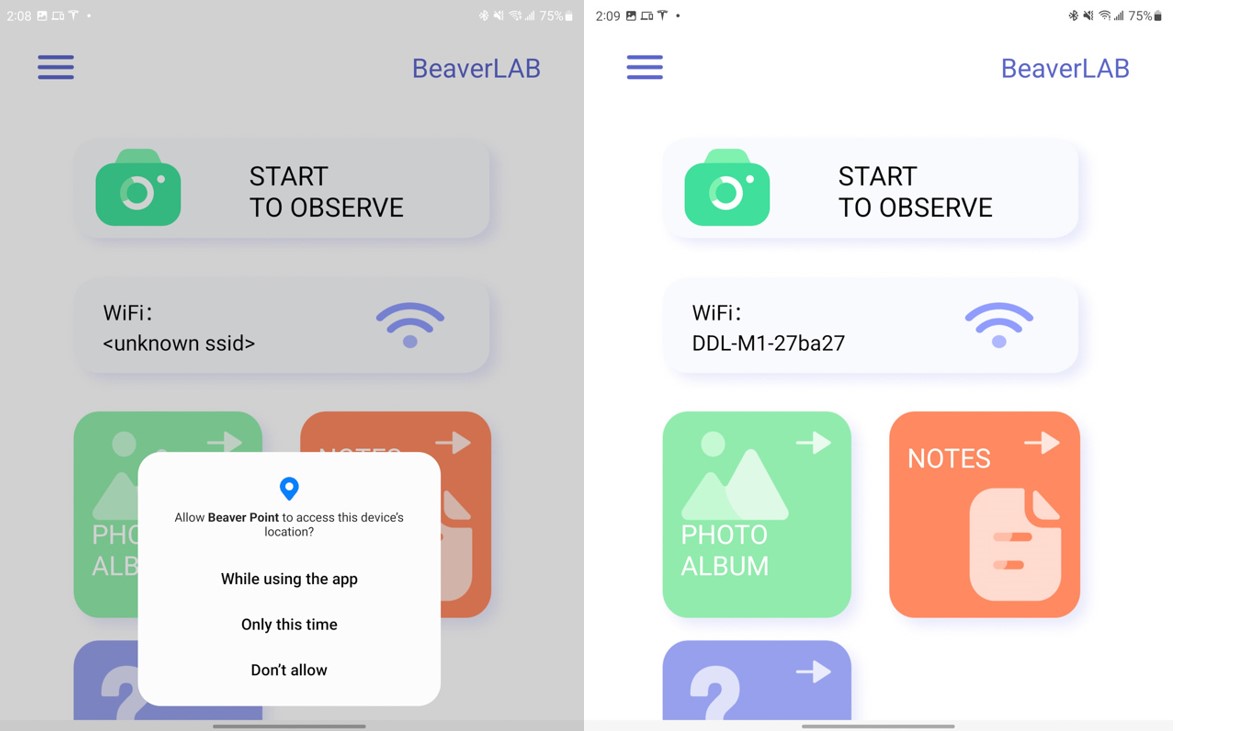
After allowing some permissions like file access and location access, a fairly simple home screen pops up. You can come back here later to view captured pictures or use the humble note-taking feature, but the most common thing you’ll do is the “Start Watching” button. The app works well on Android and iPhone, as well as on tablets (the bigger the screen, the more detail you see).
Performance
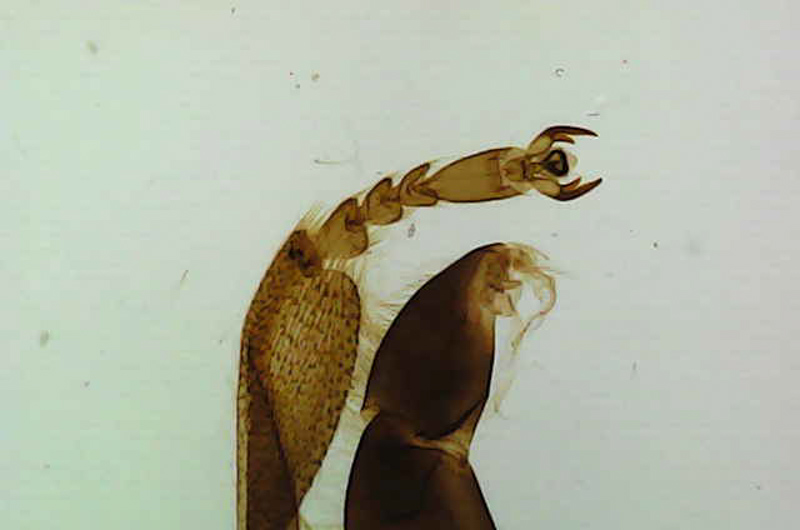
I started with some of the specimen slides provided and was pleasantly surprised by both the quality of the slides and the microscope itself. In the photo above, you can see about a millimeter of the insect part, and you can see very small details, such as the hair on the legs.
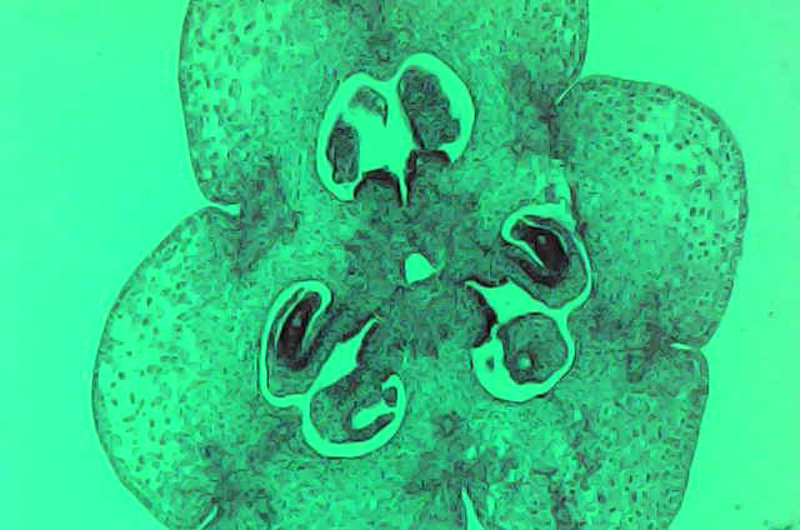
The photo above is a part of the plant, and for this photo I used the backlight of the stand and chose a color that would bring out more detail than white.
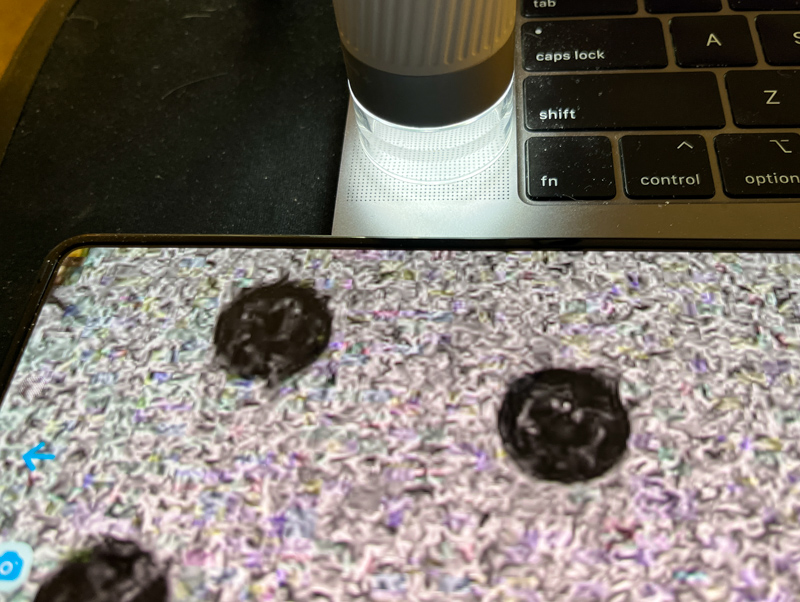
The photo above shows the microscope in use in handheld mode, with my phone visible in the lower half of the screen. What we see here are the various holes in the Macbook Pro’s speaker grill.
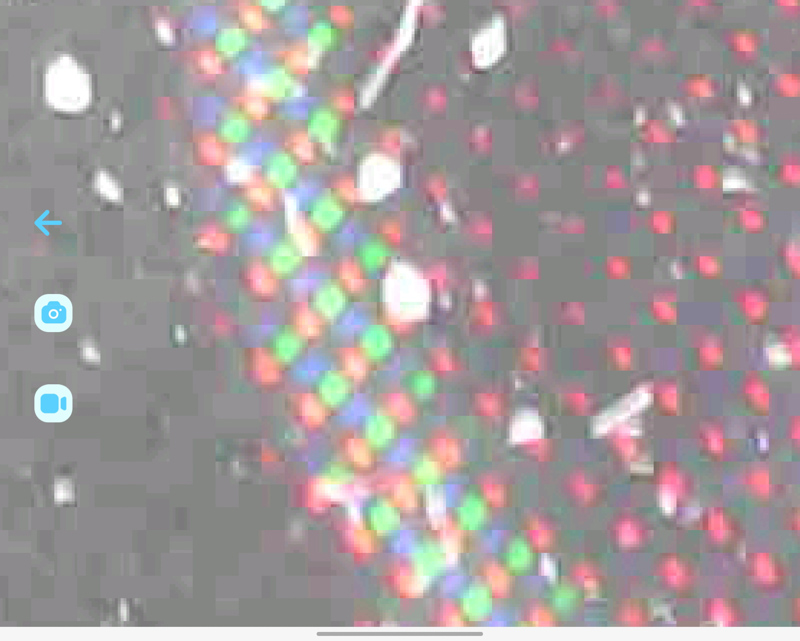
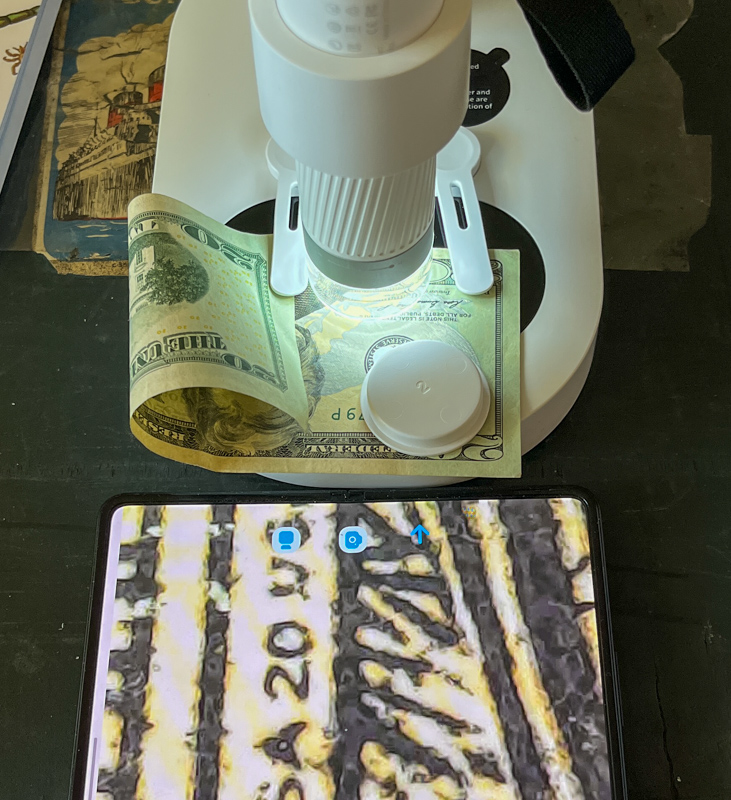
Finally, come to a picture of the LCD screen. You can see the individual red/green/blue pixels just fine, but here I used the zoom function and you can see how much pixelation is happening. As I suspected, the zoom isn’t an optical zoom, but crops farther and farther to the same digital photo. I like that this is an option, but I don’t find it very useful in most situations.
Overall, the OSCTAN smart microscope works reliably, includes everything the user needs to explore a variety of microscopic topics, and looks well-built.
what do I like
- Lots of accessories included
- Easy to use, easy to focus
- good children’s book
what would i change
- A guided challenge or activity would be nice, and the accompanying book has some inspiration, but I’d guess structured “challenges” in an app or a print journal could keep kids engaged for longer.
final thoughts
If you’re looking for a decent microscope that kids can easily use, the OSCTAN Smart Microscope might be just what you’re looking for. I really had to seriously consider the “Cons” section above, the device itself and the accompanying kit of accessories are better than I expected at this price point.
price: $130.99 ($65 off coupon at time of review)
Where to buy: Amazon
source: The samples for this review were provided by OSCTAN.


