


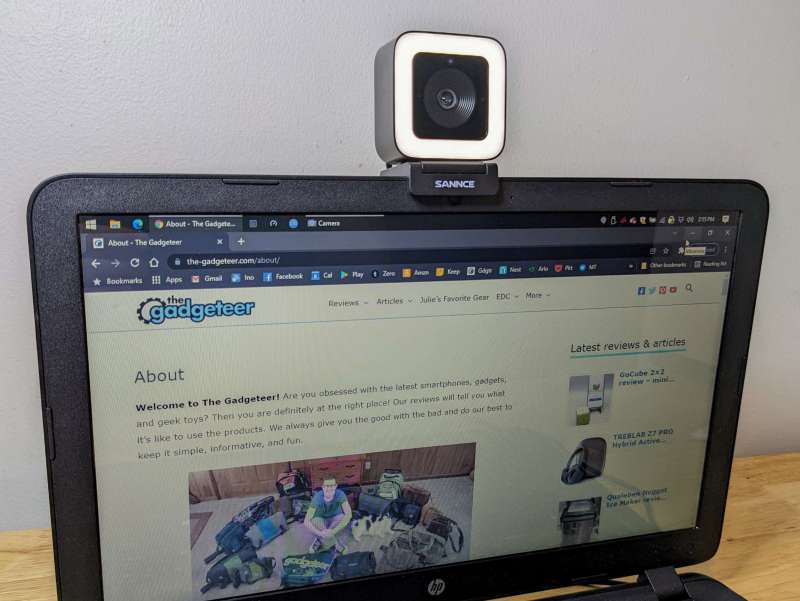
review – Even though I use my webcam more than I thought I could, I couldn’t bring myself to invest in better lighting for frequent video meetings and chats. Compounding the problem is my cramped workspace, which doesn’t have much room for extra equipment like a large ring light. Fortunately, I had the opportunity to try out the SANCE 2K 4MP Ultra HD Webcam. Among other cool features, the SANCE has an integrated light, a magnetic base that lets you quickly switch from portrait to landscape, and great video quality. Even with some downsides, the SANCE is reasonably priced at $129 considering you’ll pay more separately for a webcam of this caliber and light.
What is it?
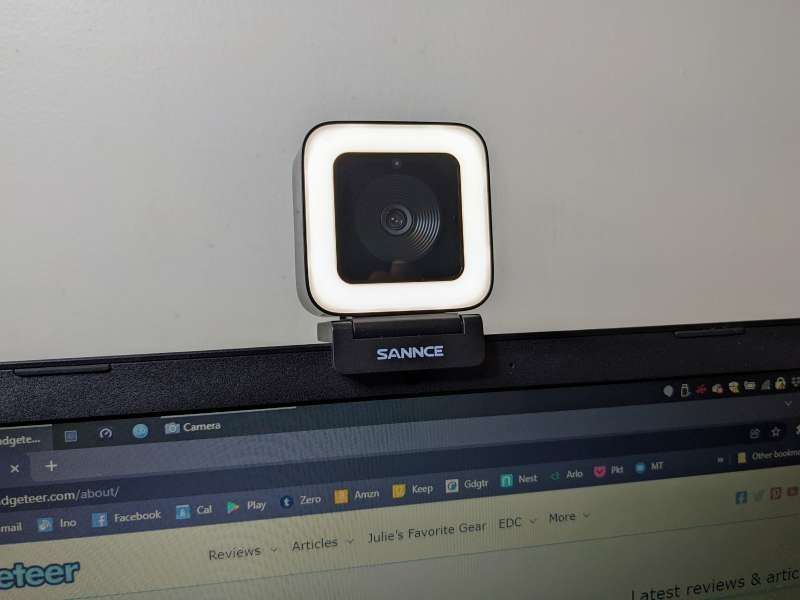
The SANCE 2K 4MP Ultra HD Webcam is an external webcam that can handle 2560 x 1440 (4MP) 30 fps or 1920 x 1080 (2MP) 60 fps video. SANCE features two integrated omnidirectional microphones, a magnetically adjustable base, an included tripod, and a built-in LED with five brightness settings.
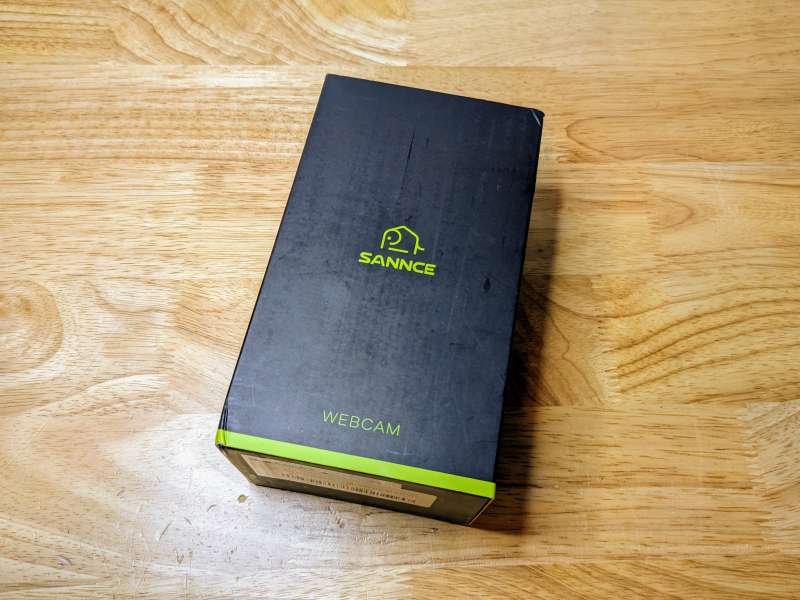
The SANCE webcam comes in a really cool box that details all the features of the device.
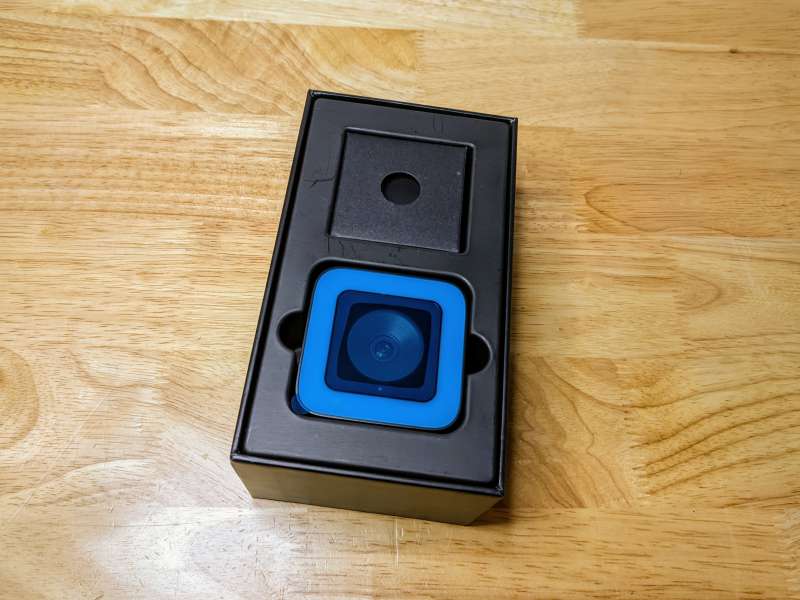
What’s in the box?
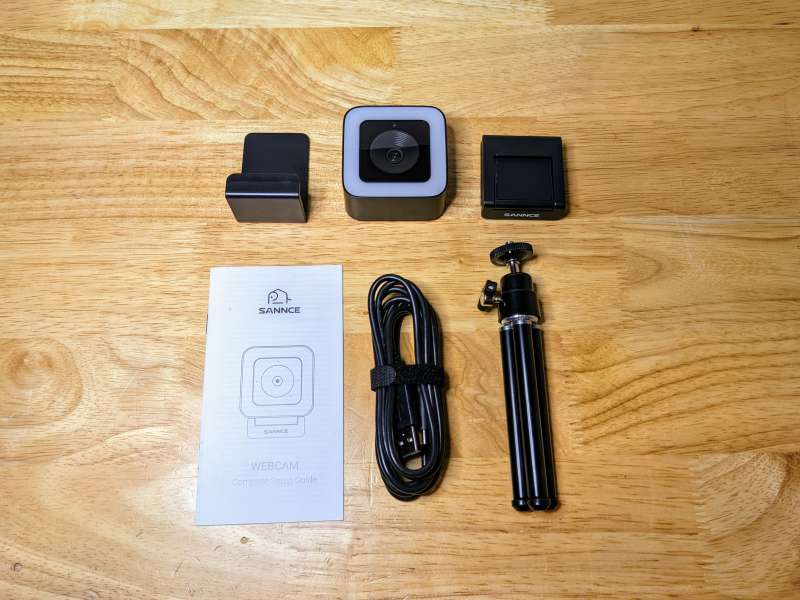
- SANCE 2K 4MP Ultra HD Webcam
- Magnetic Privacy Shutter
- Magnetic base
- tripod
- USB-C to USB-A cable
- User Manual
Hardware Specifications
- Maximum Resolution/Frame Rate: 1440p 16:9 30fps
- Photo quality: 3.7MP 16:9 2560p x 1440p
- Field of view: 90°
- Focus: 2cm macro focus
- Microphones: 2 integrated omnidirectional noise-cancelling microphones
- Microphone Coverage: 5m/16ft
- Privacy Shutter: Yes
- Mounting: Adjustable monitor base with 1/4″ threaded tripod socket
- USB Cable: USB-C to USB-A 2.0 Cable 6ft (1.9m)
- Supported systems: Windows, MacOS, Linux and Android
- Mounting Dimensions: 1.89″ (47.9mm) x 2.36″ (59.9mm) x 1.89″ (47.9mm)
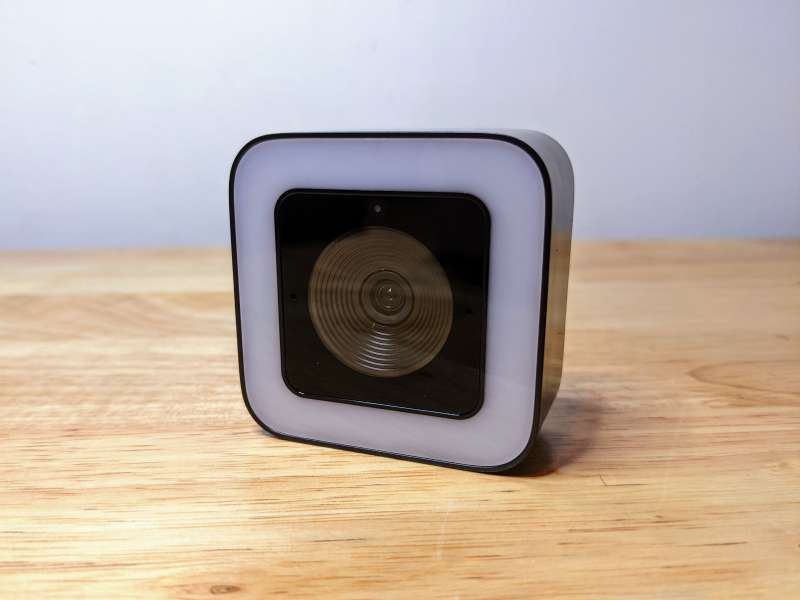
Design and Features
The SANCE 2K 4MP Ultra HD Webcam is well designed, but there are a few caveats. Overall, the webcam looks, looks, and feels great. I like the rounded square shape and the camera feels good.
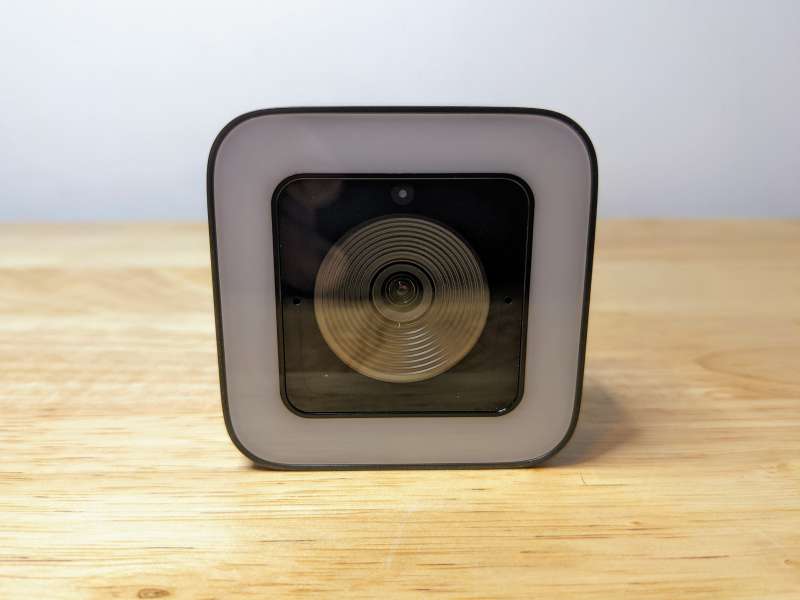
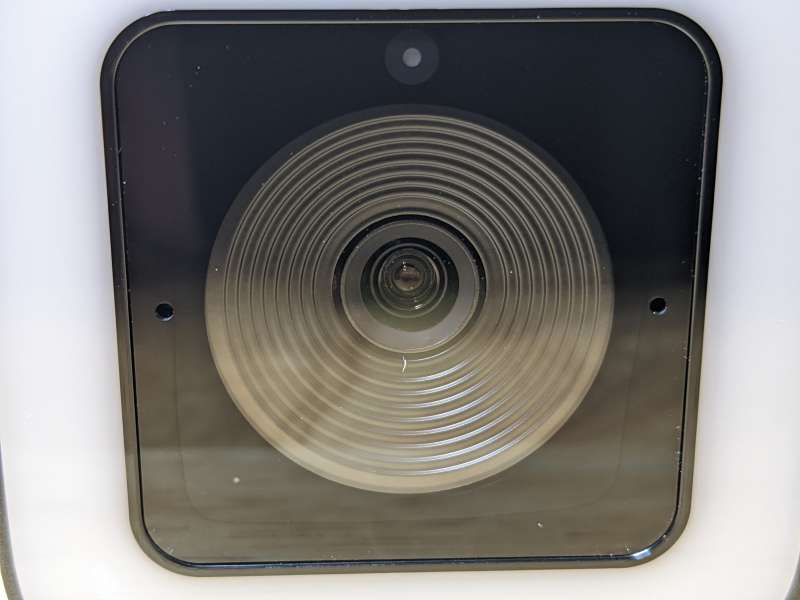
The SANCE’s lens, like the LEDs surrounding the lens, is protected by a piece of clear plastic. There’s a light sensor above the lens, and two omnidirectional microphones on either side.
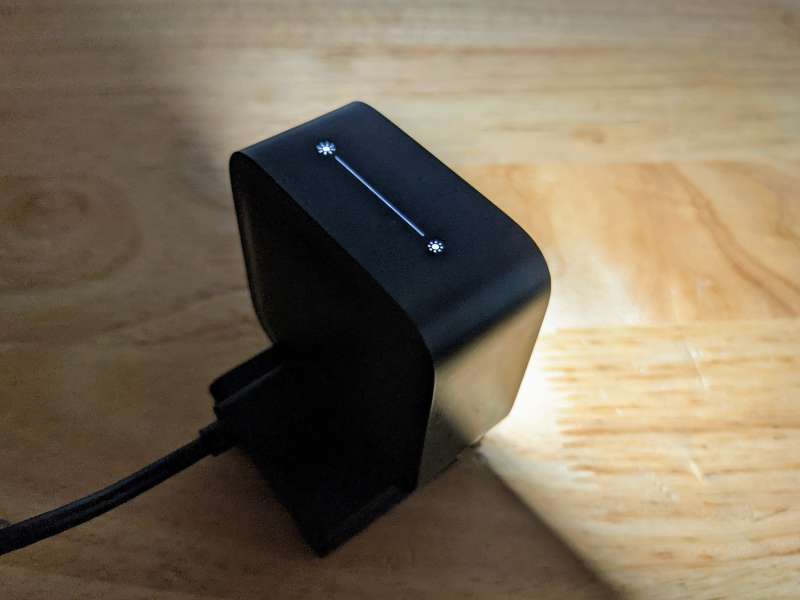
On top of the SANCE is the LED brightness control. The LEDs have five brightness levels, which can be increased or decreased by clicking on the corresponding symbol.
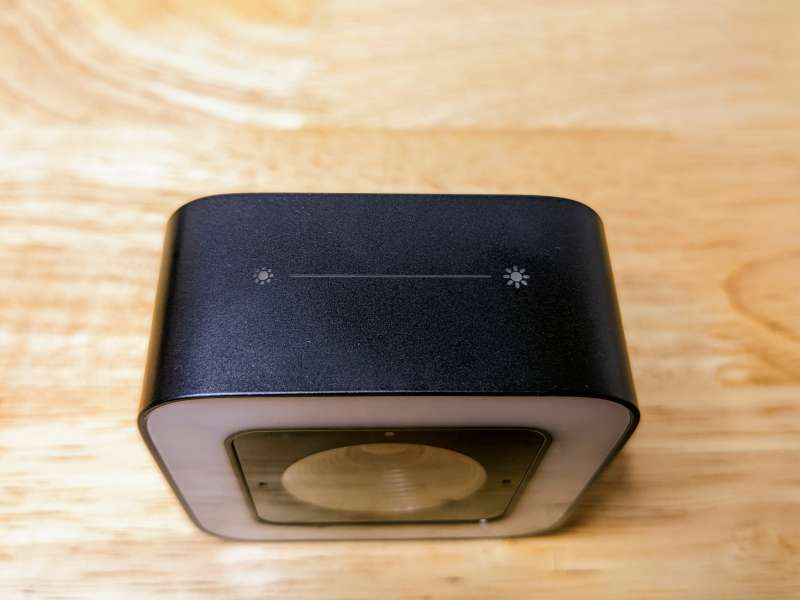
However, these controls are very sensitive, so any manipulation of the webcam will change the LED settings. This is especially frustrating when adjusting the angle of the webcam. The controls light up when the webcam is plugged in, making them easier to see in low light.
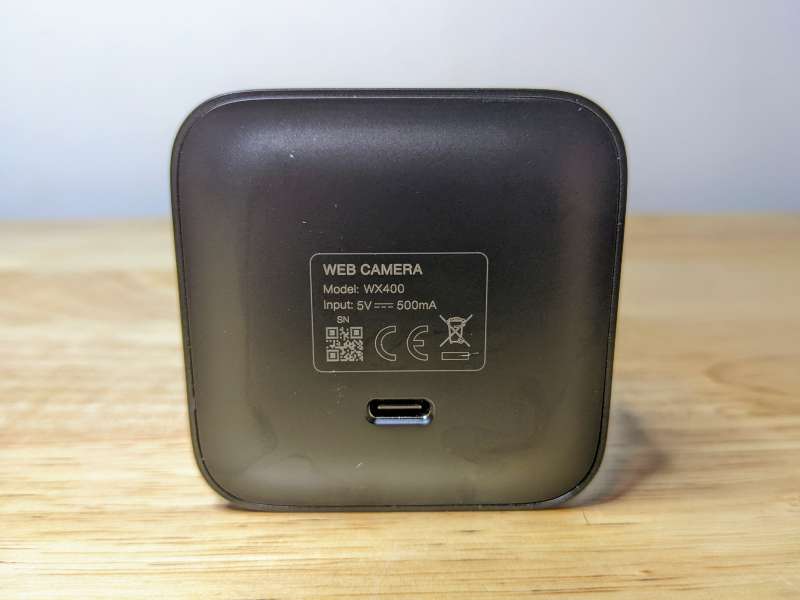
On the back of the SANCE is a USB-C port for connecting the webcam to your computer.
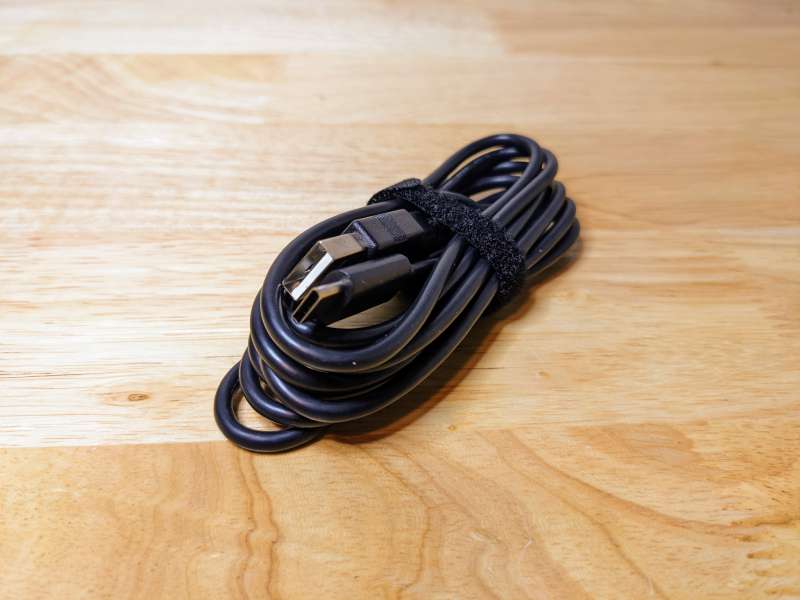
SANCE comes with a 6-foot USB-C to USB-A cable, which is the perfect length, especially if you’re mounting your webcam on a separate monitor or tripod.
One of the innovative features of the SANCE webcam is its magnetic base. This mount can be used to attach the webcam to almost any laptop or monitor.
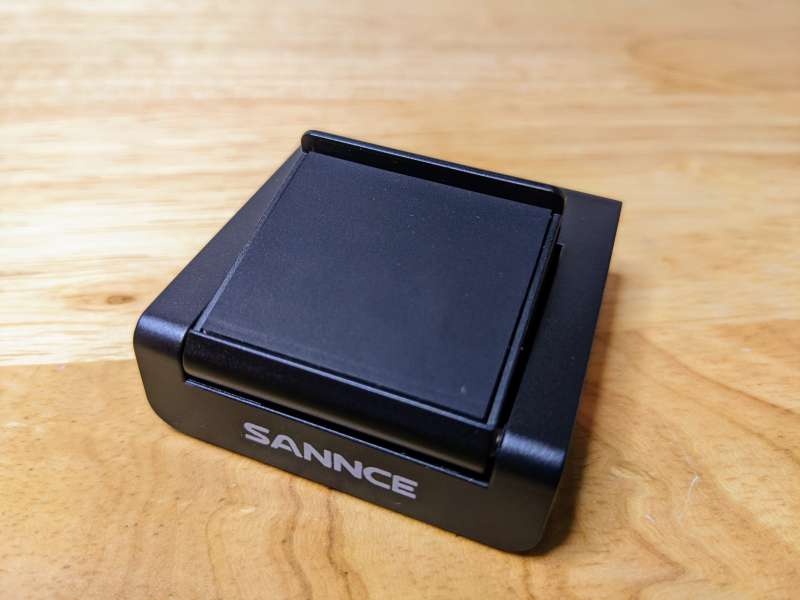
There is also a standard 1/4″ thread on the bottom of the base for attaching the included tripod.
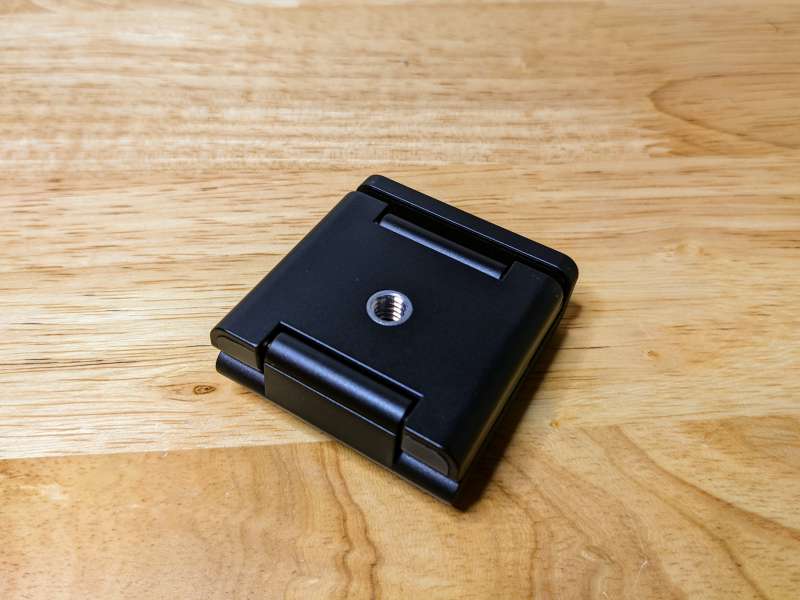
The SANCE snaps directly onto the magnetic base with a satisfying click. The sides and bottom of the webcam can be attached to the base in this way, allowing you to rotate the webcam.
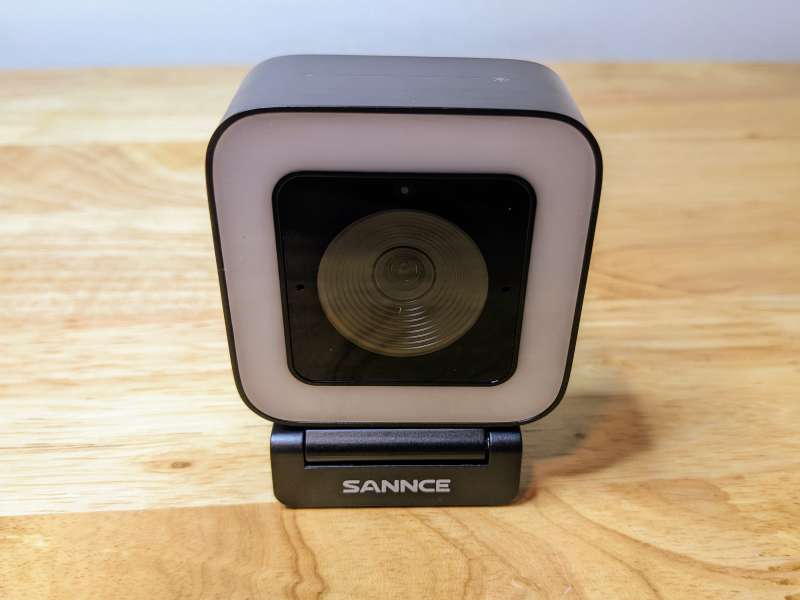
There’s a small ledge on the back of the stand to keep the webcam from sliding back.
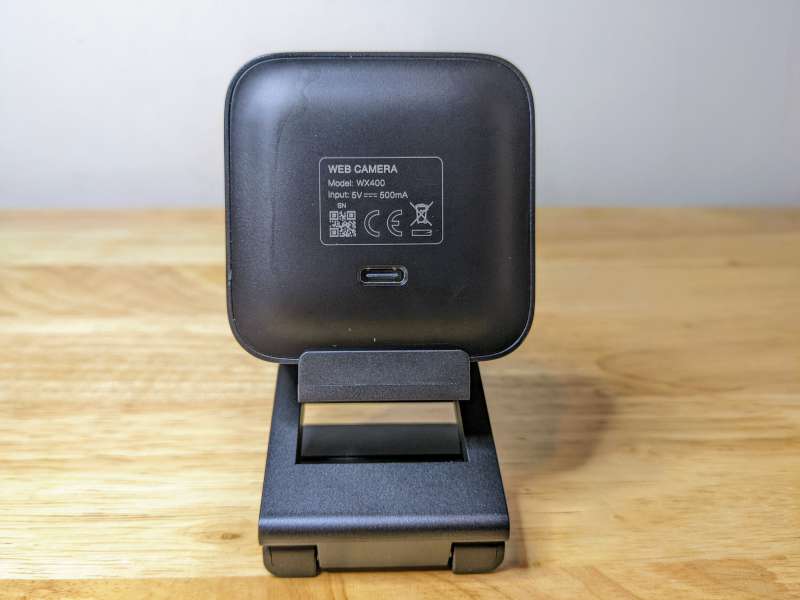
The magnets are pretty strong, and while they do hold the webcam securely to the base, they’re also difficult to remove without removing the entire base from the laptop or monitor.
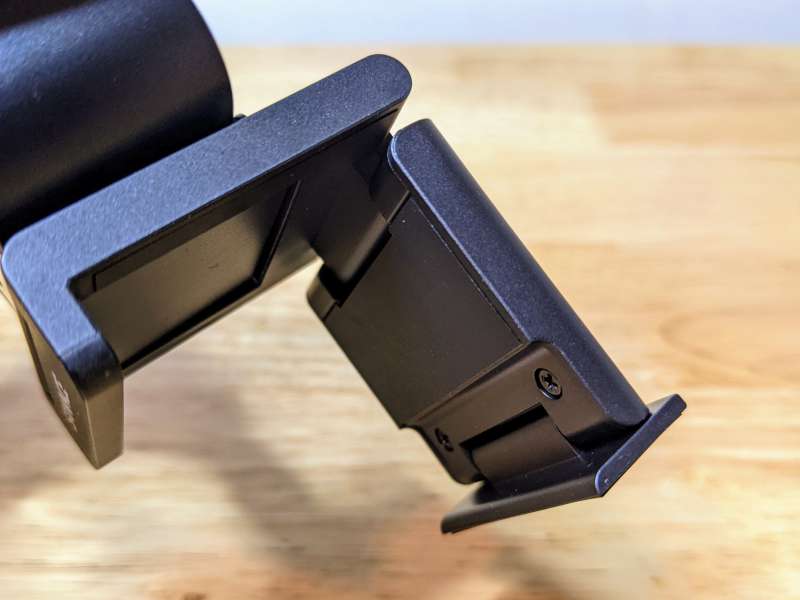
The base has three hinges, allowing you to mount the webcam to a monitor or laptop and adjust the angle to your liking.
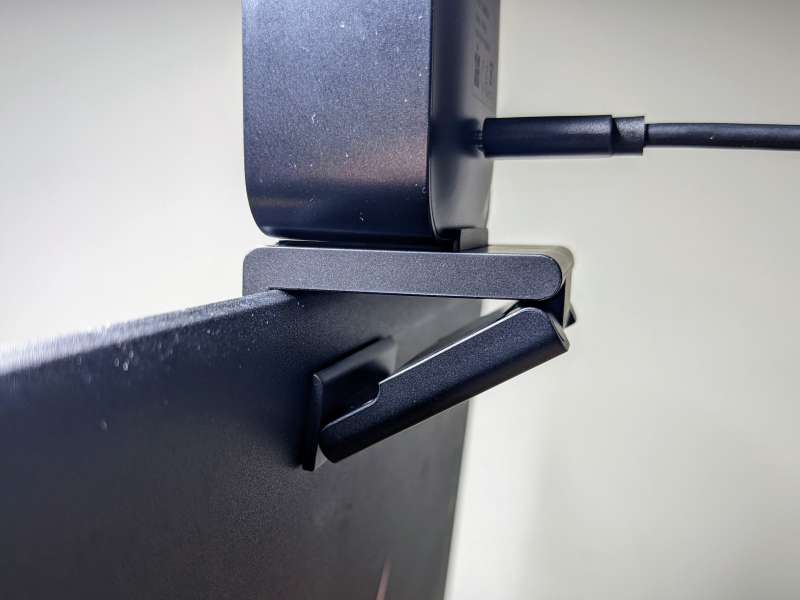
The bottom hinge acts as a support, holding the base tightly to the screen of your laptop or monitor.
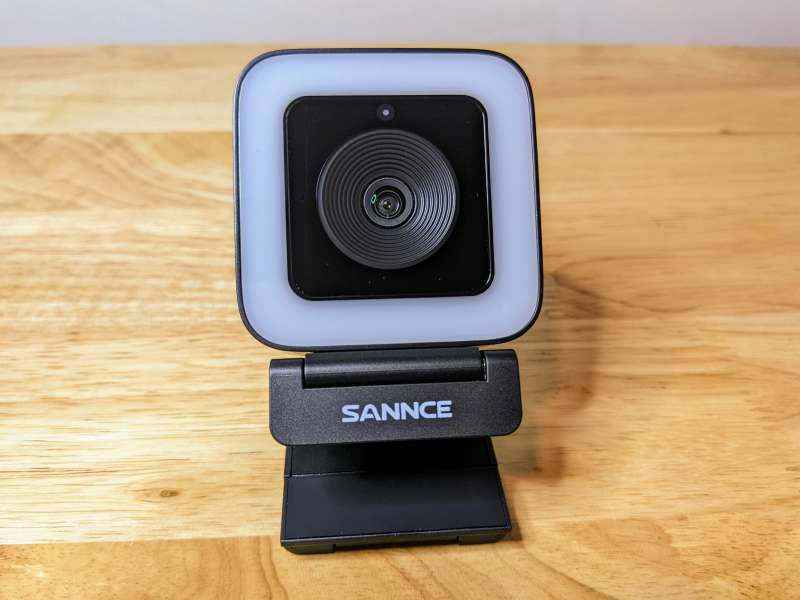
The SANCE doesn’t have an integrated privacy shield, it comes with a separate J-shaped shield that can be attached to the lens when the webcam isn’t in use.
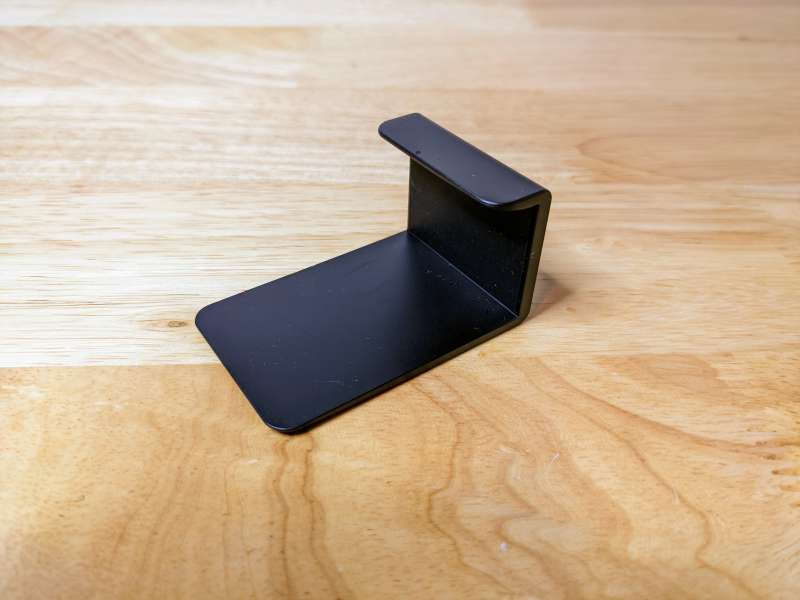
Shields are not a good solution to this problem, I’m worried about misplacement. My solution was to keep it connected by flipping it to the side when not in use, so the privacy shield is away from the lens, which looks a little weird. You can also attach it to the back of the webcam, but part of it will cover the entire LED side.
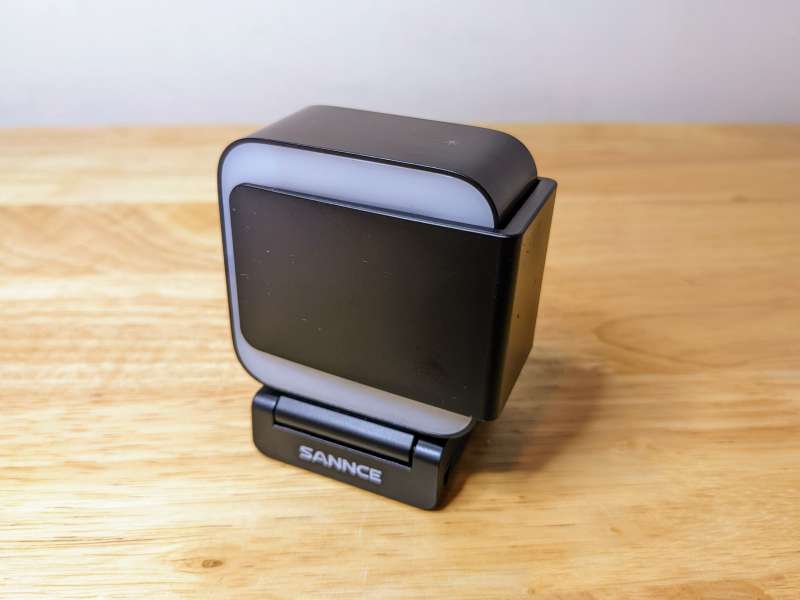
Another way to mount your SANCE webcam is to use the included tripod.
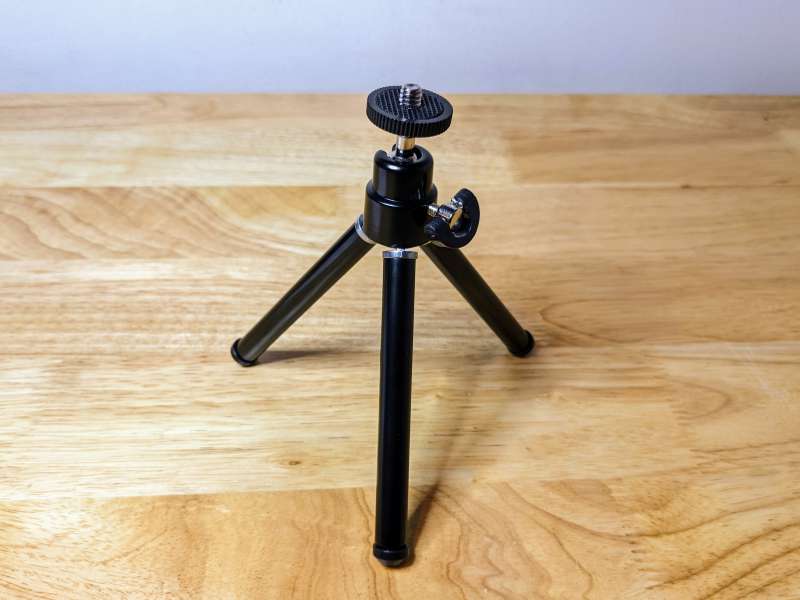
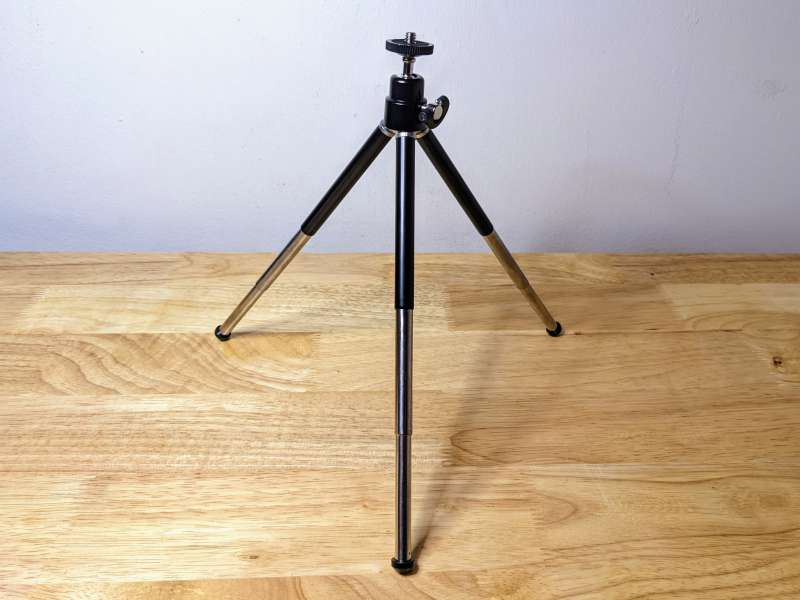
The tripod has telescoping legs, which work well if you have enough space.
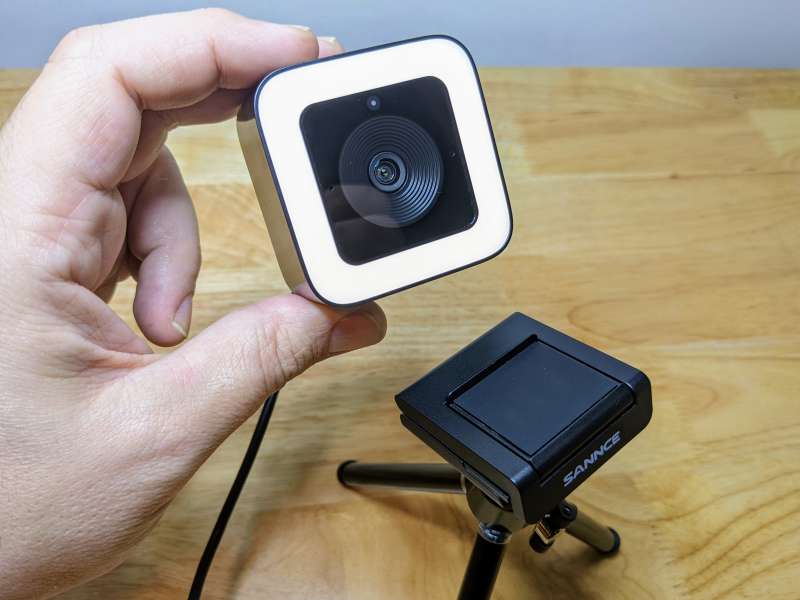
The mounting base attaches easily to a tripod and still allows you to remove or rotate the webcam if needed.
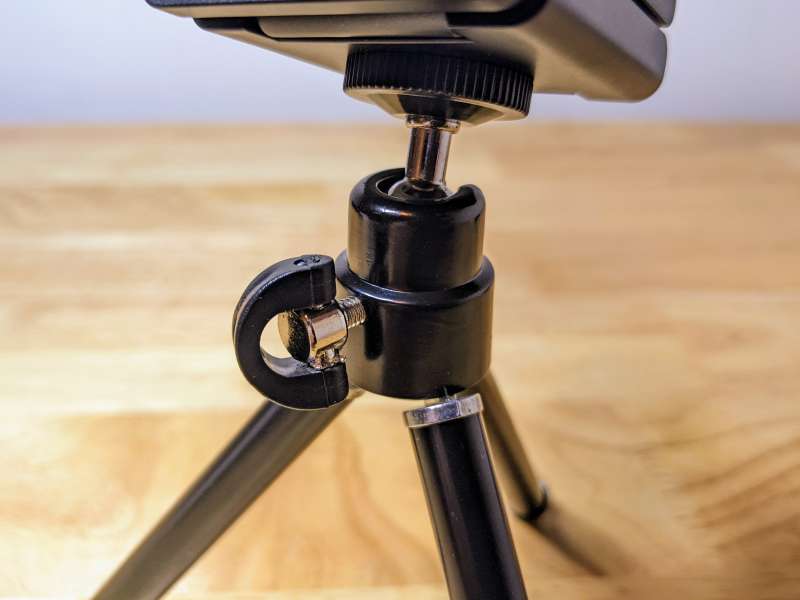
The swivel ring allows you to position the webcam at almost any angle and lock it in place.
A tripod makes SANCE ideal for atypical webcam use, such as makeup tutorials or product reviews.
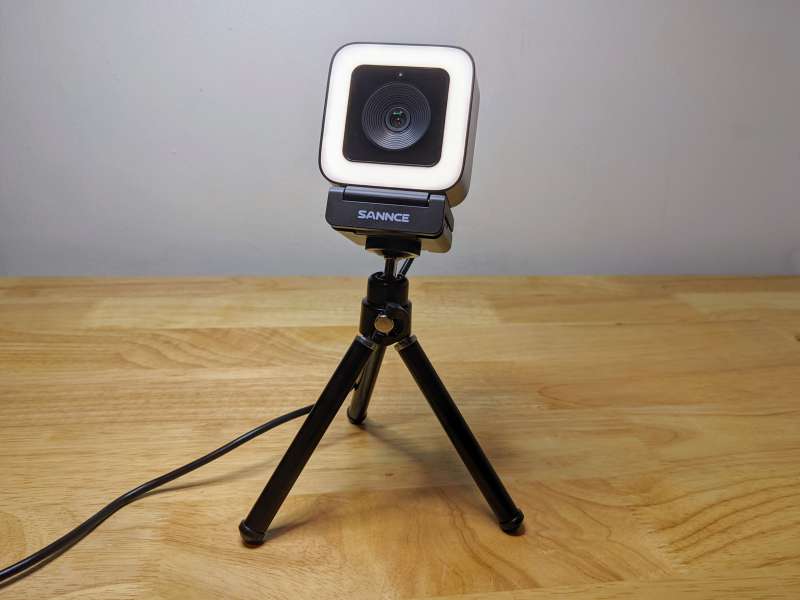
It’s a great addition to a webcam, and the tripod adds a lot of functionality to the SANCE.
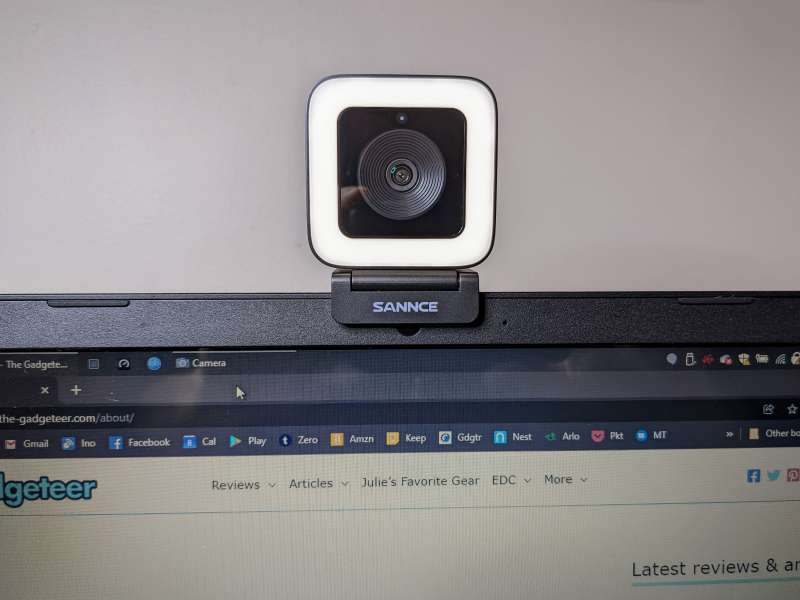
set up
Setting up the SANCE webcam is very simple, which is one of the main advantages of this device.
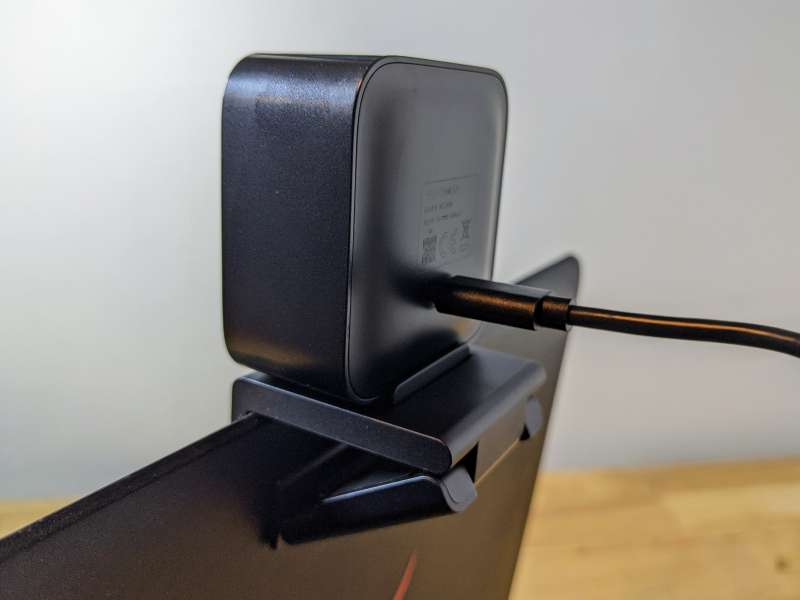
SANCE is truly plug and play, once you connect the USB cable to your computer, it’s ready to use.
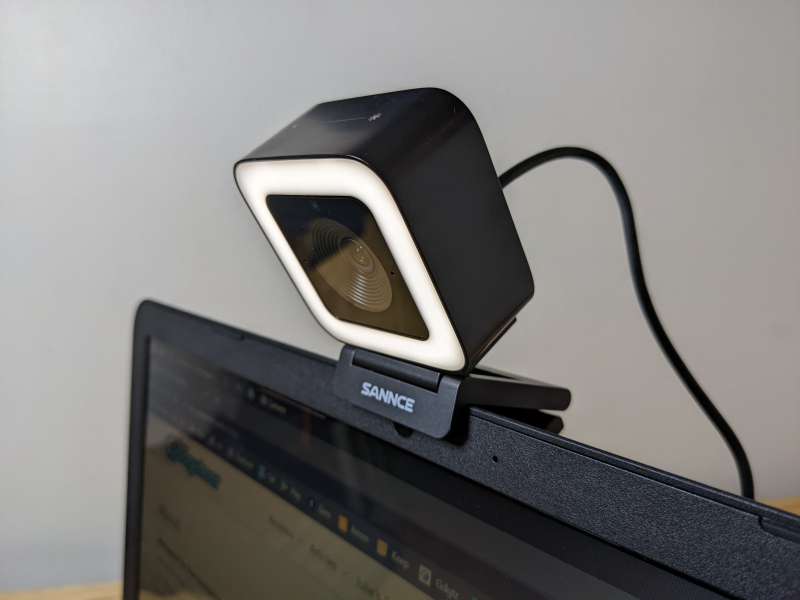
The only other part of setting up the webcam is securing it to the laptop or monitor and adjusting the angle. Depending on the lighting in your space, you may also need to turn on the LEDs.
Performance
I have been using SANCE for about a month and I am very satisfied with its performance. Below I have some comparison photos and a video of the SANCE with my laptop’s internal webcam. Some of the design flaws I mentioned earlier, like the sensitive LED controls and strong magnetic base, are annoying but not deal breakers. Overall, the SANCE’s video and audio quality is really impressive. I like that the webcam has few settings, but wish there were more options to control things like focus or cropping without using third-party software. The LED is also bright and I’ve never used it after the first setup. It might be more useful if there are more than five levels of brightness.

As a baseline comparison, the photo above was taken using my 2017 Razor laptop’s internal webcam.

I took the same photo with SANCE and you can see the difference in clarity, field of view and color.
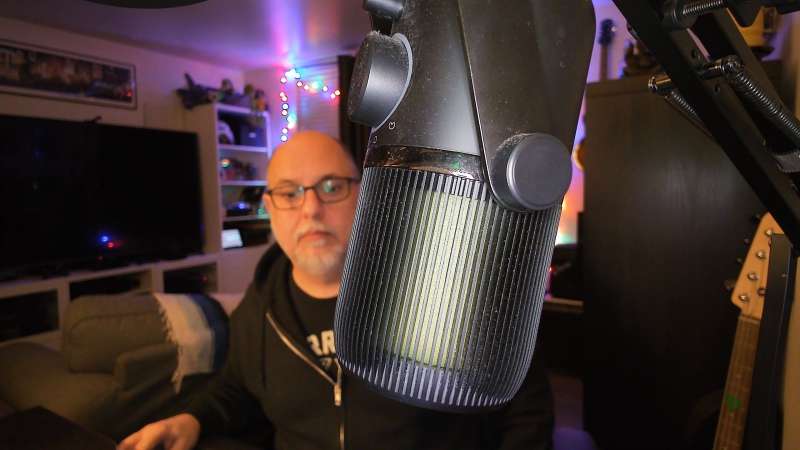
As an object gets closer to SANCE, it quickly adjusts focus and the background focus softens. The adjustable focus definitely adds a level of quality to your video chats and recordings with SANCE.
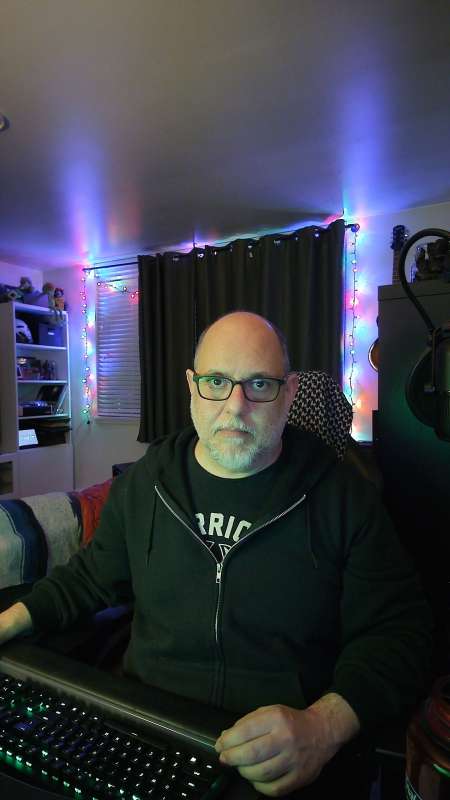
Being able to physically change the orientation of the webcam is a great feature, although the powerful magnets make it a bit of a pain. Of course, you’ll still need to use an image editing program to rotate the image afterwards.
The comparison video between the SANCE webcam and the internal webcam of my 2017 Razor laptop really highlights the SANCE’s strengths. This webcam is a major upgrade from an internal or lower-priced external webcam, although it has some design flaws.
what do I like
- Video quality is very good
- Built-in lights are a great feature
- Easy to set up
Areas for improvement
- Switching from landscape to portrait and using the privacy shutter is cumbersome
- Built-in lights should have more layers
- Can’t adjust focus or crop images without third-party software
final thoughts
The SANCE 2K 4MP Ultra HD Webcam is a cool little device, and the included tripod is a nice bonus. I like the design and functionality of the webcam, especially the ability to change the appearance from landscape to portrait, although it’s a bit of a hassle. The integrated ring light is great, but should be configured more like focus and crop. Taking all that into consideration, for $129, SANCE still offers great video and audio quality, painless setup, and some cool unique features.
price: $129.00
where to buy: Sens or Amazon
source: This product sample is provided by Sens.


