


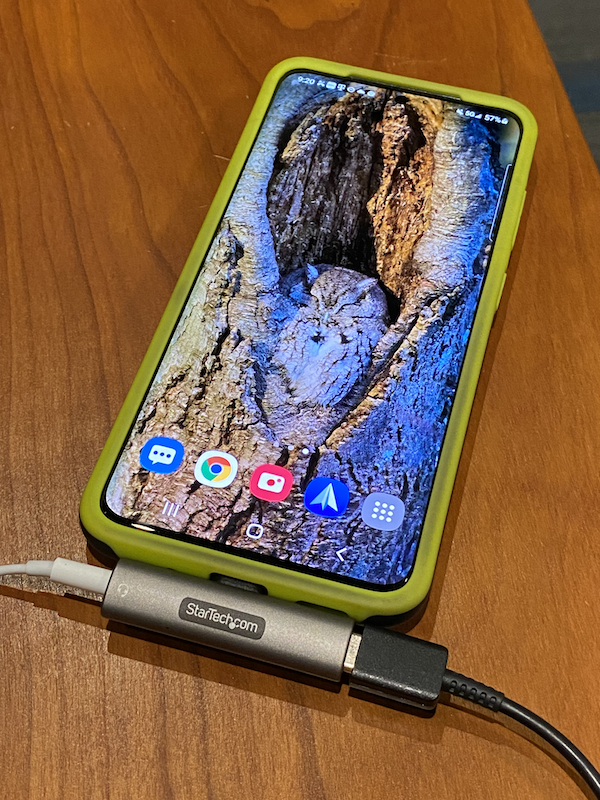
Review – Headphone dongles – In the past few years, they have become our best and worst friends. They make our phones slimmer and more compact, but if we want to listen to music, they need us to carry another cable. If we want to charge while listening, then don’t think about it. Enter Startech USB-C audio and charging adapter. This device allows you to plug in a pair of headphones and a USB-C charger, so you can charge and listen to your heart.
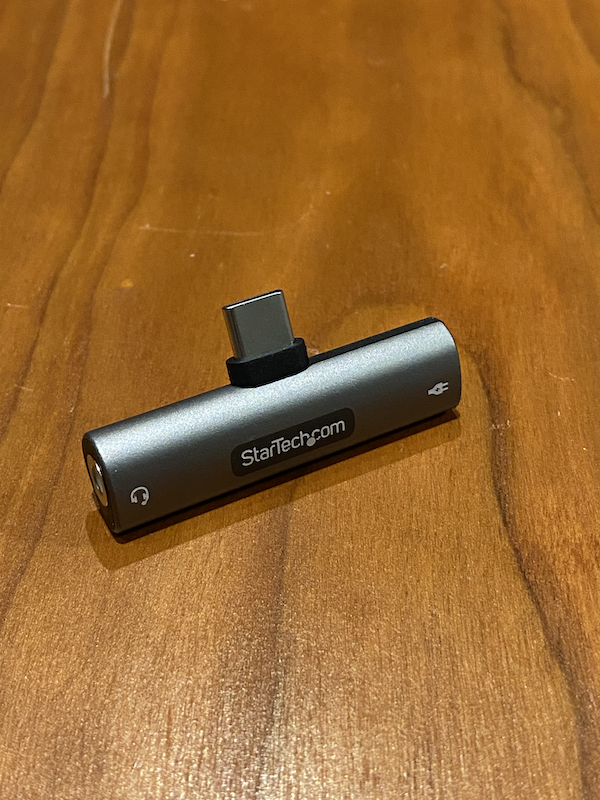
what is it?
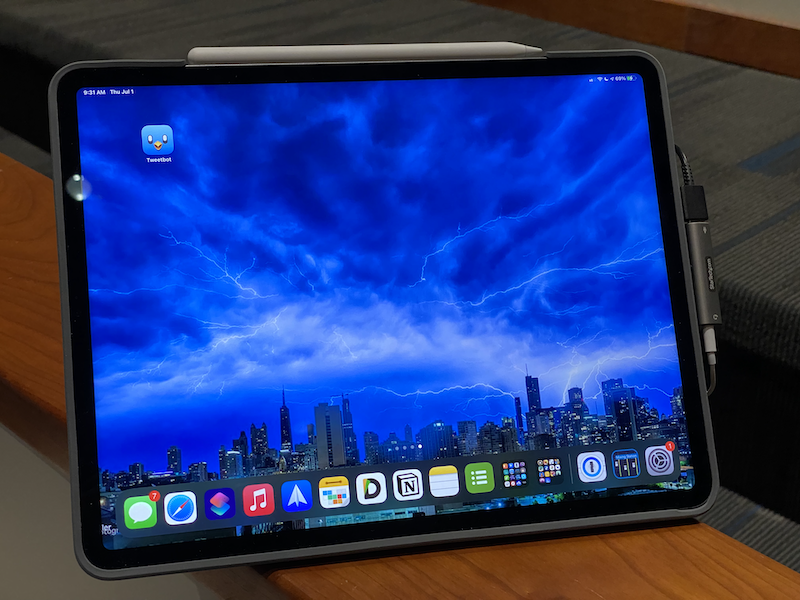
The Startech USB-C Audio and Charging Adapter is a small device that can be connected to the USB-C port on a compatible phone, tablet or computer, allowing you to charge and listen at the same time. Compatible devices include many Android phones and tablets, iPad Pro, recent MacBook models, and Windows PCs with USB-C connectors. (Be sure to check Startech’s website is compatible with your device before purchasing.)
What’s in the box?
- Startech USB-C Audio and Charging Adapter
Hardware specifications
- 3.5 mm TRRS audio jack: Support headset with built-in microphone
- USB Type C connector: Charging connector only
- Multiple charging modes:
- Bus-powered or use an external USB-C power adapter up to 60W PD 3.0 pass-through to charge USB-C laptops and tablets
- Fast charging (BC 1.2) can charge USB Type-C smartphones
- Convenient side port layout: Compact, horizontal, cable-free, dongle-like design
- Compatible with Thunderbolt 3 host
Design and features
This adapter is a small, gray, metal and plastic wedge-shaped device. Unlike other dongles, it is not a cable, but a sturdy adapter that can be plugged into your USB-C device and is almost flush, depending on whether it has a housing. Because it is not a cable, it is unlikely to break, bend, and wear as easily as cheap cables.
Installation and setup
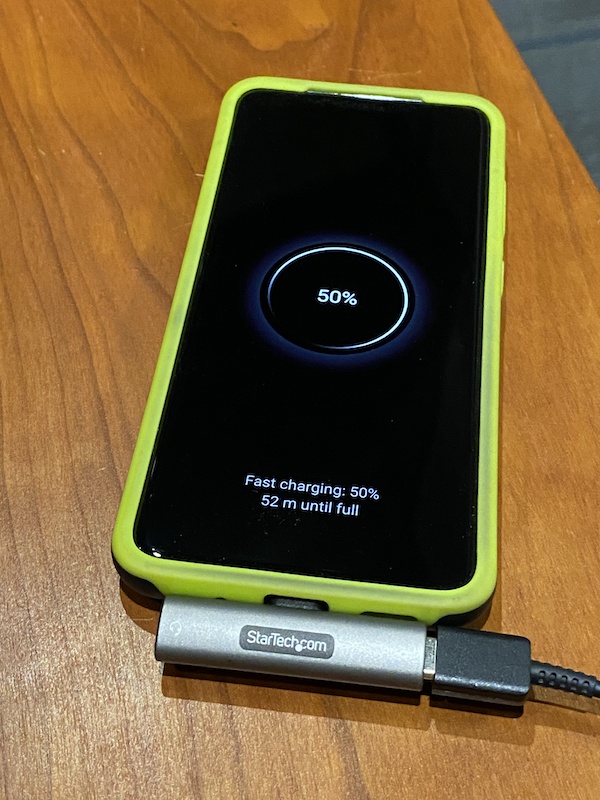
Installation is as simple as plugging the adapter into the USB-C device and plugging in the headset and charging cable. Because it supports up to 60W of power supply, it can power and charge all devices except the most power-hungry laptops (and even charge most laptops, although the speed may be slower depending on your usage ).
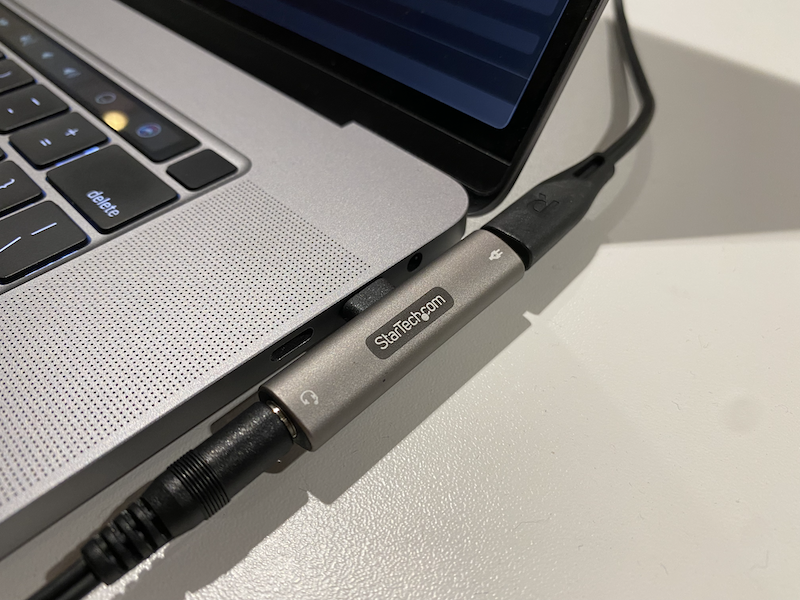
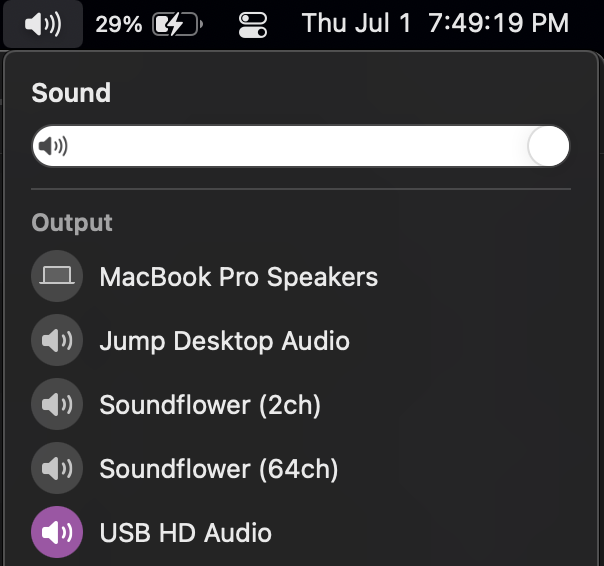
After plugging in the adapter, earphones and charging cable, you can start using it. On my iPad Pro and Android phones, the adapter is automatically selected for audio output. On my MacBook Pro, I have to select “USB HD Audio” in the audio output settings of the Mac.
In my test, the audio sounded as good as the built-in A/D converter. I don’t have any fancy test equipment or expensive A/D converters to compare with, but I don’t have any concerns about audio quality, at least when compared to most devices built-in.
Similarly, charging does not seem to be affected when using this adapter. One exception is my 16-inch MacBook Pro, which is equipped with a 96W charger, so 60W pass-through does not provide all the power it can handle, but if you know you will be fine.
what do I like
I like the cable-free design. Compared with the cable dongle, I think it is more comfortable to put it in my pocket. When I move around at work, I always worry about the stress that the cables might endure.
I also like its build quality. Its sturdy metal and plastic structure will not break easily.
What will i change
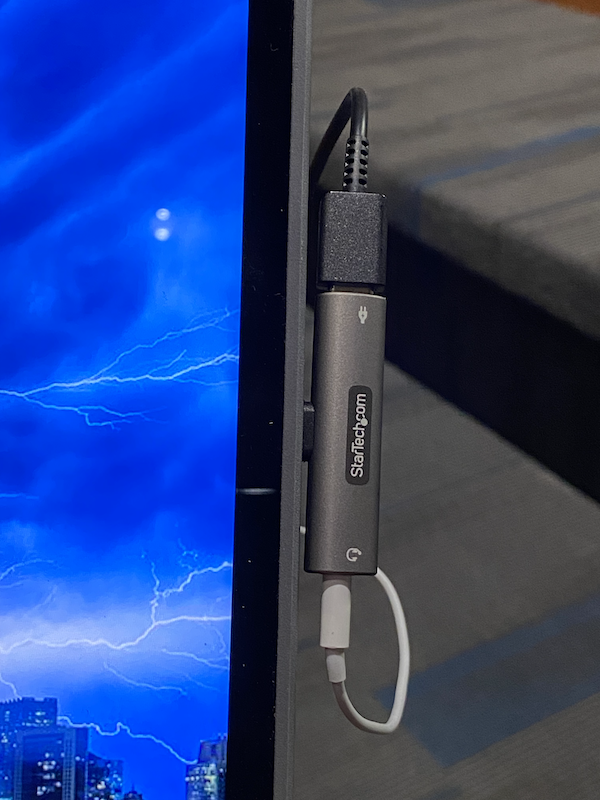
If I have to complain about anything, I think it covers the two USB-C ports on the side of my MacBook Pro. Of course, for the model I own, there are two connectors on the other side, but some smaller laptops are not that luxurious. There is also a built-in headphone jack on my laptop, so I’m unlikely to use this adapter often, but for other laptops with fewer connectors, this may be a problem.
Final thoughts
This is a convenient solution for powering the device while listening. Now I also want a version of Lightning for my iPhone.
price: 34.99 USD Start Science and Technology Network Or $30.57 Amazon website
Where to buy: Start Science and Technology Network or Amazon website
source: The sample for this review was provided by Startech.For more information, please visit Start Science and Technology Network.


