


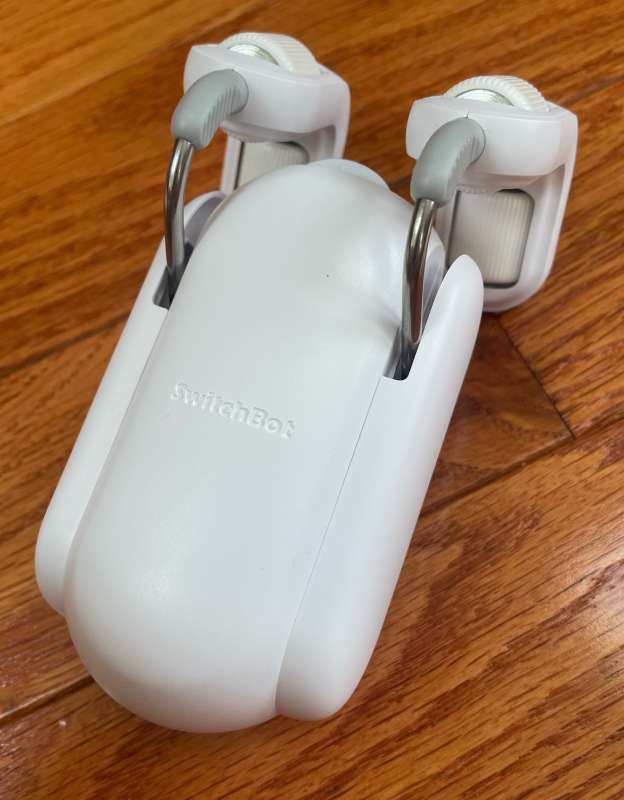
review – About a year ago, I reviewed the Curtain Robot version of SwitchBot’s previous model here Have been using them every day since. I love them and take the chance to see what’s new. How will they stack up? Let’s take a look!
What is it?
The “SwitchBot Curtain Rod 2” is an electric robot that moves along a curtain rod to open and close curtains based on app input, and can be configured to include remote switches, temperature and humidity-based controls, and cloud-based operation.
Hardware Specifications
- Dimensions: 42 x 51 x 110 mm (1.7 x 2 x 4.3 in)
- Weight: 135 g (4.8 oz)
- Housing material: ABS plastic (white and black optional)
- Power: USB-C, 5V, 1Amp,
- Battery: 3350mAh
- Battery life: about 8 months, load 8kg, run about 3m distance twice a day
- Connectivity: Bluetooth 5.0 long range
- Maximum draw distance: 3 meters (9.8 feet)
- Maximum load: 8 kg (17 lb)
- Internal Sensors: Ambient Light Sensor and Accelerometer
- Schedule: Five in the SwitchBot app, optional SwutchBot Mini Hub Unlimited
- Voice Control (requires SwitchBot Hub): Amazon Alexa, Google Assistant, Sire Shortcuts, SmartThings, IFTTT, and Clova (Japan)
- Optional solar panel
- One robot is required for single-sided curtains, and two robots are required for double-sided curtains.
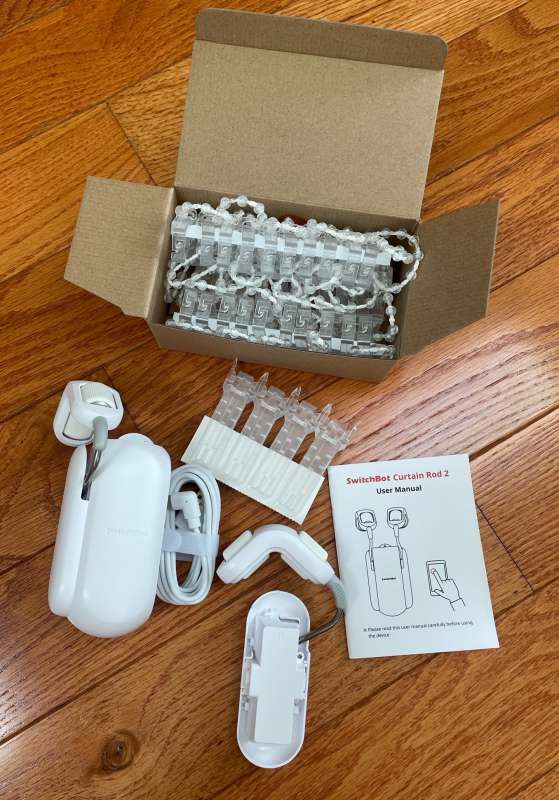
What’s in the box?
- main body
- curtain rod hook
- USB-C charging cable
- “Fixing beads” can be used to close the curtains
- curtain clip
- User Manual
Design and Features
I love SwitchBot products and look forward to receiving theirs! Their updated Curtain Rod 2 robot arrives in the comfort of recyclable cardboard.
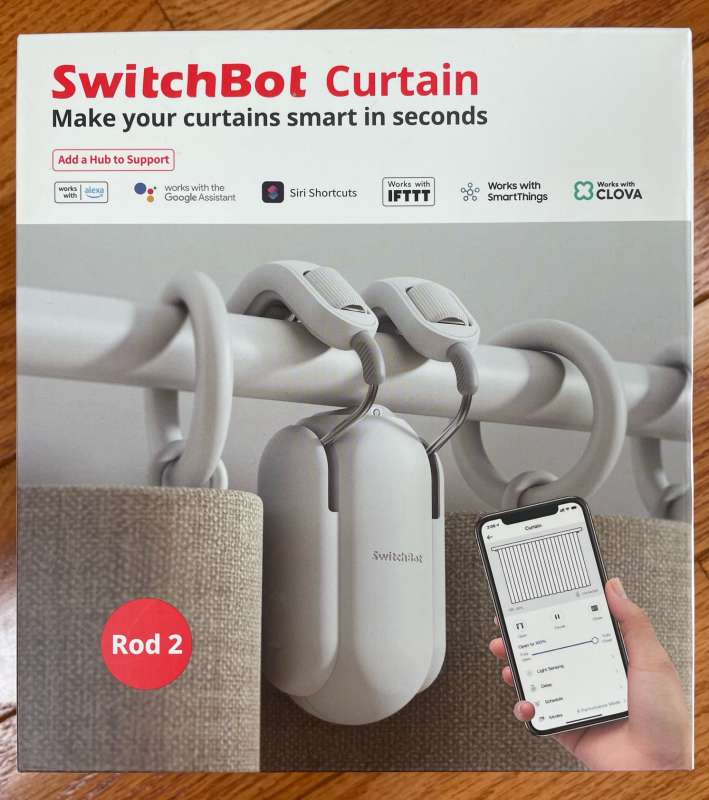
The packaging is sturdy.
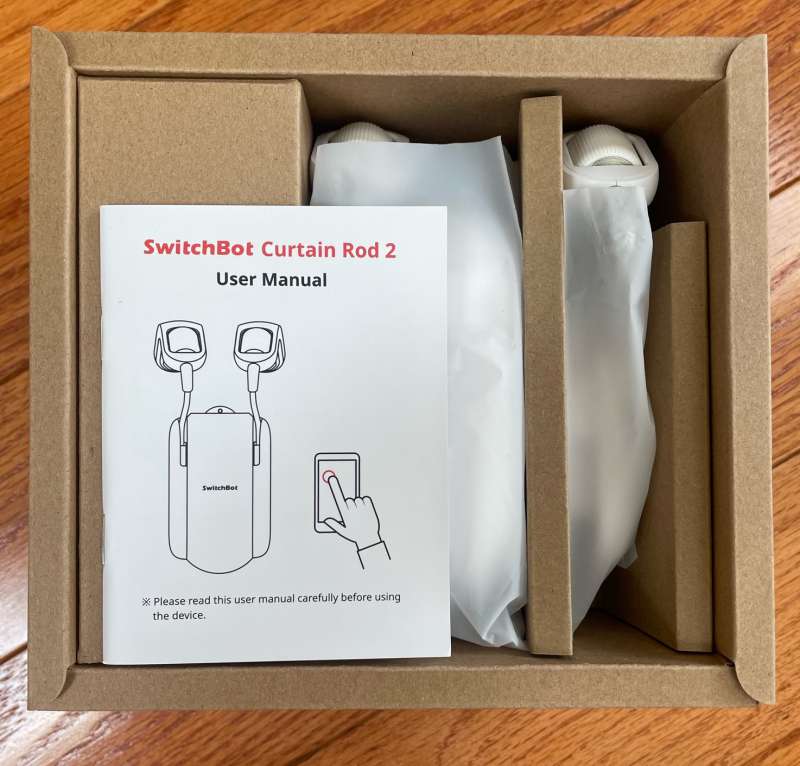
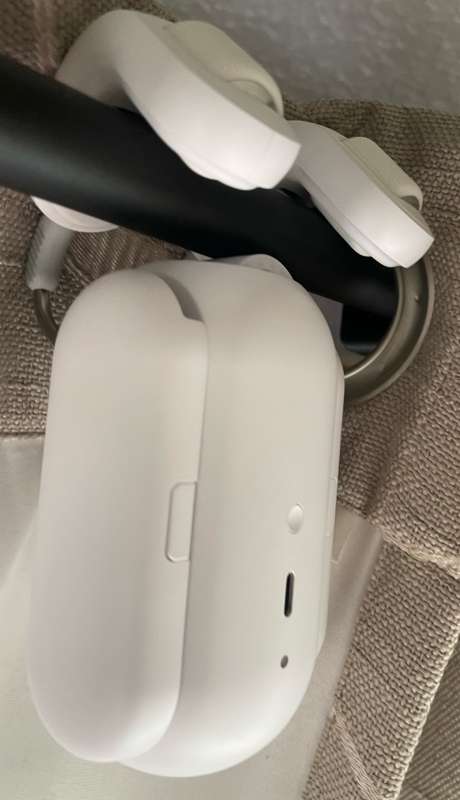
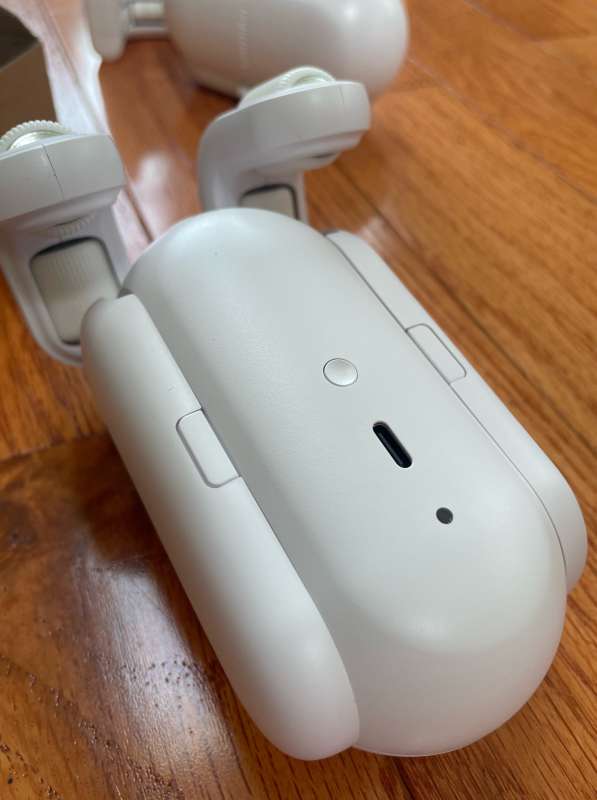
Once unpacked, the robot takes about 6.5 hours to fully charge. Charge via USB-C.
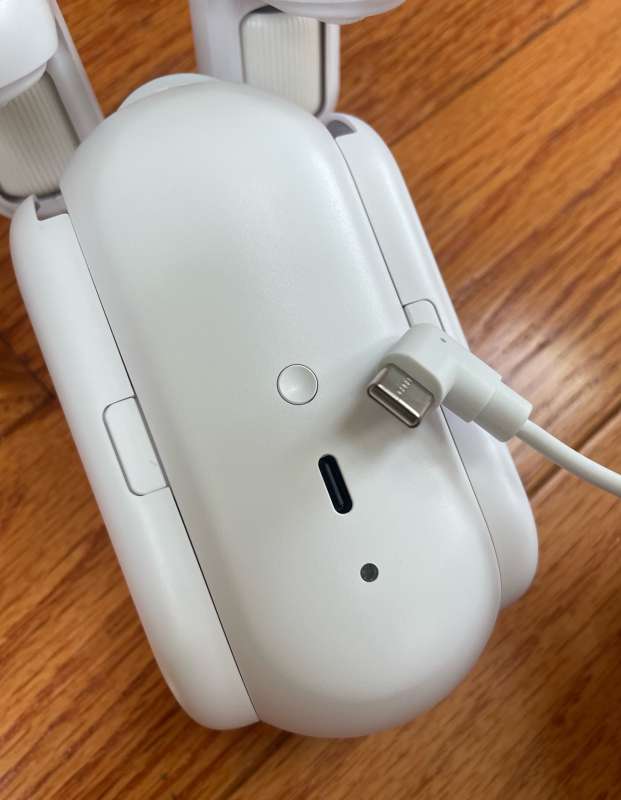
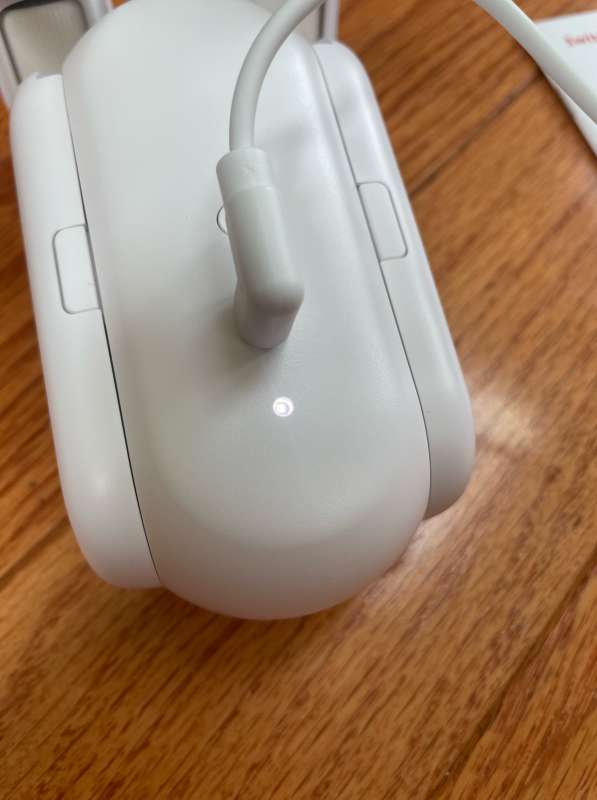
During charging, the white LED flashes.
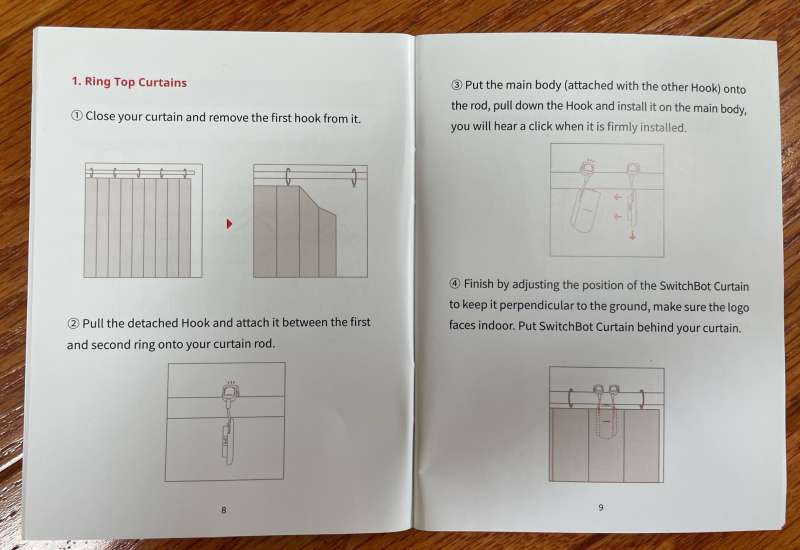
While charging, it’s a good time to read the manual. This manual is larger and more informative than other SwitchBot products, and contains everything I need to install the product.
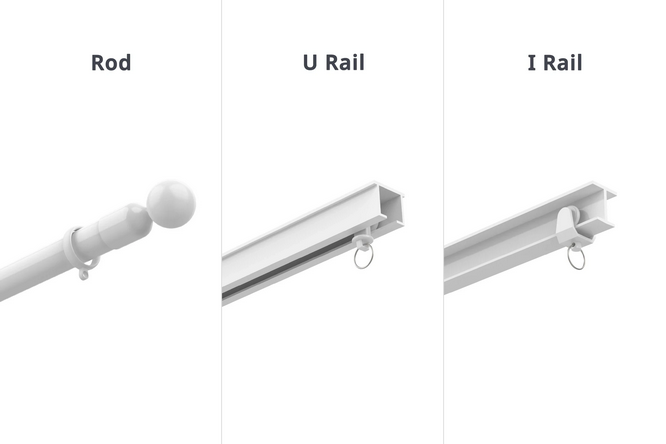
My curtains are rod type, but the SwitchBot also supports U-rail and I-Rail
I’ve been happily using the original curtain robot design for over a year now with few issues. The only thing worth noting is that every few months, the robot loses calibration, preventing it from opening or closing into the correct position. SwitchBot has foreseen this in the robot’s software – if the curtain is gently pulled open or closed, the robot will detect the motion and complete the movement of the curtain under power, but if the dragging action is fast, the robot will sometimes lose position along the rod. The next time it moves, it’s in the wrong place. This is no big deal, as recalibration only takes a few minutes. I don’t think it’s the robot’s fault. I think this is operator error.
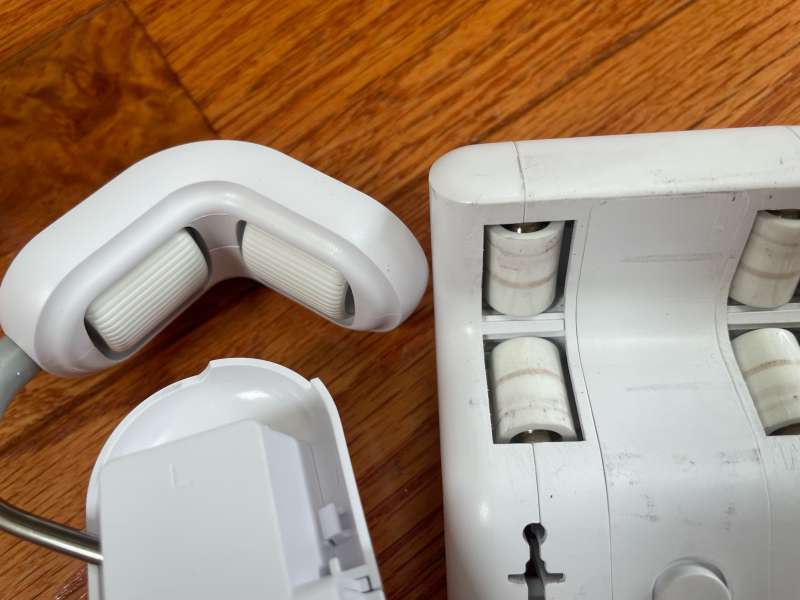
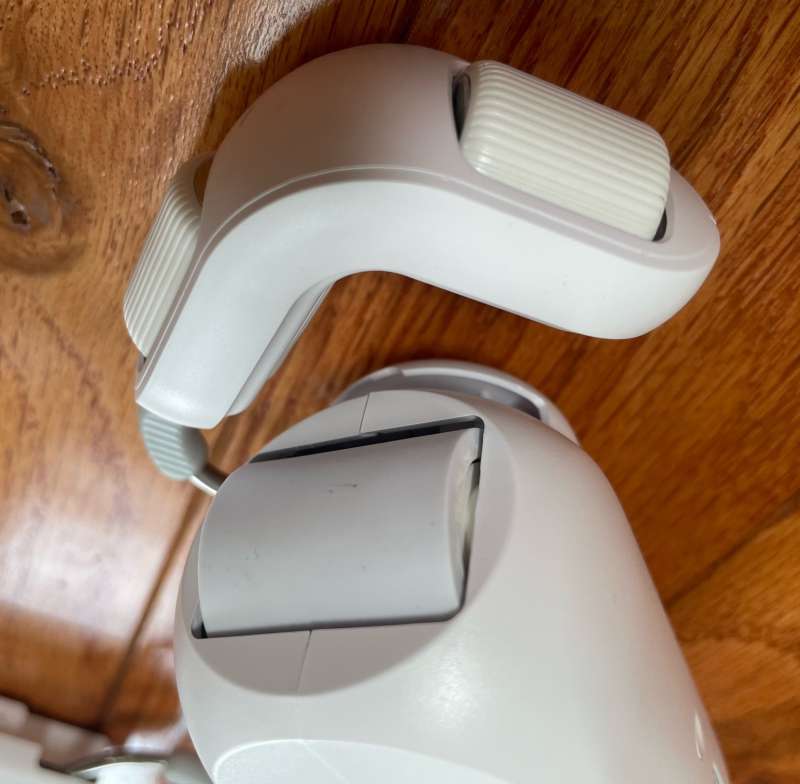
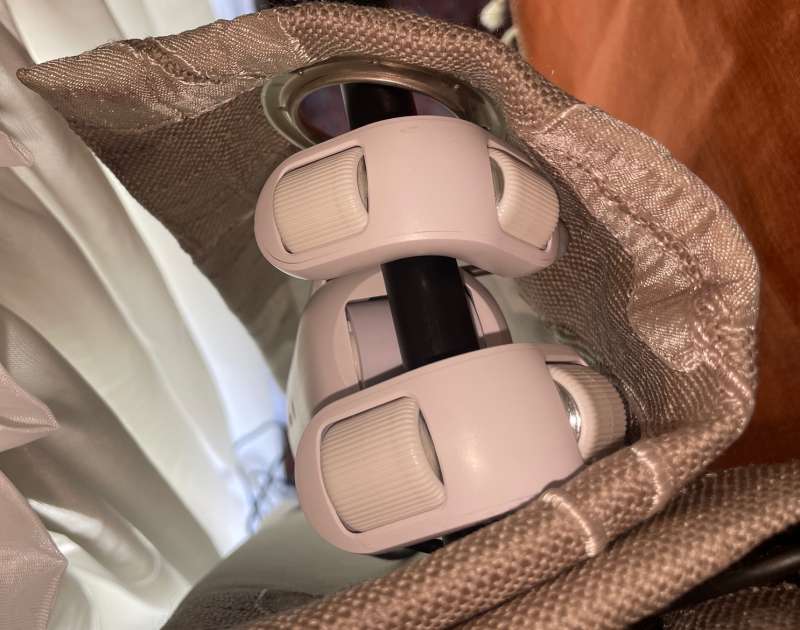
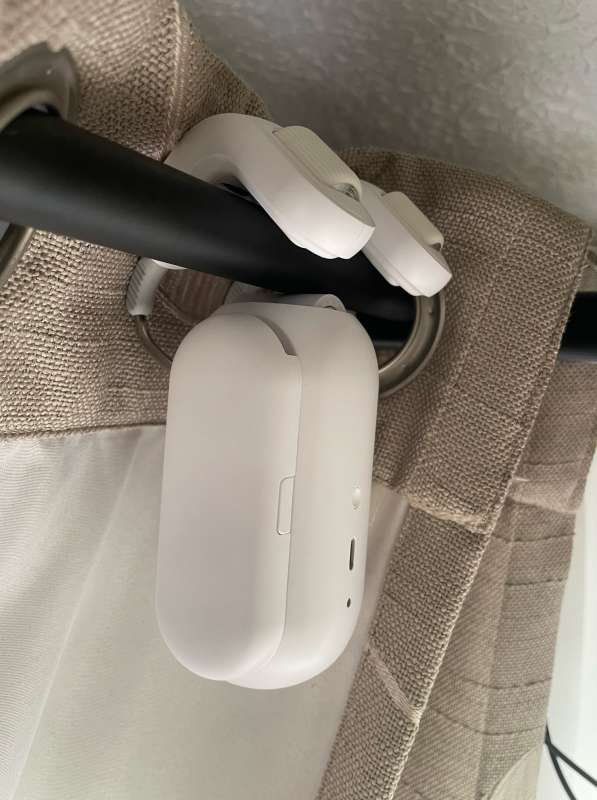
The grab bar mechanism on the robot has been redesigned. The newer design grips the stem more tightly and separates the top contact points a bit. This is a nice design change and should result in better robot grip on the rod. Clamping the robot to the curtain rod has also changed. Ratchet levers on older models are compressed onto the lever. They work great, but occasionally slip a little, as mentioned earlier.
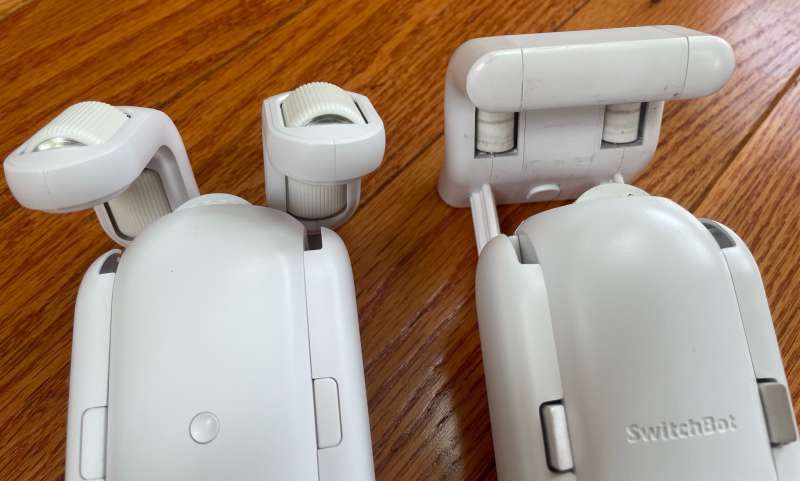
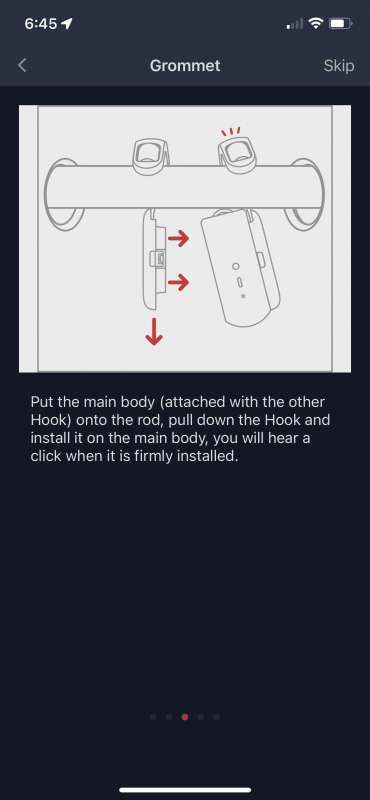
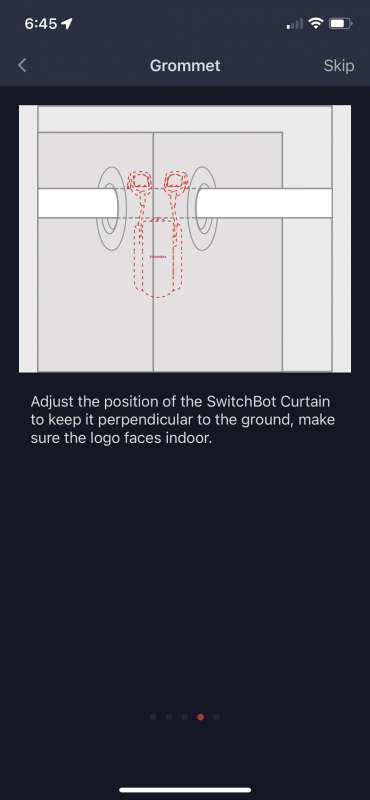
The new design first clamps a wheel assembly to the rod, and then the robot attaches to the wheel assembly. This arrangement feels more secure.
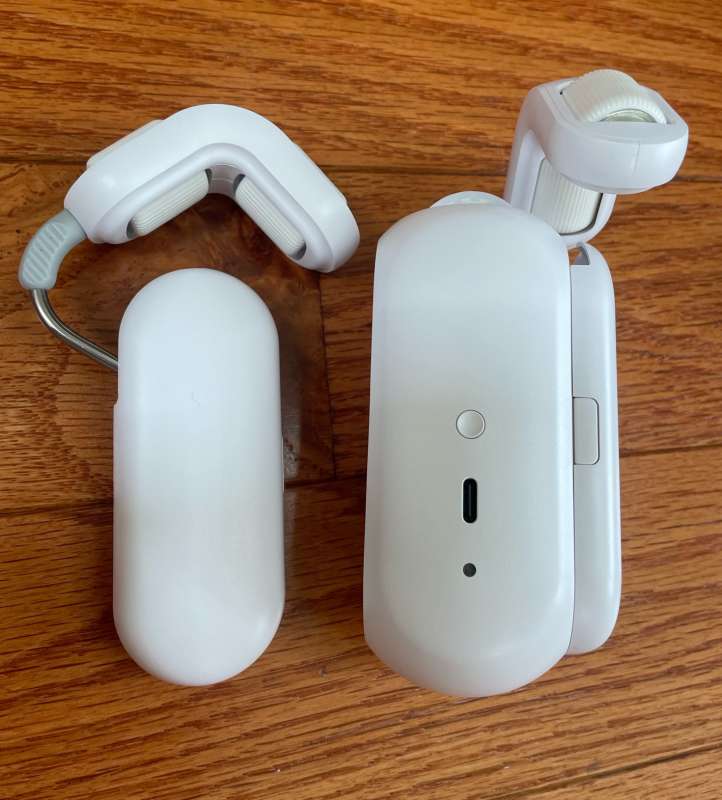
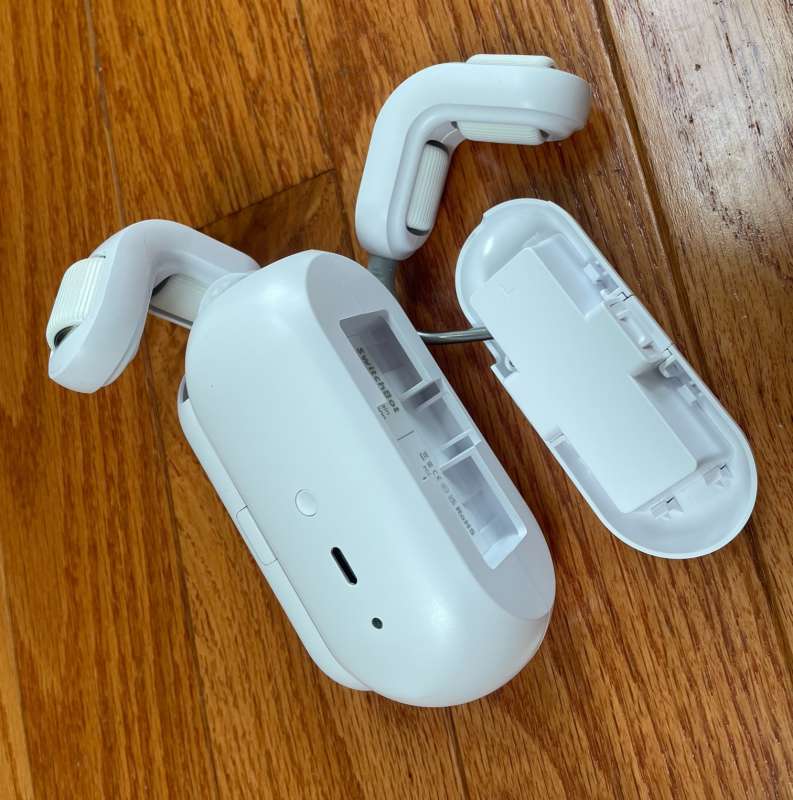
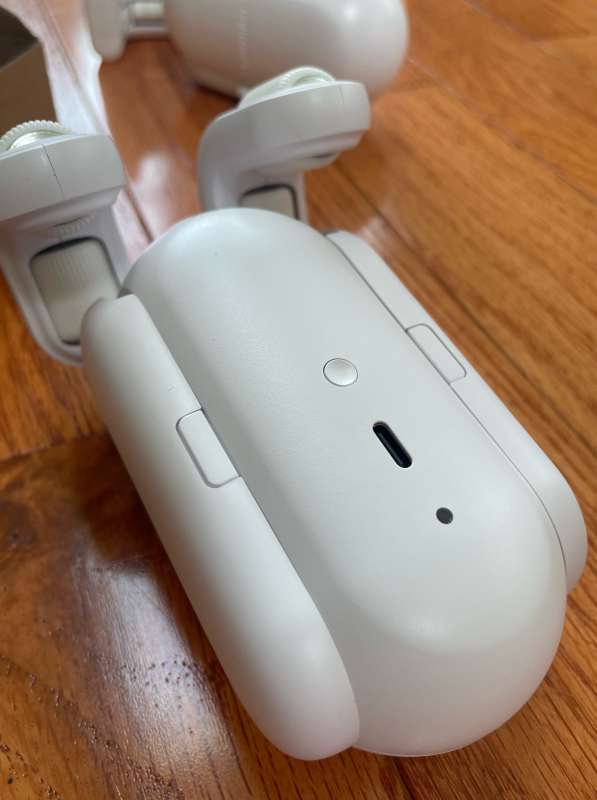

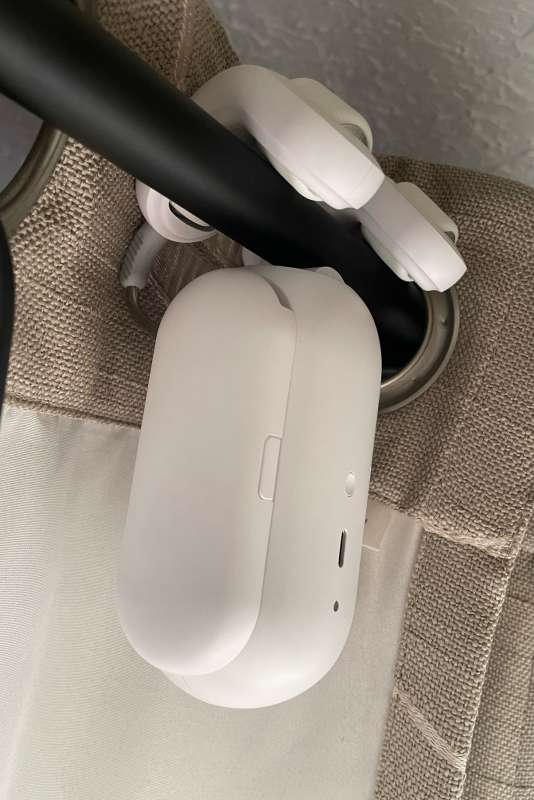
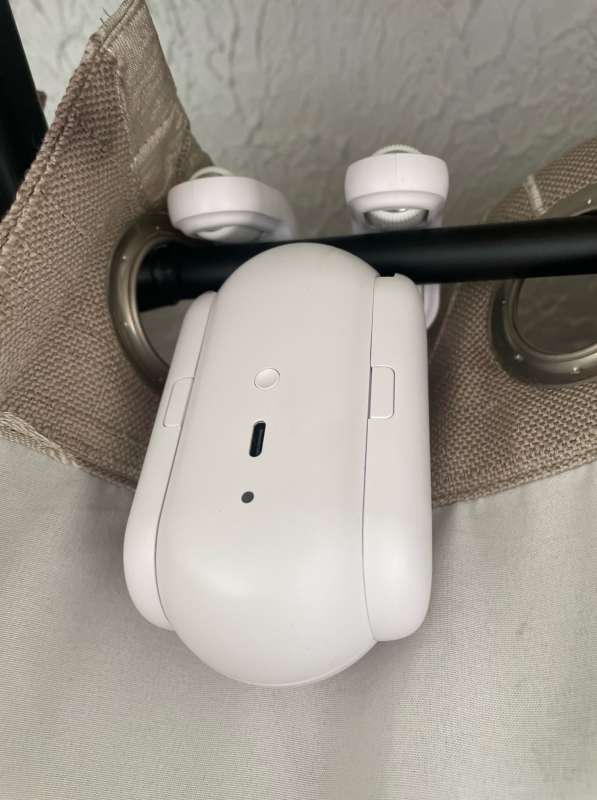
The new curtain rod robot design also favors knurled rubber wheels instead of the smooth wheels of previous models.
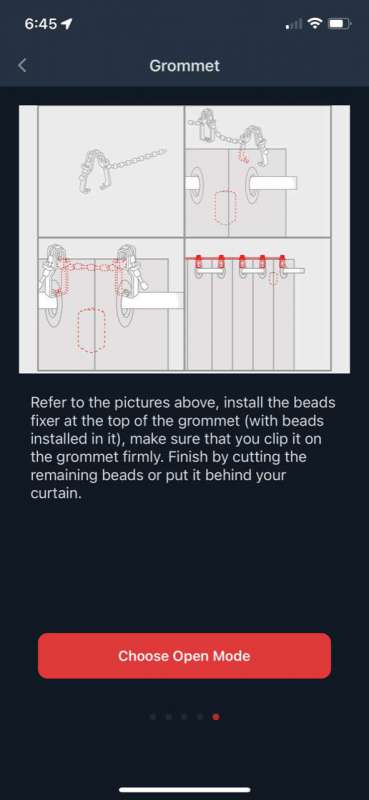
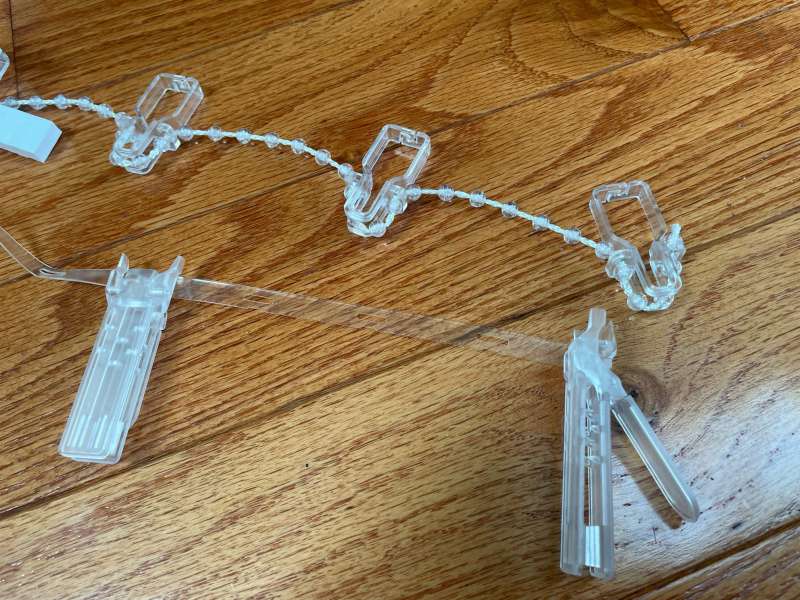
On earlier models, I needed to install their Curtain Grommet Kit Considering the weight of my heavy curtains. Newer models now include a “fixed bead” kit that performs the same function and looks better. The good news is that, as far as I’m concerned, the Curtain Robot 2 doesn’t need either of these kits. After adding to the app (more on the app) and without any enhancements to the curtains or drawbars, there is enough power to push and pull my curtains back and forth with ease. However, if your curtains are heavier than mine, or you’re the type where you want all the pleats to be uniform when the curtains are closed, adding the “Fix Bead Kit” and clips is straightforward.
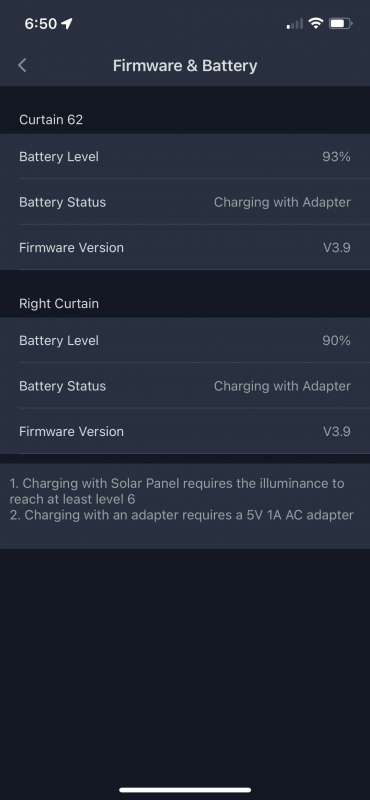
Optionally, the curtain robot can be charged using solar panels. In my living room, the tops of the curtains are above the glass and behind the screen, so they don’t collect enough light to charge the robot (SwitchBot’s documentation states that the robot’s built-in light sensor should read above level 6 to generate enough light power plug). SwitchBot wisely installed a wire on the solar panel, as well as supplies to connect it to about two feet below the curtain.
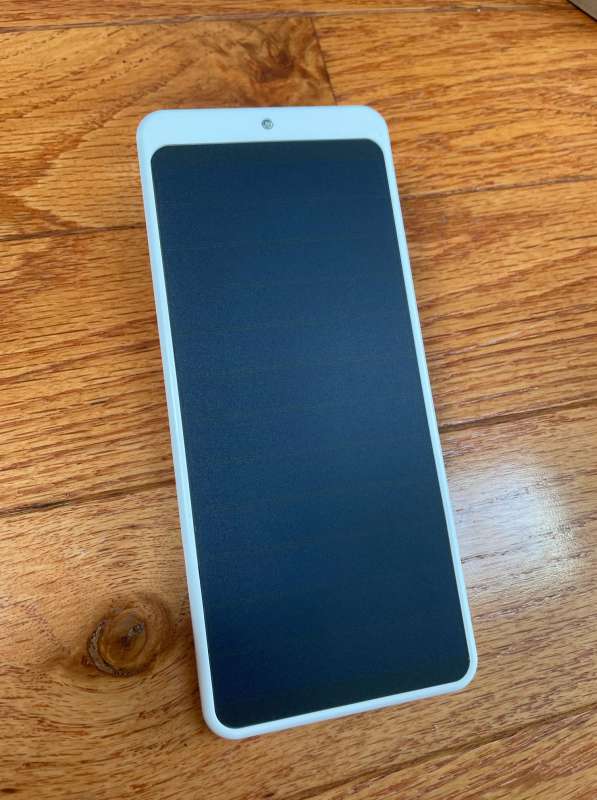
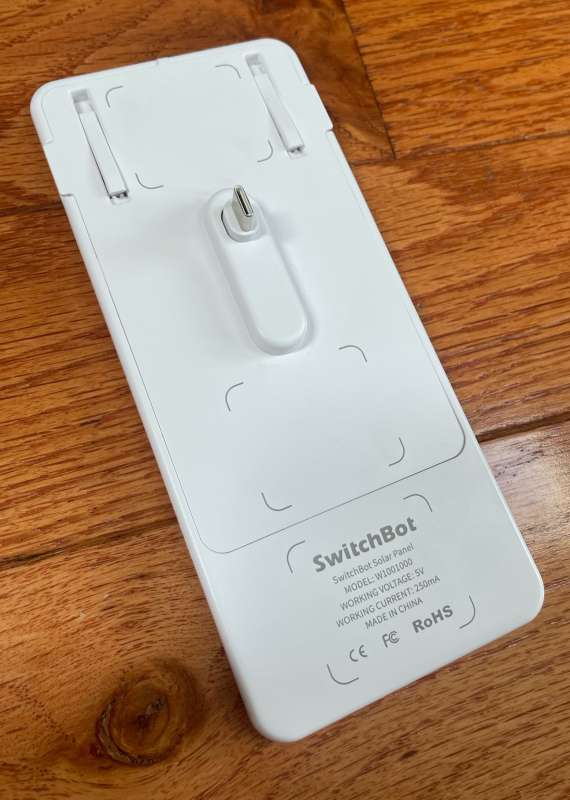
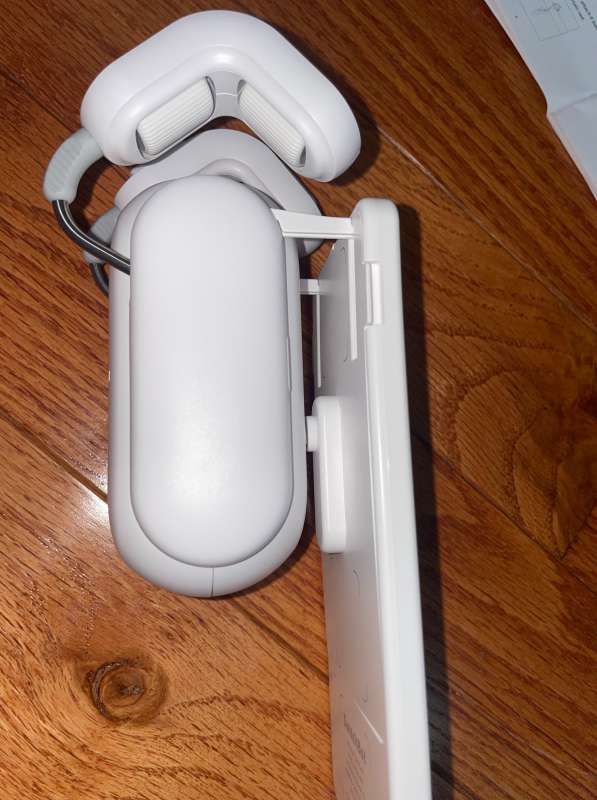
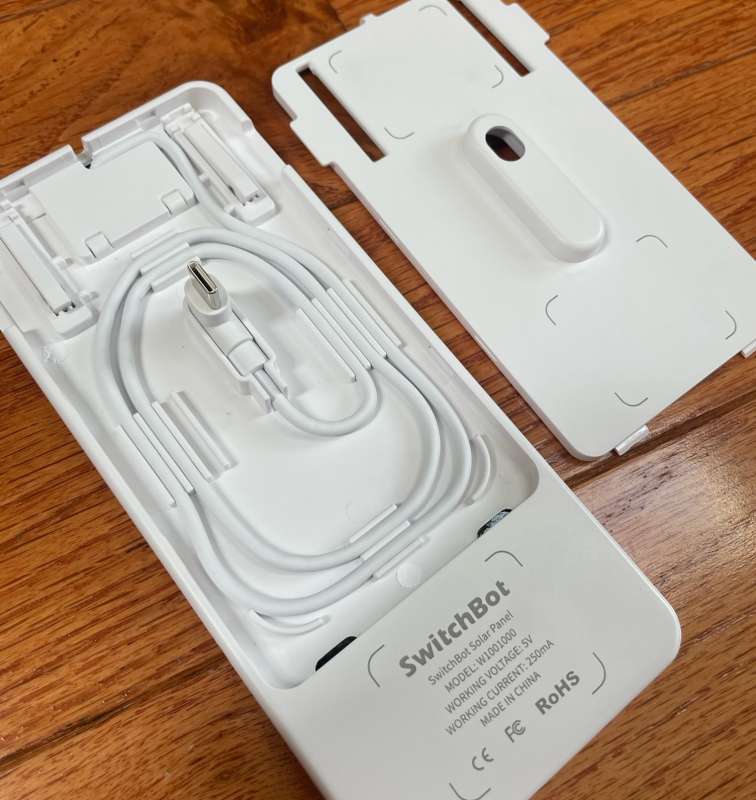
I’ve found that they don’t collect enough light due to weather conditions and sheer obstacles, so I’ll stick to manual charging for now. The battery should last about eight months between charges.
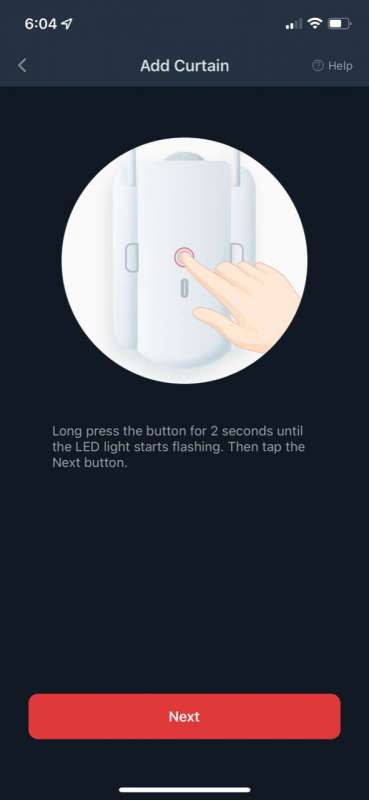
Once the robot is mounted on the curtain rod, the robot needs to be added to the application by selecting the icon from the list.
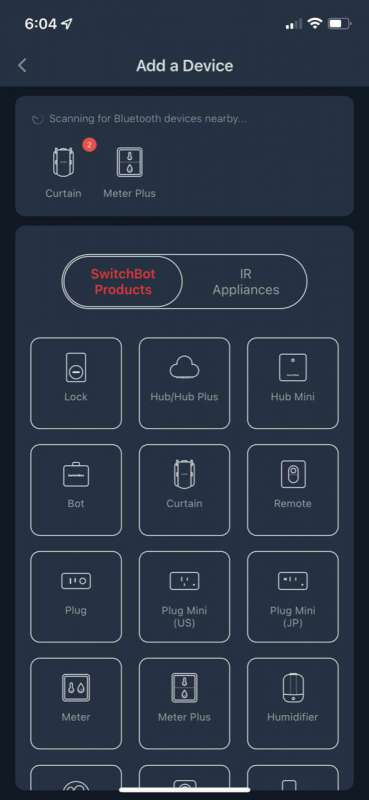
SwitchBot’s instructions for adding a device have always been simple and always good.
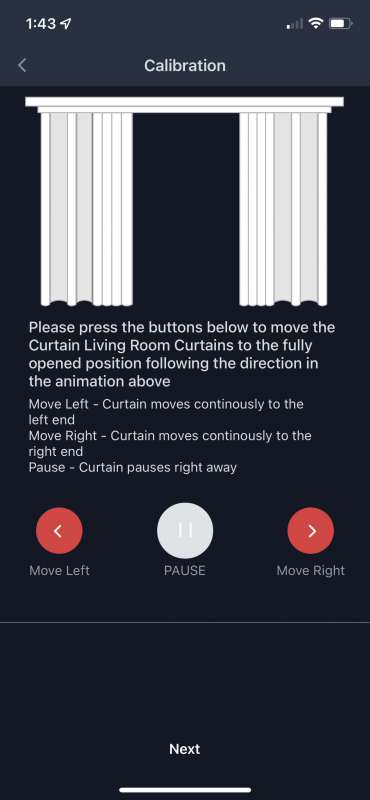
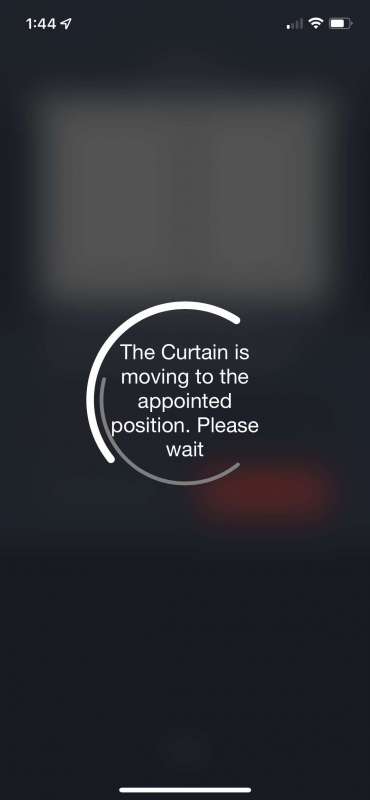
The curtain robot needs to be calibrated. The process takes just a few moments, starting with moving the shades to the closed position, to the open position, and testing. The application graphically displays the entire process.
Once calibrated, selecting a shade control from the list opens an easy-to-use tour of buttons to open, close and pause.
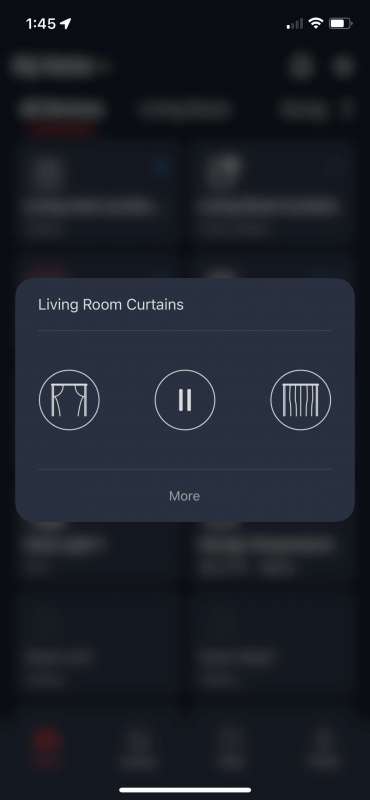
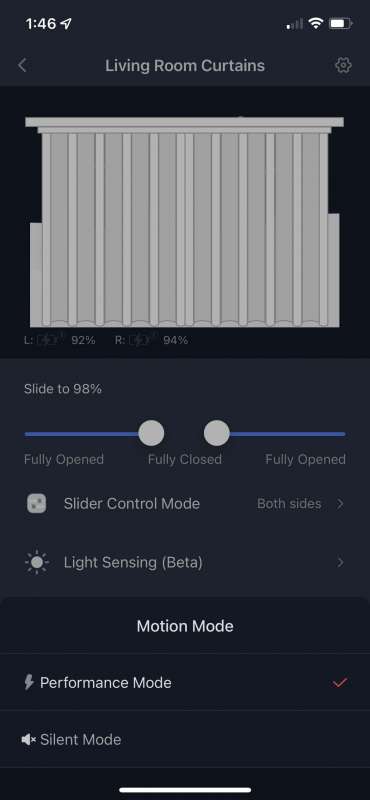
“More” opens up a number of options as well as a delightful graphic to illustrate the current curtain position.
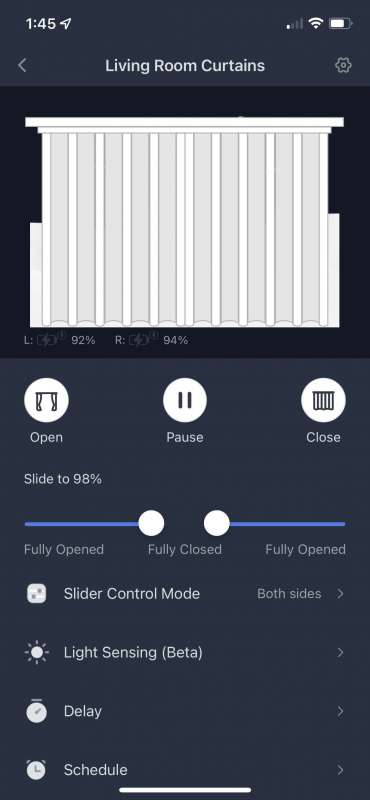
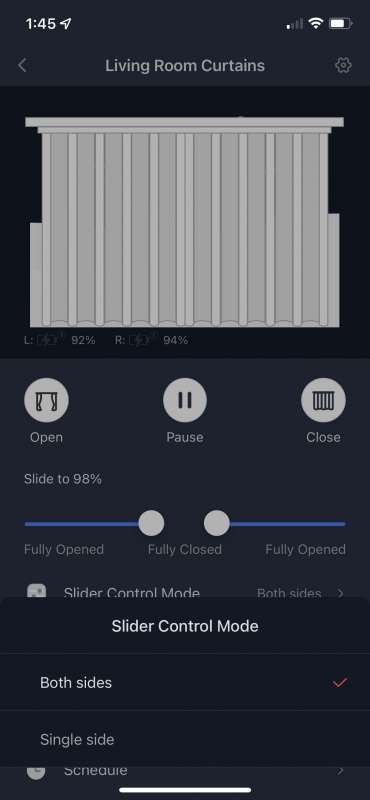
If you have two robots for double sided blinds and only want to open or close one side, “Slider Control” allows independent operation.
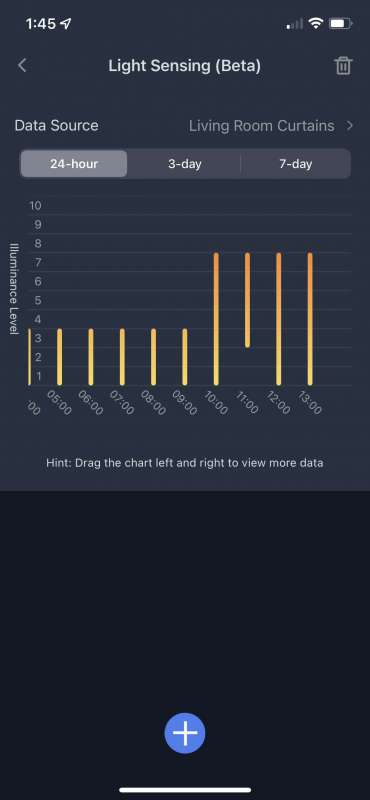
Another really cool feature is the light sensor’s ability to trigger the curtains to open and close. Want to open the curtains when it’s dark and open the curtains when it’s dawn? Yes, SwitchBot can do it.
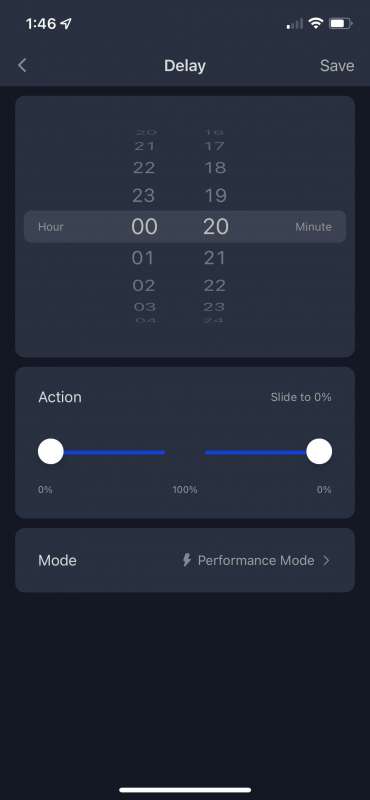
“Delay” opens or closes the shades after a specified time.
The “Schedule” controls the blinds based on the time of day and the day of the week. Multiple schedules can be programmed.
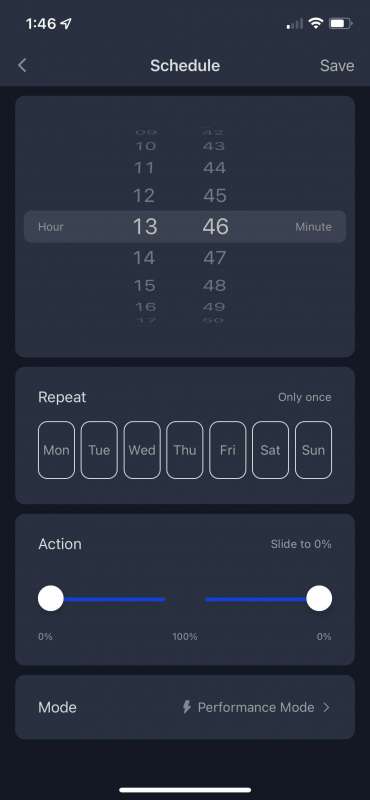
“Sport Mode” toggles the robot between “Performance” and “Silent,” the latter being a bit quieter.
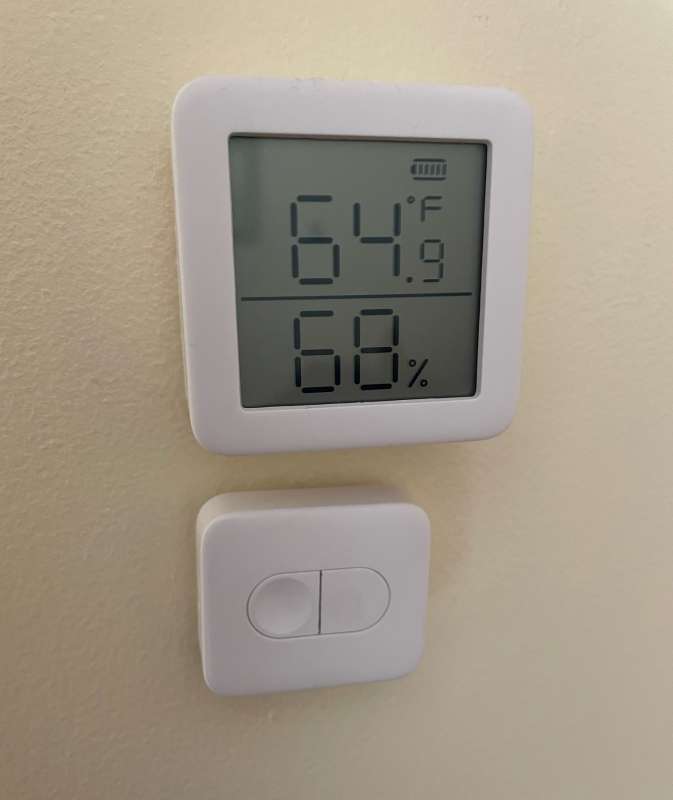
There are many options for triggering curtains.I have a SwitchBot Thermometer Hygrometer and remote control button (review here and here) close to my curtains and use them to close them when it gets very hot or cold outside to help reduce the cooling and heating costs of my home. When I don’t want to talk, just touch the remote control button and the robot will happily move forward.
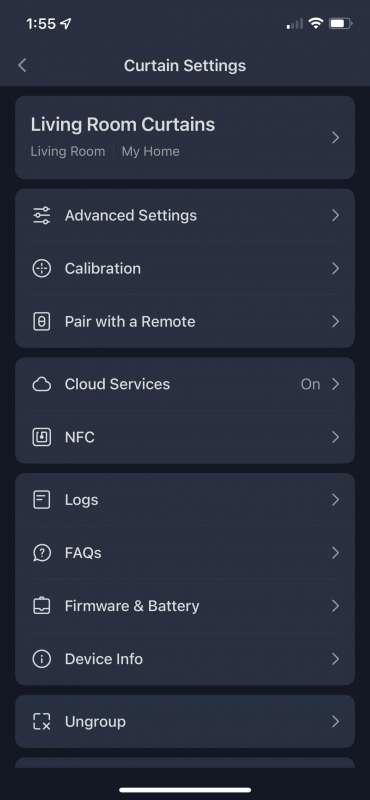
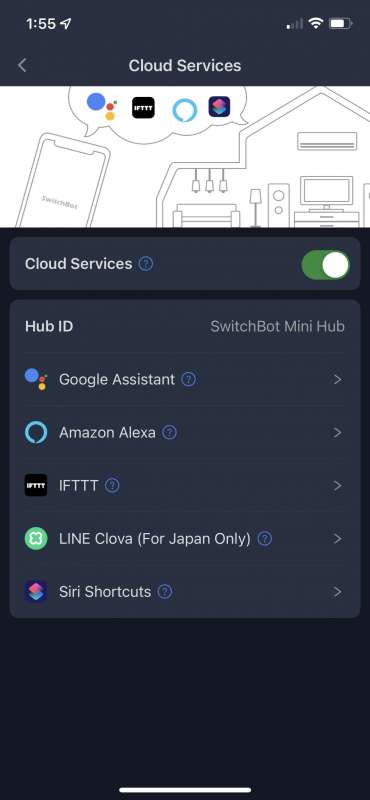
The curtain robot has a lot of advanced options, including “trigger to fire” for triggering an action when the curtain is pulled, “indicator light”, “calibration”, “cloud service”, NFC tag settings, “log”, a good FAQ Parts, Firmware and Battery Information, Device Information, and Ungroup are available.
Mostly, I use my Amazon skills to operate the robot. “Alexa, pull the curtains” is undeniably cool and convenient. Like settings for Amazon, Google, IFTTT, Siri and Clova.
what do I like
- Works miraculously!
- Easy integration with Google, Alexa and IFTTT
what would i change
final thoughts
Ah, the joys of home automation! I love this stuff. I’ve loved SwitchBot’s curtain robot from the day I installed it, and the improvements to the Curtain Rod 2 make me love them even more. My routine is to open my living room curtains at dawn and close them at dusk using IFTTT. Without a doubt, I’m the cheerleader for SwitchBot, but with all their creative home automation products, can you blame me?Please check out our other SwitchBot Reviews.
price: $99.00
Where to buy: switch robot and Amazon
source: The samples for this review are provided by SwitchBot.


