


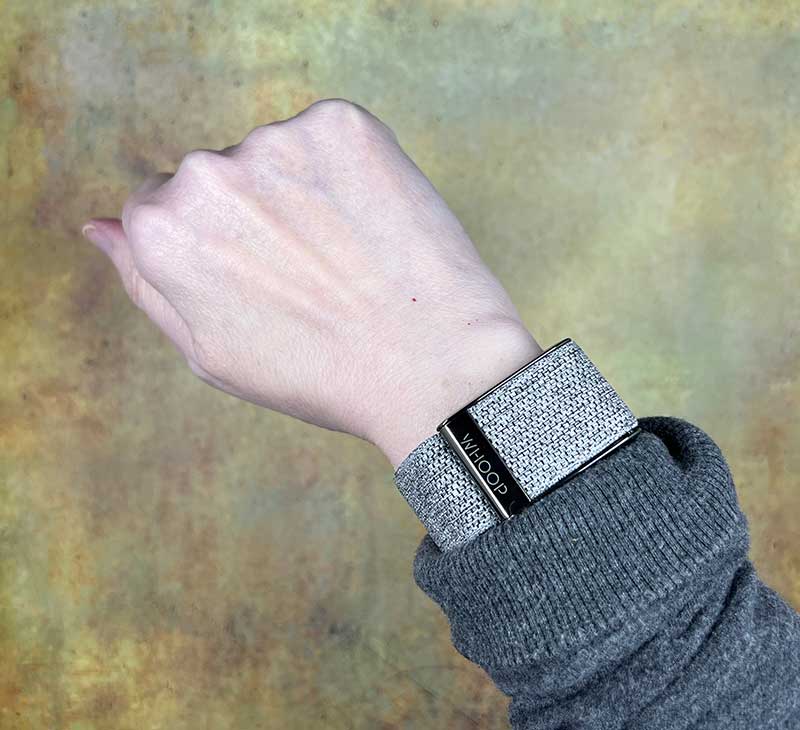
review – When January and a new year arrive, many people are determined to get fitter and slimmer. Are you someone whose goal is to get healthier? To achieve these goals, you will need motivation, willpower, and fitness tools to help you understand your progress toward your goals. A new fitness gadget I’ve been testing for the past two weeks is the WHOOP 4.0 Band. What does it do and what do I think? Read on to find out!
What is it?
WHOOP 4.0 is a wearable biometric tracker that collects sleep data, skin temperature, blood oxygen, heart rate data, and more.
What’s in the box?
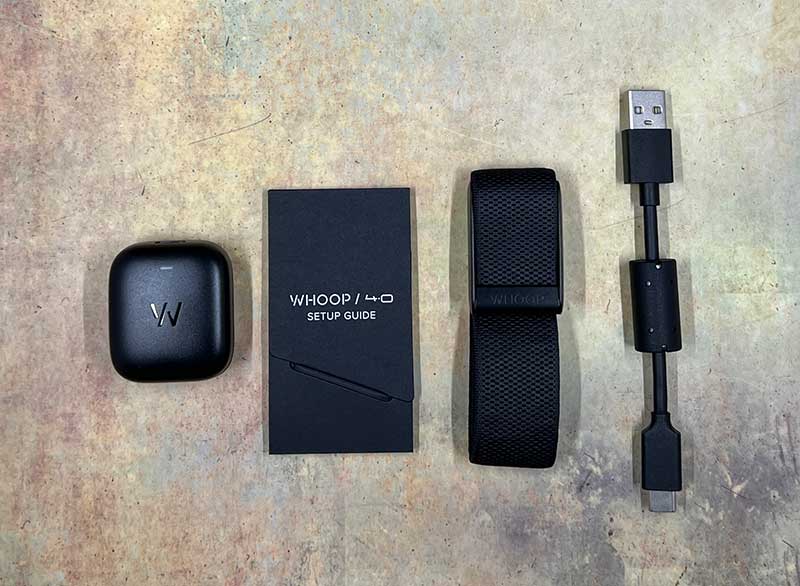
- WHOOP 4.0 fitness bracelet
- Battery Pack Charger Module
- USB-C charging cable
- Setup Guide
Design and Features
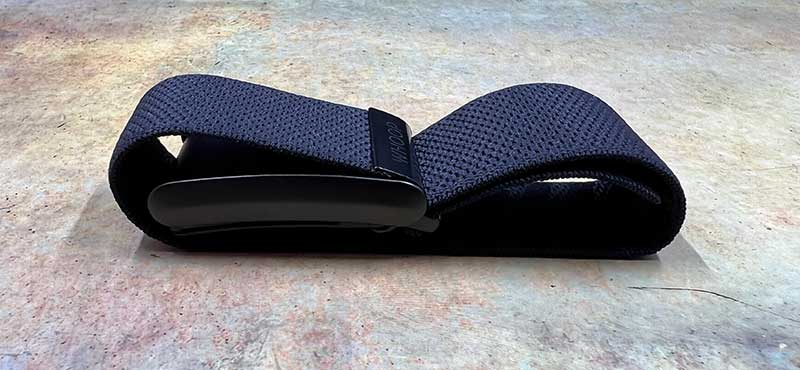
WHOOP 4.0 is an IP68 dust and water resistant fitness tracker. It doesn’t have a built-in display or any buttons.
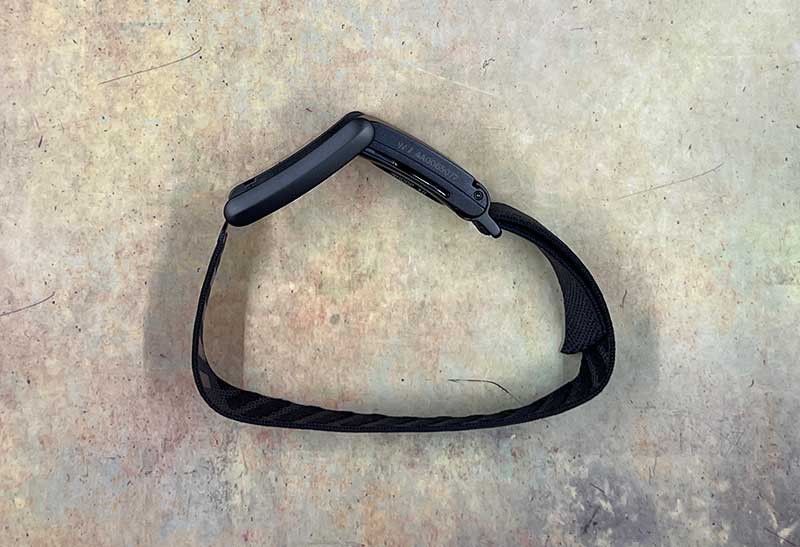
It has an expandable clasp design, and it can be customized by changing the elastic strap in a variety of colors.
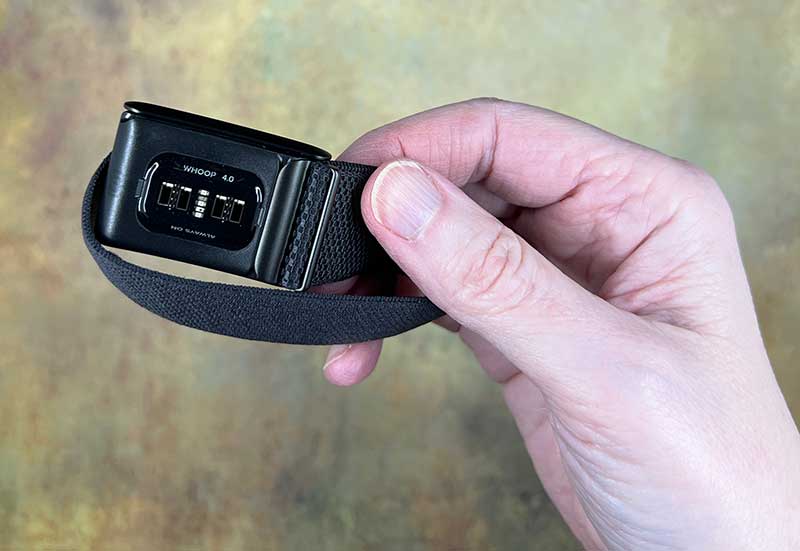
At the bottom of the WHOOP 4.0 fitness tracker is the sensor, which uses 5 LEDs and 4 photodiodes to track your heart rate, sleep cycle, skin temperature, and more.
CHARGING AND BATTERY LIFE FOR WHOOP
The WHOOP doesn’t have a port for plugging in a charging cable, as it uses a small wireless battery pack that charges via a USB-C cable.
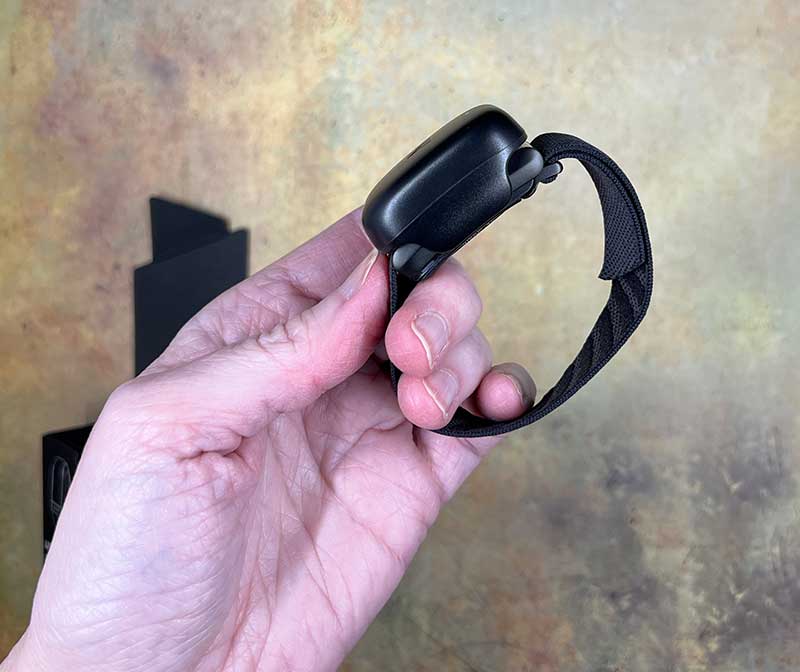
The waterproof battery pack slides over the top of the WHOOP sensor. What’s cool is that you can slide the band into place while you’re actually wearing it. This way, your fitness data won’t have any blanks while charging.
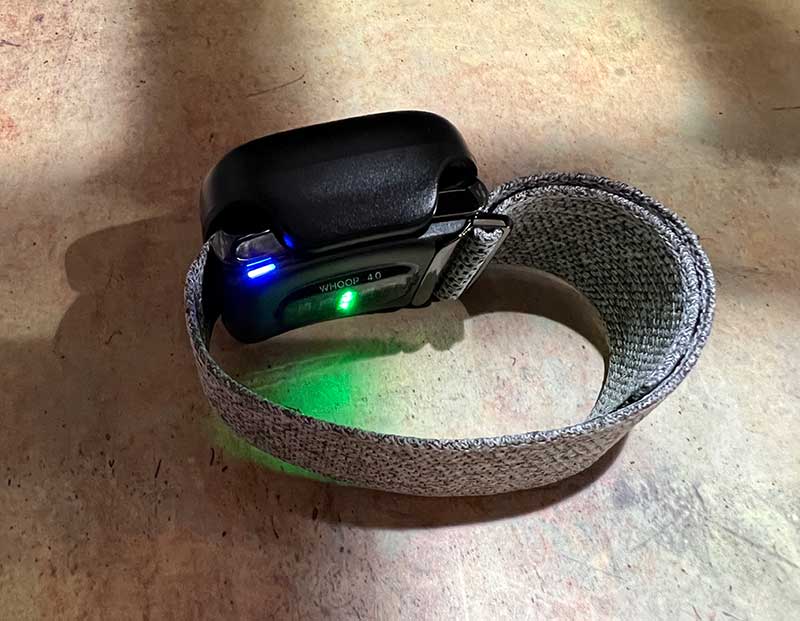
The WHOOP 4.0 has an LED on the edge that provides a visual indicator of battery level. Tapping the top of the sensor will prompt the LED to light up green, yellow, or red, letting you know when it’s yellow or red that it should charge. You can also check the battery level through the WHOOP app. During my testing of this fitness tracker, I was able to use the WHOOP sensor for about 3 days before it needed to be charged.
Comfort while wearing WHOOP
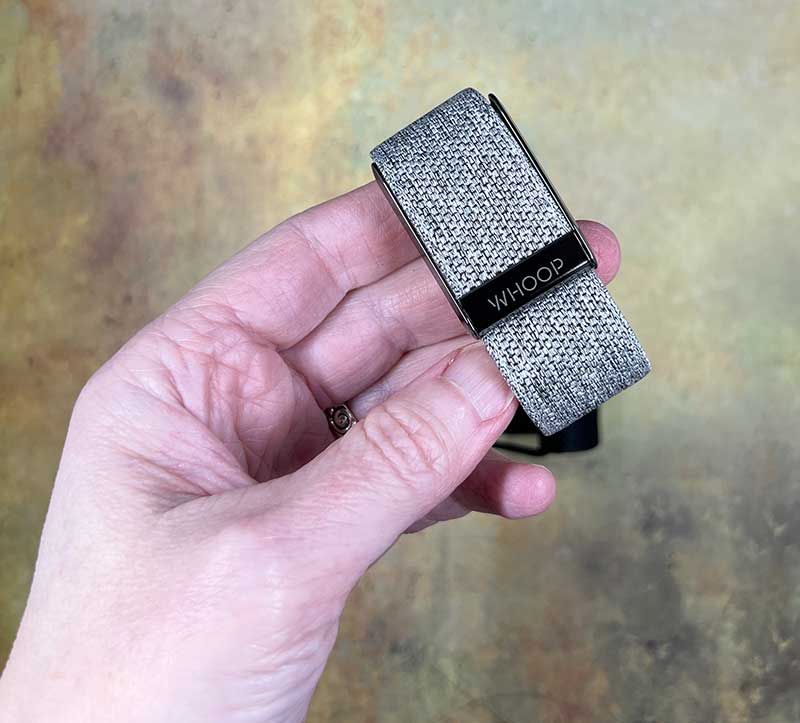
The elastic band is comfortable on the wrist. I had no issues wearing the WHOOP during the day, but I found the wide sensor to be a little uncomfortable for me to wear while sleeping. I really don’t like wearing anything on my wrists at night, so I might be overly sensitive. For people like me, WHOOP offers special clothing like underwear with built-in pockets/pods that you can slide the sensor into so it rests on your body so you don’t have to wear it on your wrist superior.
WHOOP app
Since the WHOOP 4.0 fitness tracker does not have any visual display for you to view your fitness data, you must use the app to interact with it.
When launching the app for the first time, you must create an account and provide a credit card number. More on that later. You also need to decide what your main goal is: optimal training, general fitness, or focus on health. I selected General Fitness and was prompted to choose from the different options I was interested in.
The main app screen provides your fitness status for the day as well as WHOOP’s battery status and cloud sync status. From the home screen, you can start an activity that will prompt you with a long list of different fitness activities. WHOOP is supposed to detect some activities automatically, but during my testing I started and stopped each activity manually.
When the activity starts, you can see a real-time view of your heart rate information and stress. You can also see a GPS view of where you are doing your activities. This feature is great if you’re a runner or working out outdoors, unlike my activities which include indoor treadmill walks and indoor workouts in the basement.
Note that WHOOP doesn’t track steps, but displays distance information.
You can get more information about each of your past activities/exercises by tapping them in the main view. From there you can see estimated calorie burn, average and maximum heart rate during the activity, and the duration of each activity.
About WHOOP’s Heart Rate Sensor. I also wore my Series 6 Apple Watch the entire time I tested the WHOOP fitness band. I was able to view the heart rate in real time on both devices and found that the WHOOP sensor and Apple Watch’s heart rate data was always between 1-2 beats.
What’s interesting about WHOOP is that it accumulates your fitness data and uses that data to calculate your daily Day Strain score. Scores let you know if you should rest or push for more stress the next day.
WHOOP also analyzes your different health metrics, such as resting heart rate and HRV (heart rate variability), to give you a recovery score. You can then use this score to understand how your activity affects your recovery and help you prevent overtraining and injury.
The app provides a lot of good information in the form of easy-to-understand graphs and charts, as well as a short description at the top of the screen that boils the information down into a small piece of information so you don’t wonder how to interpret the data.
WHOOP will even track your breathing rate if you see drastic changes, which indicate COVID-related issues and more.
The coaching feature will provide you with a daily target exercise/stress goal based on your recovery score from the previous day’s activity stress. With this goal in hand, you’ll know if you need to take it easy or go all out to achieve your goals for the day.
WHOOP is also a sleep coach that tracks your sleep patterns so it can tell you when you need to go to bed for optimal recovery. It also uses haptic feedback to wake you at the optimal time based on the wake time you set.
monthly membership
This is where I’m going to lose some of you…you’re not actually buying a WHOOP 4.0 fitness tracker. free. You pay for a monthly or yearly membership starting as low as $18 per month for 18 months ($324 upfront), $24 per month ($288 per year), or $30 per month for a minimum of 6 months.
what do I like
- Lots of good data on sleep, stress and recovery
- Easy to understand and actionable information/suggestions
what would i change
- Offers prices you pay once and no monthly membership fees
final thoughts
It’s important to note that WHOOP is not a smartwatch. There’s no display, and it doesn’t buzz when you get a text or a call on your phone. WHOOP is a core fitness tracker that provides a wealth of data and coaching recommendations that you can use to optimize your sleep and achieve your fitness goals. If you’re willing to pay for membership, this tracker can be an impressive addition to your health toolbox.
price: $18-$30 per month membership (including WHOOP 4.0 fitness tracker)
where to buy: Oops
source: Samples for this review provided by Oops.


