


Post views:
11
Facebook is a widely used application worldwide. It has billions of users. It’s a great platform to connect with your friends, family and loved ones. It also gives you an opportunity to expand your business and put what you offer and how you stand out in the eyes of billions of people.
Whenever someone visits your Facebook ID for the first time, the first thing that catches their attention is your cover photo. Your cover photo takes up a quarter of the screen and is therefore the center of attraction for all visitors. It can be used as a powerful banner to promote your business or as a display to show off your aesthetic sense.
You can choose any image of your choice to display on your Facebook account as the cover photo. This can be a picture of your business team, the product or service you offer, or something like a catchy graphic to refresh your mood. Choosing the right photo for your Facebook cover is very important as it can ultimately give you a lot of benefits and bonus points.
How to create an efficient cover image?
This article covers most of what you need to know about Facebook cover photos. You’ll learn the correct dimensions for your Facebook cover photo, preferred file type, other specifications, and instructions on where to find your free Facebook cover.
Facebook Cover Photo Dimensions: Pixels: 851 x 315
To upload a cover photo on Facebook, you need to check its dimensions. Facebook only uploads images as cover photos with a minimum size requirement of 851 x 315 pixels. In particular, if you create your own custom cover photo for your Facebook ID or page, you must use the dimensions above as ideal, you can even see the final image before uploading it to Facebook.
Once you’re done customizing your Facebook ID cover photo, you need to save it. Saving pictures on a laptop, tablet or PC gives you various options for the file format in which you want to save the file. You must prefer the PNG file format. This is because Facebook recommends that you upload your cover photo in PNG file format. Uploading an image in this format will render your image as a high-resolution, sharp image. When using Facebook on a smartphone, you can choose the sRGB JPEG file format. The reasoning behind this logic is that on smartphones, images in sRGB JPEG format load faster and do not consume more data. Remember that the file size must be less than 100 KB.
You mustn’t be confused by the difference in the visibility of cover photos on your laptop/PC or phone. Since a PC or laptop has a larger and wider screen, the cover photo appears more rectangular on it to fit its size. On the other hand, the screen size of a phone is much smaller than that of a laptop, so in portrait mode, the picture on the phone looks more square to fit its size.
Winter Facebook Cover Photo
Who can claim not to love winter? Certainly not. Everyone loves winter. Everyone loves Christmas. Everyone loves snow. Everyone loves everything about winter. So how do we show this love by updating our Facebook cover photo? Let’s showcase the upcoming Santa on our Facebook cover photo. Let’s show the decent white snow scattered all over the place. Let’s showcase the joy of winter on our Facebook cover photo. Our love for nature will attract both nature and love together.
Snowy cottages, fir trees and snow-covered towns are just a few of the wonderful winter cover photos you’ve collected for Facebook on the sites mentioned here. Pick your favorite winter Facebook cover and upload it to your account instantly.
read more:
Where can I find them for free?
CoverPhotosforFB.com: It has a huge selection of cover photos that you can use to personalize your profile and make it look the way you want. Facebook cover images are a great way to personalize your profile and make it look beautiful and stand out. You can choose from different types, including Facebook Winter Featured Covers, each with its own set of components.

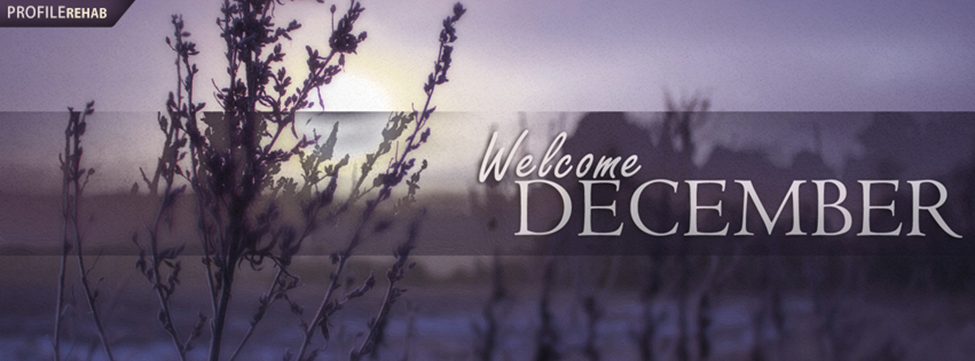
Profilerehab.com: It’s the most popular free popup site with Facebook covers, best Facebook statuses, unique wallpapers and Twitter backgrounds. Starting today, their designs will help you get rid of bad Facebook covers, wallpapers and Twitter backgrounds. It’s never too late to update your designs! The first step is to admit that you need a better design…and they’ll take care of the rest.
Pixels: It is available under the Pexels license as high resolution, royalty-free stock images. All of their photos are nicely tagged, searchable, and easy to find using our Explore page. They have hundreds of thousands of free images, and new high-resolution photos are added every day. All photos are handpicked from user-provided photos or free image sources. They ensure that all images published are of excellent quality and are licensed under the Pexels license.

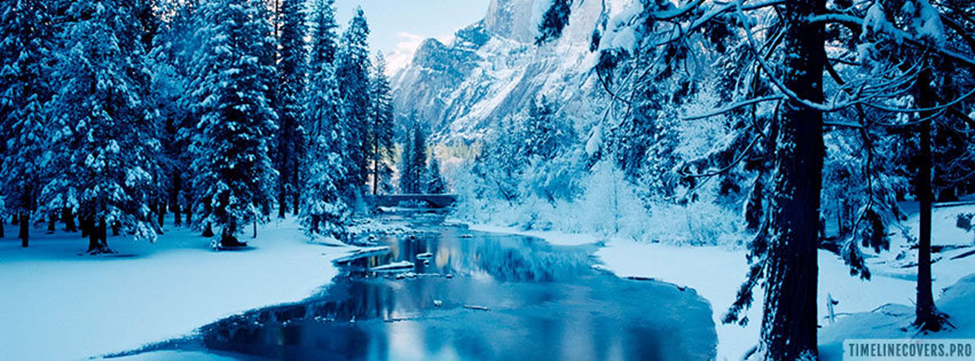
Timeline covers.pro: For your Facebook profile, you can use a creative Facebook Timeline cover image. With thousands of stunning photos to choose from, they have the best selection of Facebook timeline covers. Most of their photo covers are high-resolution and functional.It’s time to update your Social network Profiles with new beautiful photo covers! Every week, they add new covers, so check back often!
free: The original plan was launched in 2010 by Alejandro and Pablo Blanes and their friend Joaquin Cuenca, the inventor of Panoramio (acquired by Google). Alejandro felt the need to build a website that would give graphic designers access to free graphic resources. Pablo and Joaquin supported his proposal, and Freepik was born. Now they offer high-quality images and cover photos.
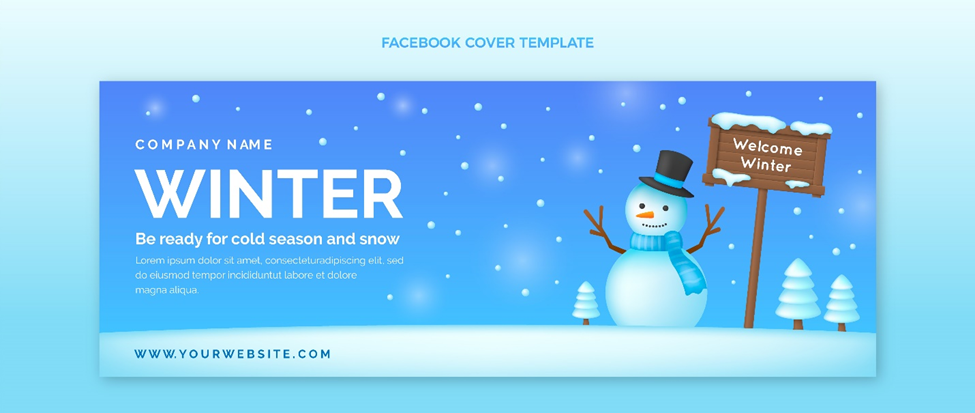
While 95% of Facebook users use a mobile device, that doesn’t mean you should ignore the 31% who use the site on desktop. Facebook recommends an 820px x 462px image for your Facebook cover photo, which will look great on any device.

