


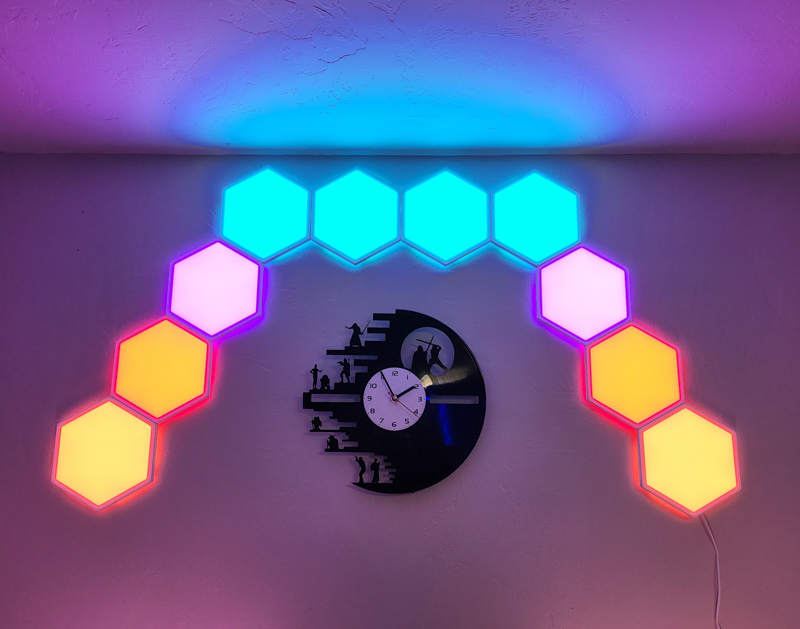
Review – Govee sent me a lot of their LED lighting Product to review, I really love turning my dark basement office into a bright mood lighting space that I can replace anytime. Their newest Glide Hexa Light Panel is one of the most fun and has some extra bonuses I didn’t expect!
What is it?
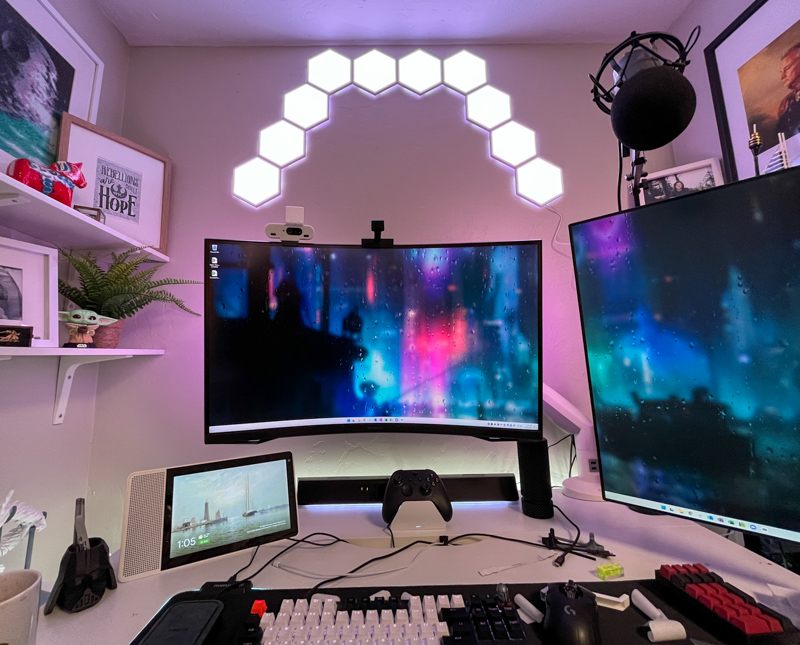
The Govee Glide Hexa light panel with RGBIC effect is a wall or ceiling mounted light panel system. Not only can you set different colors and animation patterns by hex, but you can also set multiple colors on each individual panel. The entire system is controlled by the Govee app, which also controls millions of other smart lighting products they have released to date. Additionally, integrations with Google Assistant and Alexa allow you to turn the system on and off and set colors by commanding the voice assistant.
What’s in the box?
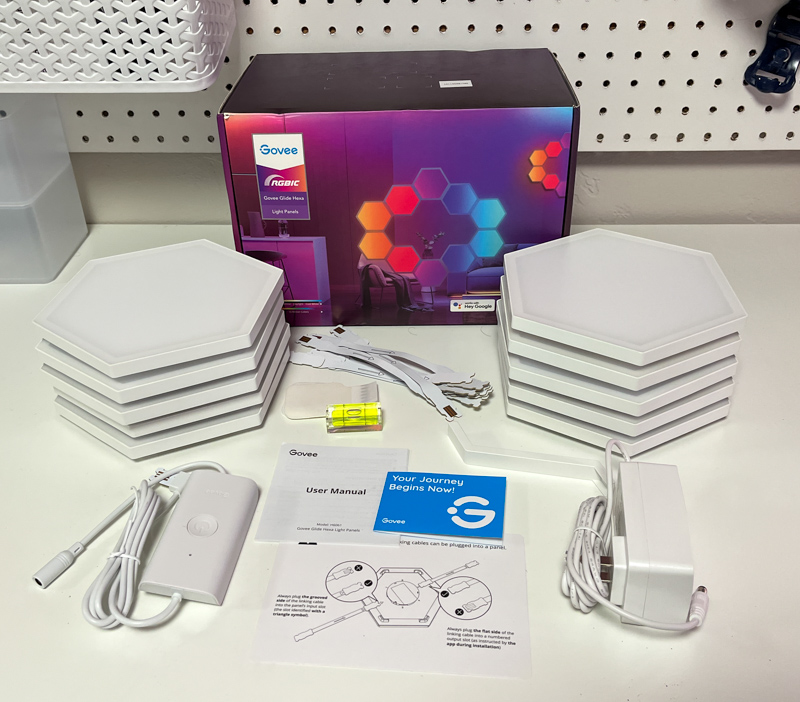
- 10 x Hexagonal light panels, wall mounted and pre-taped
- mini level
- Orientation sheet
- User Manual
- Quick Start Guide
- 10 x connecting cables
- AC adapter
- Control unit (Wifi and Bluetooth)
Hardware Specifications
- RGBIC segment color for each panel (red, green and blue independently controlled LED lights)
- 120V AC, converted to DC 24V/1.5A
- System Weight: 5.37 lbs
Design and Features
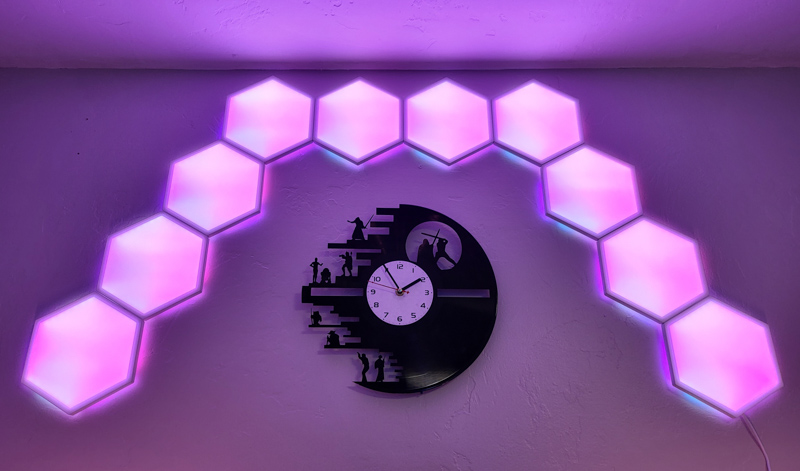
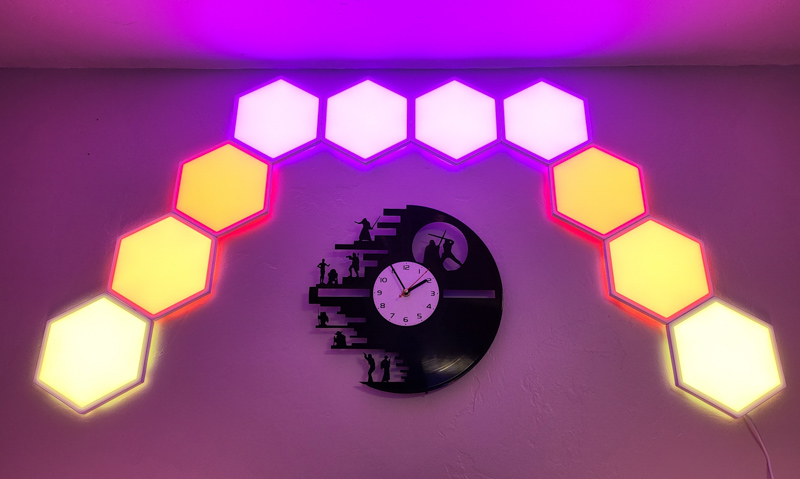
In the photo above, you can see how the different colors are used in each panel. This allows for a plethora of patterns and colors, all of which can vary in brightness.
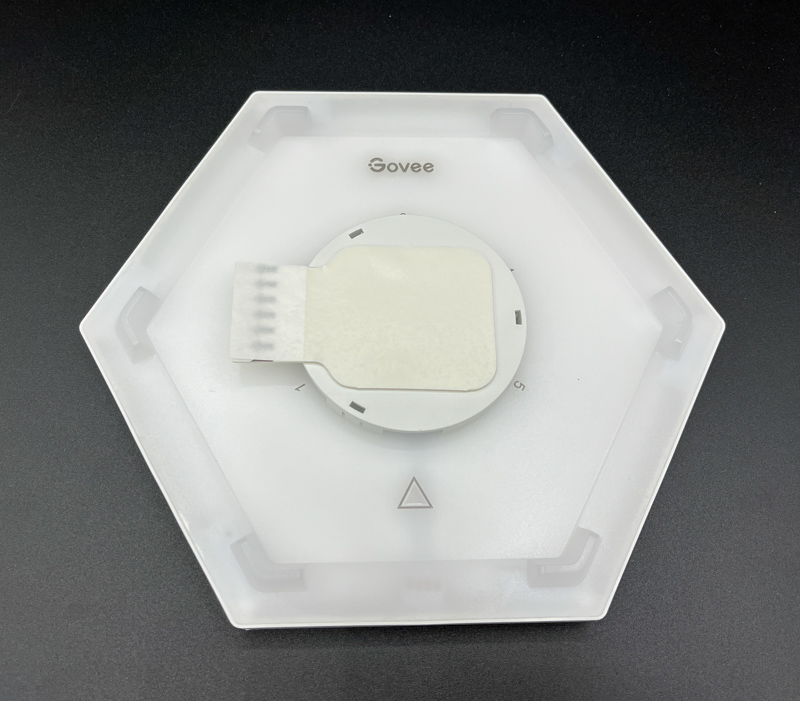
The back of each hex panel is marked with connector strips and pre-installed tape. The plastic tab in the center can be snapped onto and removed from the hex panel (useful during installation or if you need to remove the system).
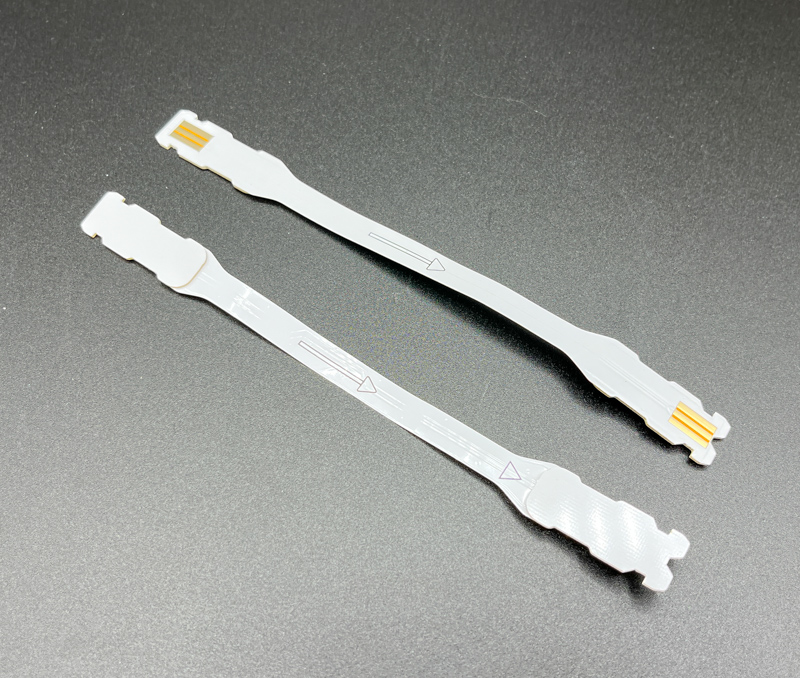
Each of the 10 connecting strips are clearly marked to follow during installation. These ribbon cables carry power and color commands to the panel.
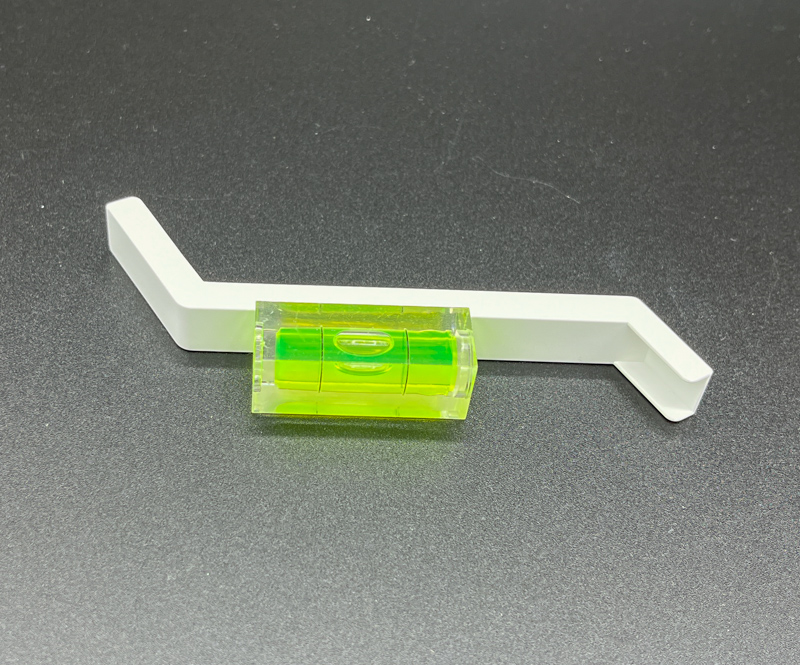
The included orientation guide and spirit level are just cheap plastic, but they get the job done.
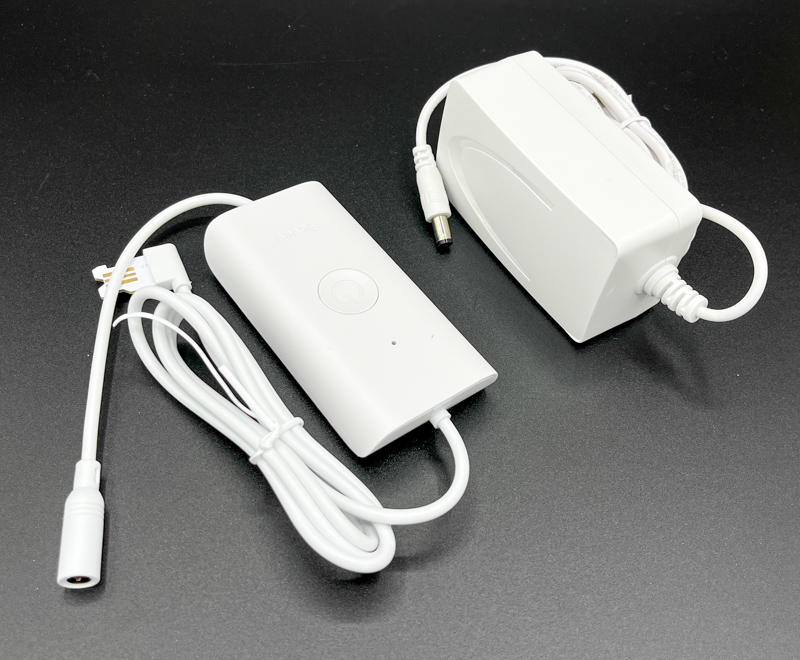
The AC adaptor and control unit combine to reach about 2 meters from the wall socket to wherever you start the lighting mode. The control box itself comes pre-taped for installation.
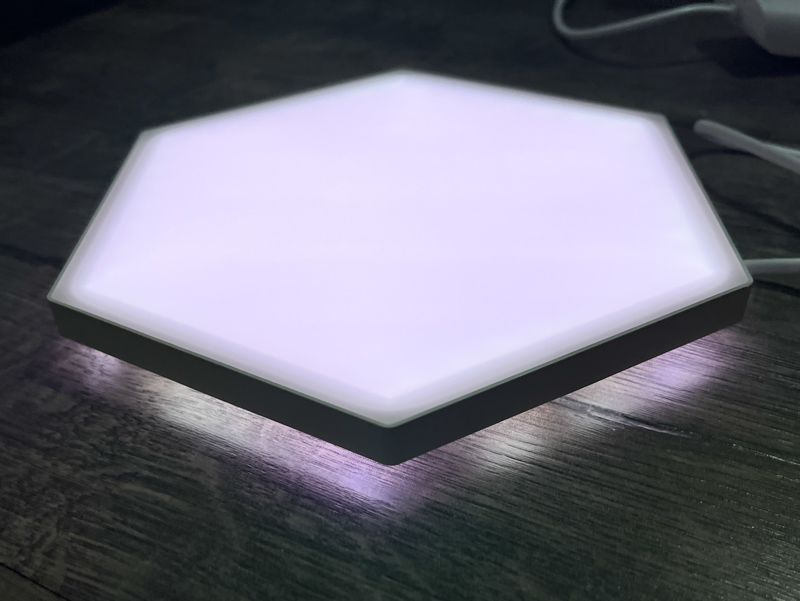
Each panel reflects LED light onto the wall or ceiling behind it, creating a cool glowing effect.
installation and setup
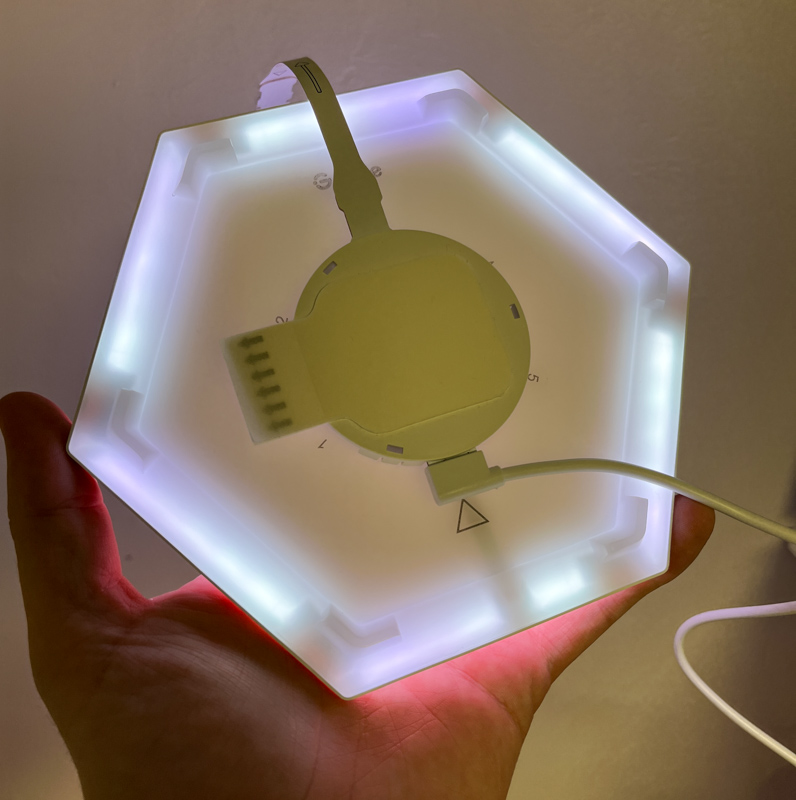
Clear instructions in the manual and app are very helpful in setting up the Govee Glide Hexa light board. First, plug the AC adapter into the control box, then plug the control box into the first panel.
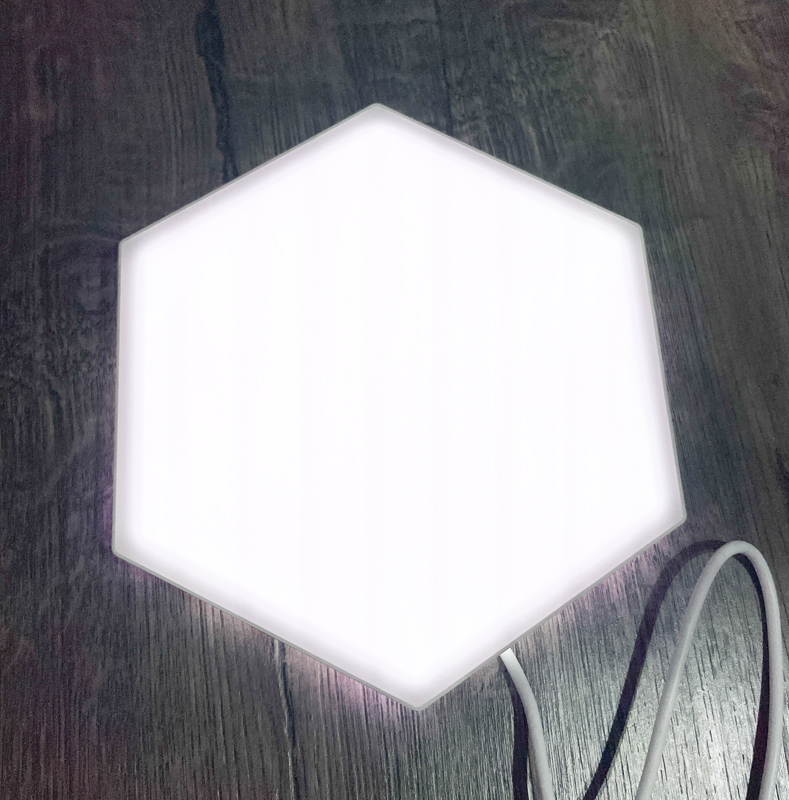
In fact, Govee recommends that you plug it into each panel first to make sure there are no issues before installing everything to the wall.
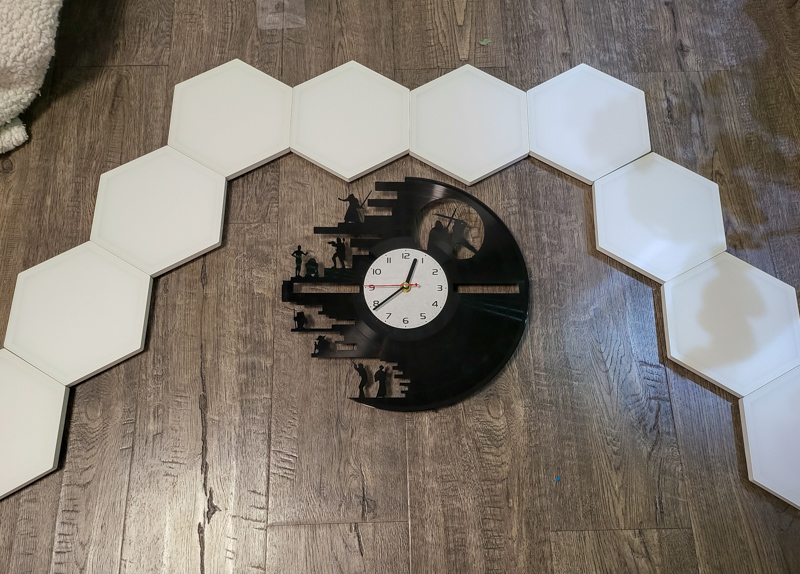
Before installing, I laid out the panels to try out different shapes and layouts. I wanted to surround the existing clock on my wall, so I chose the shape shown above, but you can make any combination of shapes you want, even in a corner or ceiling, as long as that shape causes each hexagonal panel to touch of course is the previous one. I also measured a few times to make sure it was all centered before attaching the first one to the wall.
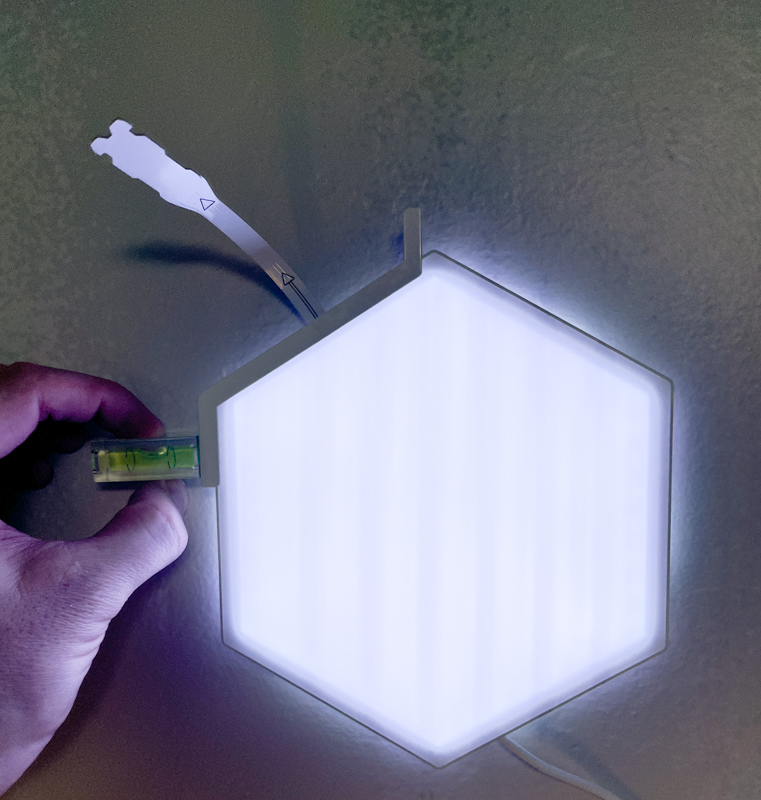
The included level and guide helped straighten the panel as I installed it. Shown here is the first one, with the connector strip sticking out (the app will tell you which numbered slot to connect it to before sticking it to the wall in preparation for where the next panel will go.
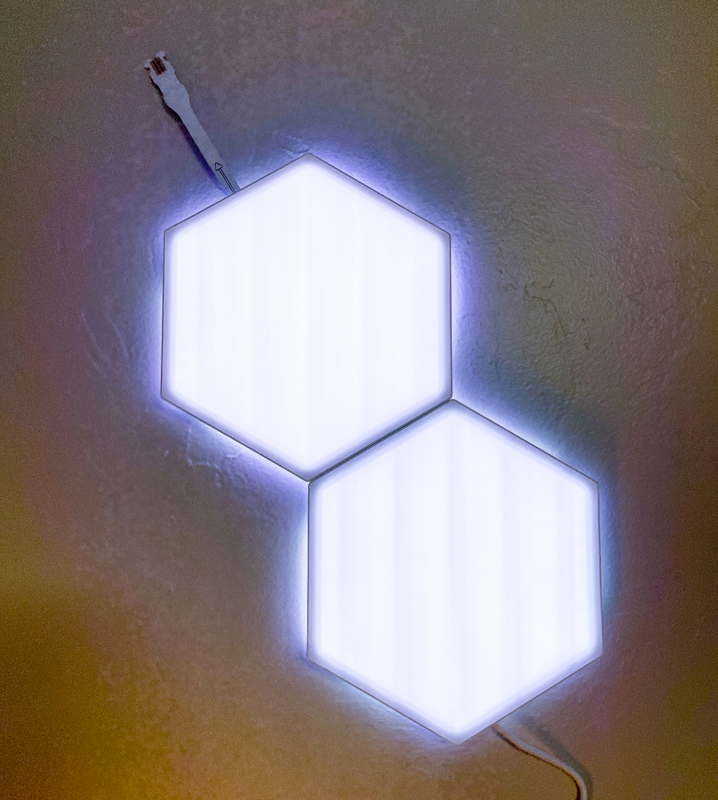
You follow the application instructions for each panel until they are all on the wall.
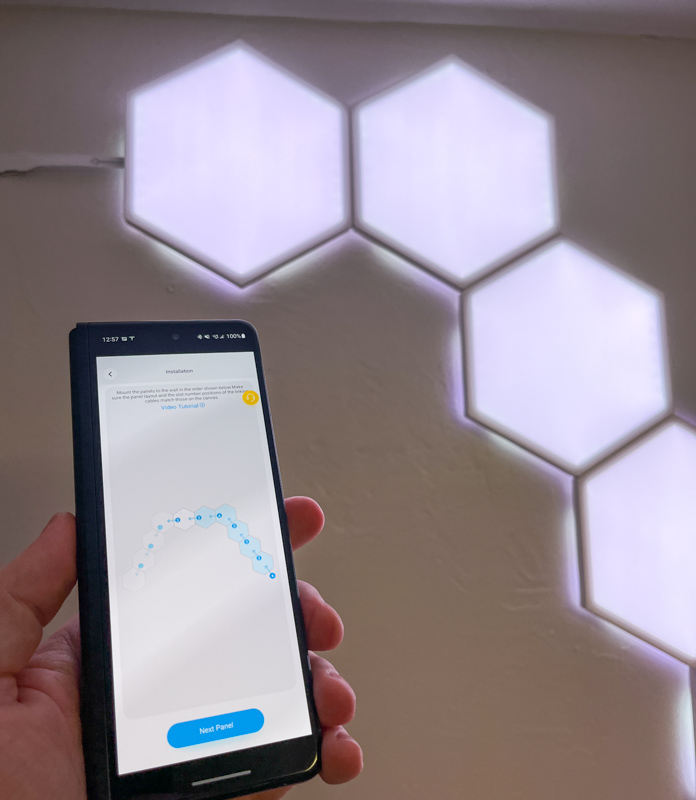
Shown above are the setup instructions during the application installation process. It’s easy as long as you follow the instructions carefully.
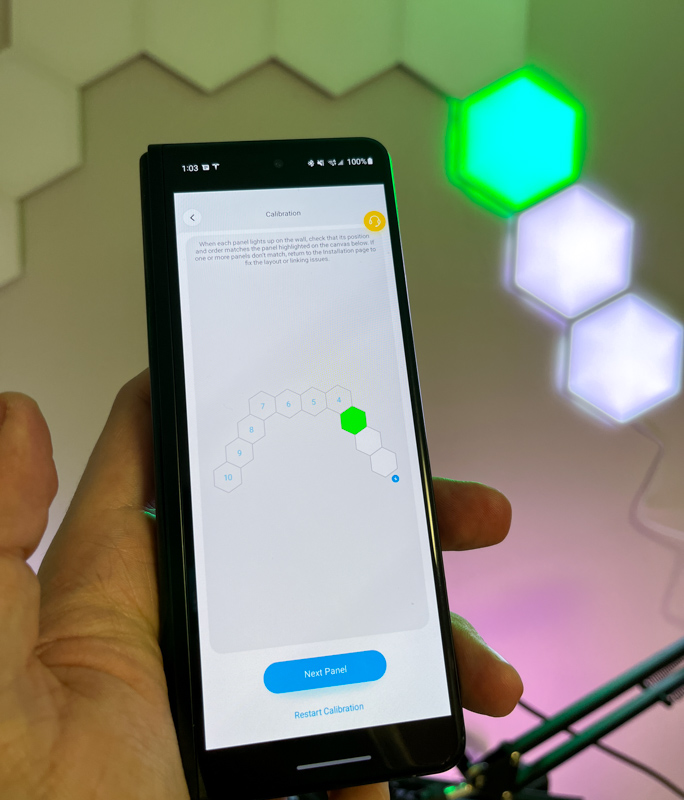
Once you have everything on the wall, the app will confirm that everything is working by lighting up each panel green and asking you to confirm.
Performance
The video above includes several modes/scenes, as well as a musical reaction mode. With near limitless customization and a plethora of included “scenes,” you can truly change the lighting and mood of any room. I have a lot of lights I’ve reviewed before (such as the Neon Rope, Glide Wall, and Lyra Floor Lamp), and I’ve set up on and off schedules for everything, as well as matching scenes like “Ocean” to make my The office is bathed in flickering blue-green lights.
An unexpected benefit I discovered after installing this new lighting is that I can easily use it as supplemental lighting for Zoom/Teams/GoTo calls: with a quick adjustment in the app, I can adjust the lighting and change my face to compensate for the yellow overhead lights in my office.
what do I like
- Clear and understandable installation instructions
- Good app for changing settings and colors
- Integrate with Google/Alexa
what would i change
- At this price, it would be nice to have touch interaction like some of their competitors
final thoughts
As with every other Govee product I’ve personally reviewed or purchased to date, I’ve been pleased with the performance and build quality. Govee Glide Hexa Light Panels are a fun way to add customizable lighting to any wall (and/or ceiling). I think pretty much anyone can follow the instructions to install a light and then enjoy audio response or scene based lighting. There are other great options at this price point, but if you want to add other lighting options, the Govee ecosystem is huge and still growing fast.
price: $199
Where to buy: Amazon or Govey
source: Samples for this review are provided by Govey


