


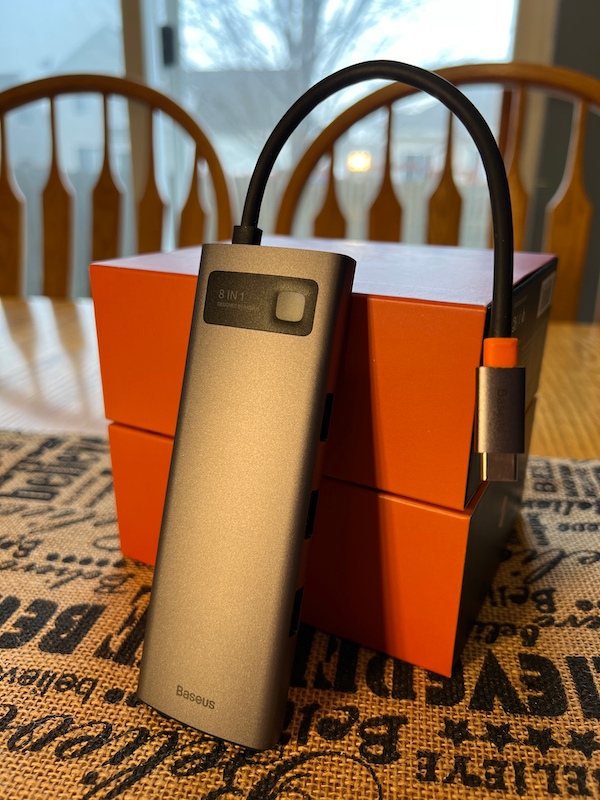
review – Having the right connections is necessary to get the job done. If you don’t have the right adapter to read a USB drive, copy files from your camera’s memory card, or connect to a monitor, you may not be able to get work done or watch a movie during your breaks. This is where a USB-C hub can come in handy. Baseus offers an option worth considering in its 8-in-1 USB-C Hub Dock.
What is it?
The Baseus 8-in-1 USB-C Hub Dock is a dark gray aluminum rectangular hub with a permanently attached USB-C cable for plugging into a USB-C-equipped computer, iPad, or USB OTG-enabled phone. It offers an HDMI port, an RJ45 Ethernet port, 3 USB 3.0 ports, SD and TF card slots, and a 100W PD USB-C port.
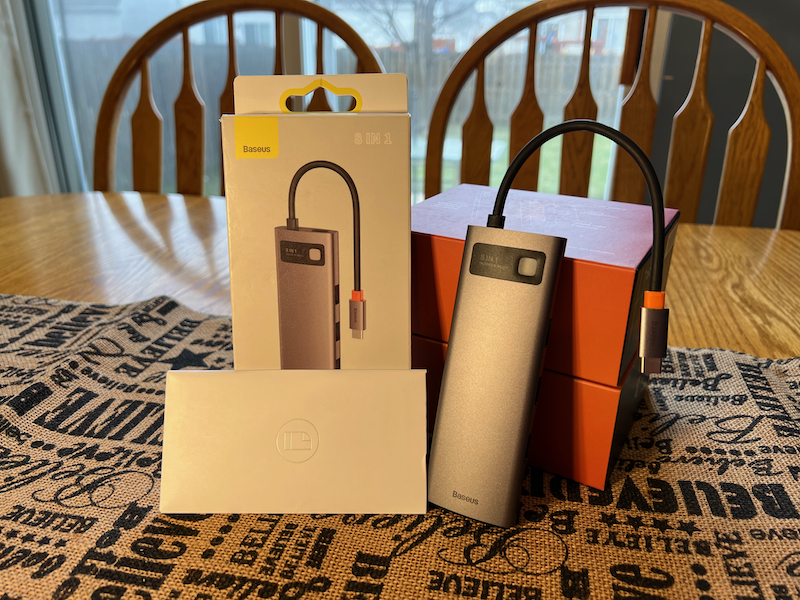
What’s in the box?
- 8-in-1 hub docking station
- User Manual
- Warranty Card
- sticker pack
Hardware Specifications
- Material: Aluminum alloy
- Craft: Sandblasting and anodizing
- color: grey space
- enter: Type-C PD Port – 5V/9V/14.5V/20V, 5A (Max)
- 4KHD: Support 4K@30Hz HD display (maximum)
- SD/TF port: Supports 480 Mbps data transfer and simultaneous reading
- RJ45 network port: Support 10Mbps, 100Mbps, 1000Mbps
- USB 3.0: Supports 5Gbps, backward compatible with USB 2.0
- Operating System Support: Google Chrome OS, macOS, Windows XP/Vista/7/8/10, Linux
- stand-by current: <400mA
- Voltage: 5V-20V
- Applicable equipment: Type-C notebooks, mobile phones, Apple MacBook Pro/Air 2016 and newer, other operating systems
- size: 5.18″ x 1.75″ x 0.65″ (131.5mm x 44.5mm x 16.5mm)
- weight: 86.5±5g
Design and Features
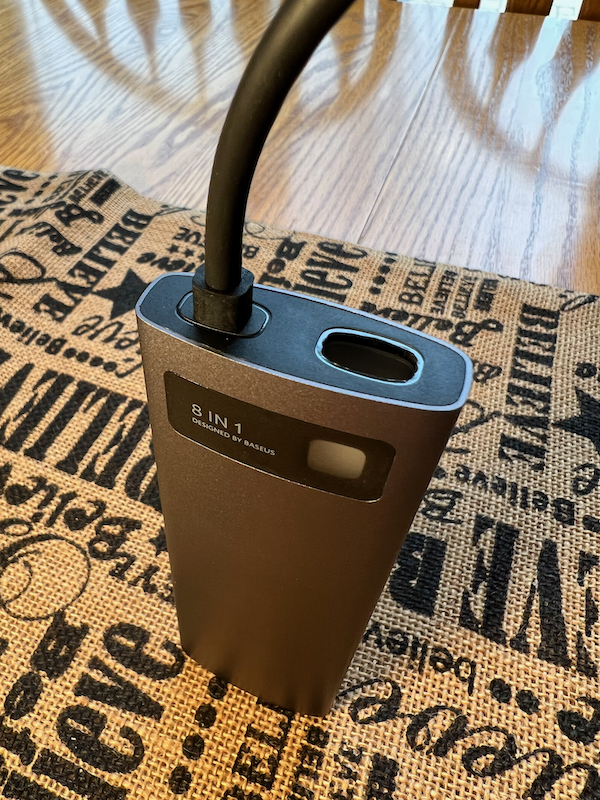
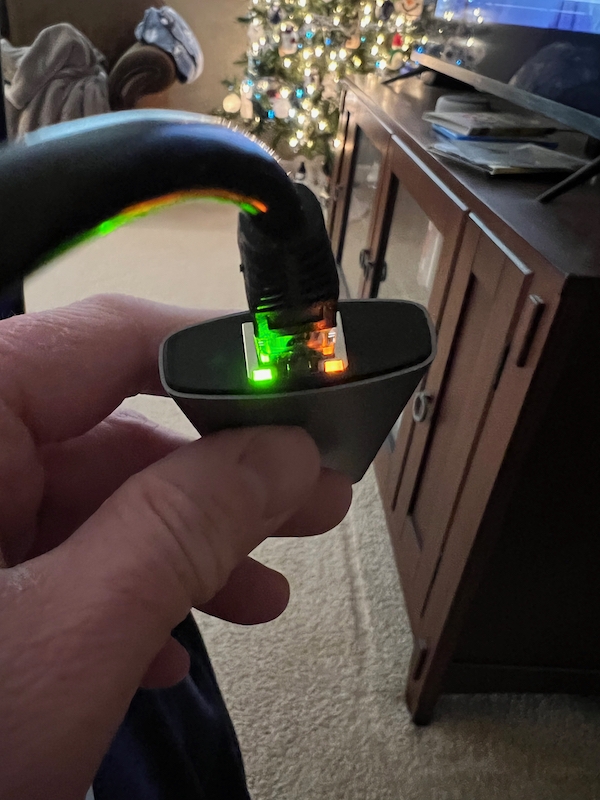
A Baseus hub is a small aluminum-plastic device with a permanently attached USB-C cable. One end of the connecting cable has a small opening for placing the cable inside to protect the USB-C connector. The other end has an RJ45 Ethernet connector and a connection status indicator. Along one of the long sides are the USB-C PD input connector, HDMI port, and SD and TF card readers. On the other side are three USB 3.0 connectors.
The device is lightweight and small enough to be carried around in a backpack or EDC bag. It is very convenient to have all the connectors you need at all times.
installation and setup
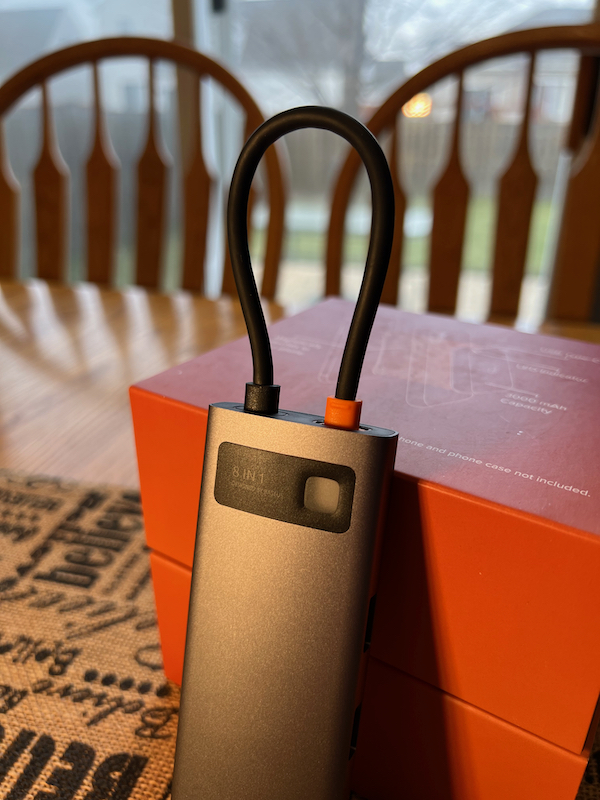
Installation is just one step – plug it into your laptop, tablet or compatible phone. Once plugged in, you can read and write SD or TF cards and USB drives, connect to wired Ethernet, or watch videos on an external monitor. The blue LED lights up when the hub is plugged in and working.
is using
This is a handy device if your setup requires a second monitor, or if you just want to use a larger monitor than your laptop’s built-in monitor. For working from home, or if you often need to bring your laptop home, just one connection to your device provides power, video, data, and more, easily in and out as needed.
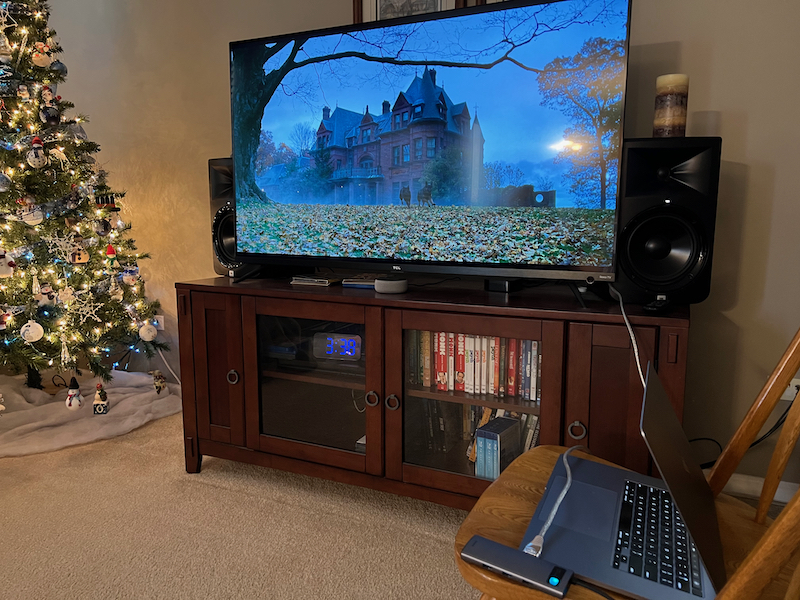
I was able to successfully use this device with my 2019 MacBook Pro, my 2021 iPad Pro and my Google Pixel 6 phone. The only thing that doesn’t work with the Pixel is the HDMI output.I’ve used a similar hub on the Samsung Galaxy S20 before (see comments here) but I believe the Pixel 6 doesn’t support OTG display output, so I didn’t expect it to work.
When connected to a TV, I was able to get resolutions up to 3840 x 2160. Unfortunately, this only supports 4K refresh rates up to 30 Hz. That’s fine for most movie or TV viewing, but for faster-moving stuff like sports, it’s best to bump up to 60 Hz. For general office work, I don’t think the 30 Hz refresh rate will be a problem. It depends on your specific situation whether the device is right for you.
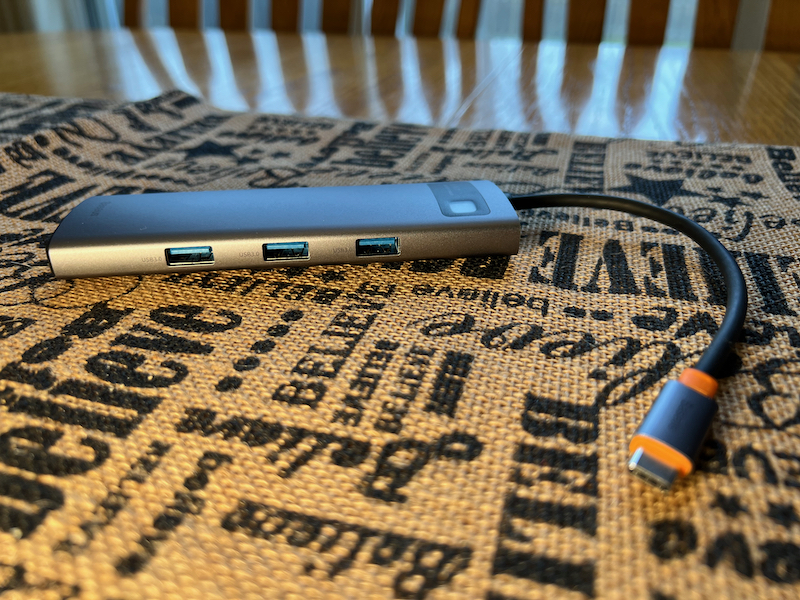
On all the devices I’ve tested, I’ve been able to read and write to and from flash drives and memory cards with no issues. On the Pixel phone, I can only plug in one or the other – if I have both the USB drive and the memory card in, I can only see the one I inserted most recently. I don’t expect to need to copy files from one storage device to another on my Pixel, but it’s nice to know what the limitations are. On every other device I’ve tested, I have had no issues reading or writing to external storage.
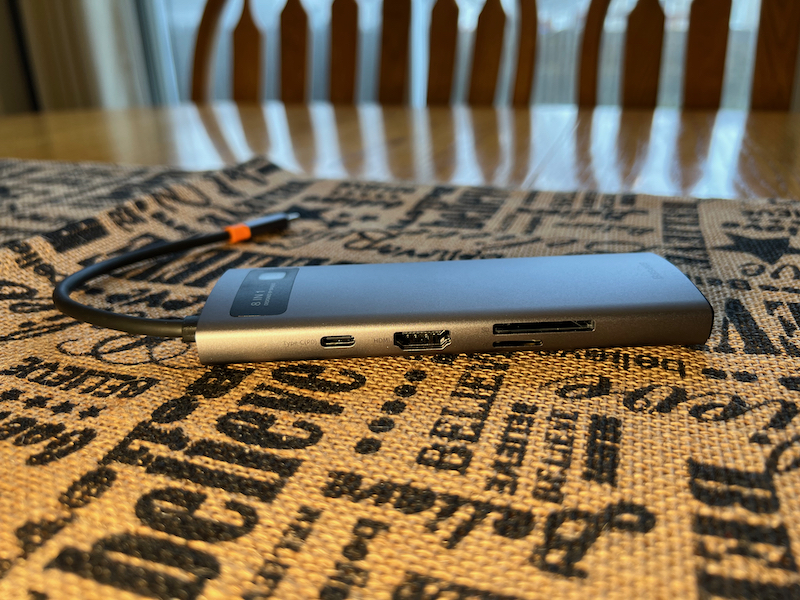
When plugged into my laptop and powered through this hub, my laptop reports 86W of input power, while the charger is delivering 96W, so it’s using about 10W of power while it’s going through the mains.
Two card readers can be used at the same time. I’ve worked with other card readers in the past, and while they offer multiple card slots, I can’t use both at the same time, so I can’t copy from one card to the other.
what do I like
- Many connector options
- Thru power
- Use all connectors simultaneously in most cases
what would i change
- 4K 60 Hz
- A headphone jack would be a nice addition
final thoughts
There are so many potential uses for a device like this that it’s impossible to cover them all here, but having so many connectors in a small package means it won’t take up much space on your desk, and it’s easy to travel as well .
price: $56.00
Where to buy: Baseus Online Store or Amazon
source: Samples for this review are provided by Baseus.


