


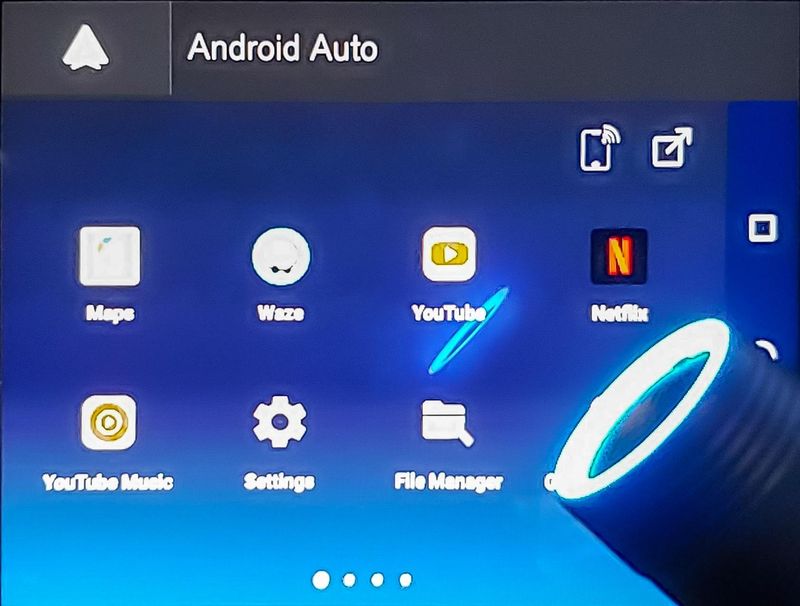
Crowdfunding Review – Many vehicles support Android Auto or Apple CarPlay on the infotainment system touchscreen. These interfaces only support a limited number of applications and modes of operation. The CarPC AA dongle uses custom software to provide a full Android experience in your car. I have one to review. Read on to see what I think!
What is it?
A CarPC is a USB device that plugs into the USB port of a car’s infotainment system. After the CarPC completes the boot sequence, the car should recognize the CarPC as an Android device and should allow the Android Auto app to communicate with the car. CarPC AA uses the on-device custom Android Auto app to display a custom launcher on the car screen instead of the standard Android Auto user interface. The launcher includes a Google Play Store app, so you can use any of the millions of Android apps on your device. The device also includes GPS, accelerometer, Wi-Fi, Bluetooth and a microphone. Additionally, the device includes a slot for micro SIM and microSD.
What’s in this box?
Hardware Specifications
- Model: CarPC-01
- Device name: Chuanzhi CarPC
- Android 9.0 operating system
- Compatible with Android Auto and MirrorLink
- Processor: Mediatek Helio P22 OctaCore CPU
- Cores: 8 Cortex A53, 4 @ 400 MHz – 1500 Mhz, 4 @ 900 MHz – 2001 Mhz
- GPU: Imagination Technologies PowerVR Rogue GE8320
- Lite: 3GB RAM + 32GB ROM
- Basic and Pro: 4GB RAM + 64GB ROM
- Built-in 4G LTE SIM card slot
- MEMS Dual Microphone
- AGPS and GNSS GPS Systems
- Bluetooth 5.0
- MicroSD Max Capacity: 128GB
- Product Dimensions: About 1″ x 3/4″ at the bottom and 1 1/16″ in diameter at the top. Overall about 3 inches.
Design and Features
Unboxing
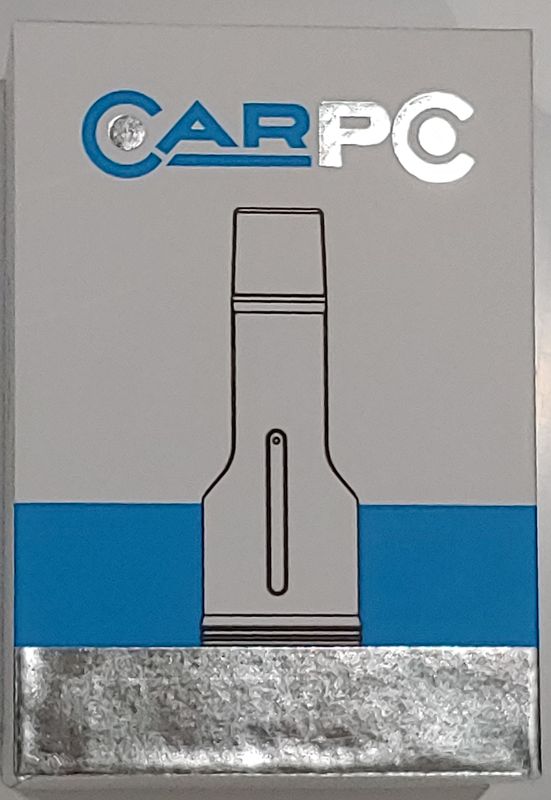
CarPC comes in a small gift box with device graphics on the front and device information on the back. The back of the box has the specs of the device, but not enough information to really describe what it is without any explanation.
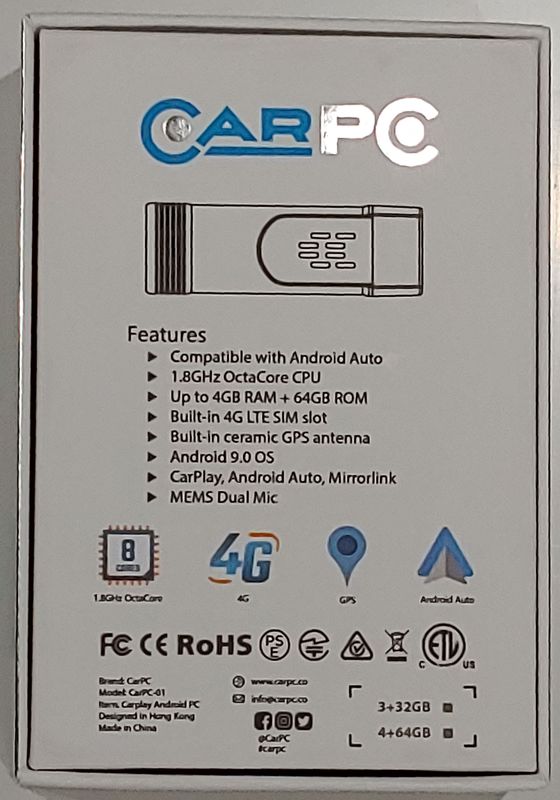
The CarPC dongle comes in a box with some bubble wrap. There are no other letters or descriptions for this device.
set up
Before installing CarPC in your car, you may need to install a microSD and/or micro SIM card in the device. The device I’m evaluating doesn’t support SIM, but I have it installed so that the correct positioning is displayed. CarPC can read up to 128 GB of storage.
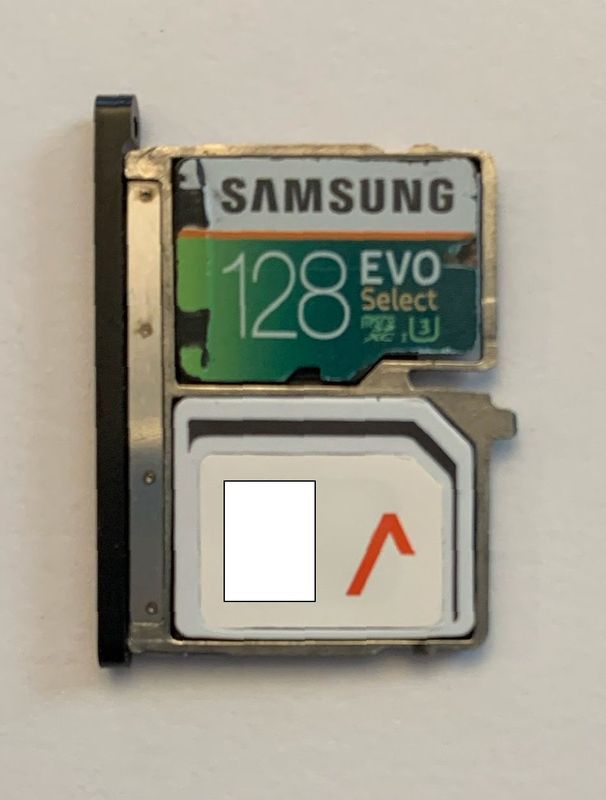
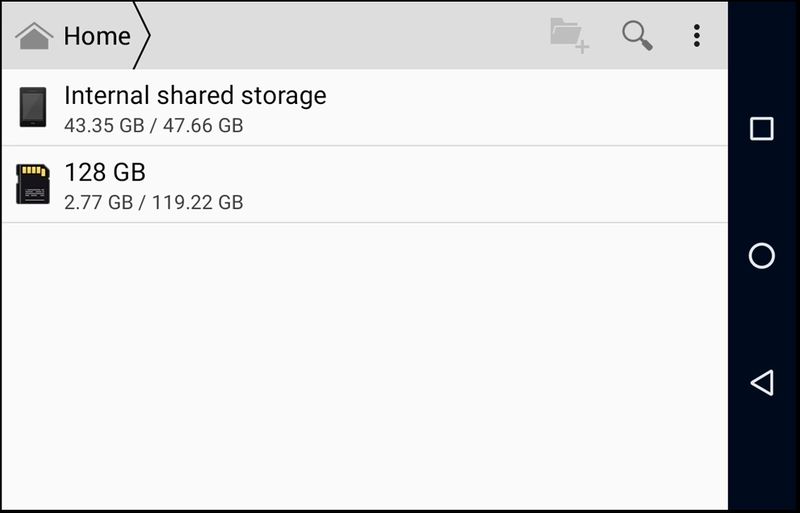
When installed into a USB port on a computer, the device will mount a microSD drive.
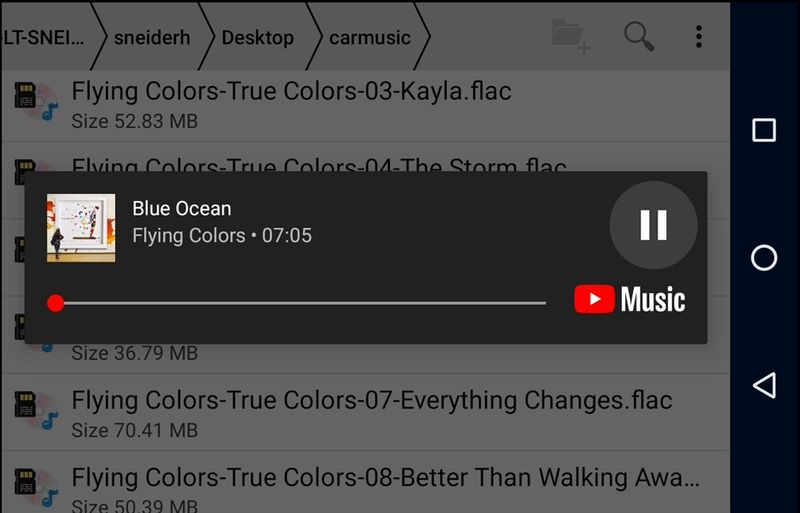
The included Youtube Music app can even play .flac audio via the vehicle’s Bluetooth.
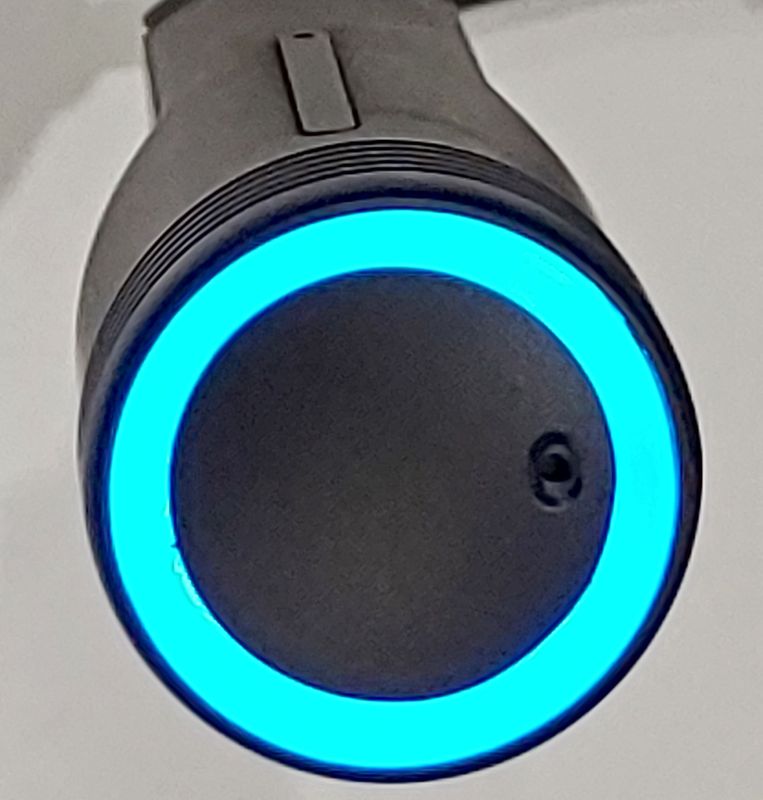
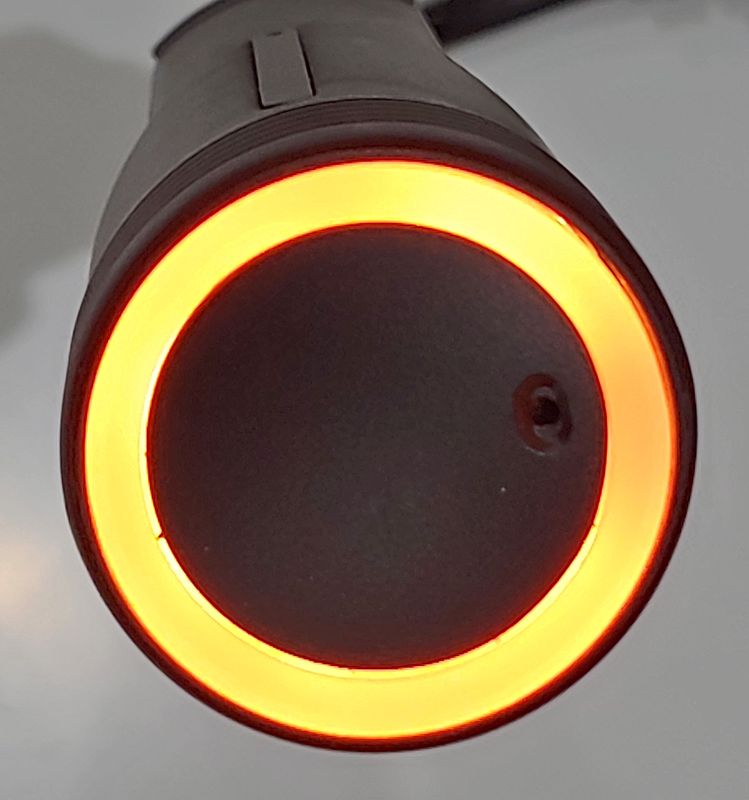
The CarPC website describes a simple plug-and-play setup to get the device working, but my experience is more complicated. The LED ring has three states, pulsed blue, solid blue, and orange. I’m not sure if the system needs to be in a specific state, but I can’t tell when is the right time to start an android auto app. I keep getting a message that I need to “connect a compatible device”. I’m not sure if the device will work. Fortunately, the device with USB debugging is turned on and I can view the screen on my laptop using scrcpy. After connecting the device to my computer, I was finally able to connect the device to my car. I tested the device on a 2018 Volvo XC90 and a 2021 Subaru Forester.
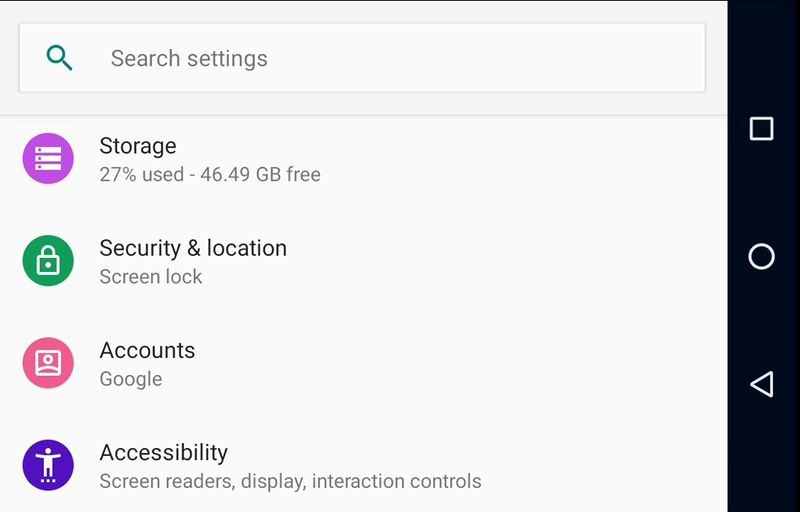
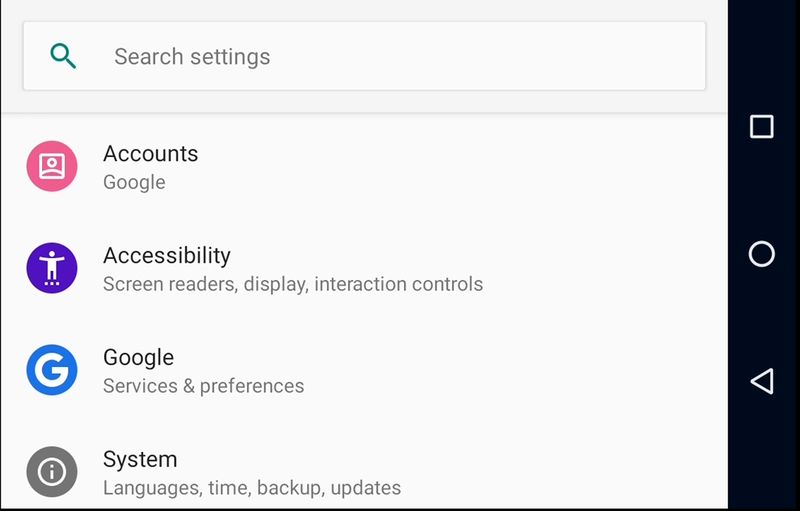
Once the device is connected, the first thing to do is to set up the Settings app. Setting up wireless access is easy and can be done via WI-FI or Bluetooth. A WI-FI connection is strongly recommended due to bandwidth considerations.
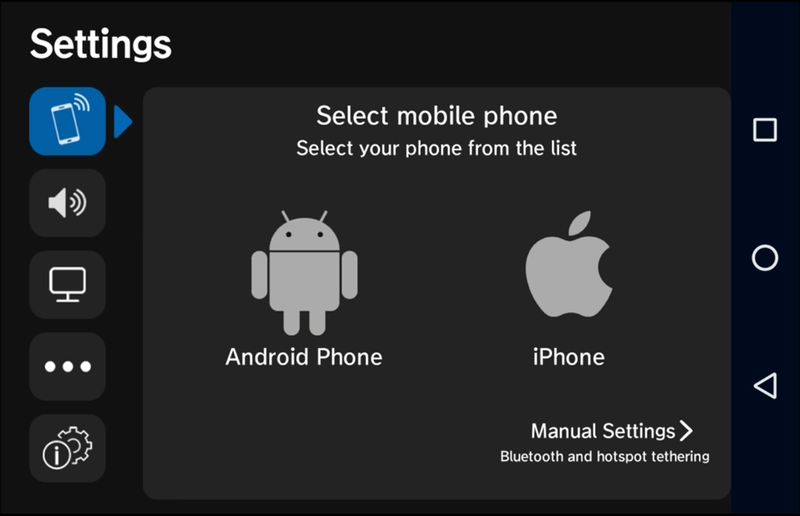
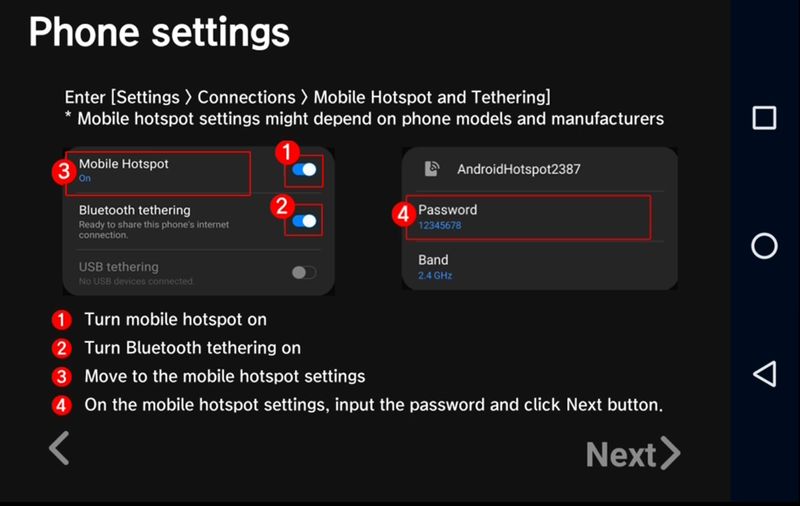
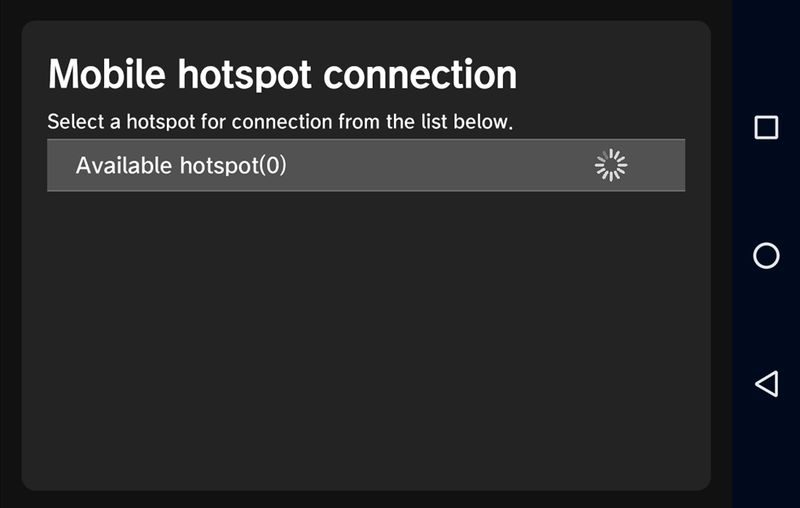
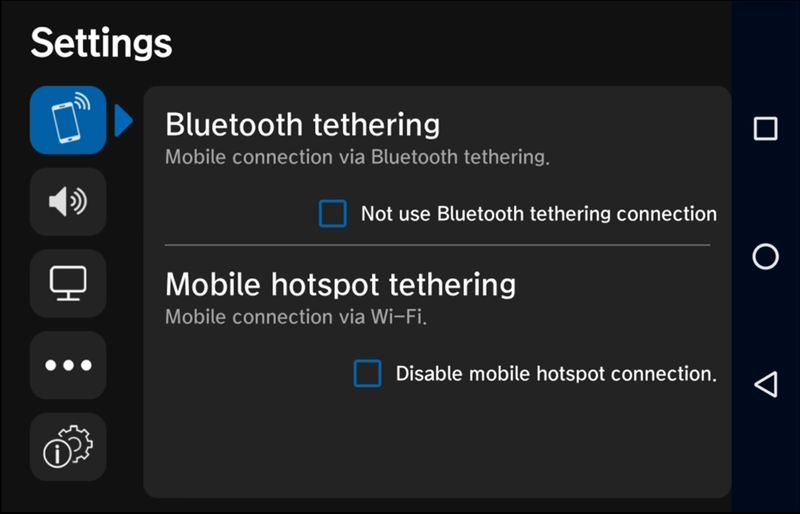
The app has settings for connecting wirelessly, setting the time zone, and making other personal settings.
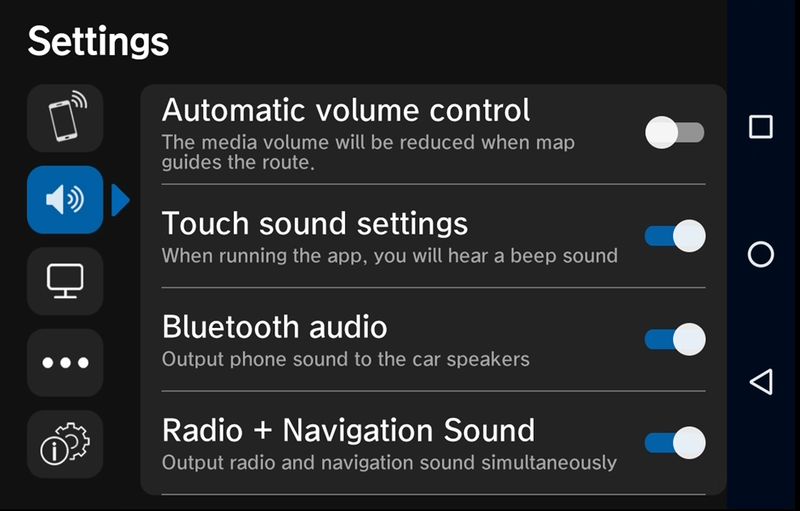
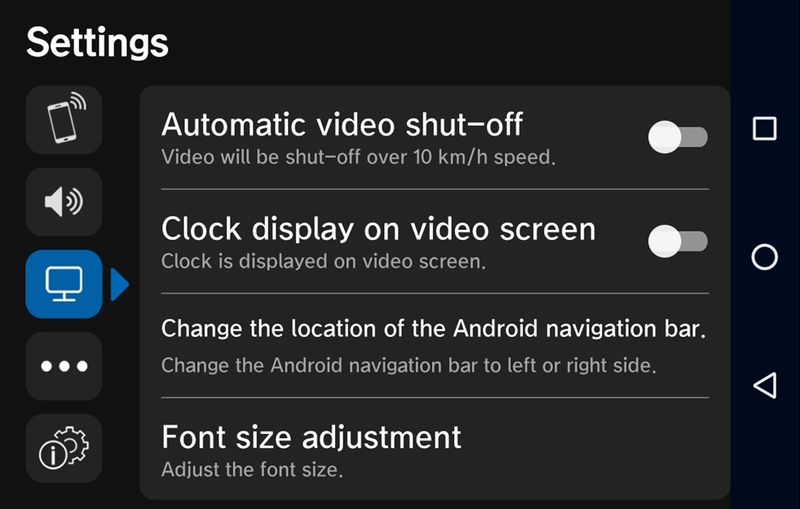
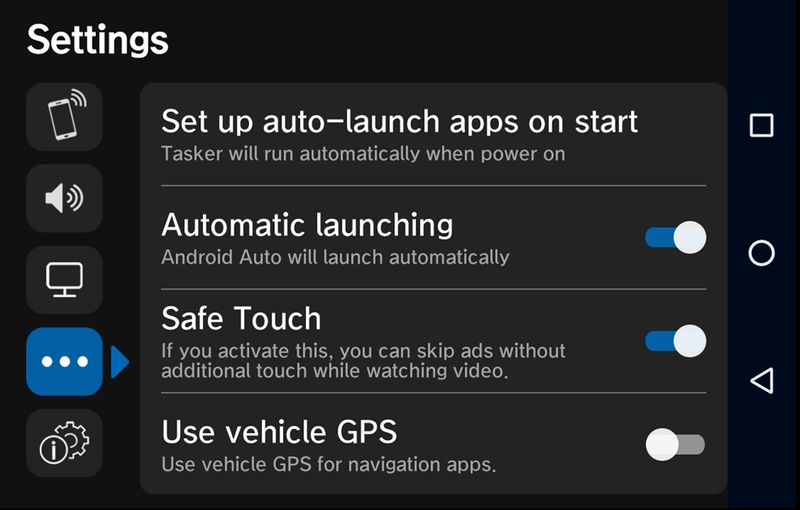
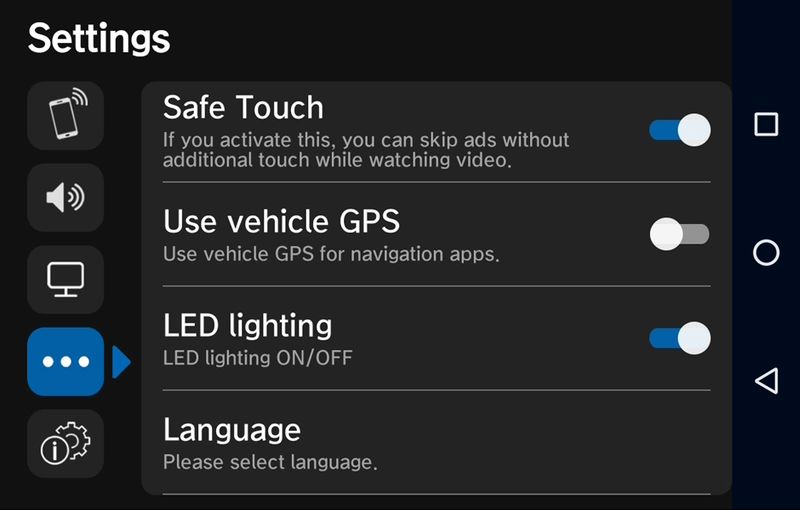
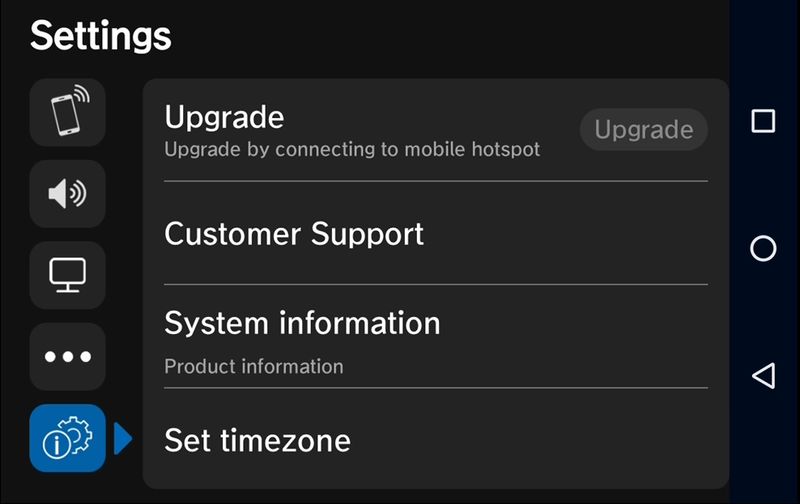
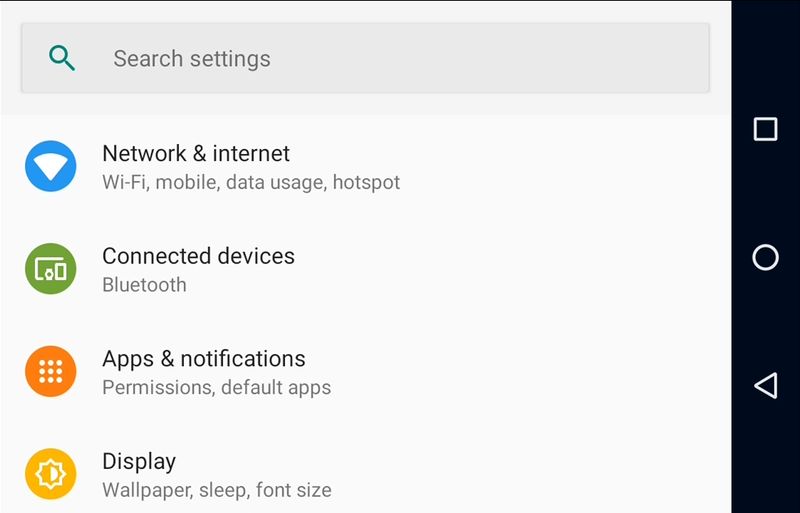
I recommend installing Date and time settings shortcuts It allows access to the Android 9 Settings app not available on the launcher. This will allow access to menus for Bluetooth, WI-FI, apps and other settings that are part of the operating system.
design
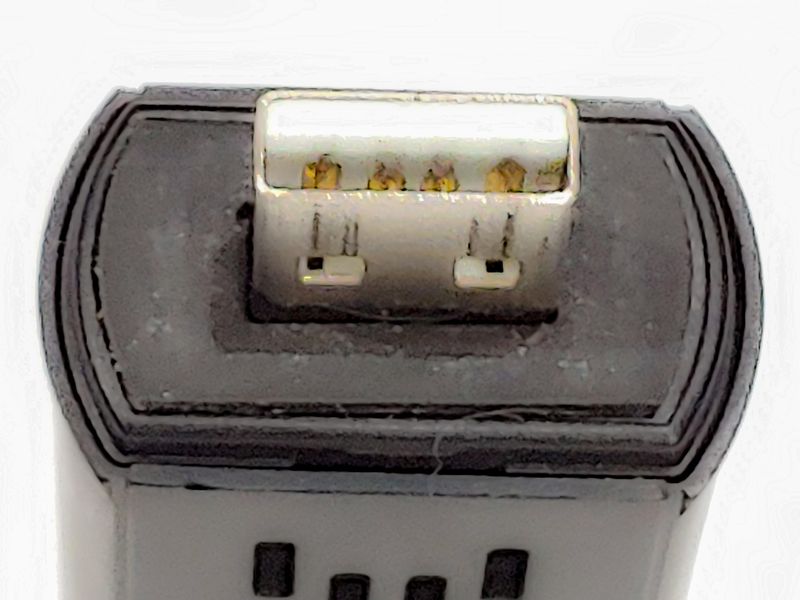
CarPC looks like a giant USB stick. It comes with a black protective cap that snaps into place with a satisfying tactile snap.
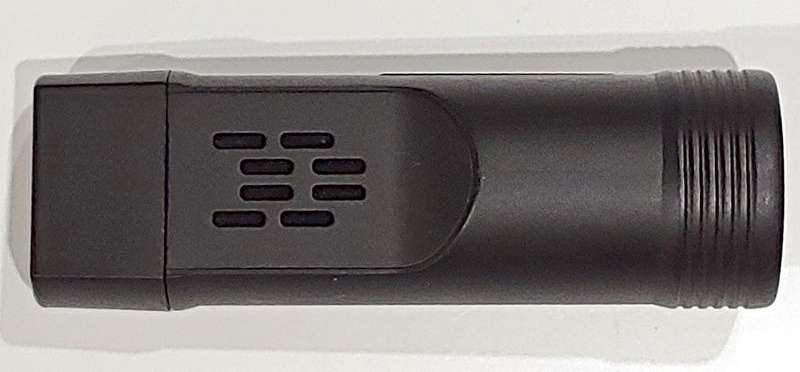
Without the cover, the ends of the CarPC are a little too large. If your vehicle has a USB port, the CarPC may block the adjacent USB port.
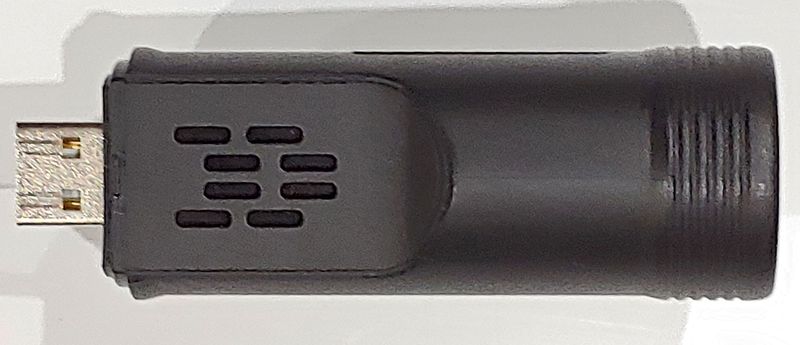
The USB side has some foam rubber to hold it in place when plugged into the car, but some New England potholes can cause it to come loose. Since my USB connection is under the armrest, I use a USB extension cable to connect the dongle and it stays connected on all my drives.
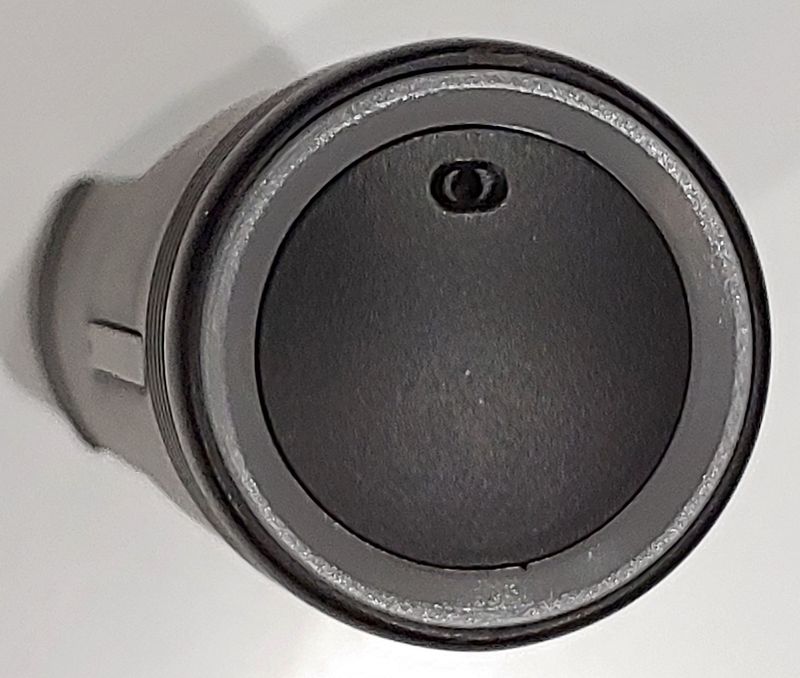
The end of the dongle has a small opening for the microphone. The Google app was able to interpret my speech with the defrost on, and the GBoard worked well with it.
The end of the dongle also has an LED under the circular ring that glows orange, cyan, or breathing cyan. There’s no indication of what each of these states means, although I believe breathing blue means the system is booting up.
Operation
Using CarPC is very similar to using an Android phone and is very intuitive, even while driving. CarPC can use the Android operating system without restrictions. It is the user’s responsibility to comply with the laws of their state and to exercise caution when using CarPC. CarPC has apps that make it easier to use your device while driving. In the settings, there’s an option to turn on a feature called Safe Touch, which automatically turns off ads in YouTube as soon as possible without driver intervention. There is also a function to turn off videos above 10 km/h.
The built-in Nitro transmitter is perfect for use while driving. App icons are well spaced and can be configured to produce a beep when selected.
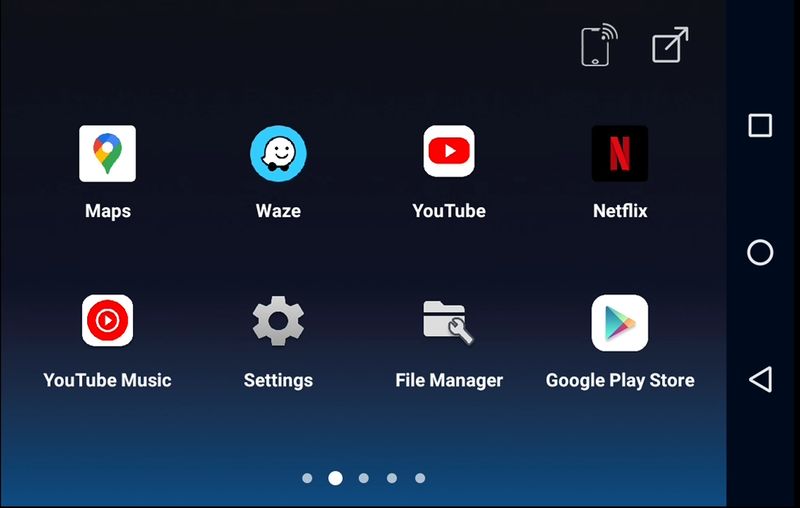
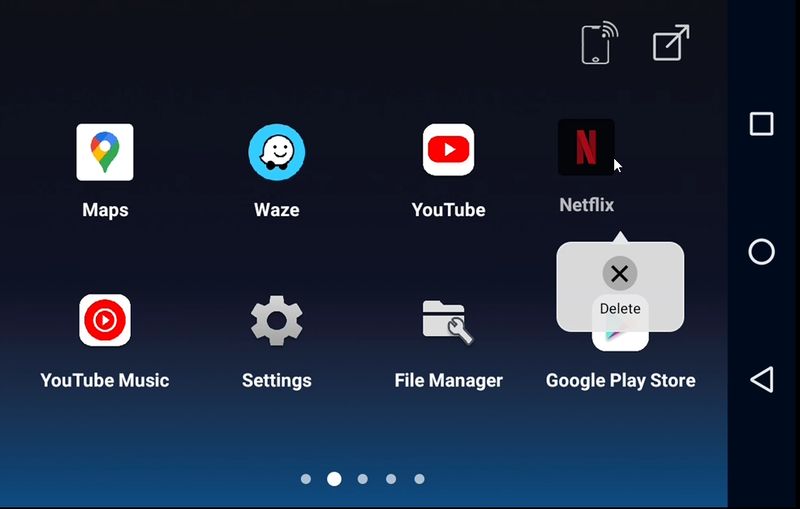
A long press on the icon will bring up a menu that can be used to delete the app.
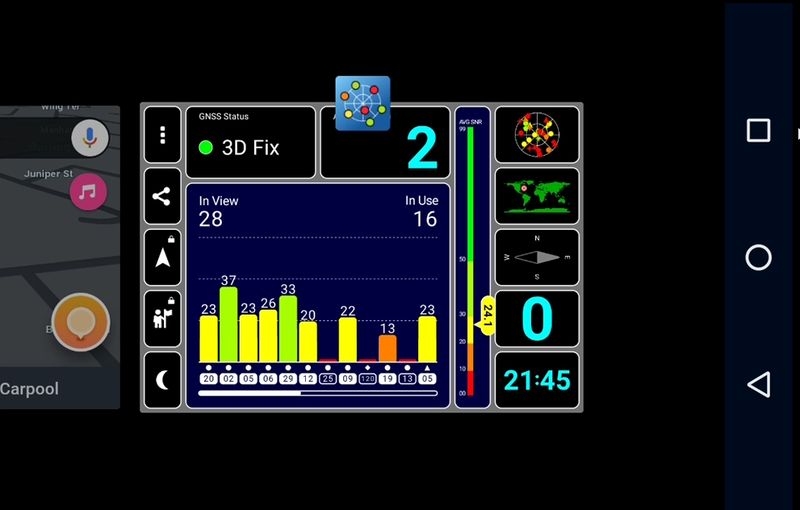
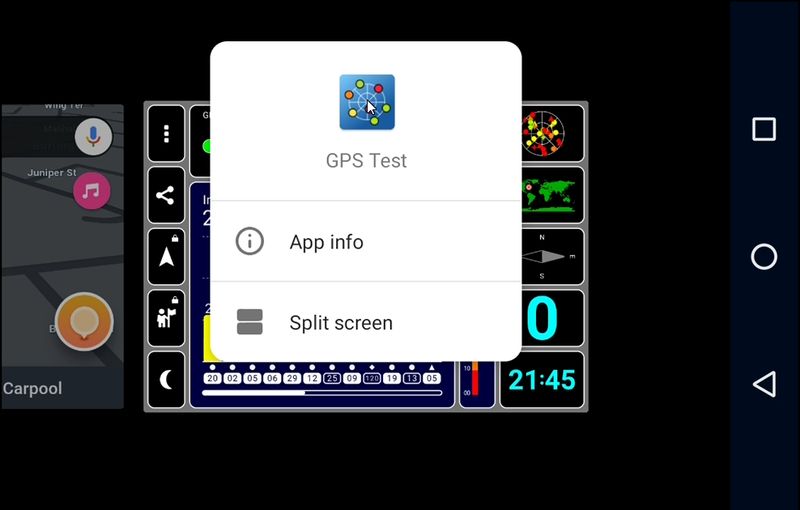
Pressing the overview/recent button will show all running apps. Swiping up on this screen will close the app, and a long press on the app title will allow selection of the app to use in split screen view.
If the app is full screen, a few carrots are drawn at the bottom of the screen to bring the Android buttons back into view.
CarPC comes with Google Assistant turned off, the best way to turn this on is to search for Google in the Play Store and open the app from there. The launcher used by CarPC is great for road use, but is not set up to use widgets. The Niagara launcher also works with the resolutions available on Android Auto devices, and also allows access to the full inventory of widgets and installed apps.
Android Auto in the vehicle will default to using the connected device as the primary source for audio and phone calls, but can use other devices connected to the car’s Bluetooth as an auxiliary audio input. Therefore, even if the CarPC is a phone connected to the vehicle, it can still communicate with the user’s primary phone using the vehicle’s microphone and speakers.
I did have a hard time connecting the CarPC to the bluetooth dongle for the ODBII connector because the screen asking for the password was quickly hidden on the CarPC.
Performance
It takes about a full minute for CarPC to get to where it can be used. That’s usually not a long time for a device, but we tend to like having things in our car as soon as they start. It would be great if an additional battery pack could be developed to keep the CarPC on standby for 12 to 24 hours.
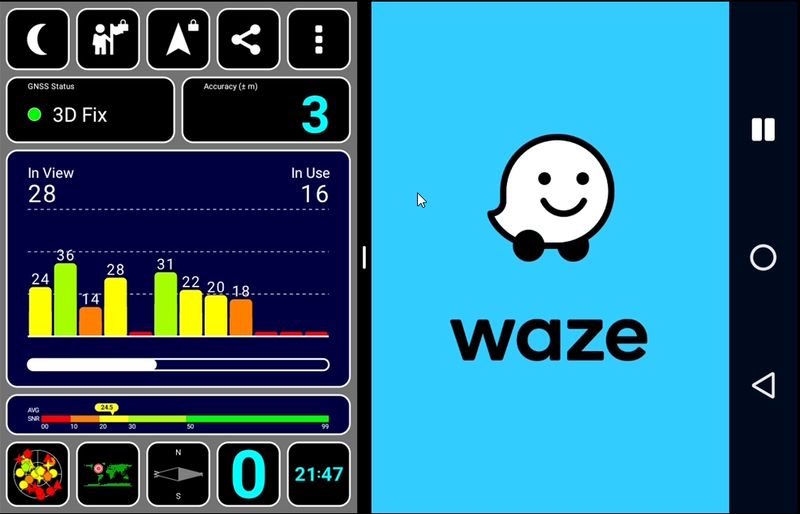
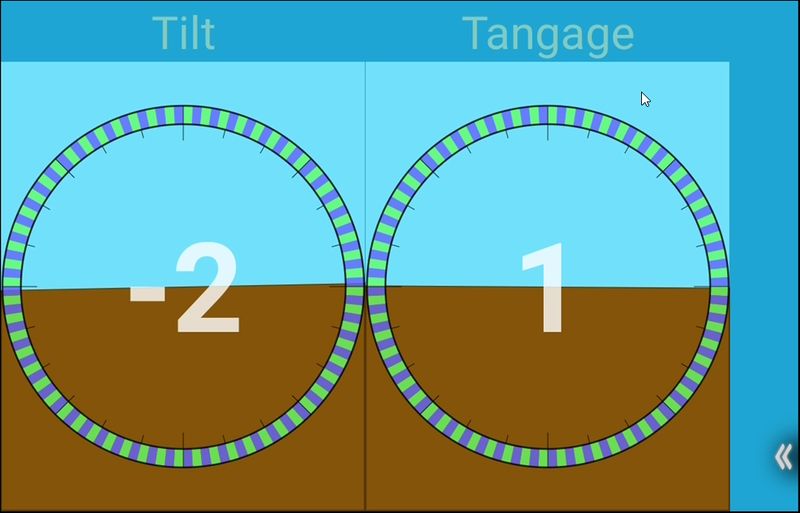
The GPS system gets coordinates quickly and seems to track pretty well. One problem is that the gyroscope assumes that the device is mounted so that the LED is parallel to the road and the microphone is facing the rear of the car. Mounting the device in any other way will produce incorrect results in the map application’s bearing calculations.
A strong 5 GHz connection also makes Wi-Fi fast. CarPC also allows it to create its own hotspot, so if you want to have a persistent hotspot in your car, such as a dash cam, this device can do just that.
CarPC’s score on Antutu is only 74250. Graphics rendering is the main flaw, where individual frames discretely scroll down the screen. Other scores are also low, but the video decoding looks fine. Rendering should be sufficient for any mapping software that can be used on this system. In fact, despite its low rendering score, it can actually play Shadow Fight and other GPU-demanding games.
what do I like
- Unique opportunity to improve into a ‘smart’ car
what would i change
- include documentation
- Allow “fastboot” or sleep mode
- Includes USB extension cable
final thoughts
CarPC has some quirks, but it’s a unique device that allows running apps that haven’t been developed or approved for Android Auto. While using this device requires the driver to understand the risks of accessing and displaying information, providing information on the vehicle’s infotainment system may be a safer alternative to using a cell phone while driving. If you feel that some apps on your infotainment system aren’t currently supported by Android Auto, CarPC is probably the easiest way to get that feature.
Price: $100.00
where to buy: car computer and crowdfunding
resource: This product sample is provided by car computer.


