


Review – Are you looking for powerful sound and stylish looks from a company with decades of multimedia experience? I’ve been running some relatively boring black computer speakers on my work/gaming desk in my office for years. I used to have a Creative 5.1 surround sound system on my gaming/workstation, but the wiring and logistics of putting 2 surround speakers behind me was already cumbersome and I retired them in favor of decent stereo + bass Cannon settings. The Creative Sound Blaster Katana V2 Gaming soundbar bills itself as a high-performance soundbar with great audio and RGB flash. I tried it for a few weeks and it exceeded my expectations in many ways.
What is it?
The Creative Sound Blaster Katana V2 Gaming soundbar is a sound bar Multiple inputs are accepted, including USB, optical, Bluetooth, and HDMI-ARC. Using a unique speaker placement, it is designed to provide good virtual surround sound without the need for additional rear speakers. It also has a relatively high power rating for such a small soundbar, and an excellent subwoofer for thumping bass and game/movie blast. It also has some RGB gamer lighting in the form of a light bar below the front.
What’s in the box?
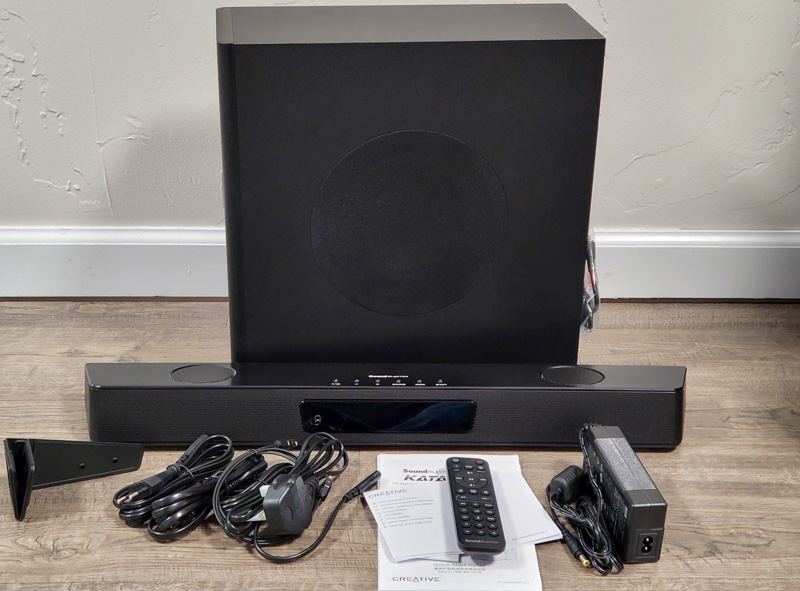
- Creative Sound Blaster Katana V2 Gaming Soundbar
- remote control
- AC power adapter
- fiber optic cable
- USB-C to USB-A cable
- Wall Mount Brackets (2)
Hardware Specifications
- Soundbar Dimensions: 23.6 x 3.74 x 2.44 inches (600 x 95 x 62 mm)
- Subwoofer Dimensions: 5.9 x 14.4 x 14.4 inches (150 x 367 x 367 mm)
- Power output: up to 126W recommended (252W peak)
- Connectivity: Bluetooth 5.0, HDMI ARC, Optical In, Aux In, USB-C, SXFI Out (Headphone)
- Drivers: 2x 2.5″ (63mm) midrange, 2x ¾” (19mm) tweeters, 1x 6.5″ (165mm) subwoofer
- Frequency Response: 50 – 20,000 Hz
- Built-in microphone
Design and Features
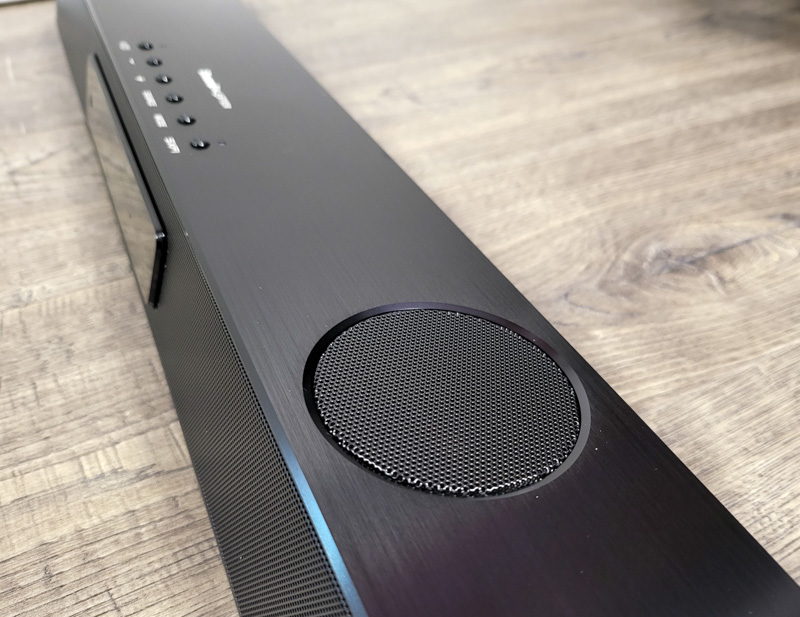
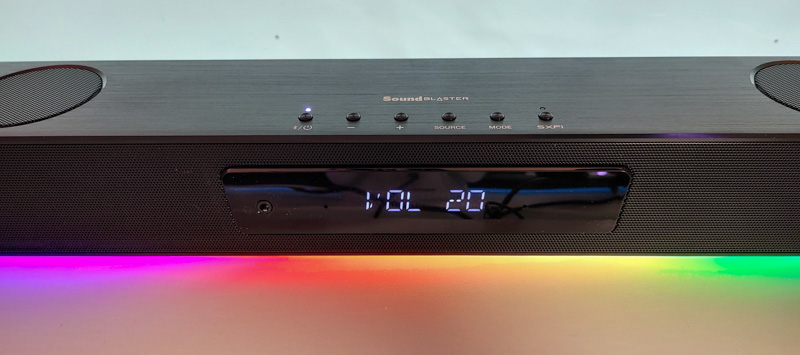
The Creative Sound Blaster Katana V2 Gaming soundbar is solid black with buttons on the top, an LCD screen on the front, and a metal grille that covers the various midrange and tweeter speakers.
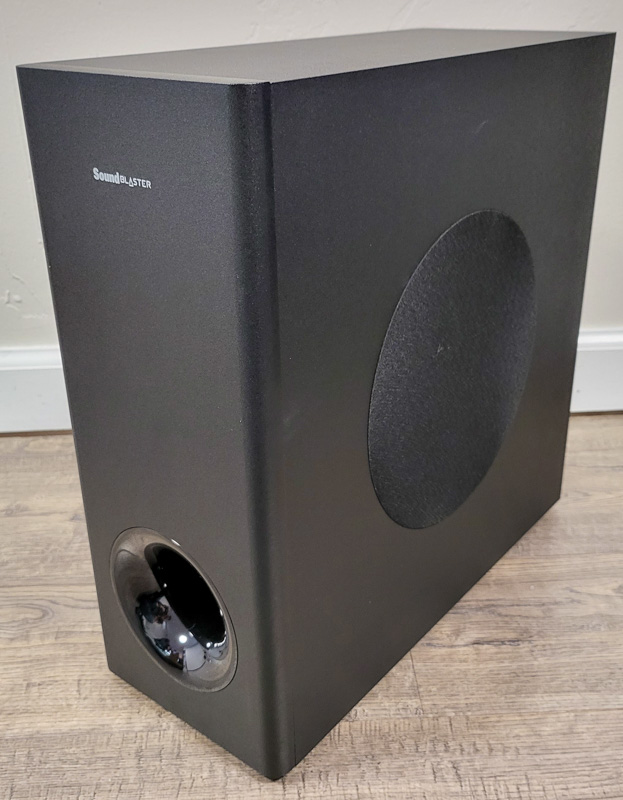
Despite being almost half the size of my old sub, the sub was surprisingly loud.
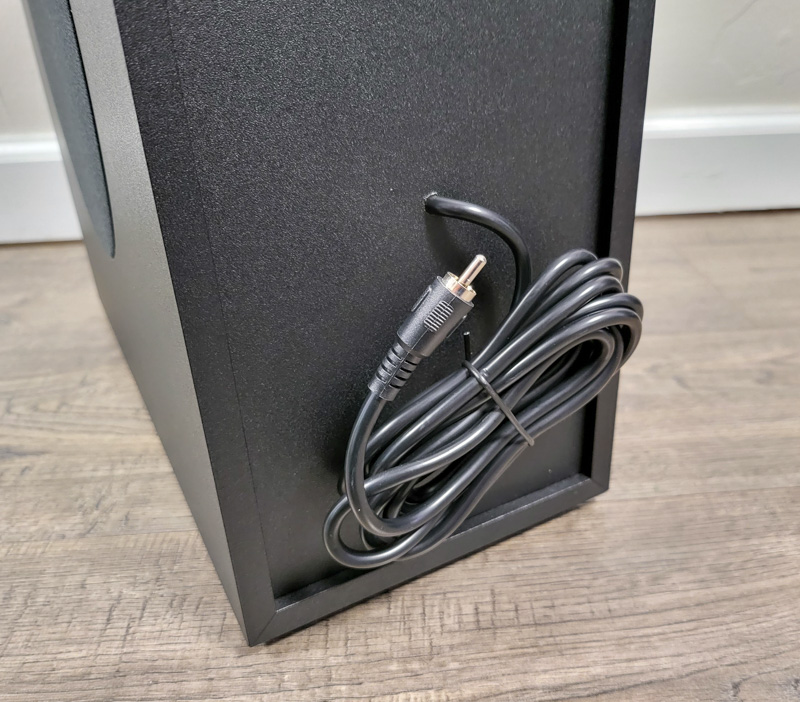
The subwoofer has a permanent cable that connects to the soundbar. Because our ears sound the same bass regardless of orientation, it can be placed behind or on the side of a desk or TV cabinet, or even hidden completely.
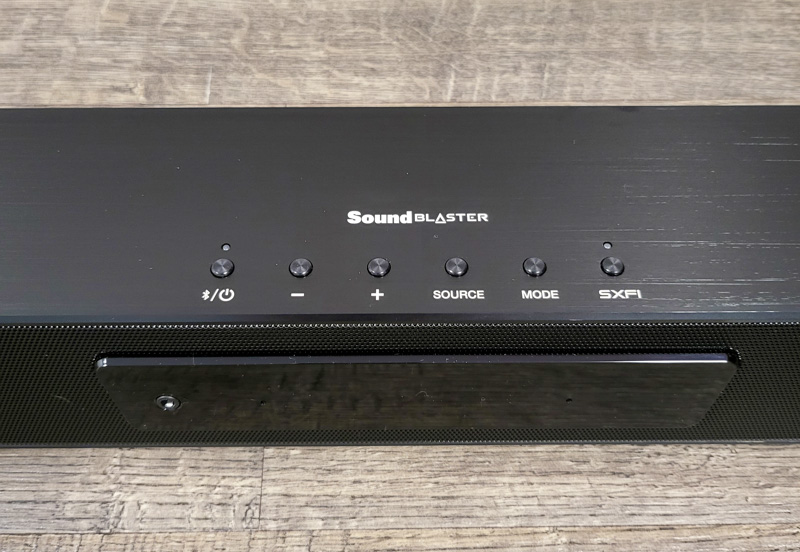
There are several buttons on the top of the device, including power/Bluetooth, volume up/down, source selection, equalizer mode and SXFI toggle.
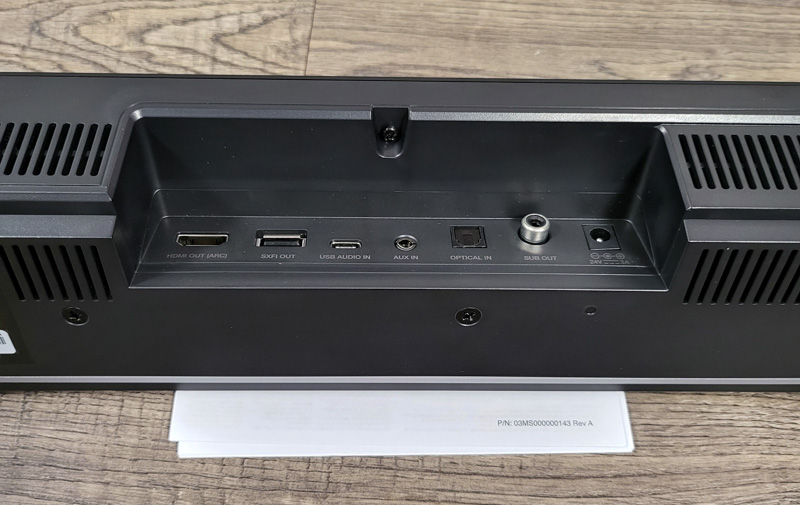
On the back is a series of ports: HDMI-ARC, USB Out (for supported Creative SCFI USB devices), USB-C Audio In, Aux Audio In, Optical In, Subwoofer Out, and a power connection.
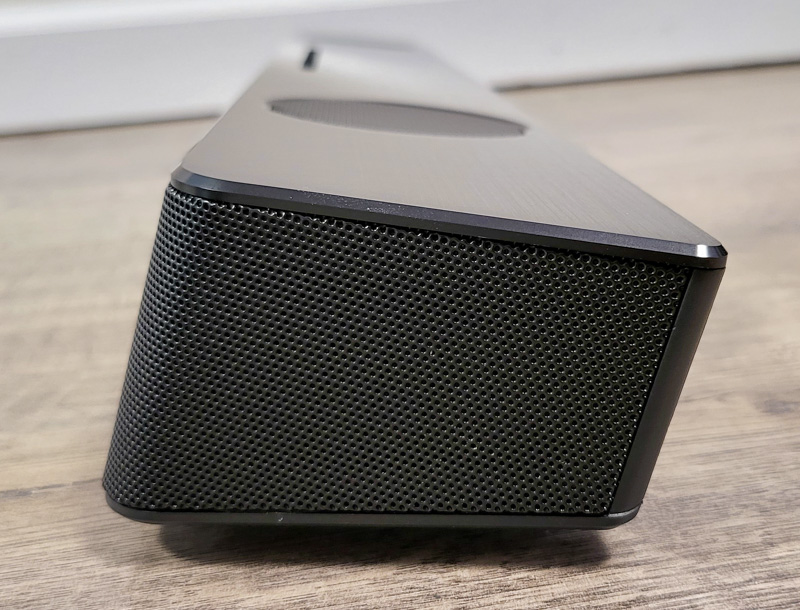
In the showcase above, you can see the unique angle of the Creative Sound Blaster Katana V2 Gaming soundbar, which is designed to evoke the angle of the blade of a Japanese katana sword. I like how the device tilts to face the person sitting in front of it, which makes the screen easy to read, and the audio from the front-facing speakers is shooting right into your ears.
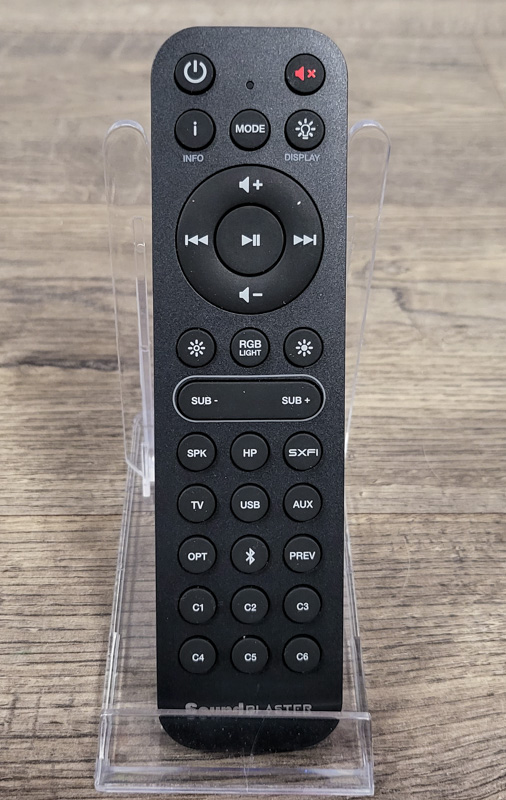
There’s also a remote, which I haven’t used much beyond basic functional testing. Most of my testing is done while working or playing on my PC, the software on the PC controls the device, but if you’re using it with a game console or TV, this remote is handy. All buttons work as you would expect, I like that they include 6 customizable buttons at the bottom that you can program as you wish.
installation and setup
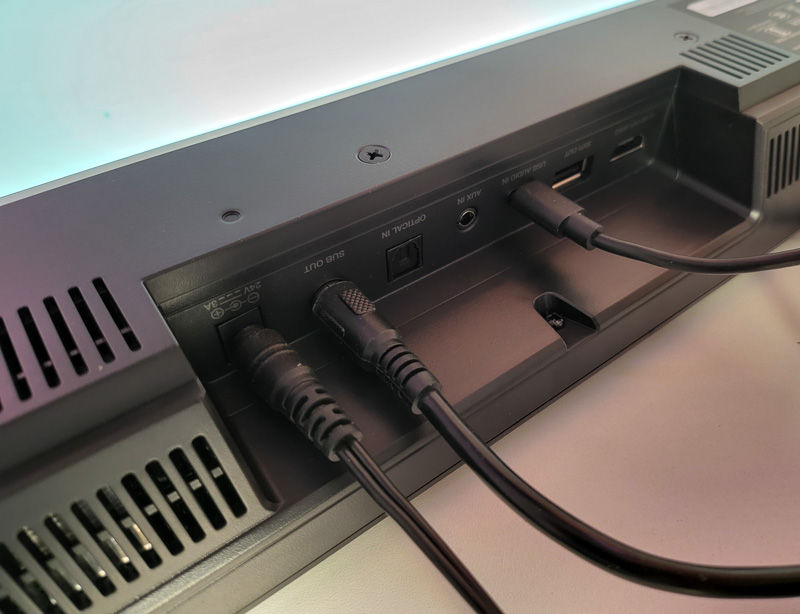
Installation involves connecting all the cables (I did most of my testing with a USB-C connection). I put the subwoofer behind the computer desk, and the Creative Sound Blaster Katana V2 Gaming soundbar itself is centered behind the desk. I immediately realized how much less space it took up compared to the old speakers.
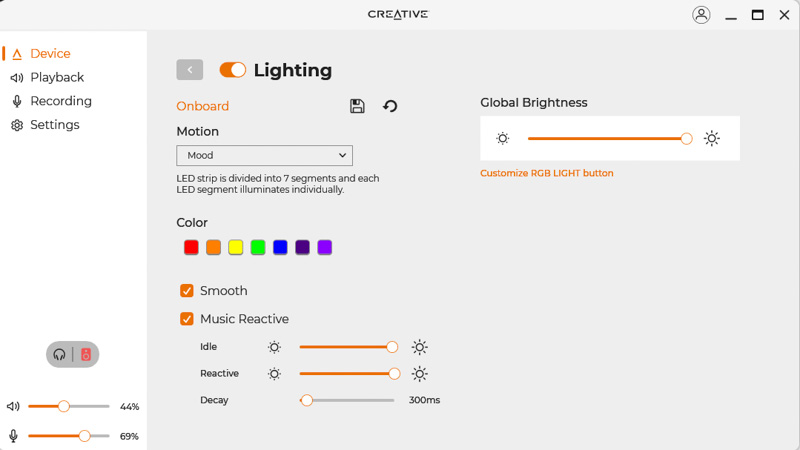
The Creative Sound Blaster Katana V2 Gaming soundbar is plug-and-play on Windows and also works with HDMI/optical/aux inputs. Additional Creative software allows further control of the device, but is not required. Installation on Windows 11 is simple and unlocks a ton of lighting, audio, and other settings.
Lighting can be controlled as static or preset animated lighting with customizable color, speed and musical response settings. Colors are 8-bit with RGB, hex values, or a color wheel selector, so that’s enough for most people.
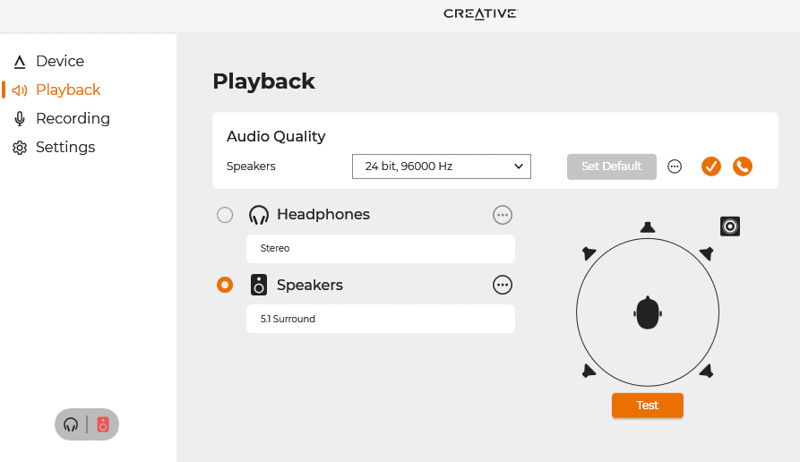
With almost every other “virtual surround” device I’ve tried, the resulting audio sounded more separated in the left and right channels, but gave the sound a hollow feel. Using the Creative Sound Blaster Katana V2 Gaming soundbar, I changed the speaker settings to 5.1 surround and did a sound test, and was surprised by the channel separation, especially the rear. They sound right behind my left and right ears. I’m not sure what tricks Creative used to achieve this, but it delivers some of the best surround sound I’ve heard since retiring the 5.1 system many years ago.
With surround mode turned on, other stereo audio still sounded perfectly fine, without the issues I’ve had with past “virtual surround” systems. For me, it’s the best of both worlds: ultra-discrete channels great for games and movies that don’t ruin stereo music playback.
There are some equalizer modes built in (like Music, Movie, and Gaming), and I prefer the flat, no-effects version. There’s also a fully custom equalizer built into the software, which is great.
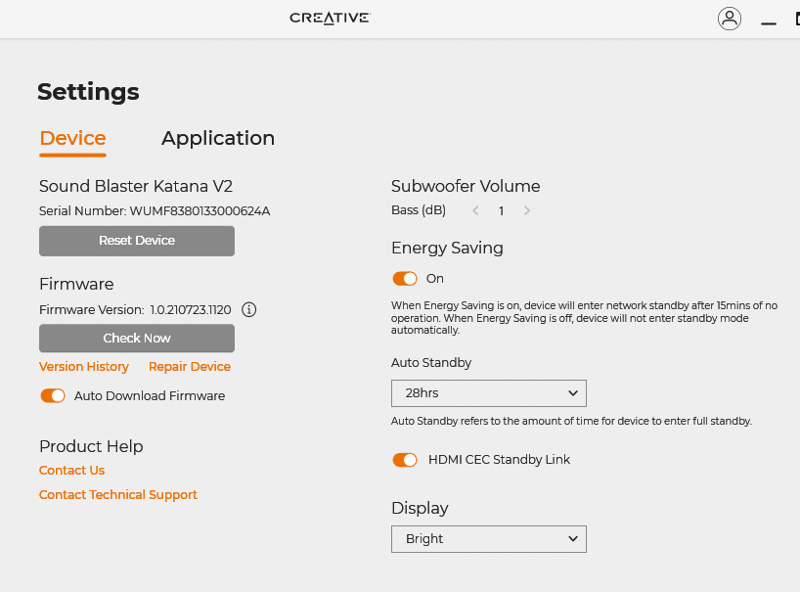
Further controls include updating firmware, adjusting subwoofer volume, turning power saving on/off (auto off), and the ability to set the LCD front display to light/dark/off.
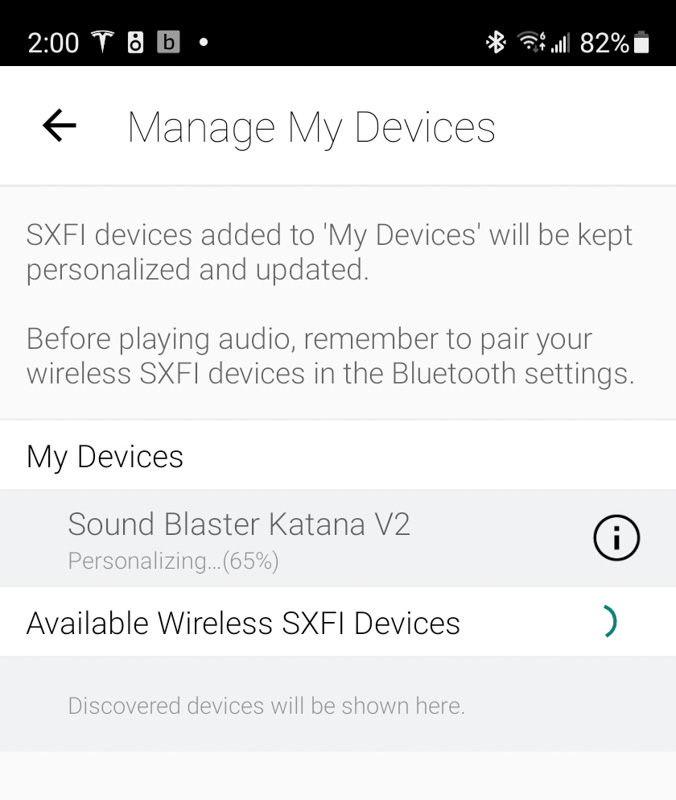
Scanning the QR code in the PC app from my phone prompted me to sync the SXFI profile I created earlier (from my Creative SXFI Air Gamer Review). This SXFI technology can only be used for headphone playback, but it does seem to improve the sound of wired headphones slightly.
Performance
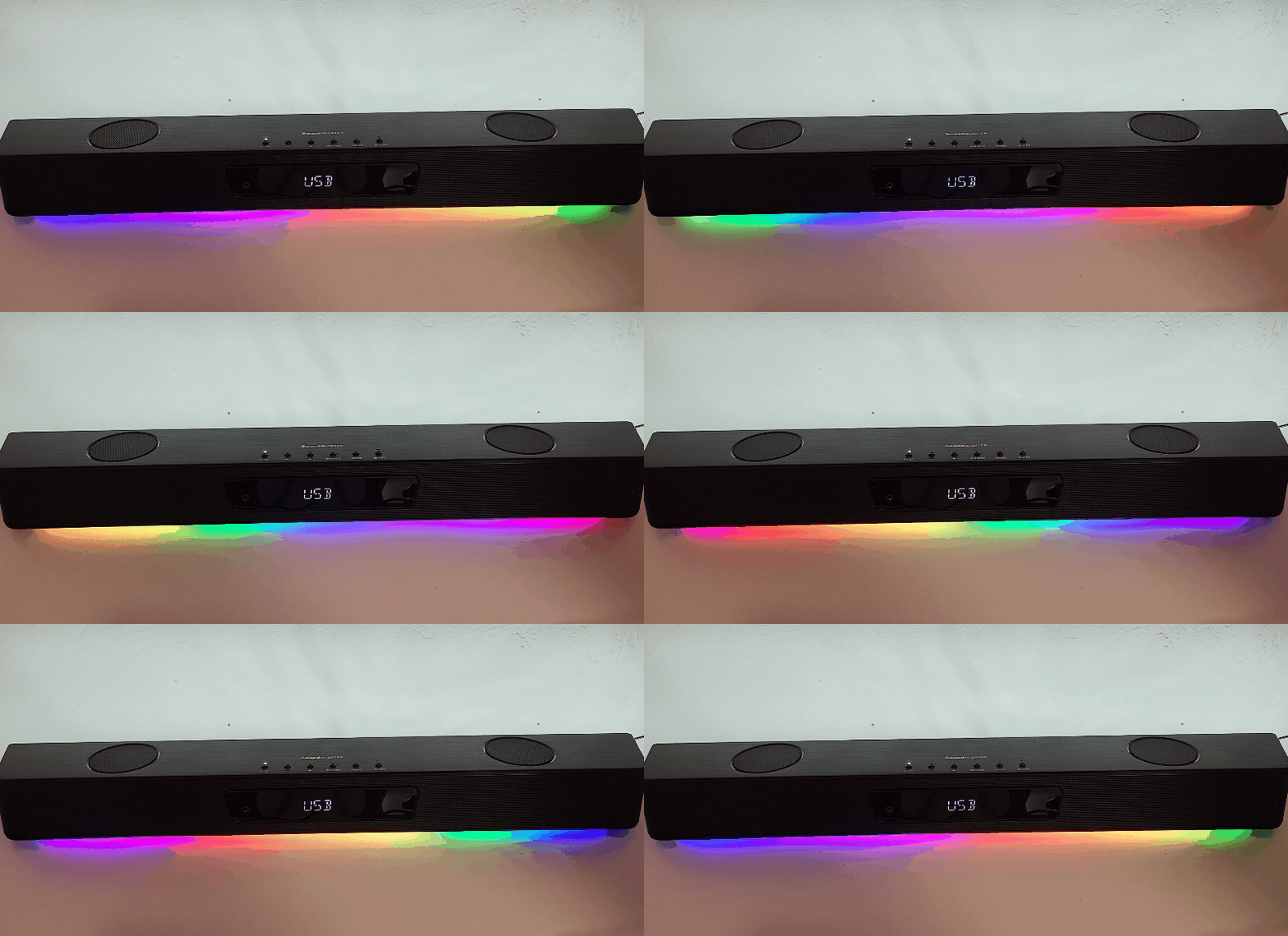
The Creative Sound Blaster Katana V2 Gaming Soundbar is an impressively small soundbar. I can’t push it to the point where it hurts my ears (about 60% volume for a loud song), so it should fill almost any small to medium room with ease. As with any audio device, it’s amazing how fast a large room can swallow sound, so it might be difficult in a large living room, but for me it’s perfect for my office (about 15 feet by 25 feet, corner table).
I prefer a simple white backlight (which is what I set up in the last photo below), but the extensive RGB lighting customization should satisfy anyone’s need for accurate color or rave-style music-synced party lights.
For me, the best test of music audio quality is the “goosebumps test”, I often get goosebumps from good songs on good audio equipment in any given music listening session, and Creative Sound The Blaster Katana V2 Gaming soundbar passed the test. Crystal clear mid-high frequency audio and nice full bass range provided great sound for my tastes.
what do I like
- great sound
- Small desktop footprint
- unique design
what would i change
final thoughts
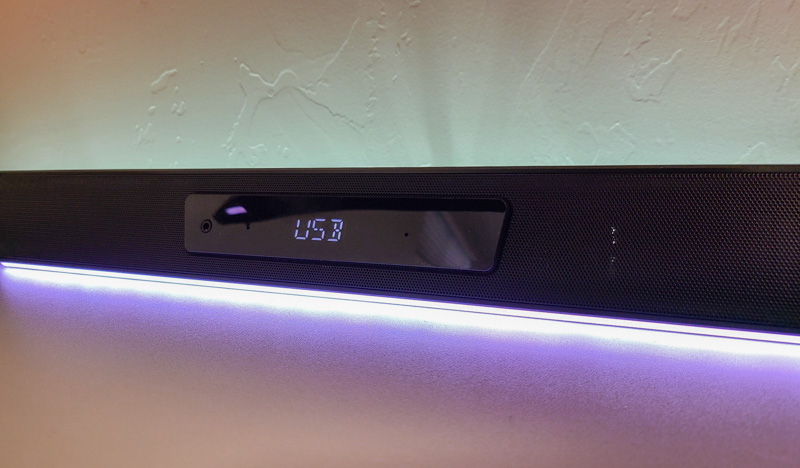
The Creative Sound Blaster Katana V2 Gaming soundbar has a permanent place on my desk. It takes up less space than previous speakers, sounds better and looks better. I love that I can connect to it via bluetooth from my phone and play some music while I work out, which sounds great in games. During the week of writing this review, I had many moments where I could hear the footsteps of tanks approaching me in Battlefield 2042 and was able to turn around and smash them. The other people I played with were surprised every time and said they didn’t hear anything before I could react.
price: $329.99
Where to buy: Creative
source: Samples for this review are provided by Creative


