


Post views: twenty four
Apple ensures that it maintains high quality Privacy and user data security For all the equipment it manufactures. However, your iPhone may not be as safe as you think. In fact, iPhone is more difficult to crack than other phones because they provide us with many functions to protect it.
However, hackers have found creative ways to steal sensitive data from the iPhone apps they collect every day. They can capture your browsing history, personal photos, your current location, and even your password without your knowledge. There are many steps you can take to reduce risk, and they are all free or very affordable. This article will show you some good ways to protect iPhone from dangerous hacker attacks.
Please also read:
Update iOS regularly
Keep your iPhone up to date. This simple step is very important to eliminate random errors and access exciting new features. Apple takes the safety of its customers very seriously, which means that many of its updates come with security fixes. Install them regularly. And don’t let hackers attack you or your personal information.
If you are not sure whether all the updates are installed on your iPhone, go to “Settings”> “General”> “Software update“. If there is an update available, please download and install it according to the system instructions.
Open “Find My iPhone”
Another way to protect iPhone from hackers is to turn on “Find My iPhone”. “Find My iPhone” is useful because if you lose your device, you can log in”Find my iPhone“Find your iPhone from another Apple device, or more importantly, remotely erase all data from the lost phone. Except your personal data. To activate “Find My iPhone”, do the following:
- Open “Settings” and tap your name at the top of the screen.
- Then click iCloud.
- Scroll down and click “Find iPhone”. click it.
- Make sure the “Find My iPhone” switch is green.
- Create a strong password
As we all know, you need to set a strong password to ensure online security, but this is not the only trick to protect your iPhone.You can also use iCloud keychain Create and save passwords. Because the service will remember the password for you. To enable this feature, go to “Settings” and click on your name. Then go to iCloud>Keychain Access and turn on the switch.
read:
Avoid jailbreaking and unnecessary applications
Jailbreaking means that your iPhone can install applications and files from sources other than the Apple Store. It has been suggested that once you decide to jailbreak your phone, it will become much easier to leak your personal information. Any third-party apps installed may undermine your security, if this is not enough, jailbreaking your iPhone will invalidate your warranty.
Avoid unknown links
If you accidentally receive an unrecognized link in a text message, email, or the Internet. Please do not click it, because it may pose a threat to your device and you will not be able to jailbreak your iPhone directly.Some people pretend it is a popular email client, for example Gmail to access your email account. Generally speaking, if you do not believe in the appearance of the letter/message, please do not open it.
read:
Turn off Siri
Siri, Apple personal assistant It is an excellent iOS feature that allows users to use their smartphones hands-free. However, no matter how useful Siri is to users, it can also provide personal information to hackers. Before granting access to contacts, photos, and other sensitive information, a review is usually required.
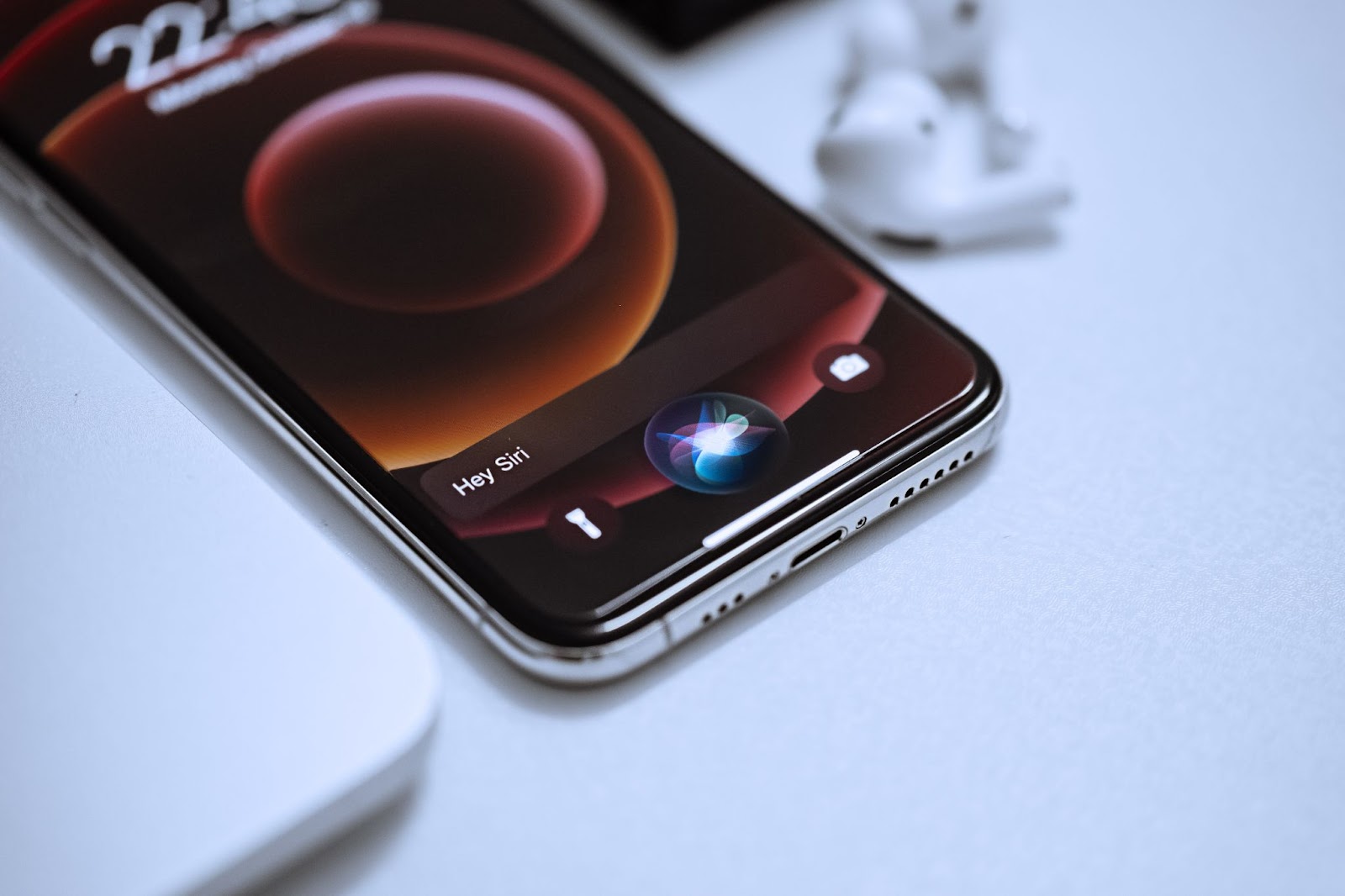
However, in some cases, users have proposed solutions that completely bypass the iPhone passcode and allow easy access to the device.
If, despite all these precautions, you still believe that your account has been compromised due to an iPhone security breach, please contact Apple Support.


