


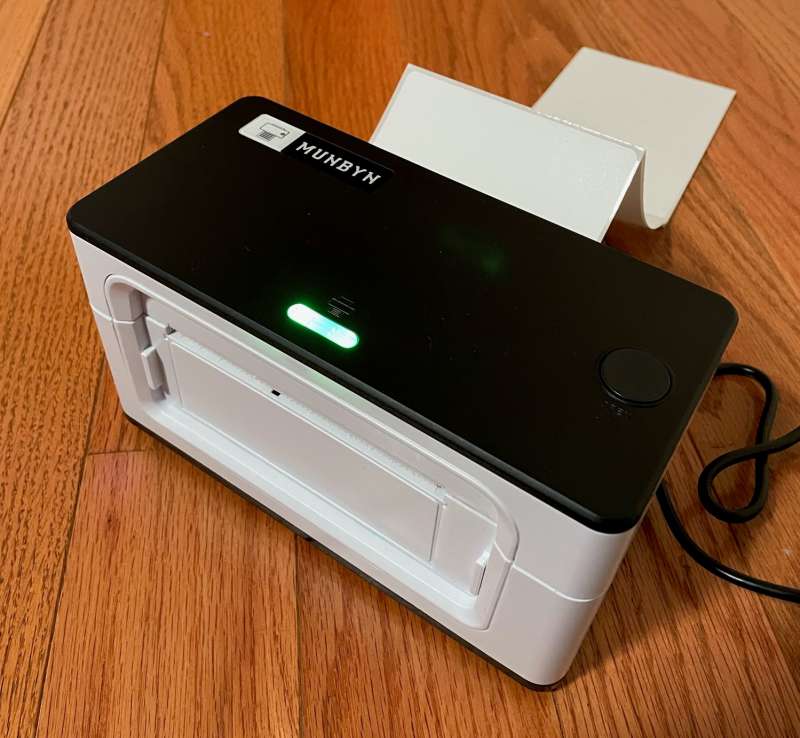
Review – As more and more businesses use various forms of transportation, printing labels has become a way of life, especially around birthdays or holidays. Munbyn ITPP941 4×6 thermal printer perfectly meets this demand! Let’s take a look.
What is it?
Munbyn’s model ITPP941 is a Thermal printer Connect to the computer via a USB cable and print on thermal paper.
Hardware specifications
- Thermal printing
- 203/300 DPI resolution
- 150mm/sec maximum printing speed
- 40-110mm paper width
- 0.06-0.254mm paper thickness
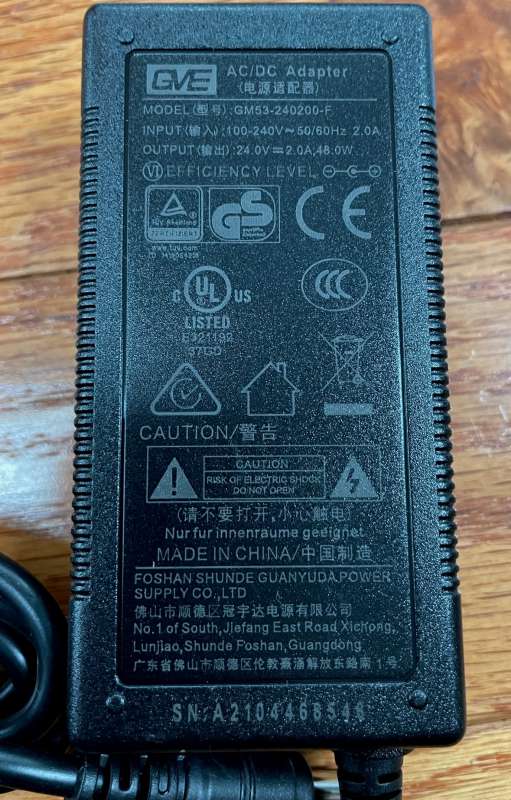
- 24V, 2A power supply
- TPH 30km printing life
- USB connection
- 3.5 x 4.5 x 7.5 inches printer size
- 1.83 lb printer weight
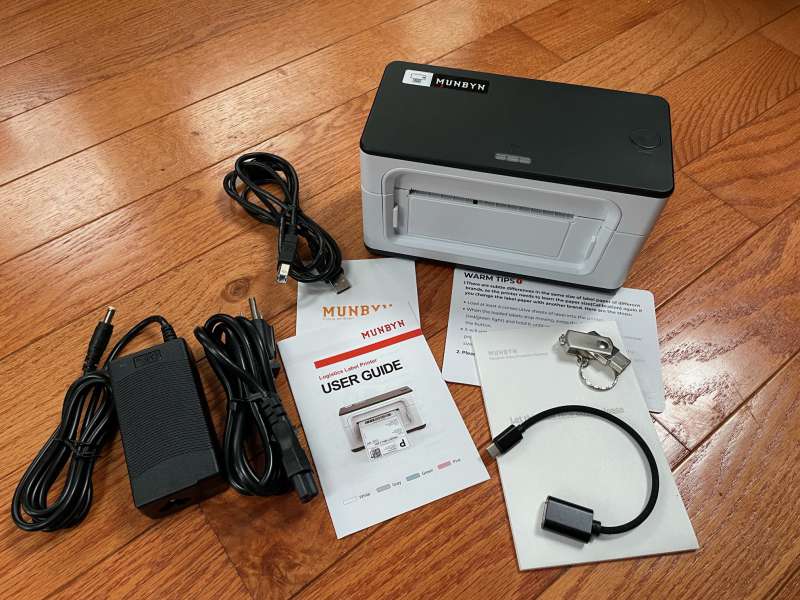
What’s in the box?
- Munbyn ITPP941 printer
- Power Adapter
- power cable
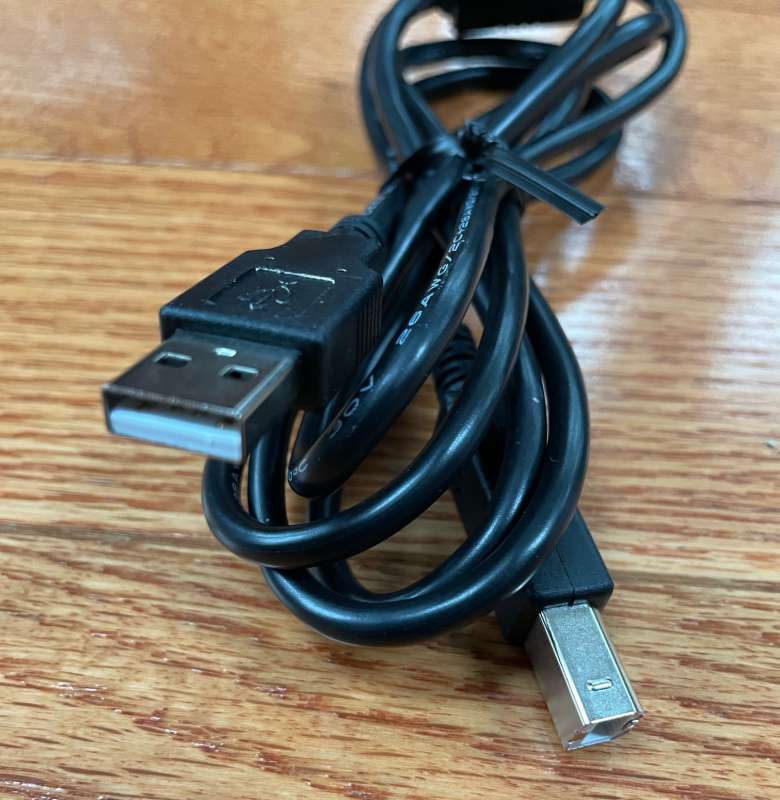
- USB cable
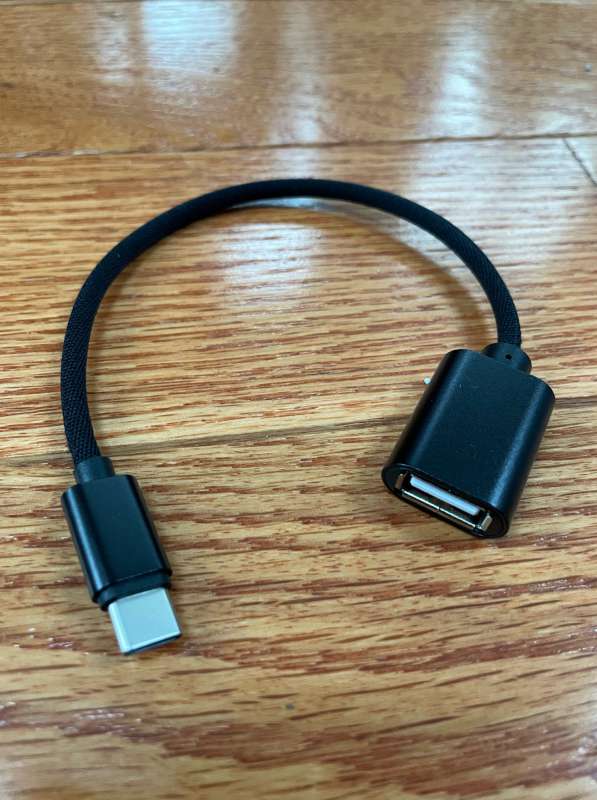
- USB-C to USB-A adapter
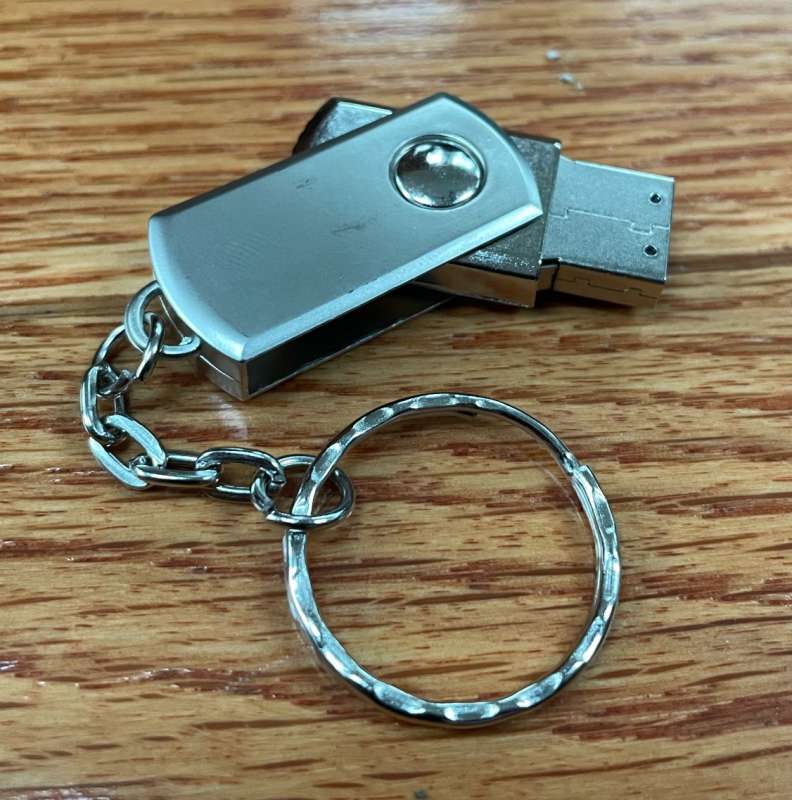
- Memory stick with printer driver and documentation
- Sample sticker
- Quick reminder card
- User’s Guide
- Contact card
Design and features
Expect to need to ship or return anything from your holiday spree?Monbin’s label printer Come to the rescue!
Munbyn generously sent ITPP941 printers and a large number of 4 x 6 inch labels.
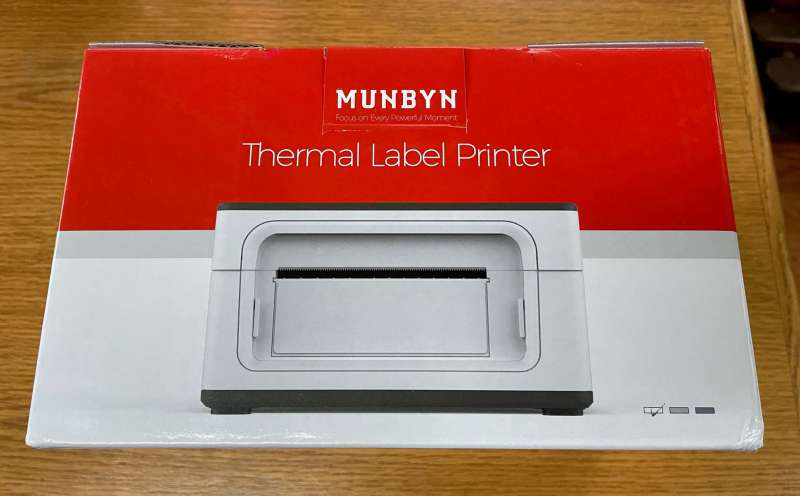
The printer’s box.
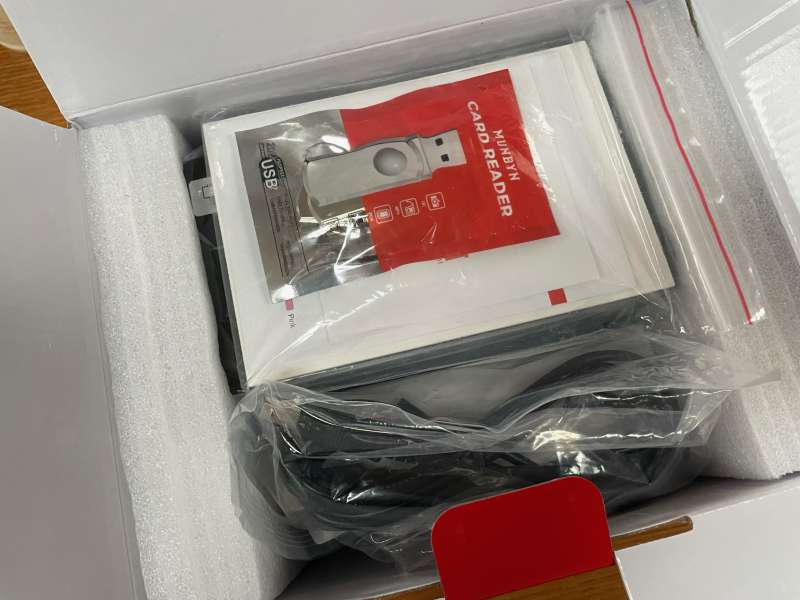
The thick foam protects the printer and contents from collisions and scratches along the way.
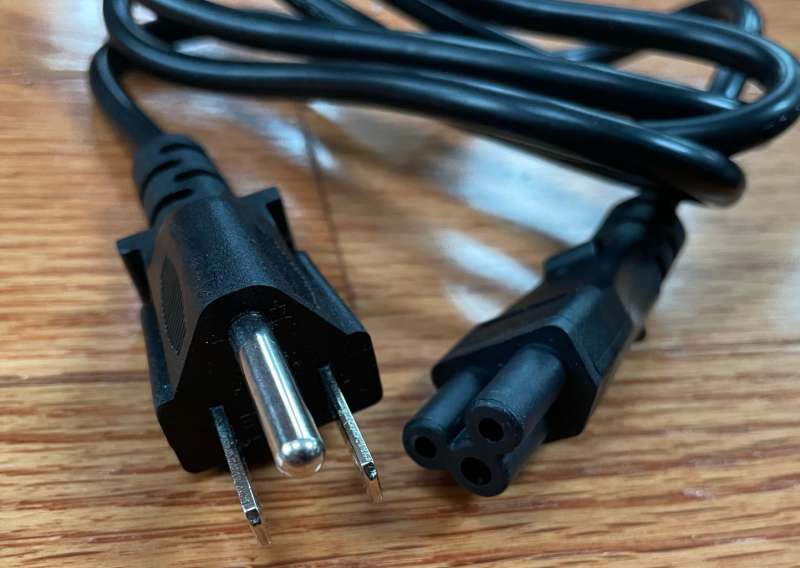
The printer’s power supply is equipped with a 3-piece “Mickey Mouse-style” grounded power outlet and power cord.
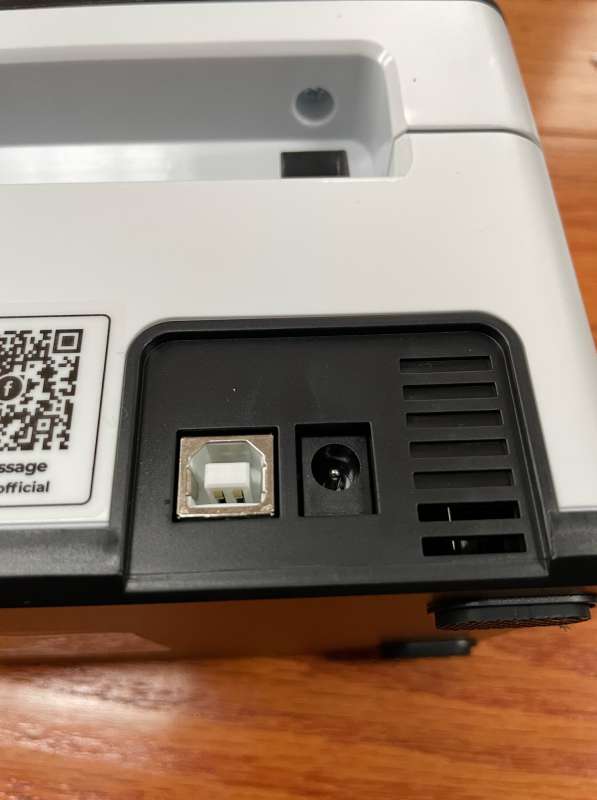
The printer’s power connection is through the coaxial socket adjacent to the USB-B data connection.
power supply…
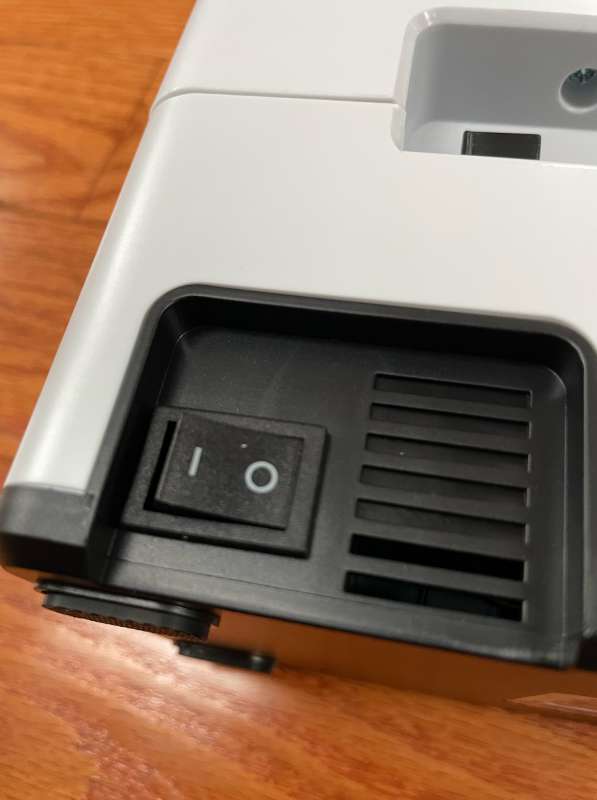
And the always important power switch…
A convenient USB-A to USB-B cable is also included to connect the computer to the printer. The printer does not support wireless printing.
If your computer uses a USB-C interface, Munbyn can easily provide an adapter. It feels good.
The driver is conveniently contained in the very popular USB memory stick. I have no problem loading the driver on my Windows 10 PC.
To make things easier, Munbyn’s user manual includes video links to help you troubleshoot installation and printing issues. I’m sure you’ve watched a lot of videos promising to help with a certain problem, only to find that you’ve wasted 15 minutes listening to somebody’s small talk, and either conceal the problem you want to solve, or make the solution seem mysterious or esoteric. No, not with Munbyn! Their videos are fast, efficient and useful.You can watch some of their videos here, here, and here. Good job, Mongbin!
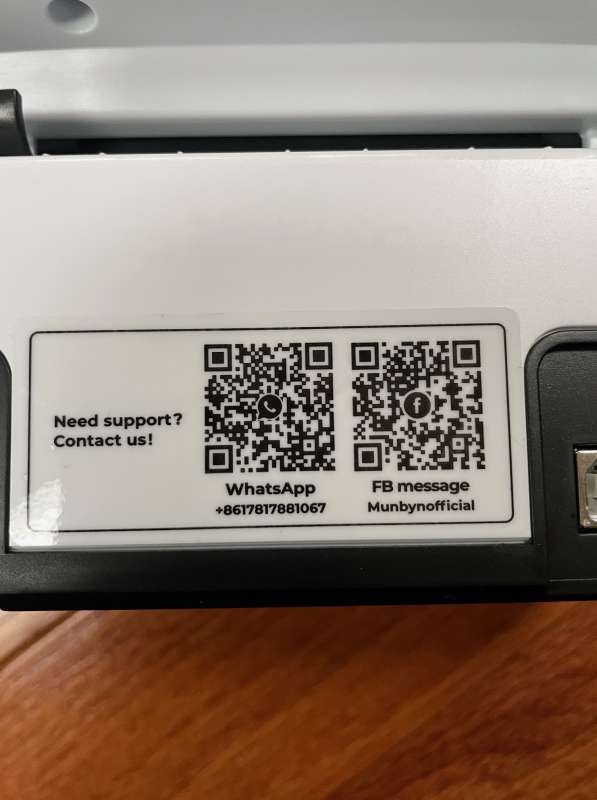
You only need a QR code to get support…
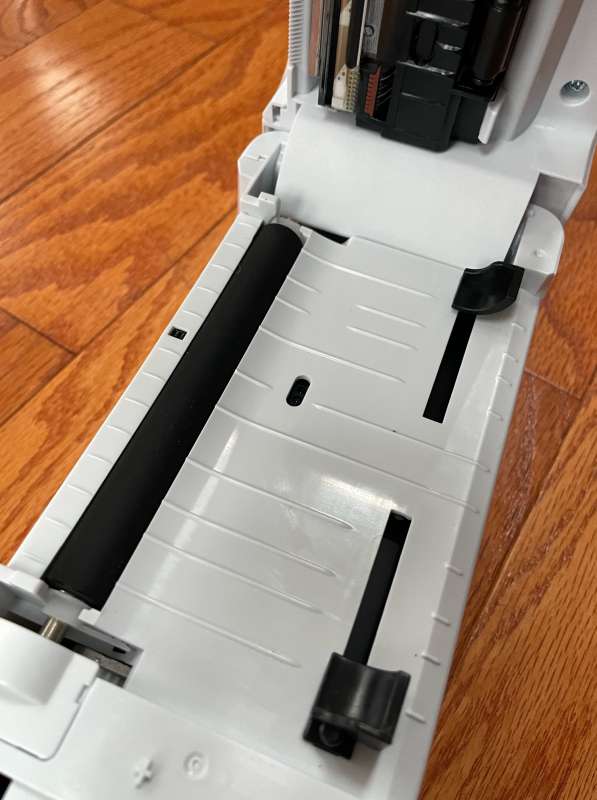
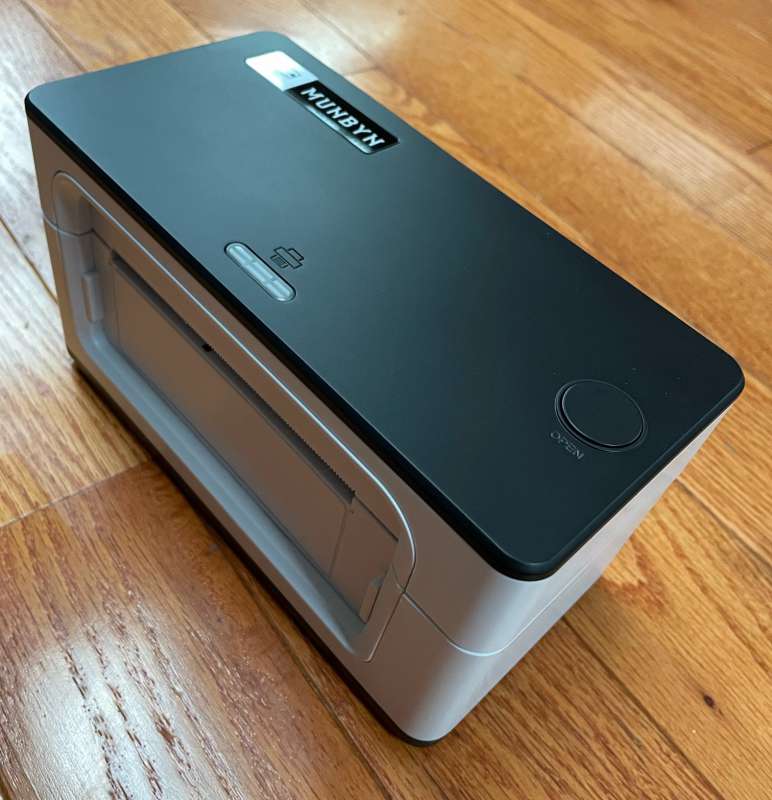
The printer can be easily opened for loading, moving the paper guide and cleaning.
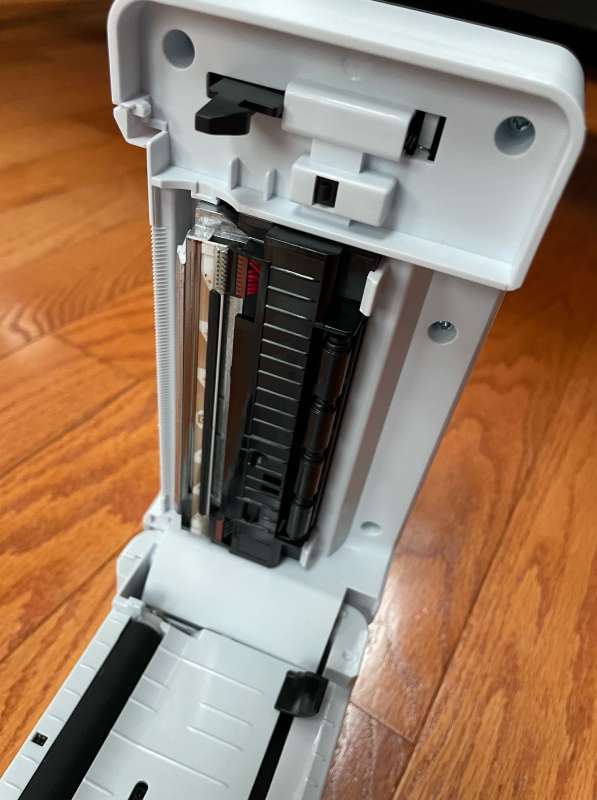
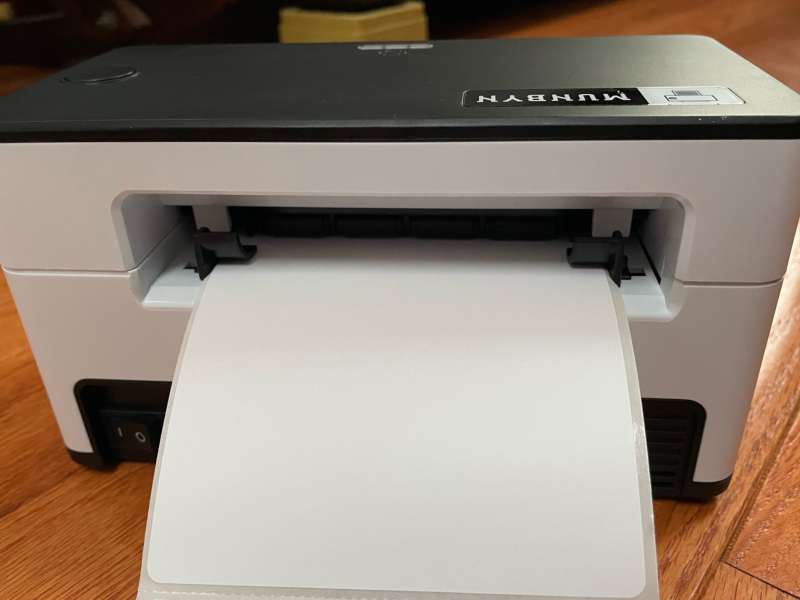
The printer can hold media from 40-110 mm (1.6 to 4.3 inches). Adjustment is as simple as sliding the paper guide to the correct width.
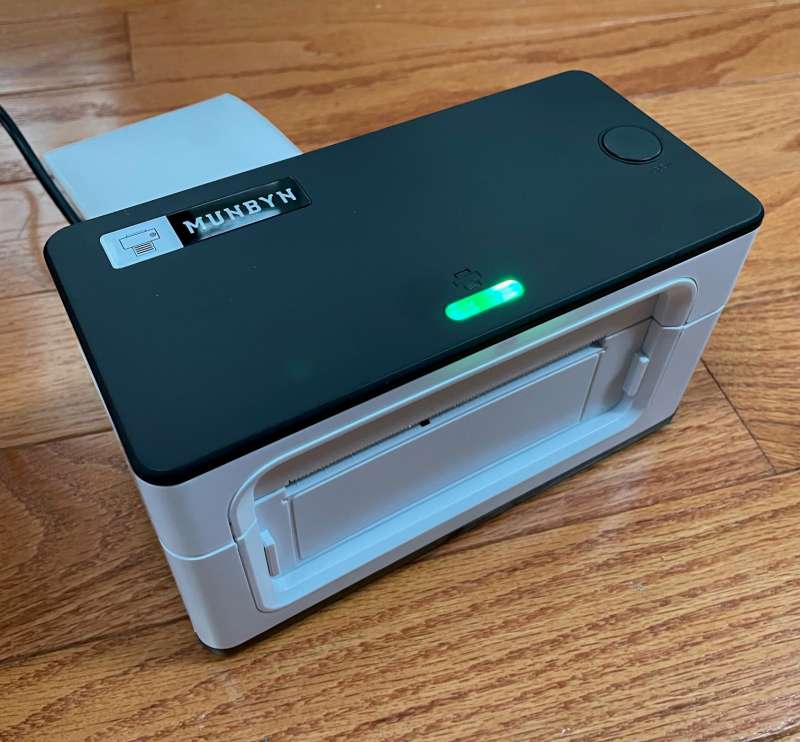
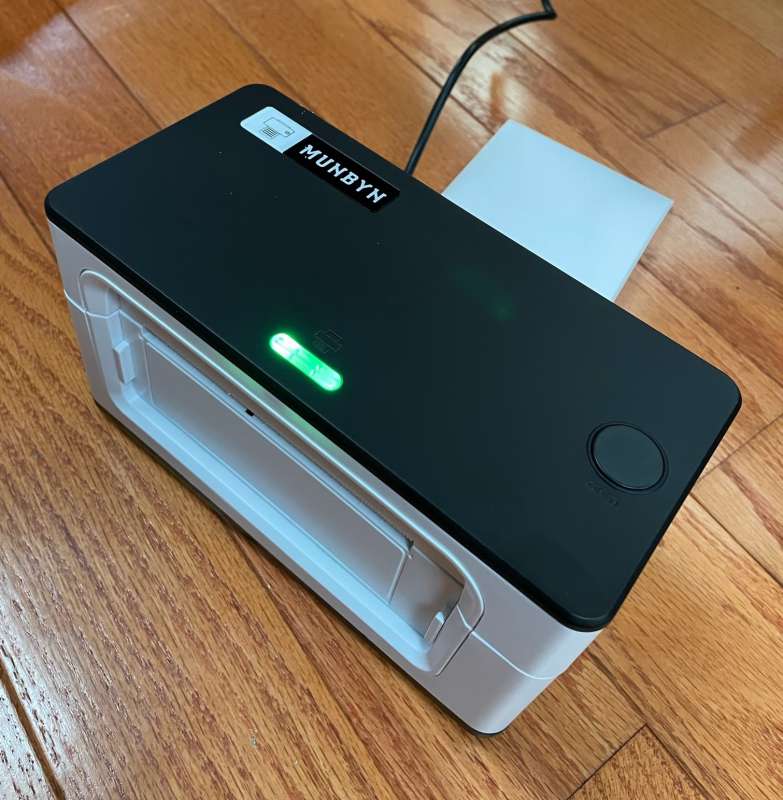
The green light-emitting button on the top indicates whether the power is turned on, and when pressed, advance the paper to the next label.
Most shippers can provide full-page labels. If this is the case, printing is simple-just make sure the page orientation is correct and print.
If the size of the label you want to print is variable, Munbyn recommends using screen capture software (such as Acrobat) to capture the image and manipulate it to create a full-page document, PDF, or image. The first few times I used this technique, it seemed a bit cumbersome, but it was simple and effective. With a little practice, I believe I can simplify this process to a few seconds per label.
The printing speed is extremely fast, less than two seconds per label. At this point, I am not in the habit of printing dozens of labels at a time, but it is easy to see the effectiveness of being able to do so.
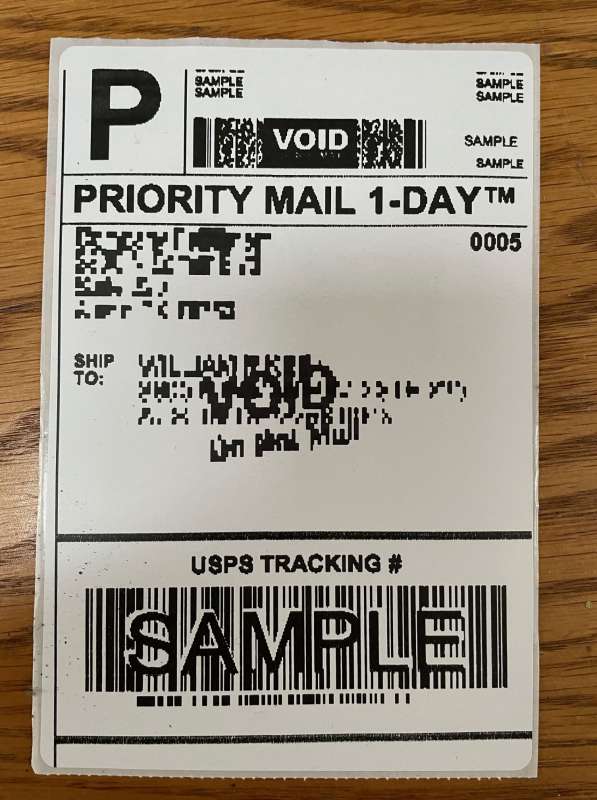
Note: The image below is an example label, deliberately blurred to prevent headaches for the U.S. Postal Service.Real label printing a lot of More clearly. The real labels from the printer are clear, and I suspect that any barcode or QR code scanner will have difficulty reading them.
Images or content that contain large black areas are a bit “washed” from top to bottom, but they are generally good. Here are the “fragile” and “handle with care” stickers to illustrate…
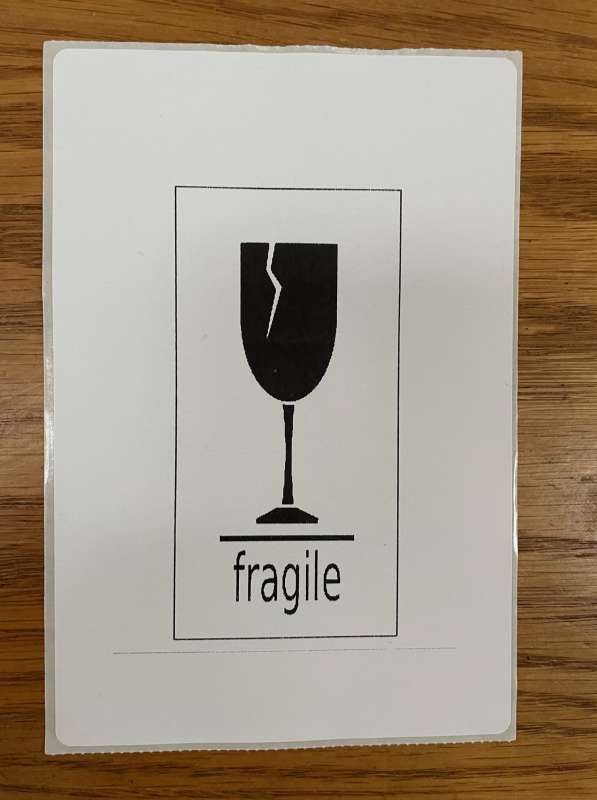
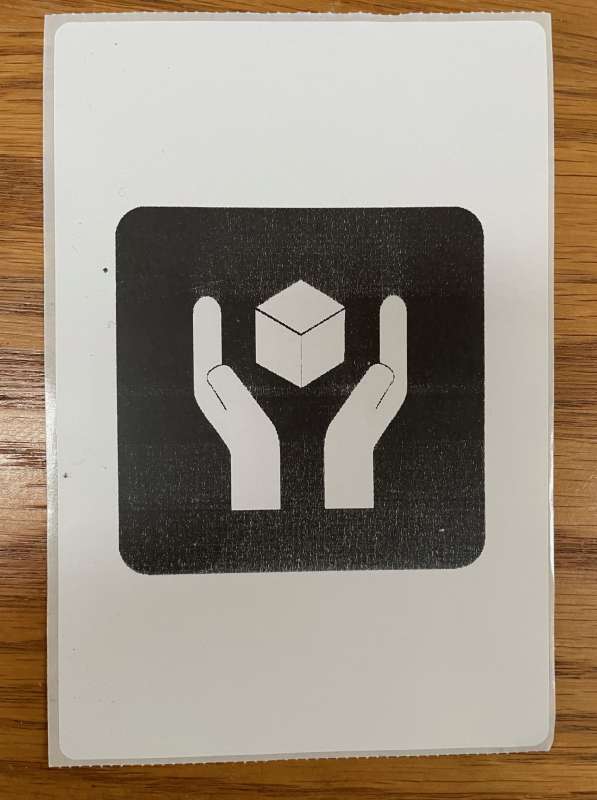
I should note that the ITPP941 printer does not use ink, but it does require thermal paper. The printing surface may become very hot, so be careful when loading or opening the top for cleaning. In addition, if your printing application needs to withstand high temperatures, the paper may become dark, so you need to be careful.
what do I like
- Very simple setup
- Lightning printing speed, label printing time is less than 2 seconds
What will i change
Final thoughts
Gone are the days of printing on standard paper, you need to cut or fold origami patterns, and then stick the tape with tape. I cannot express how pleasant it is to print the label, remove the backing and stick it on the envelope or box! ITPP941 is easy to set up, use, and very fast! Thank you, Monbin!
price: Mongbin: US$177.99.Amazon: Pink – US$161.99, Black – US$187.99, White – US$159.99
Where to buy: Monbin, Amazon
source: A sample of this comment is provided by Munbyn.


